Alf Excel - The comprehensive foundational guide for the Excel program
99ر.س
Product description
Contents of the training bag
The bag contains an electronic book (PDF) consisting of more than 50 pages, in addition to educational explanation videos exceeding 3 hours, presented in a simple and easy-to-understand style.
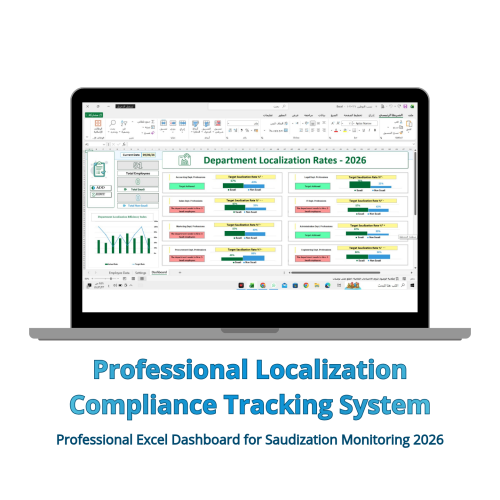
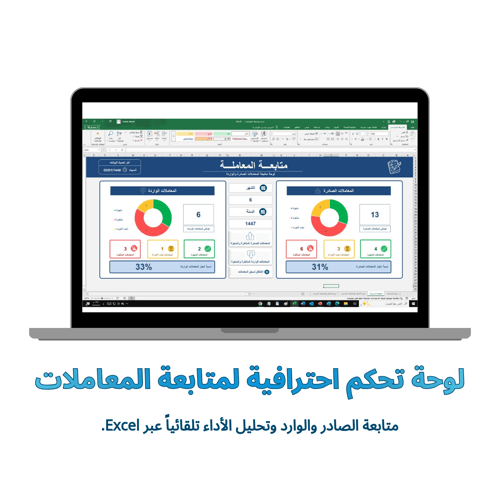
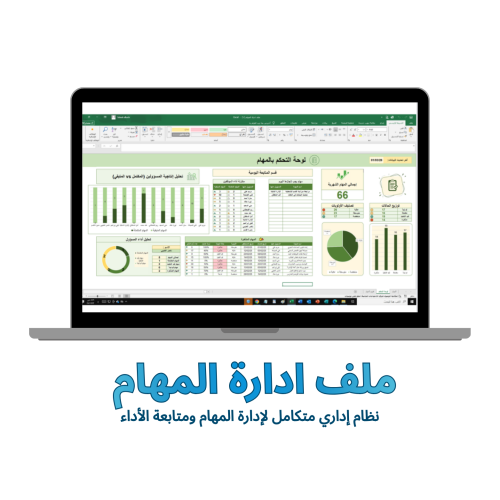
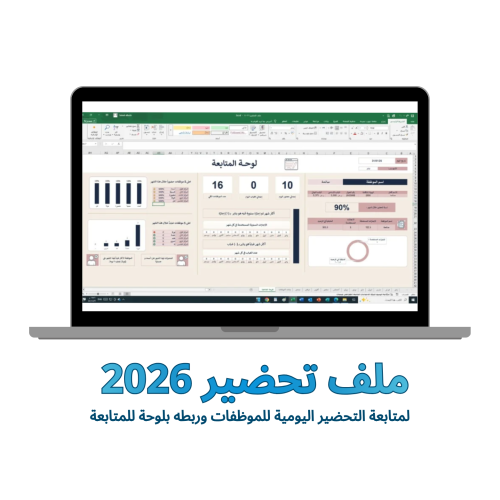
The bag includes practical applications on important tables dedicated to the uses of human resources and accounting, to help you understand and apply directly in the work environment.
The golden guarantee
You are entitled to a 50% refund of the value of the bag if you do not benefit, provided that the purchase period exceeds 7 days.
Suitable for: students, employees, accountants, and anyone who wants to learn Excel in a clear way without complexity.
Excel book topics with detailed explanation
🔹 First Chapter: Getting to Know Excel
This chapter takes you on a comprehensive introductory tour of Microsoft Excel, where you learn what it is, its uses, and its importance in study and work, with an explanation of how to deal with workbooks, sheets, and easy navigation between them.
🔹 Second Chapter: Excel Basics
This chapter focuses on building a solid foundation in using the program, through:
Getting to know data types and how to enter them
Selecting and controlling cells
Using AutoFill
Formatting fonts, cells, and tables
Sorting and filtering
Creating tables using (Format as Table)
Understanding conditional formatting and practical use
Inserting texts and numbers
Recognizing types of references in Excel
🔹 Third Chapter: Arithmetic Operations
This chapter explains:
The concept of formulas
Using functions
Performing simple and complex calculations
In a simple way with practical examples that help with understanding and direct application.
🔹 Fourth Chapter: Charts
The trainee learns how to:
Create different charts (Charts)
Choose the appropriate type to represent data
Understand the concept of Pivot Table and use it to analyze data professionally
🔹 Fifth Chapter: Workbook Management
This chapter focuses on organizational and security aspects in Excel, such as:
Data validation
Protecting the workbook and sheet
Getting to know the View tab and using it to improve work methods
🔹 Sixth Chapter: Printing the Workbook and Saving the File
This chapter explains:
Workbook printing settings and controlling outputs
Saving files in the correct ways and in different formats
To ensure efficient data sharing and usage.
This book is designed to take you from the basics to professionalism in using Excel, in a gradual, practical, and easy-to-understand style, suitable for beginners and anyone looking to strengthen their skills in Excel.

From Jeddah