
Professional task management file in Excel
89ر.س
Product description
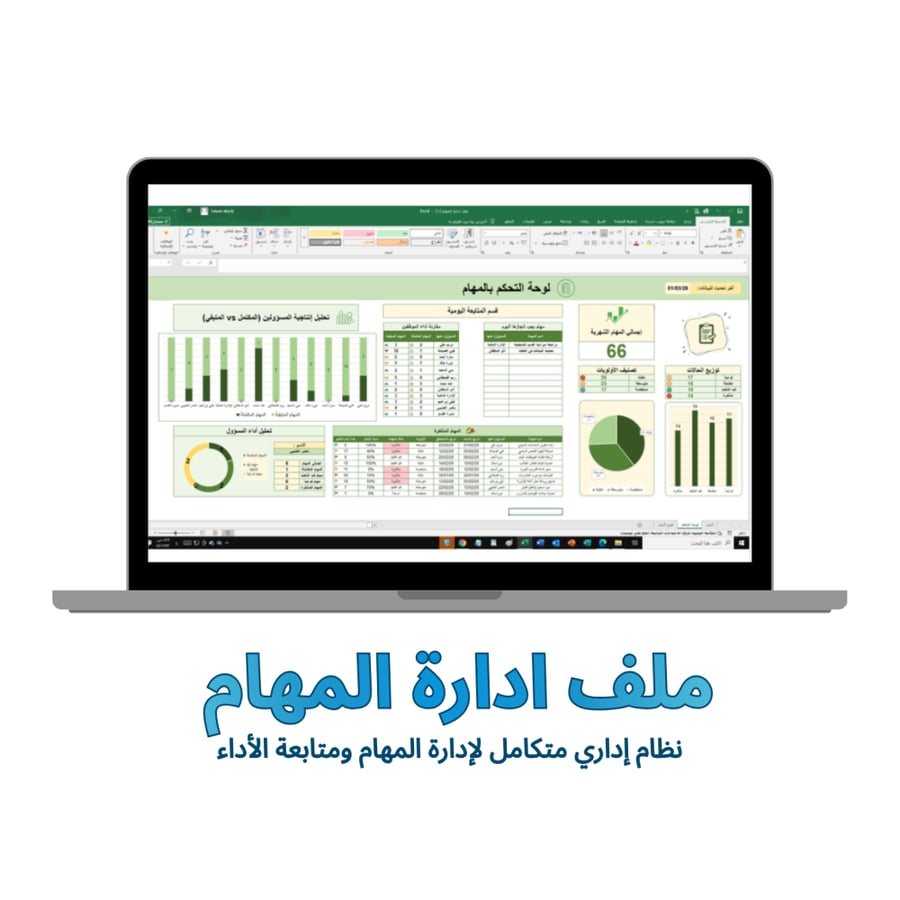
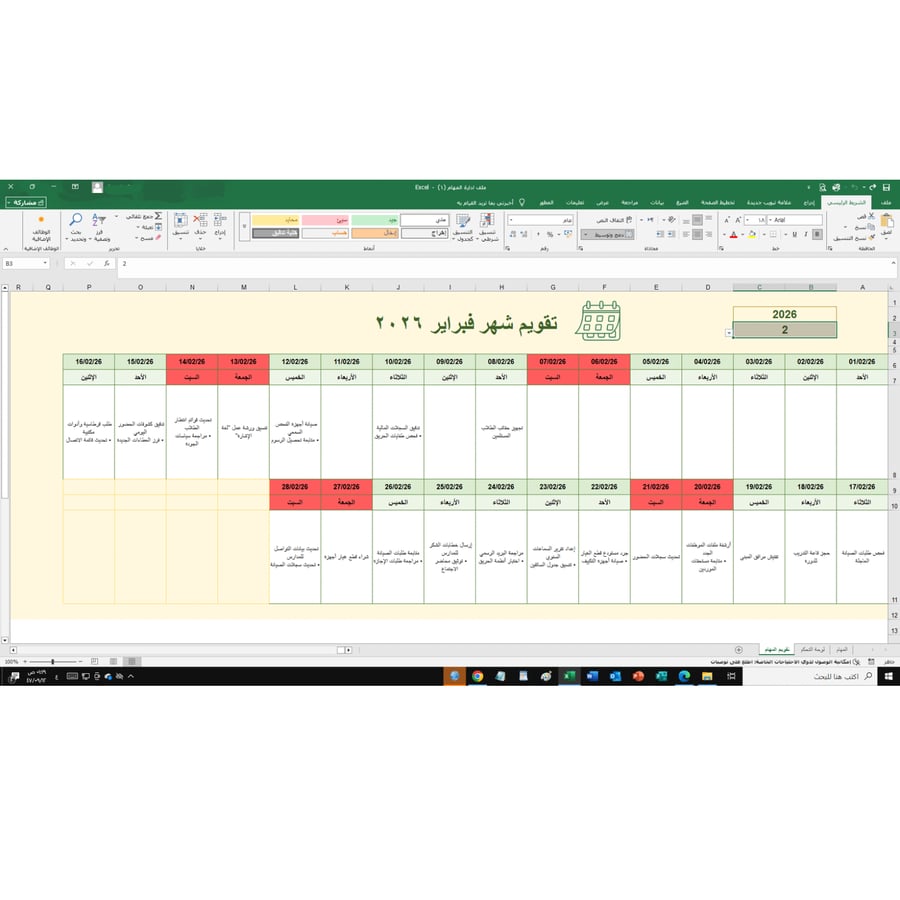
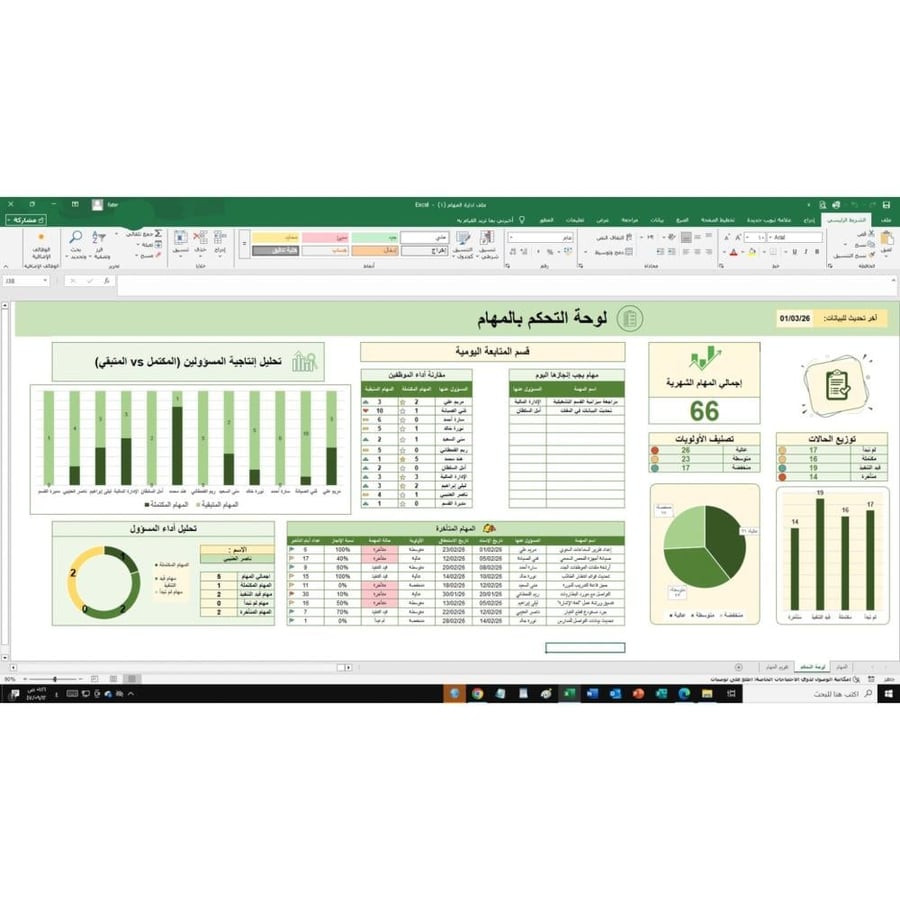
Complete administrative file designed with Excel program to help managers and business owners organize and track team tasks easily. Features of the file• Organize all tasks in one table• Specify task name and responsible person• Specify start date and end date• Specify task priority• Follow up on task status (completed – in progress – overdue)• Add notes for each task• Simple and easy-to-use designContents of the file (3 sheets):1. Dashboard: the main interface that turns boring numbers into interactive charts:General statistics: shows total monthly tasks, and the number of tasks (completed, in progress, overdue, not started).Productivity analysis: a chart comparing completed and remaining tasks for each employee by name, to identify top performers and address shortcomings.Priority distribution: a pie chart showing the percentage of tasks (high, medium, low) to ensure focus on the most important.Immediate follow-up section: a smart table automatically displaying tasks to be completed "today" and "overdue" tasks to alert responsible persons immediately.2. Task Log: the sheet dedicated to precise data entry and organization:Comprehensive data: record (task name, responsible person, assignment date, due date, status, and completion percentage).Smart interactivity: once the completion percentage or task status is changed, colors automatically update (conditional formatting) and data reflects immediately on the dashboard.Notes field: to add any comments for each task to ensure clear communication.3. Monthly Calendar: a visual display of the entire month’s schedule:Distribute tasks across the days of the month in an organized manner, making it easy to identify busy workdays and available days for new tasks. Clearly specify Fridays and Saturdays to organize weekly holidays suitable for• Business and project management• Employee task follow-up• Organizing personal tasks• Small teams• Small project managementWhat you will get• Ready-to-use Excel file• Professional dashboard for task analysis• Simple system for organizing and managing workHow to useEnter tasks into the data table. Specify responsible person, execution date, and status. Go to the dashboard to monitor statistics and analyze tasks.No need to enter any formulas; once you fill in the task log, the file will automatically update charts and the calendar.

From Jeddah