Instant Delivery
Instant Delivery
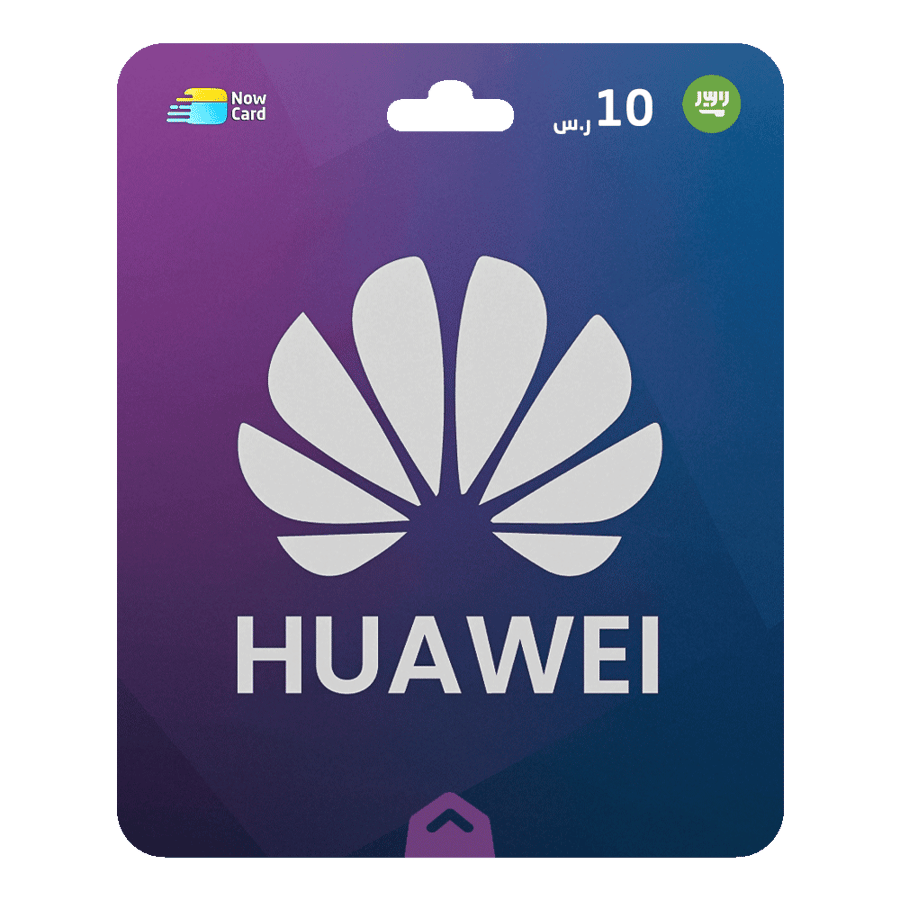
Huawei Gift Card 10 SR -KSA
12ر.س
Product description
To recharge your Huawei account with a gift card, follow these steps:
- Go to your device's Settings.
- Tap on Account Center, then select Payments & Purchases.
- Tap on Huawei Points, then select Redeem.
- Enter the serial number (not the code) that you received with your purchase.
Congratulations! Your Huawei account has been recharged.
Note: Make sure to redeem the serial number and not the code.