Instant Delivery
Instant Delivery
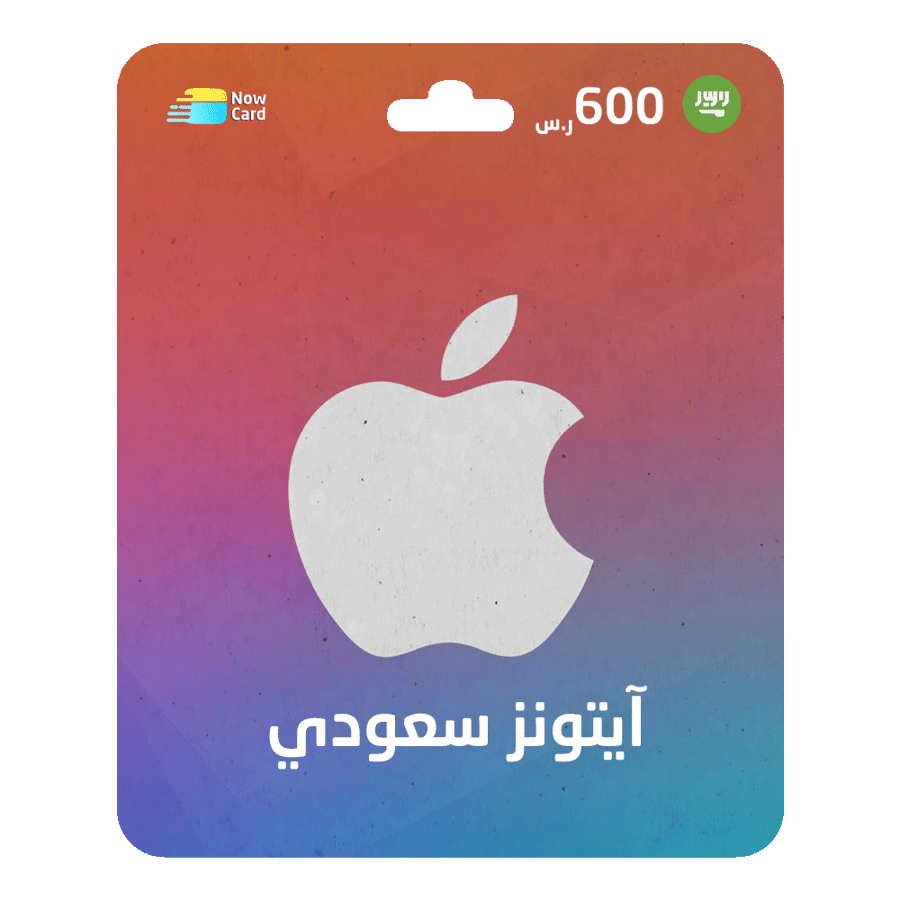
Apple iTunes Gift Card 600 SAR- SAUDI ARABIA
600ر.س
Product description
How to Redeem a Code on iPhone, iPad, or iPod:
- Log in to your App Store account.
- Scroll down to the bottom of the page and select the Redeem option.
- Choose the second option: "You can also enter your code manually".
- Copy the code you received and paste it into the required field.
- At the top of the page, tap Redeem to apply the code.
Congratulations! Your account is now credited, and you can enjoy purchasing paid content.