
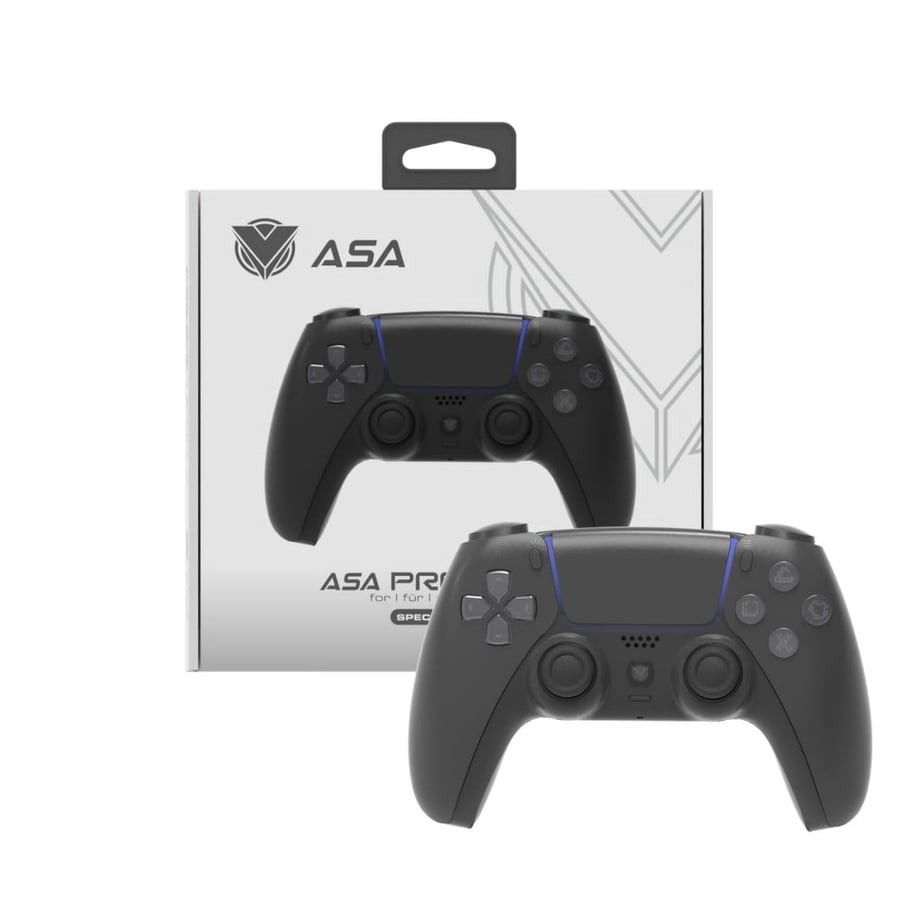

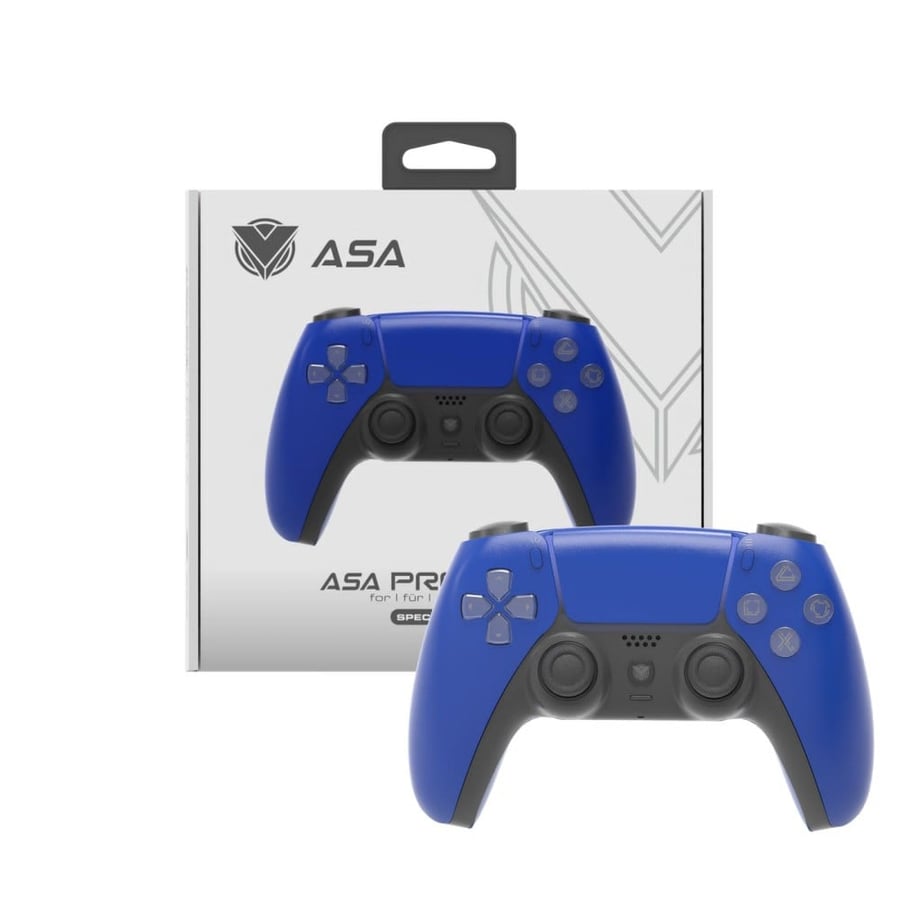
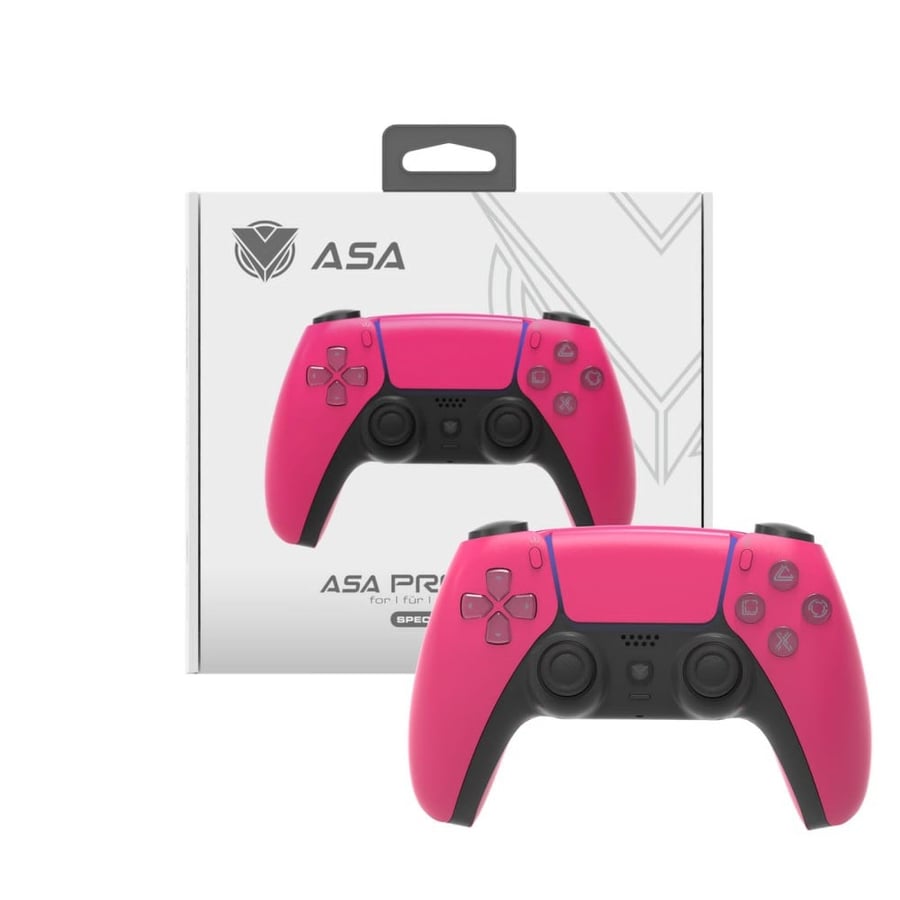


A Sony 4 controller in the shape of a Sony 5 wireless
99ر.س
119ر.س-17%Product description
Recipes: Comfortable design Get grips with a sleek, ultra-comfortable design, while responsive buttons and analog sticks provide greater accuracy during gameplay. Share button You can use the share button to upload images and videos of gameplay to social media; live stream on Twitch, YouTube, and Dailymotion, or edit recorded gameplay videos and share them on Facebook or Twitter; you can also invite friends online to play games with you, even if you don’t owe them the game sharing touchpad You can direct, drag, and make gestures using the highly responsive touchpad now redesigned so you can see the color of the light strip from above while playing. The light strip The built-in light strip can emit a variety of colors to personalize your experience and add a new dimension to your games; the PlayStation camera also helps track the controller’s position, allowing you to interact with your games; it also helps the PlayStation camera track the controller’s position, enabling you to interact virtually with your surroundings while using the PlayStation virtual reality feature. Built-in speaker and stereo headphone jack Enjoy additional sound effects directly from the controller and chat with friends online through headphones, such as the stereo headset included with the PlayStation 4 system. Vibration feedback You can feel more deeply immersed in the excitement as the controller vibrates and trembles in your hands, thanks to the intuitive vibration motors. Remote play You can stream PlayStation 4 games to a Windows or Mac computer so you can continue playing even when you are away from the TV; the wireless USB adapter for the DualShock 4 controller makes remote play on your computer better, allowing you to play wirelessly. Custom control You can set up the DualShock 4 wireless controller the way you want, where you can adjust the volume level, disable vibrations, and also adjust the brightness of the light bar to save battery life when not needed. You can also choose to share data and communicate via Bluetooth or using a USB cable connected to your PlayStation 4 system.

From Riyadh