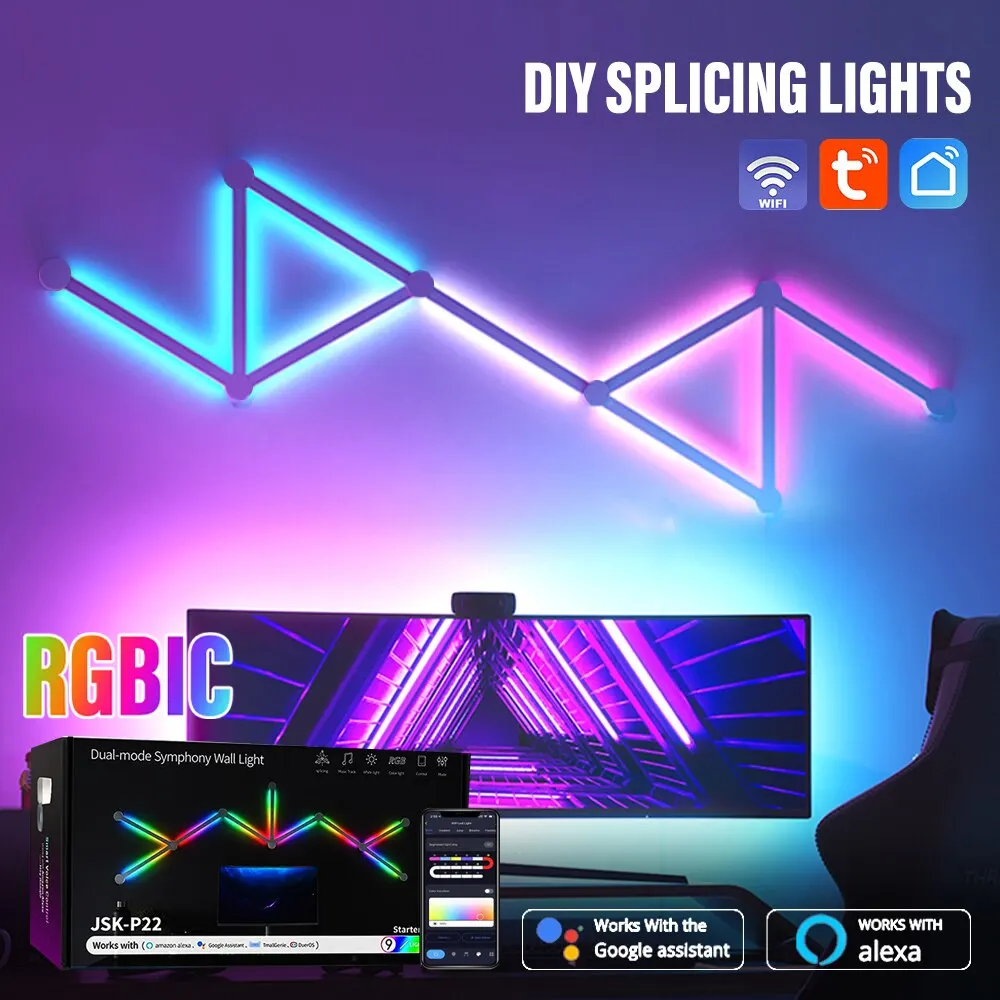
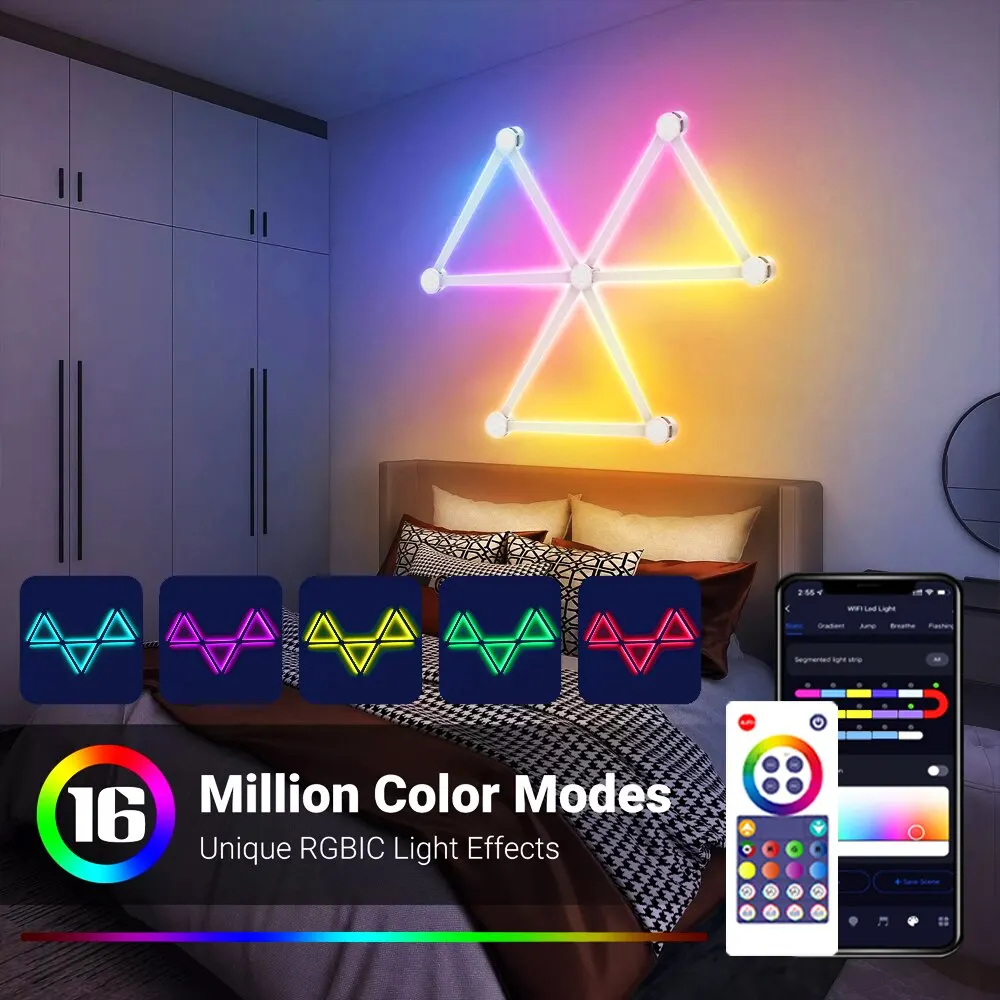
Smart wall lamp with WIFI technology LED RGBIC lighting strip easy to use music rhythm app bedroom gaming decor
351.90ر.س
675.05ر.س-48%Out of Stock
Product description
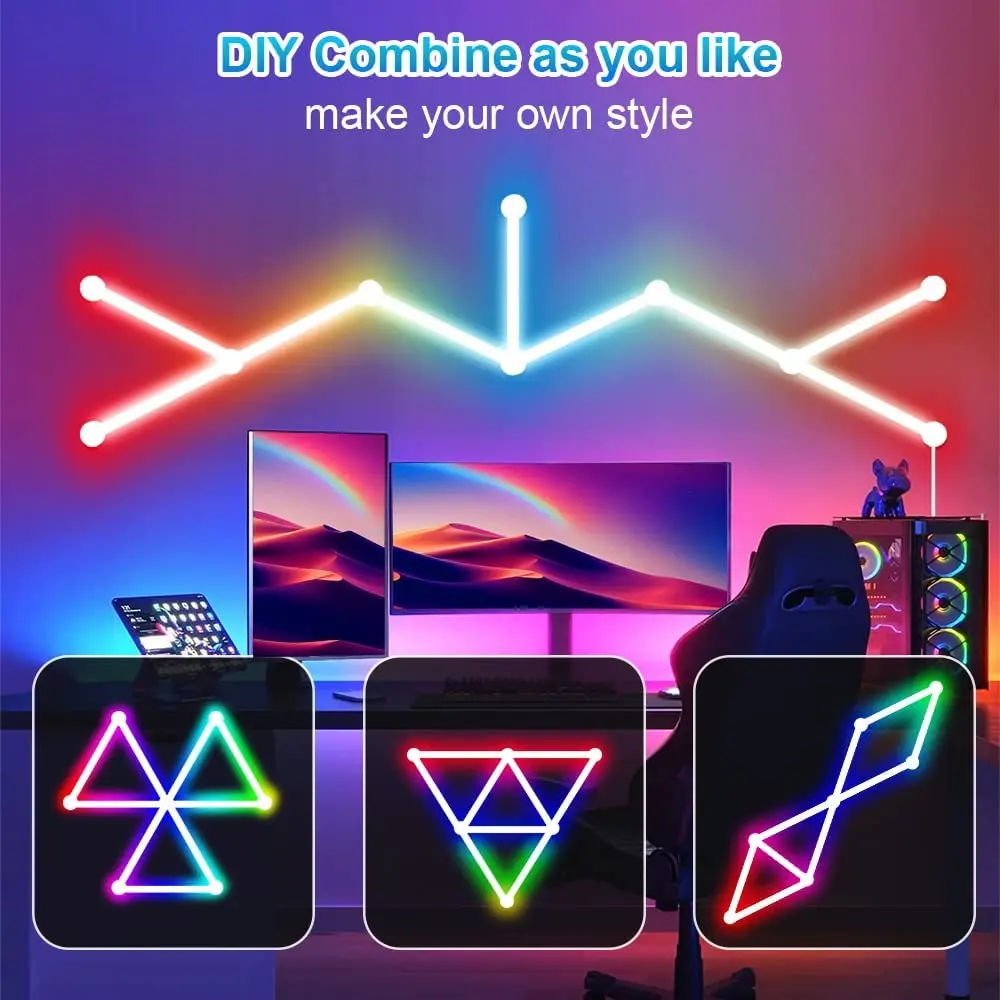
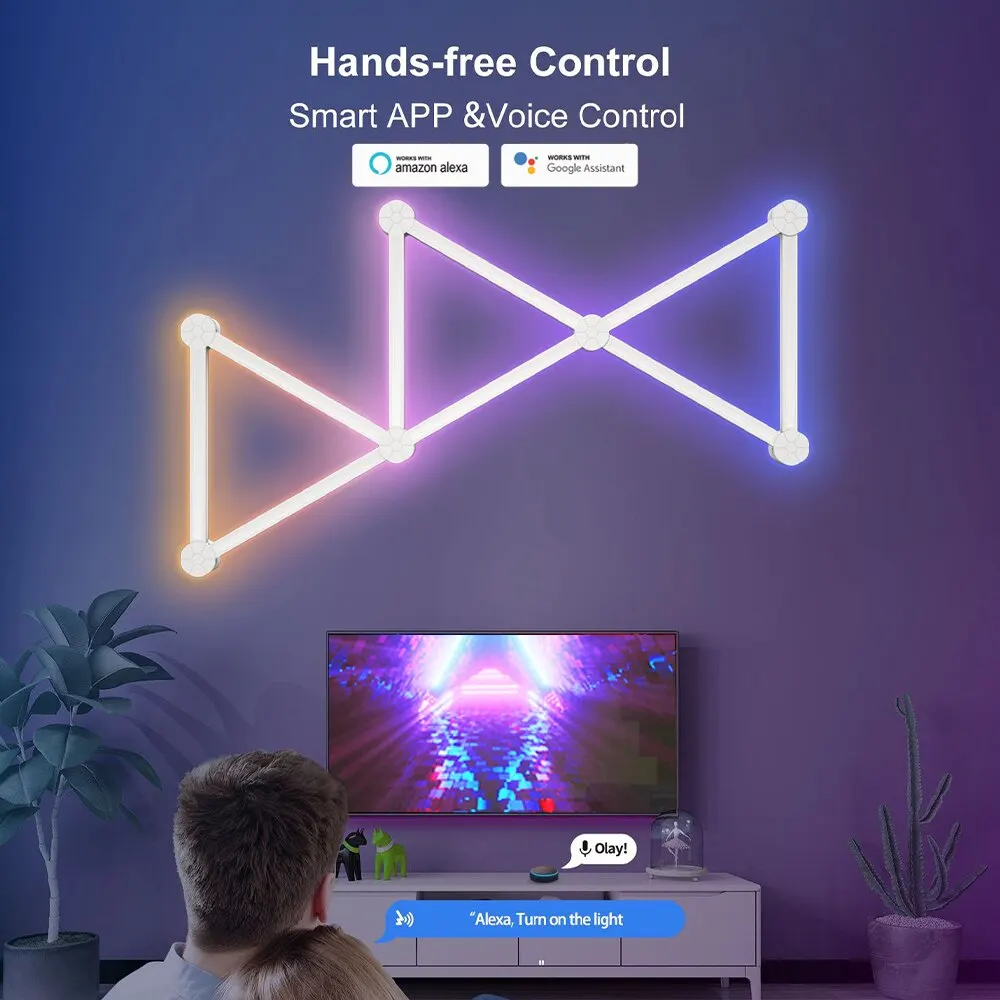
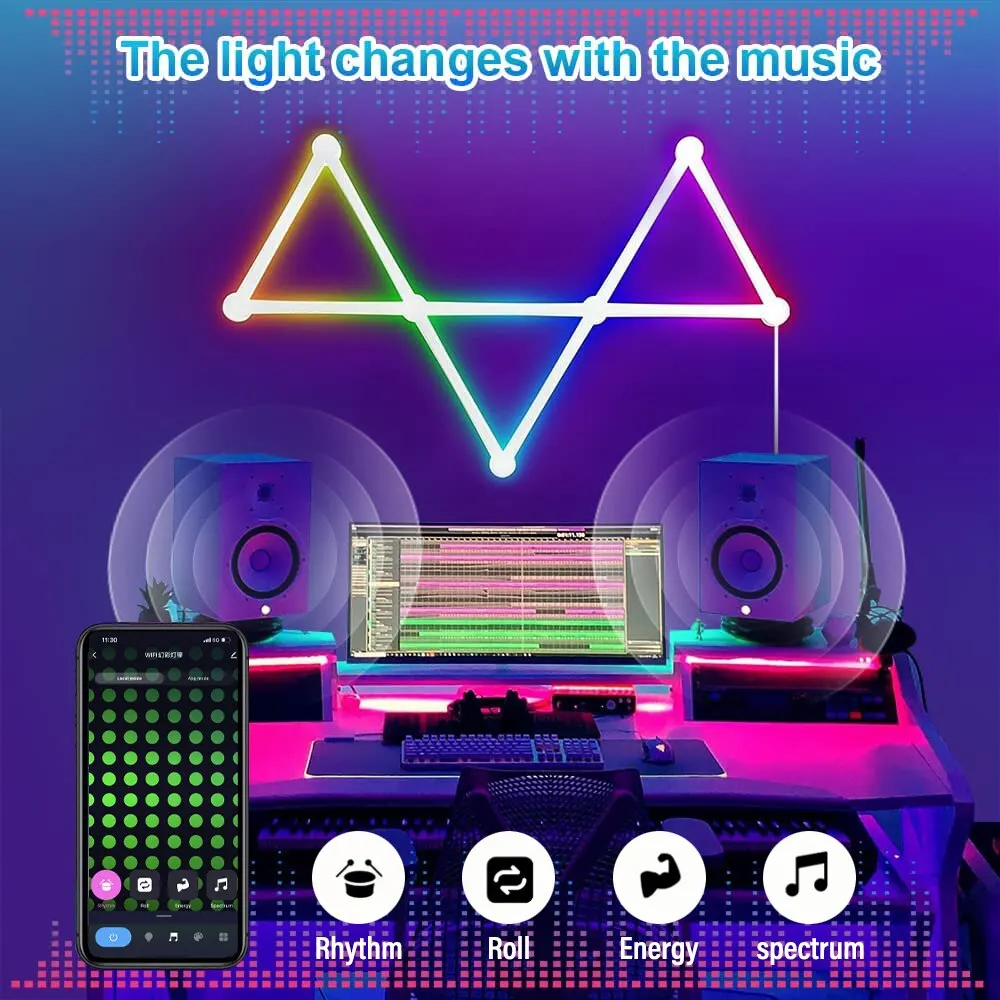
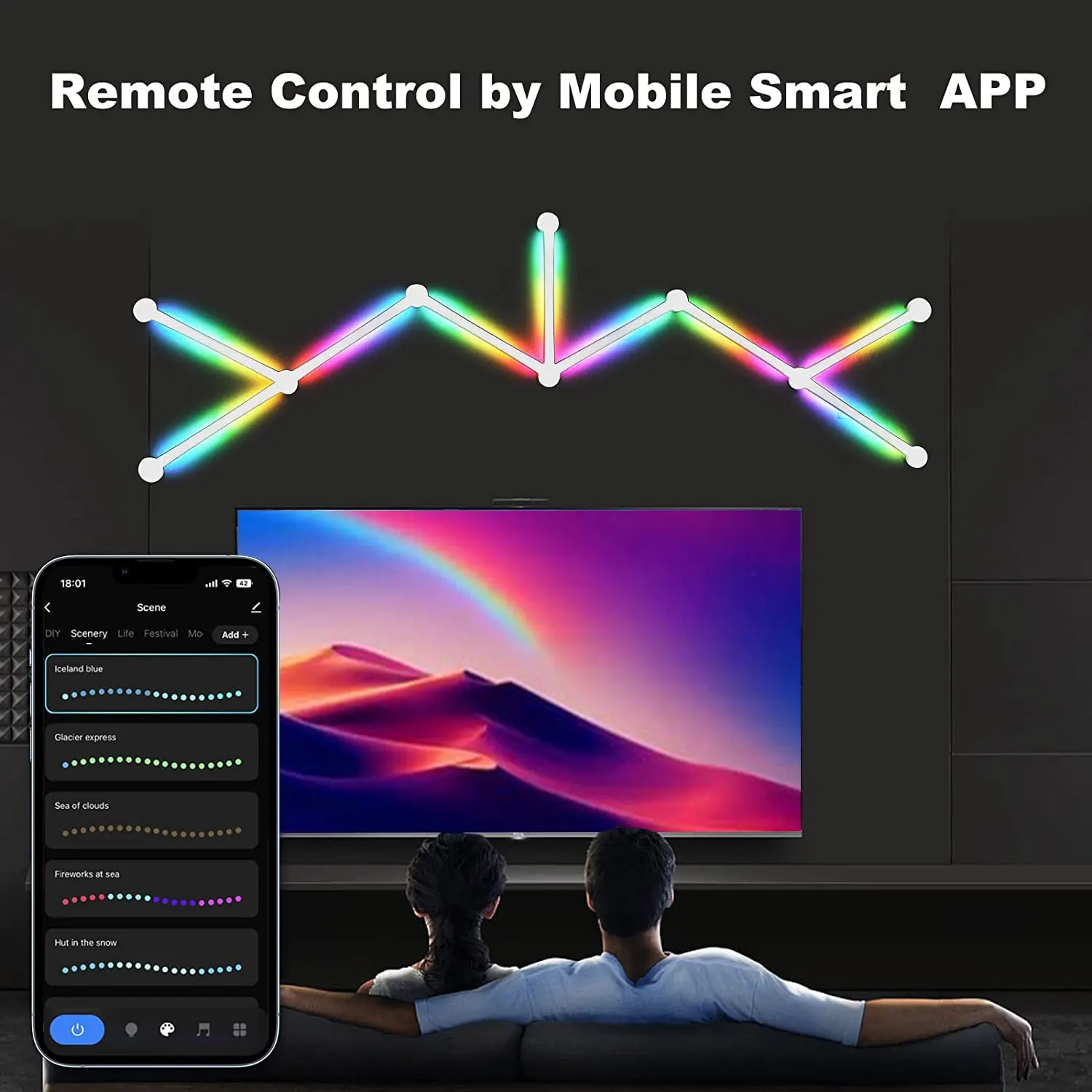
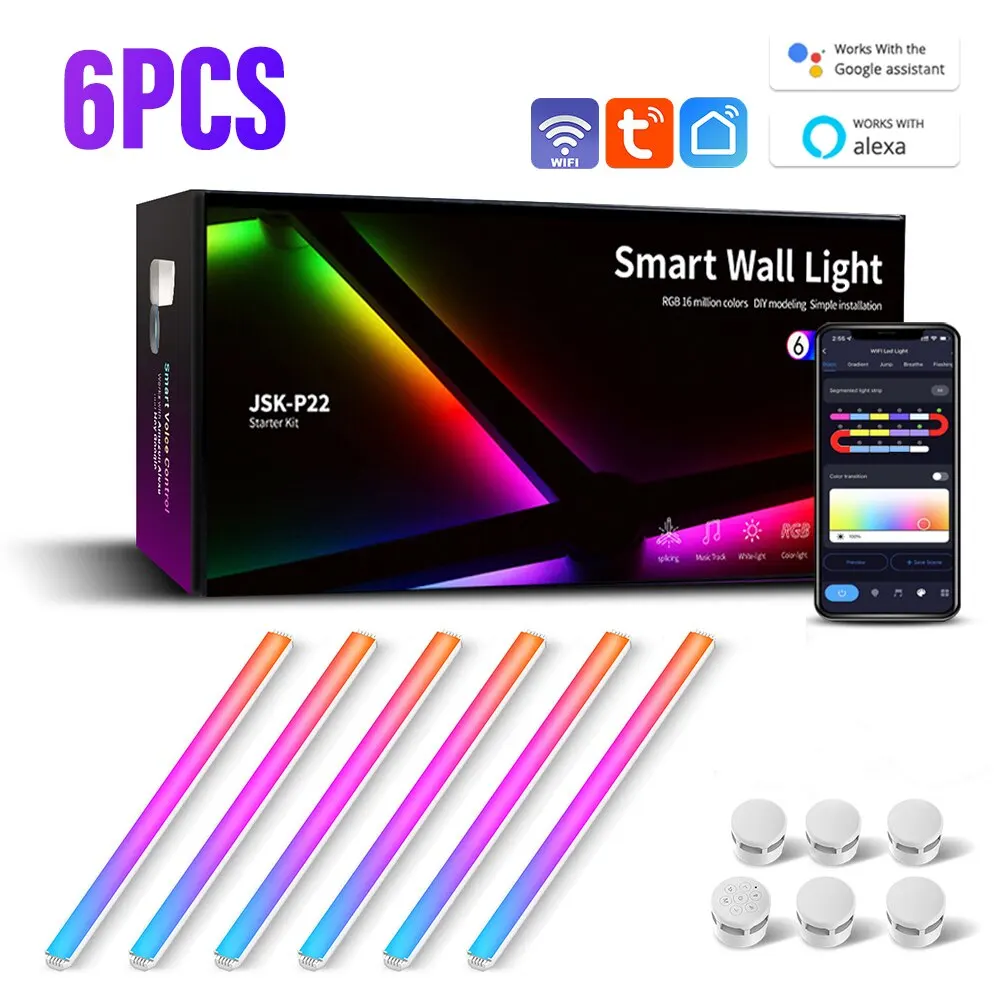
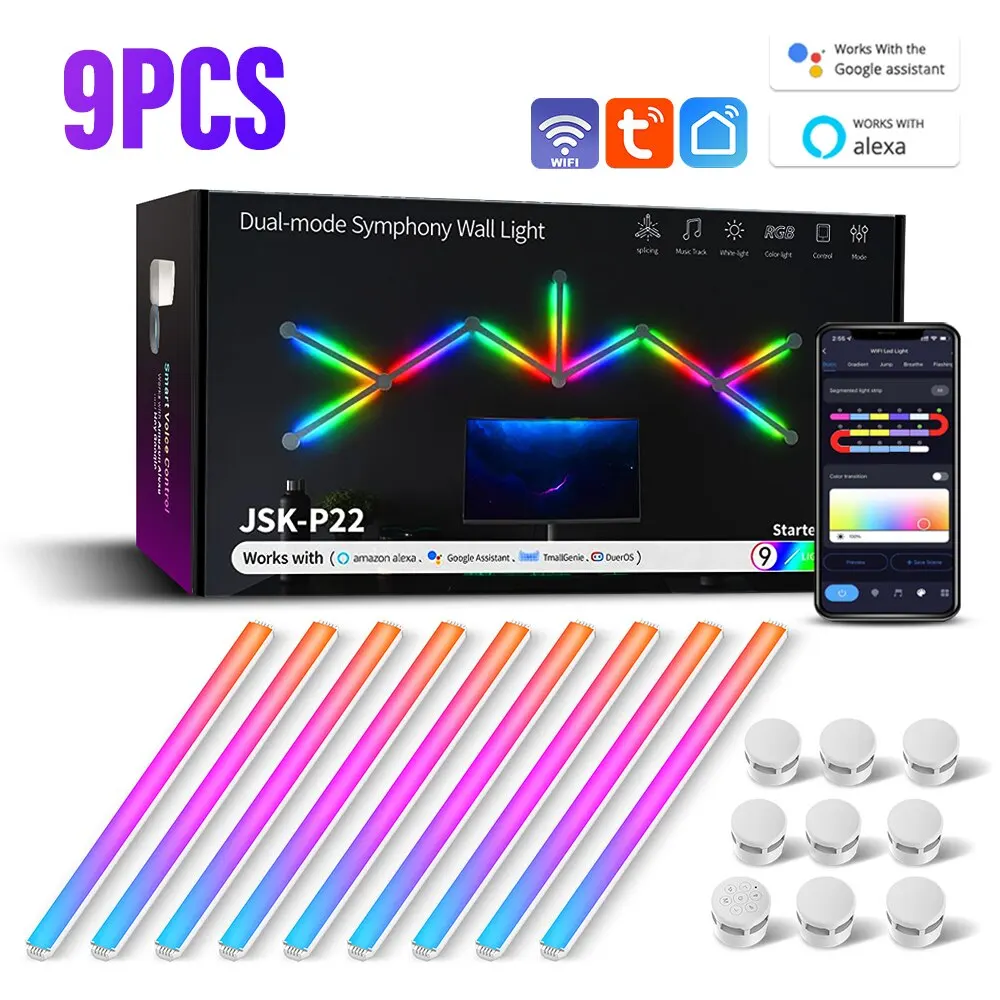
• RGBIC lighting rod: The lamp features RGBIC lighting rod that allows you to customize the color and music rhythm for the light. • Atmosphere DIY: You can create your own unique atmosphere with the lamp feature that allows you to control light brightness and music. • TV backlight: Use the lamp as a TV backlight to create a comfortable atmosphere while watching your favorite shows. • App control: Control the lamp from your smartphone using the app, making it easy to adjust the light color, brightness, and music. Specifications Name: LED light CE FCC ROHS UKCA certificate: Voltage: 110-240 volts transformer: 24V/2A power: 24W brightness: 10/10000 lux light color: RGB + IC color temperature: 3000-6500K brightness adjustment: 0-100% dimming: unlimited application: (Tuya) (Smart Life) dimming: button + app control + voice control + music synchronization features Any combination of 9 DIY light bars can be used to create more wall lamps according to your needs. Display over 16 million+ RGB colors, multiple scene modes, ideal for many scenes such as game room and bedroom. 【Music synchronization adjustment】 Lights can dance to the rhythm of music collected by your device microphone or phone. Turn your favorite music or game effects into a symphony of flowing lights. Enjoy your dreamy moments in the home theater or game room. 1 Powerful app and voice control, LED wall lighting can be controlled via remote control and smart apps. The app provides strong control and customization functions. Using smart voice control, use a voice assistant device to turn lights on and off, change scene modes, and more. Pair your backlight units with Alexa and Google Assistant for hands-free voice control. Easy to install, ensure the wall surface is flat and dust-free before installation. Use the included double-sided foam adhesive to easily attach the light strip to any soft surface in your home. This ambient backlight can be applied to the TV, computer, living room, etc. You can use it as a backlit display or LED backlight for the TV to enhance the home decor atmosphere. Products include light bars (depending on purchase quantity) connector (depending on number of purchases) power supply * 1 instruction manual * 1 double-sided adhesive tape (depending on number of purchases) and products include light bars (depending on purchase quantity) connector (depending on number of purchases) power supply * 1 instruction manual * 1 circular double-sided adhesive tape (depending on number of purchases) compatible with Google Assistant and Alexa, if voice control is needed, you need to connect to the voice assistant 1, usage instructions (2) Please read this manual carefully before installation and use to ensure full understanding of the contents to avoid unnecessary losses. 2. Precautions (1) Try to avoid mines, strong magnetic fields, humidity, and high voltage areas during installation. (2) Ensure wires are correct and secure to prevent incidents such as short circuits and component damage, and depletion of the control unit. (3) Please verify the input power of the control unit (must match the voltage of the power supply). 3. Products The Symphony dual-mode connector’s PCBA controller has an external microphone and 7 physical buttons. Through the physical buttons, the mobile app can operate the product with light brightness, color, various dynamic light change effects, and switch light rhythm effects. 5. App functions (1) Support mobile phone installation of the Smart Life app for control (2) Users can customize the product name after entering the app operation page (3) On the effects page, there are various music and scene modes, users can set speed/brightness/color for different effect modes (4) Support Alexa, Google Assistant, Tmall Genie, Baidu (5) The app supports iOS 10.0 or higher, Android 4.4 or higher (6) Complete download and installation after searching for "Smart Life" in the iOS App Store/Google Play Store. You can also scan the QR code to download and install: 6. Network matching When the product is correctly connected to the power source, the indicator light flashes to indicate that the product has entered network matching mode. (If the product is not in matching mode, press and hold the physical button to force network matching). If no prompt appears after entering the main app page, enter the add device interface via "Add" in the middle of the screen or "+" in the top right corner. At this time, continue working, the top of the screen shows the search status, find the device to add, tap the device icon (Figure 5), and follow the prompts to complete the addition. (2) Turn on WiFi on your mobile phone and connect manually: select the light strip (Bluetooth + WiFi) in the lighting category (Figure 1), tap Next (Figure 2) to enter the 2.4G network selection interface (Figure 3). At this time, choose the light status (fast flashing/slow flashing) interface (Figure 4). When the indicator flashes quickly, select the WiFi used and enter the password (Figure 1), then follow the prompts to complete device addition (Figures 2/3). When the indicator flashes slowly, select the WiFi used by the user, enter the password (Figure 1), and connect to the AP hotspot via the network jump interface (Figure 2). Tap to go to the mobile network settings (Figure 3), select smartnife-xxXX hotspot, return to the smartmife app, and wait for the app to complete automatic matching.

From Al Madinah Province
Questions you might have