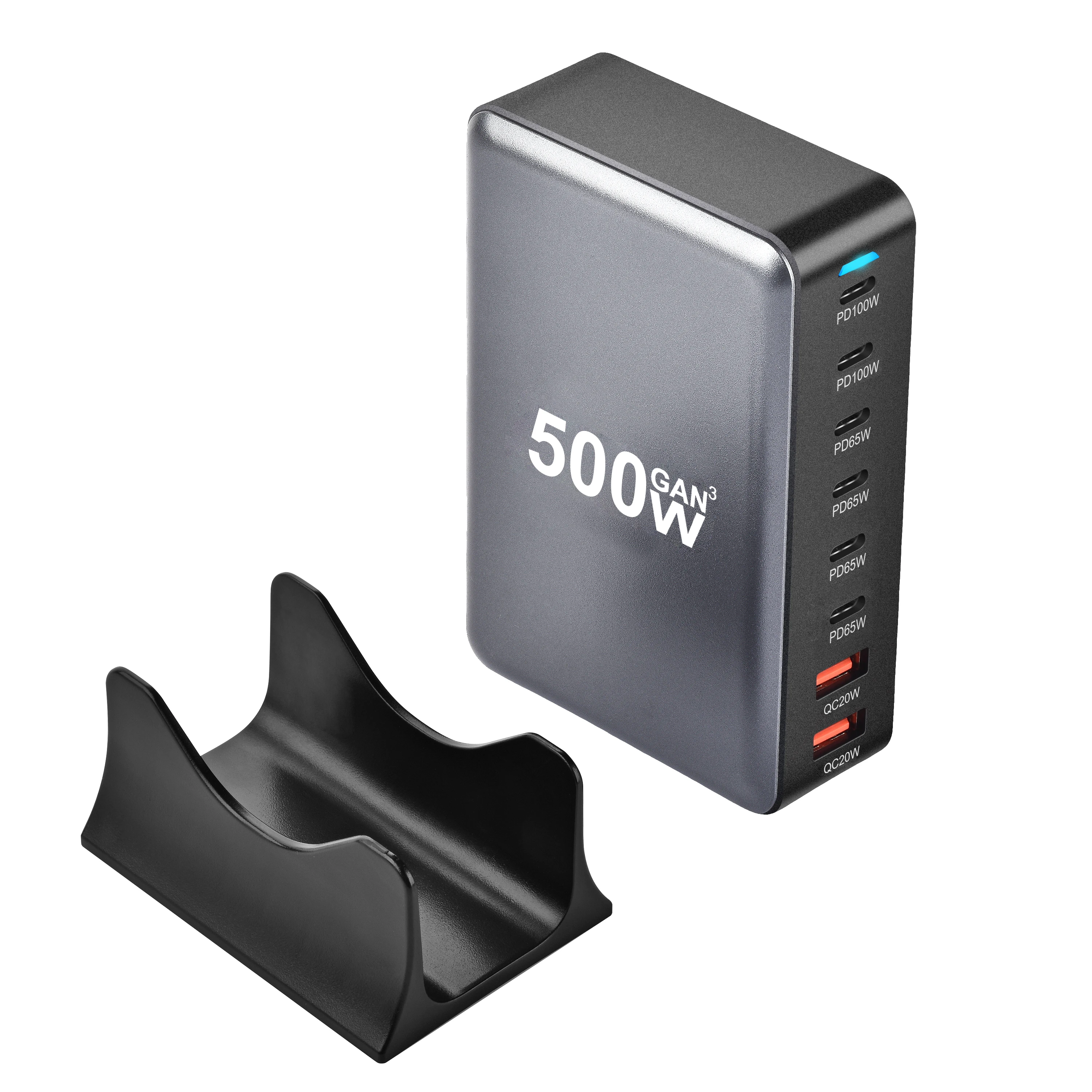
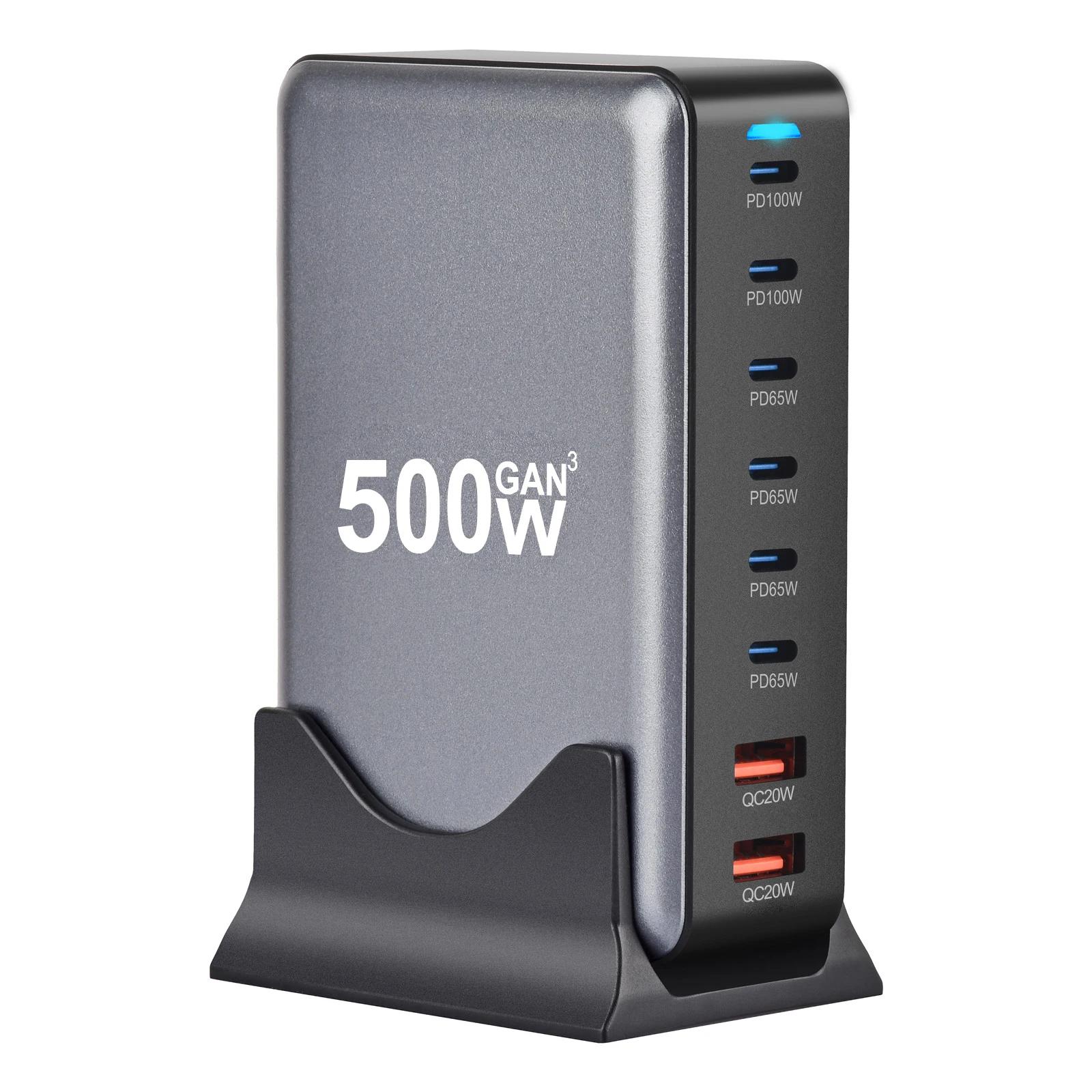
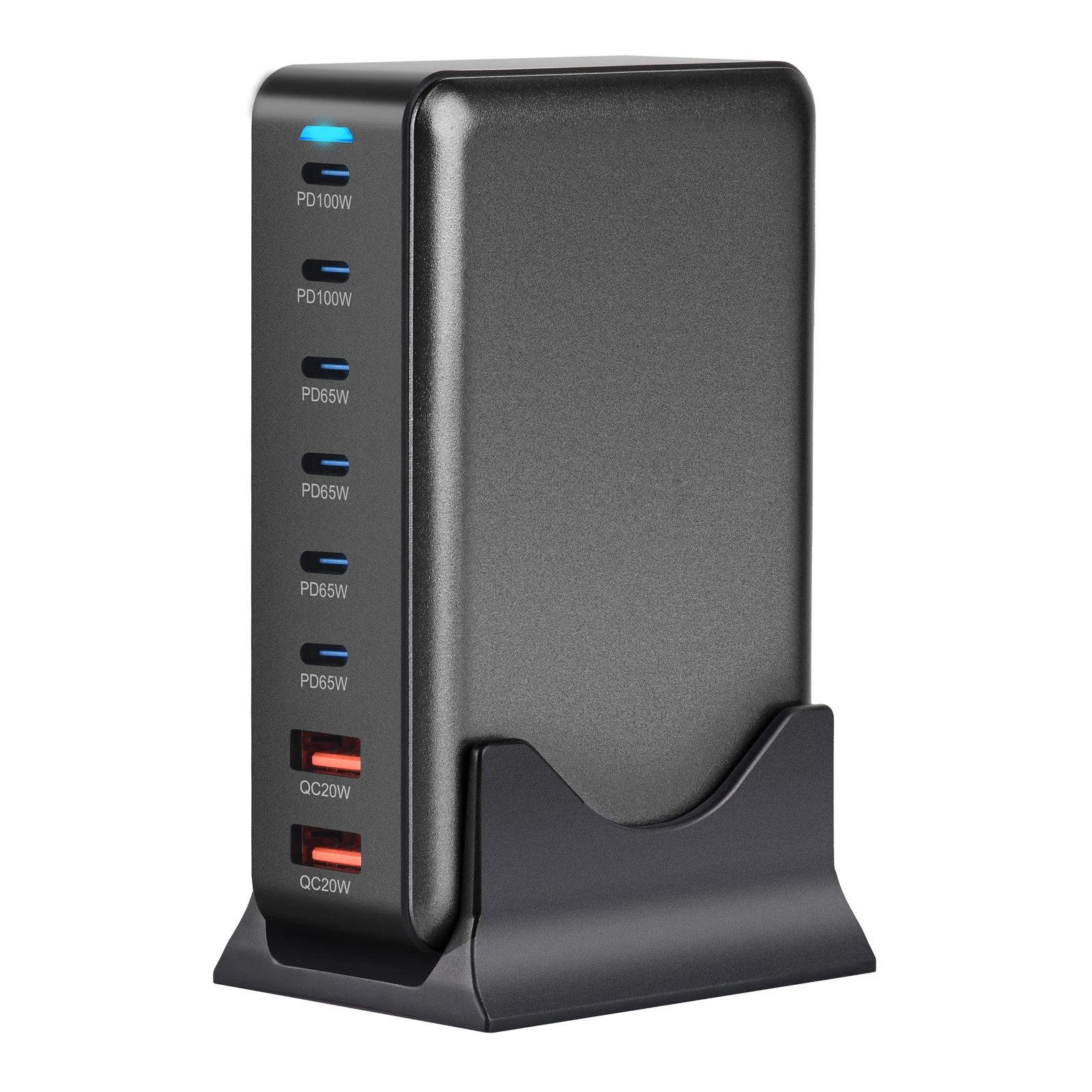
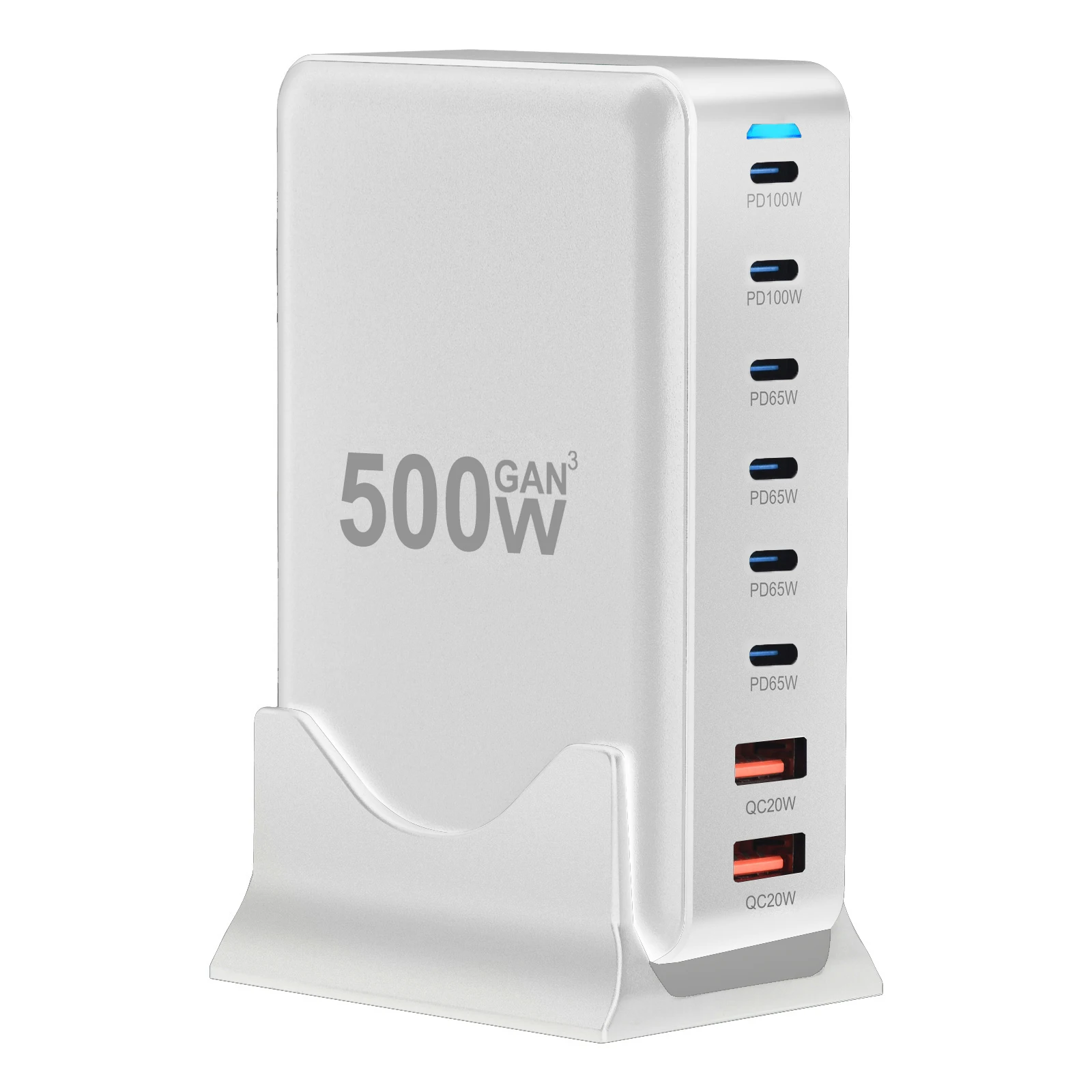
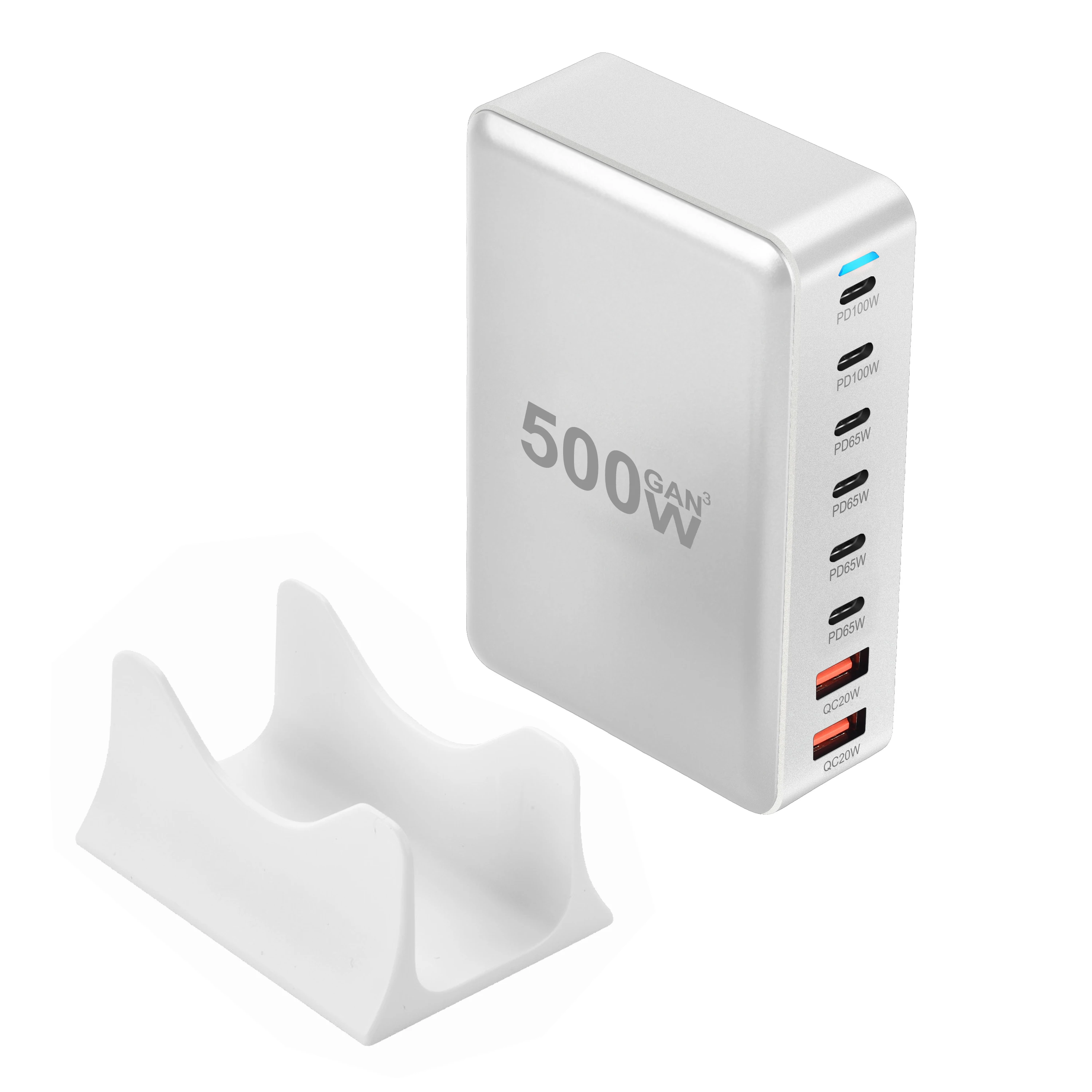
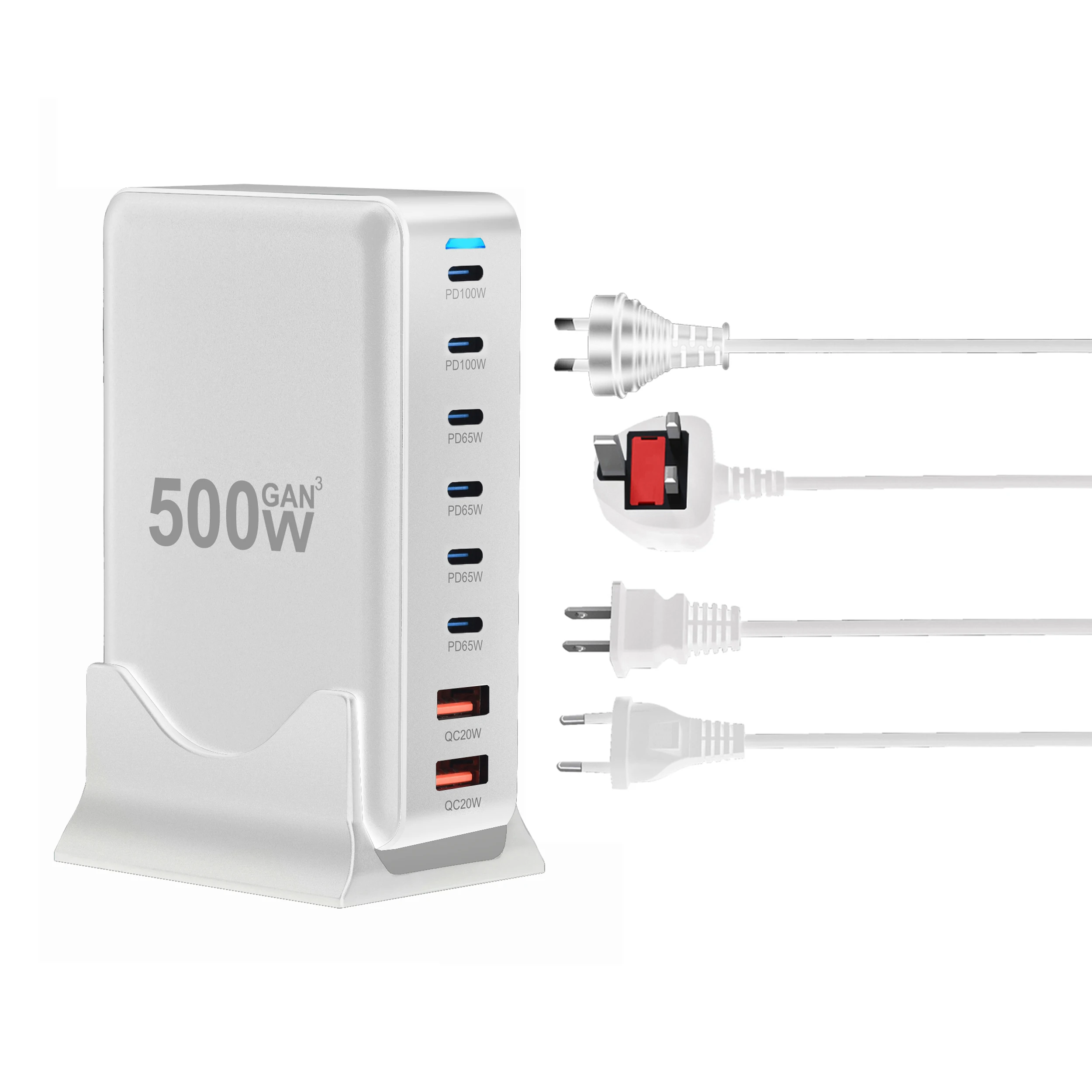
New desktop charger GAN 500W from Gallium Nitride PD with multifunctional PD adapter with 8 ports, supports 6c2a and mobile phone charging
232.30ر.س
515.2ر.س-55%Out of Stock
Product description
New GAN 500W desktop charger from Gallium Nitride PD with multifunctional PD converter with 8 ports, supports 6c2a and mobile charging supports port A fast charging for Huawei protocol 1. Model: 500 watts input: 110 volts-240 volts AC 1.8 amperes output: USBC1: 5V-3.0A 9V-3.0A 12V-3A 15V-3A 20V-5A 100W maximum USBC2: 5V-3.0A 9V-3.0A 12V-3A 15V-3A 20V-5A 100W maximum USBC3: 5V-3.0A 9V-3.0A 12V-3A 15V-3A 20V-3.25A 65W maximum USBC4: 5V-3.0A 9V-3.0A 12V-3A 15V-3A 20V-3.25A 65W maximum USBC5: 5V-3.0A 9V-3.0A 12V-3A 15V-3A 20V-3.25A 65W maximum USBC6: 5V-3.0A 9V-3.0A 12V-3A 15V-3A 20V-3.25A 65W maximum USBA1: 5V-3.0A 9V-2.22A 12V-1.67A 20W maximum USBA2: 5V-3.0A 9V-2.22A 12V-1.67A 20W maximum USBC1 + USBC2 + USBC3 + USBC4/USBC5/USBC6/USBA1/USBA2: 65W + 30W + 30W + 15W 140W maximum Please read carefully before purchase: 1. The charger indicator light is not on. What should I do? Answer: If the light is not on, please check if the power cable is properly connected to the charger, and ensure the back interface of the charger is fully inserted. 2. During charging, the charger flashes twice or three times before charging normally. Is this normal? Answer: Yes, it is normal. The GaN charger automatically matches the corresponding protocol to achieve fast charging, so some charging sessions may start after flashing twice. 3. When another device is connected while charging a device already, the original device's charging stops temporarily. Is this normal? Answer: Yes, it is normal. The product is equipped with a circuit board that automatically allocates power. The charging power when charging multiple devices at once differs from when charging a single device. Therefore, the product may pause briefly before continuing to charge. 4. Can the 100W Type-C port of the charger charge a laptop? Answer: Yes, it can, but you must use the correct cable for your laptop (C to C cable supporting up to 100W) to charge the laptop. 5. When using multiple ports simultaneously, the product disconnects briefly before continuing to charge. What is the reason? Answer: When a new device is connected for charging while using multiple ports, the charger may pause briefly before continuing. This is because the product averages the electrical power when charging multiple devices at once and continues after matching the corresponding protocol. Therefore, the temporary stop is normal. 6. Notes on using the Deception device charger: (1) During charging tests, do not connect the Deception device charger to the phone, as this may prevent charging. (2) Do not connect port C1 to the shutdown device charger; instead, connect the device directly for charging. Port C1 contains VBUS MOS. (3) When connecting the removal device charger, ensure the port is properly connected. Poor connection may prevent normal charging. To test if it can charge normally, connect the device directly for charging. (4) When the removal device charger is not connected to an output device, it outputs 5 volts. To test it, you must connect it to a charging device.

From Al Madinah Province