




For Apple Pencil 2 1 with Wireless Charging, for iPad Pencil Palm Rejection Tilt Pen for iPad Air 4 5 Pro 11 12.9 Mini 6 Stylus
234.60ر.س
349.6ر.س-33%Product description


Magic Keyboard for iPad

Please Read before Buying !!!
If you have purchased 2 or more tips, the extra tips would be packed into a small bag. please check the package carefully before throwing it.
Compatible Models
Supports for iPad series 2018-2022 model, but only Supports wireless pairing and charging by the following 9 modes ( for iPad Air 4th / 5th / Pro 11 1st / 2nd / 3rd / Pro 12.9 3rd / 4th / 5th / mini 6th generation ) as the following picture shows
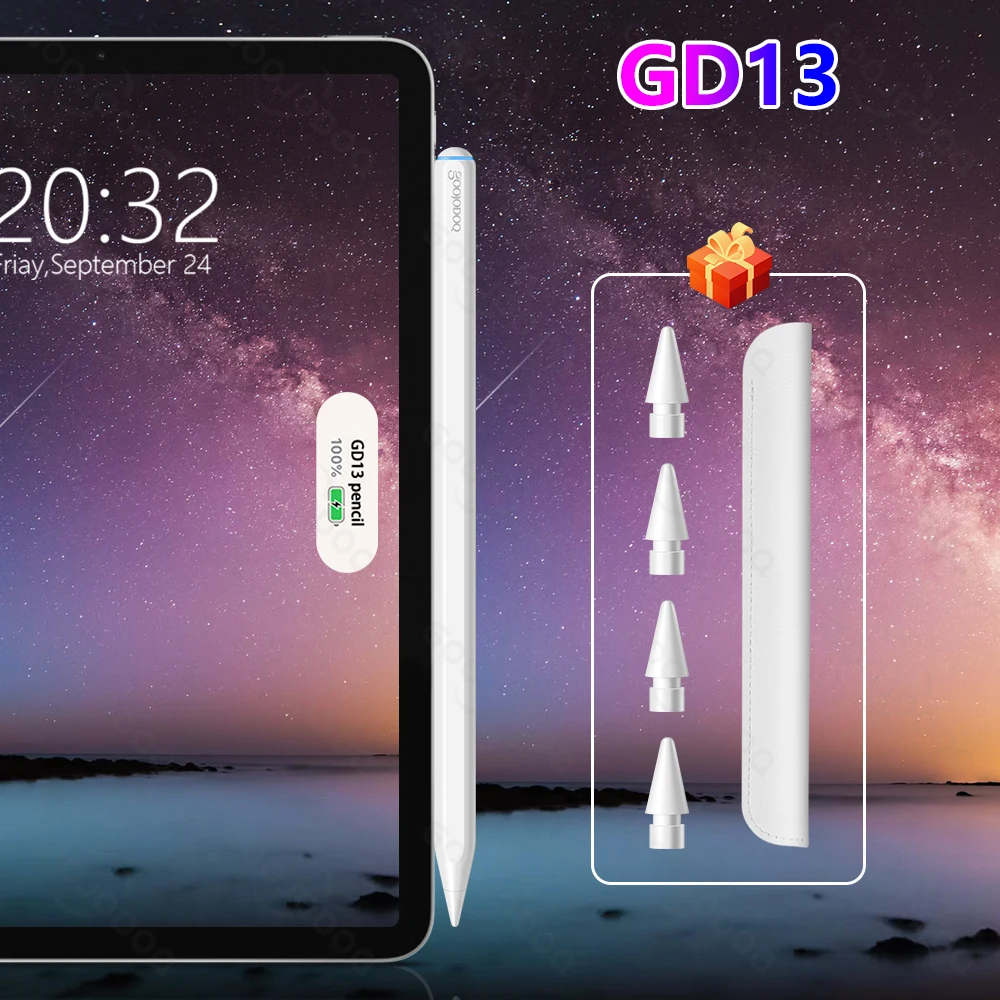
GD13 Pencil - 2022 New Wireless pairing and charging
1. Wireless pairing and charging
2. Attaches magnetically
3. Pixel-perfect precision
4. Tilt sensitivity
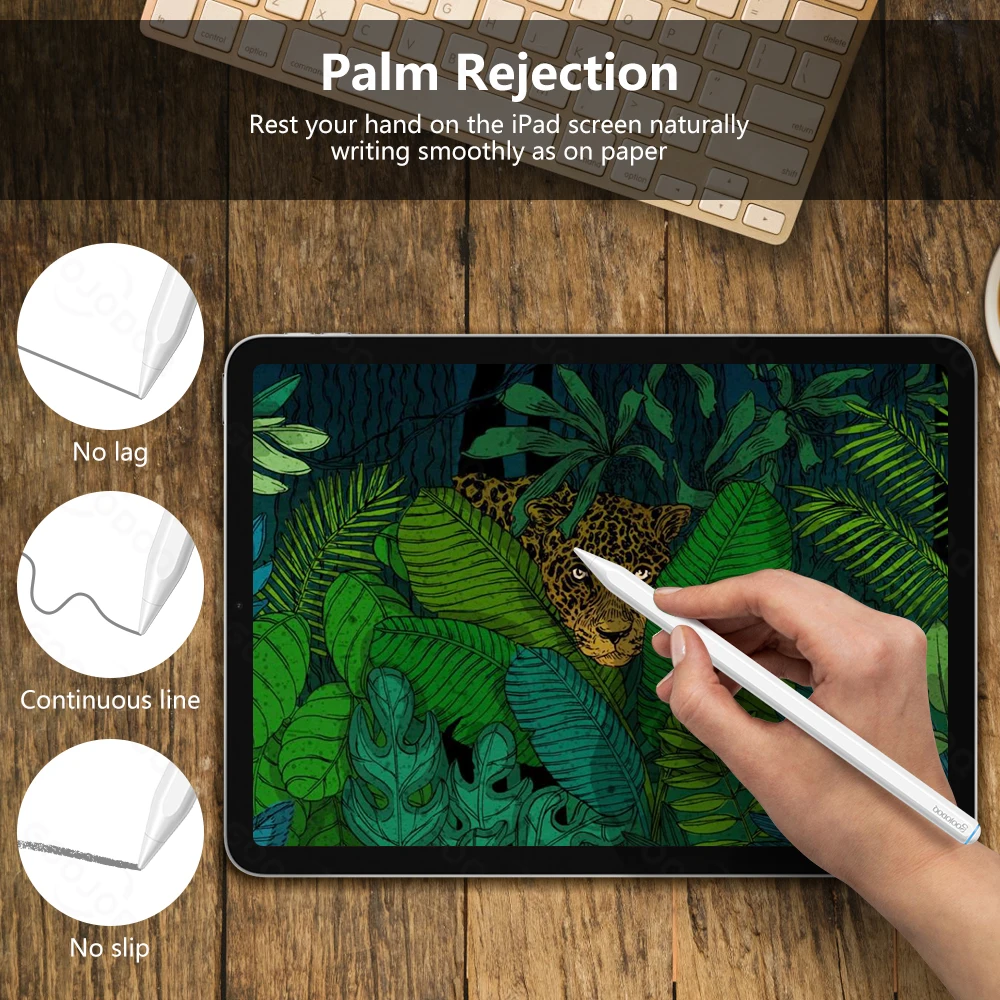
5.Palm Rejection
6.Imperceptible lag
Two Ways for Charging
One:
Magnetically attaches to the side of for the iPad for fast charging.(when it was charging, the light on the top of the pencil is flashing.)

the Second Way for Charging
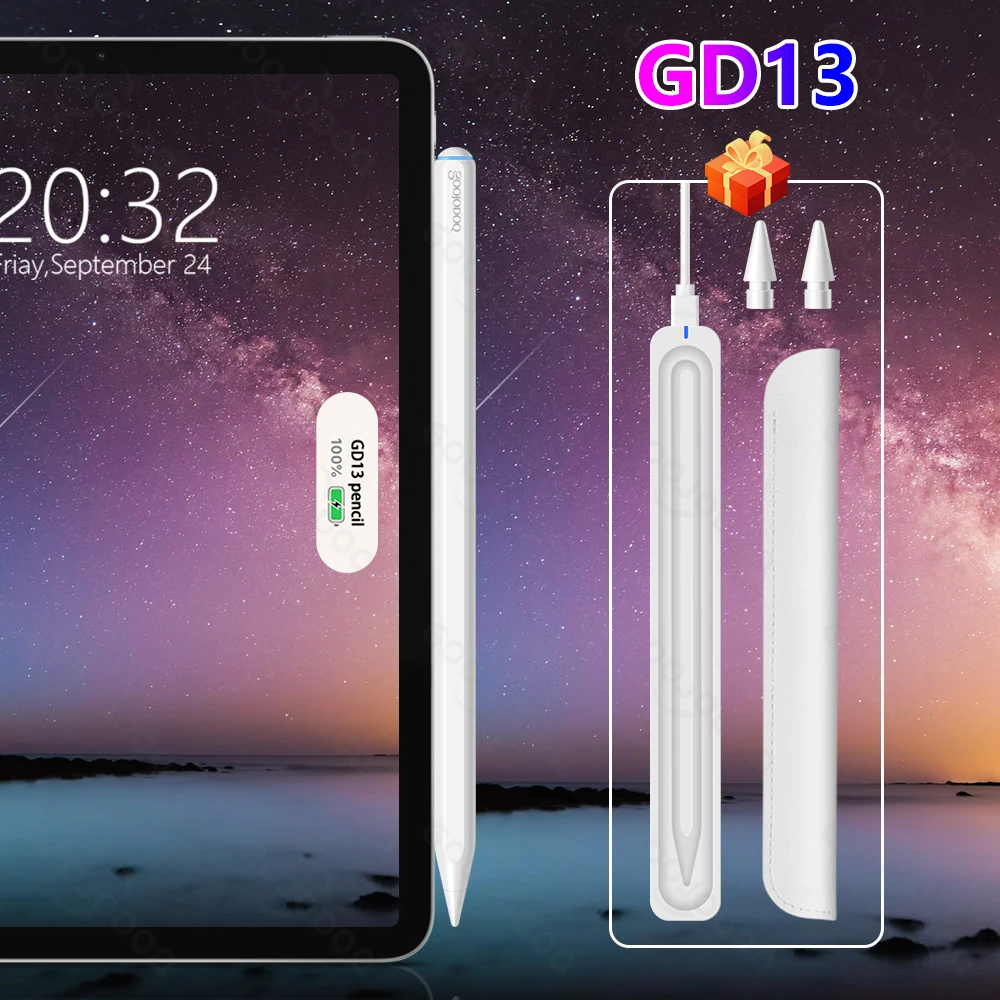
Magnetic Charging Case support charging for GD13 Pencil and for Apple pencil 2nd generation... no more worrying about drawing power from your (for ) iPad.

GD13 Pencil also can work for the iPad as the following picture shows.
But they don't support wireless charger for the pencil.

It doesn't matter, GD13 Can be charged by this magnetic case !

Instantly Ready
After the first pairing, taking it out from the right side of the device and immediately enter the working state.
Put it down and automatically sleep.
If you want to open and close it manually, please long press the top of the pencil to open / close it.

Quickly Use
Double-tap the Pad screen with the GD13 Pencil to wake up and quickly open the Notes app

Tilt Sensing Function
Dream it up. Jot it down.The Stylus Pen has a smart tip which dynamically adjusts line weight depending on the angle you place it down - just like a regular pencil.

Palm Rejection Technology; No Need Bluetooth
Rest your palm comfortably on the screen while writing or drawing by this stylus pen, without any effect, don't worry about leaving stray line. With this upgraded Pencil, you don't have to wear the glove

Precise and Smooth
Precise point control writing, no scratches on the screen, no lag/offset/break!

Find the best pencil for you
GOOJODOQ Pencil offer you the better experice in Drawing and Writing etc

Removable and replaceable pencil tip
How to replace the pen tip?
1. Take out the pen tip counterclockwise,
2. Insert the pen tip clockwise.

Wireless Charging and Long Working Time
Use time: 15-20 hours
Standby time: 365 days

Package: GD13
-Goojodoq pen * 1
-Pencil Holder * 1
-User Manual * 1
-Tip


Questions and Answers
Q1: Will this work for Mini 6 ?
Yes. it can work well for iPad Mini 6. wireless charging is amazing.
Q2: GD13 Pencil works on 9 gen?
it can write and dray for iPad 9 Gen. but 9 Gen don't support wireless charging.
so you can choose the pencil come with magnetic charging case !
Note:
If the stylus or finger is unable to write, please modify your device
setting as follows : Settings>Apple Pencil>Turn off the Apple pencil / or Settings>Notes>Turn off "Only draw with Apple Pencil / or Settings>Apple Pencil>Turn off "Only draw with Apple Pencil (iOS 14)
Please turn off the Bluetooth connection before using our stylus pen if you have connected the "apple pencil".
IOS system must be updated to iOS 12.2 or above.

