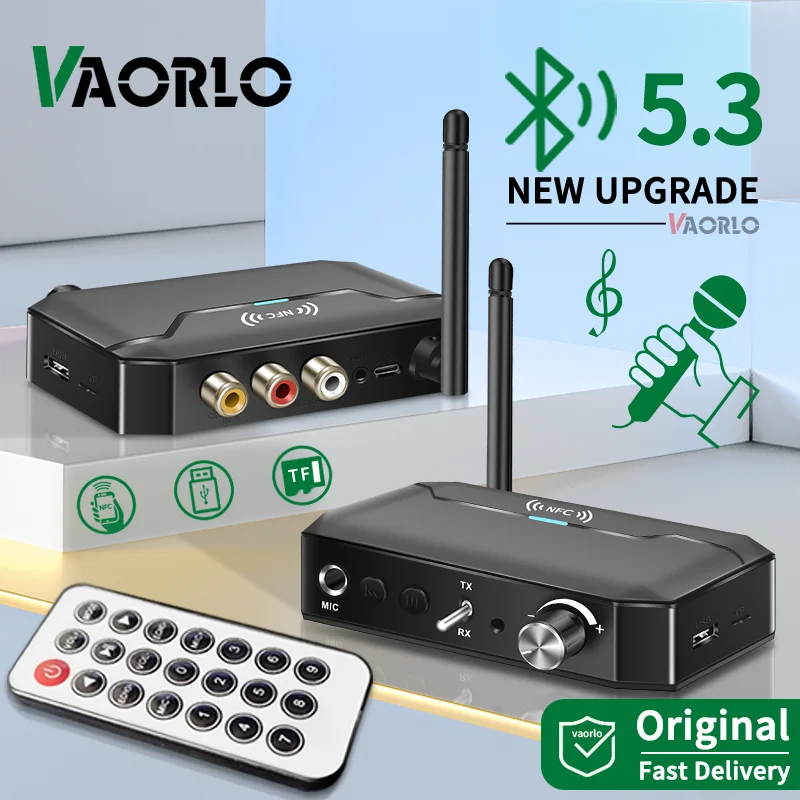
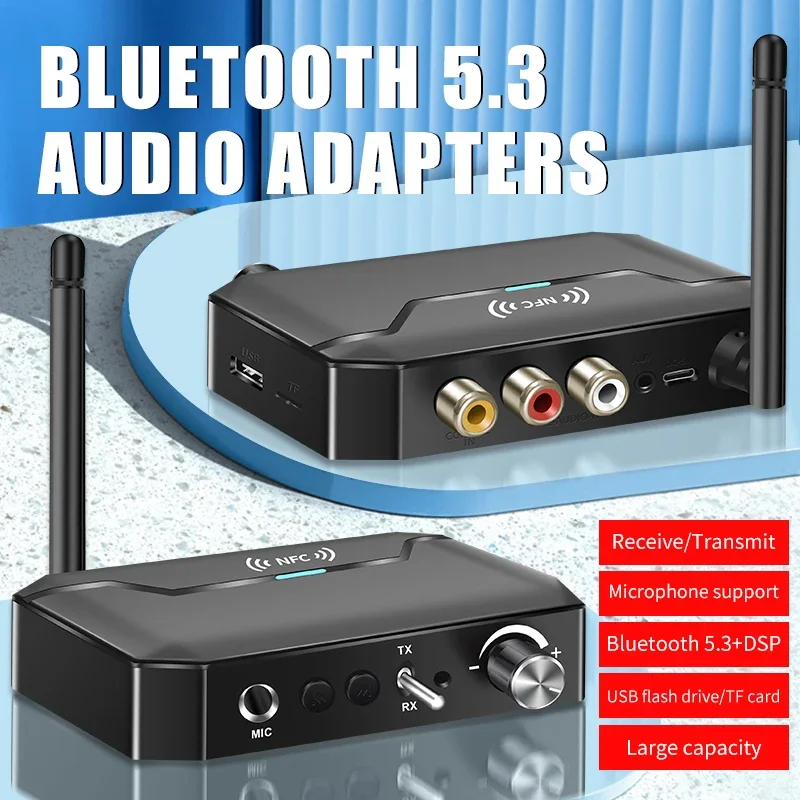
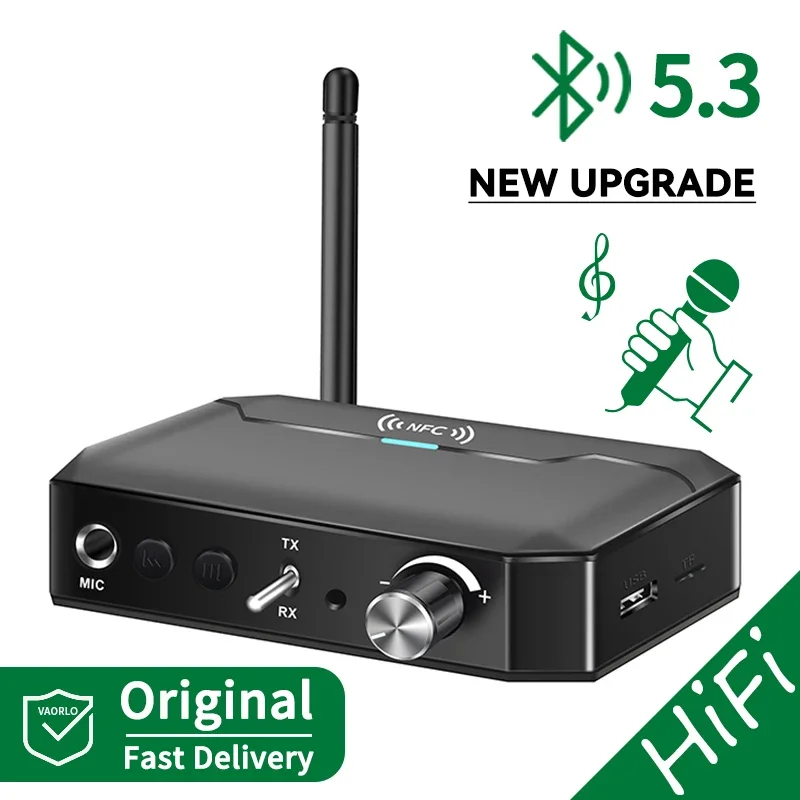
NFC Bluetooth 5.3 device receiver and transmitter audio 3.5 millimeter AUX/RCA/USB/TF/connector/6.5 millimeter microphone karaoke wireless adapter HiFi stereo
124.20ر.س
228.85ر.س-46%Out of Stock
Product description
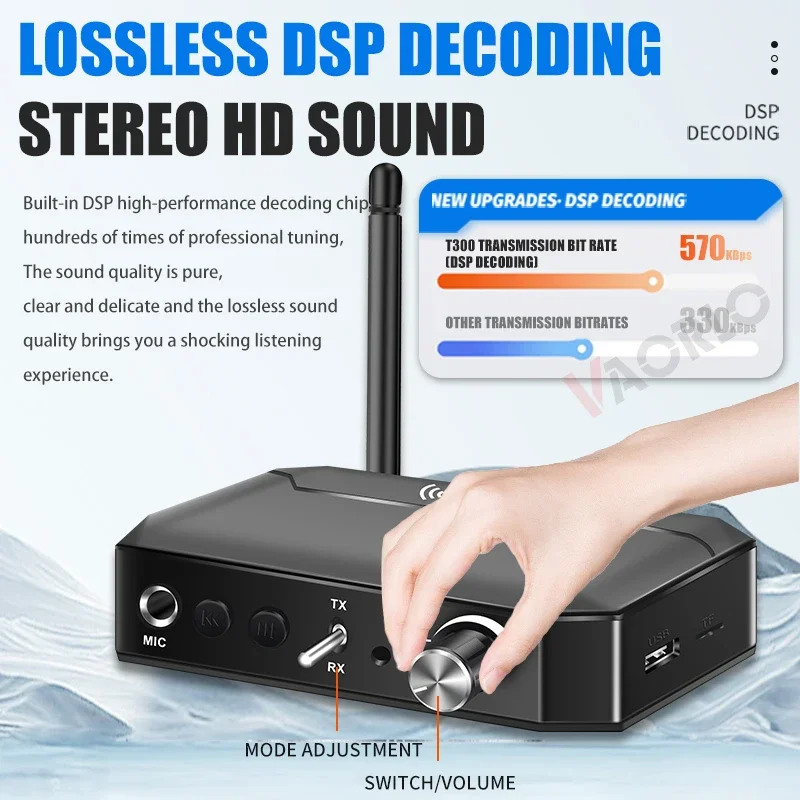
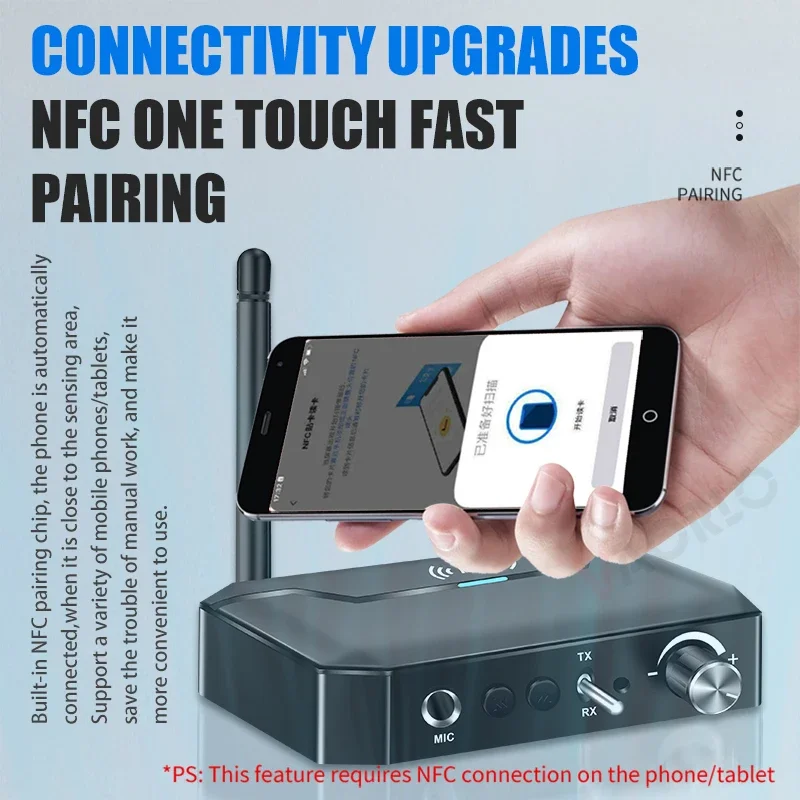
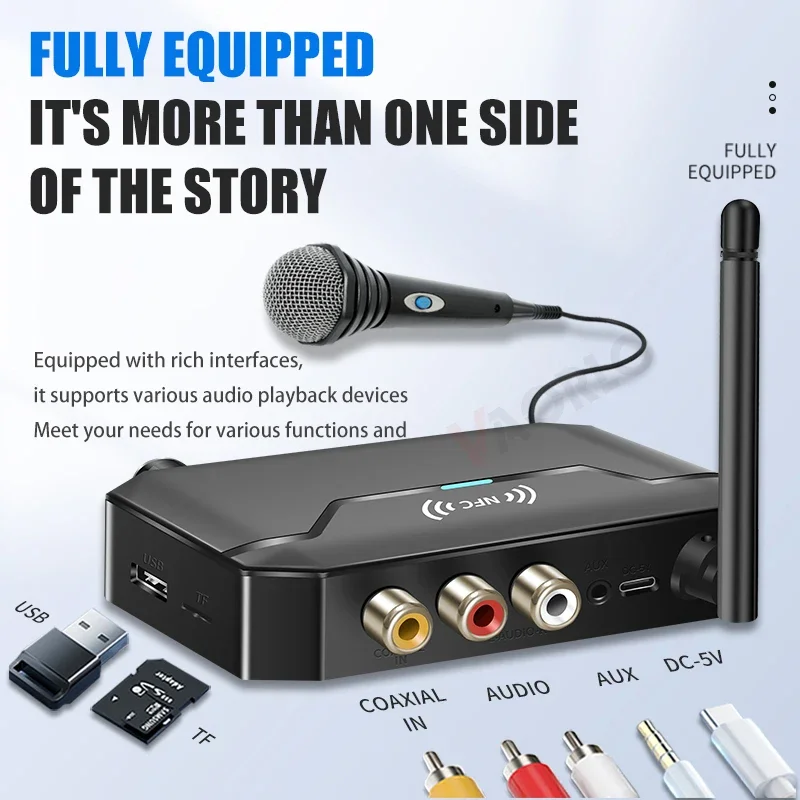
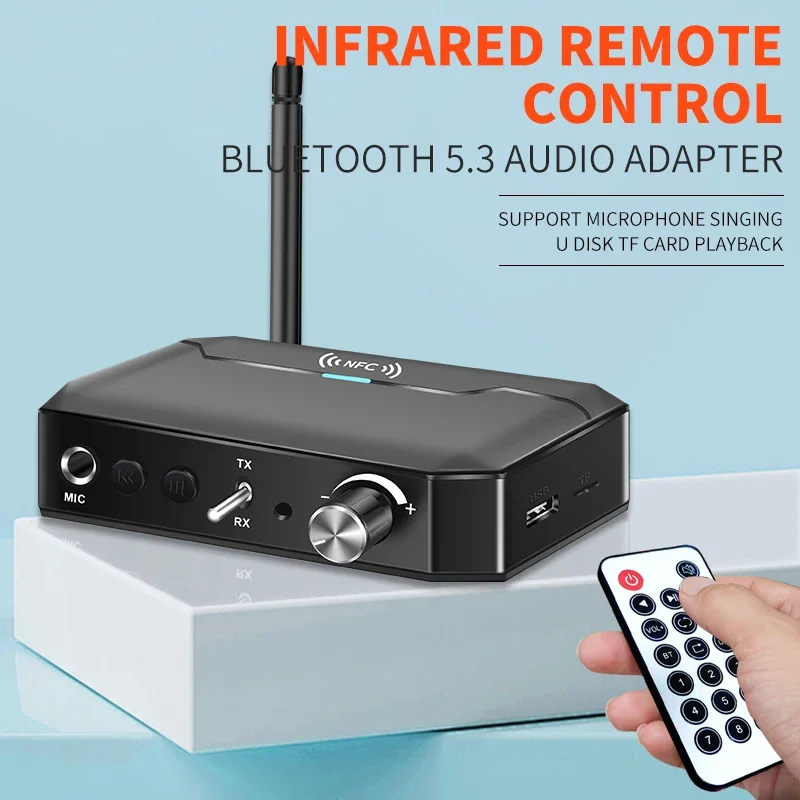
Product features: 1. Reception/Transmission 2 in 1: Smart compatible with a wide range of audio devices. 2. Bluetooth 5.3: New 5.3 chip + DSP decoding, lossless stereo with adjustable bass sound. Stronger compatibility and stability. 3. Multiple ports: Support U-disk, TF-Card, NFC, Coaxial, RCA, 3.5MM AUX. 4. Microphone: Supports singing with microphone, professional karaoke chip, anti-pull. 5. NFC: Upgraded NFC pairing with one touch, Bluetooth connection for mobile phones without drive. 6. Infrared remote control: Upgraded wireless infrared remote control, exclusive custom remote operation. 7. Antenna: With external antenna, signal enhancement, can transfer over obstacle-free distance. 8. No delay, lossless decoding technology, enjoy HIFI sound quality. 9. Supports U-Disk playback, enjoy lossless sound quality experience, plug and play, lossless transfer, integrated high-definition audio decoder, various audio formats easy to read, supports MP3/APE/FLAC/WMA/WAV format. 10. Receiver mode: for wired car set, home speaker, stereo projector, stereo device, etc. 11. Transmit mode: for TV, computer, projector, power amplifier, TV box, Bluetooth headset, earphone, Bluetooth speaker, etc. Product specifications: Product name: VAORLO multifunctional Bluetooth audio converter T300. Interface type: AUX/RCA/COAXIAL/USB/TF/6.5MM microphone. Transmission distance: about 10-30 meters. Bluetooth version: V5.3. Protocol support: A2DP/AVRCP/HSP/OPP, etc. Frequency range: 2400-2483.5 MHz. Karaoke function: built-in 6.5mm microphone interface. Charging time: about 1.5 hours. Capacity: 500mAh. File format: MP3/WAV/WMA/APE. Product material: ABS. Product size: 98*97*23 millimeters. Main functions: Bluetooth audio receiver + transmitter + NFC + U disk playback + 6.5mm microphone input (for KTV karaoke singing) + infrared remote control. Package includes: 1 × T300 Bluetooth audio converter. 1 × remote control. 1 × 3.5mm audio cable. 1 × RCA audio cable. 1 × Type-C power cable. 1 × user manual. How to use: Receiver mode (RX): suitable for active speakers / old speakers / speakers / headphones / car devices and other devices with AUX or RCA audio input interfaces, upgrading regular wired speakers to Bluetooth stereo speakers, wirelessly transferring music from mobile phones to speakers and other devices. ● RX mode instructions: 1. Use a 3.5mm AUX audio cable or RCA cable, connect one end to the converter, and the other end to the audio input interface of a device such as an active speaker, turn on the power button, power on the device, and switch the mode switch to RX mode. At this time, the top indicator light flashes blue quickly, indicating the device is in Bluetooth reception mode waiting for pairing. 2. Pair with a smartphone (supports NFC), turn on Bluetooth function on the phone or tablet, select "T300" and connect from the list. After pairing, the blue indicator light stays on, indicating successful pairing with the mobile phone. 3. Open the music app on the mobile phone, and the sound can be transmitted to the active speaker for playback via Bluetooth. You can operate play/pause/volume up/volume down on the device. Switching modes and other operation tips: 1. The device has a 6.5mm microphone interface. When connecting a wired or wireless microphone, singing function can be achieved. It has a compact anti-heart design. 2. The device automatically saves paired devices and will reconnect automatically to your phone when turned on again after successful pairing the first time. 3. Support NFC contactless connection on mobile phones. Place your NFC-enabled phone or tablet near the NFC induction area of the device for about two seconds. An NFC connection window will appear on the mobile phone. Tap OK. 4. This operating mode supports five sources of signals including Bluetooth, disc, TF card, U, and microphone. When the corresponding signal source is inserted, you can switch the source via remote control buttons. At the same time, the device announces the current signal source via voice, so there is no need to disconnect repeatedly. Connect the signal source/cable. 5. The device has an integrated digital-to-analog chip, which can convert digital signals to analog signals and output to active speakers via AUX/RCA. 6. Make sure the audio input interface (input) of the device is correctly connected. Incorrect connection will result in silence or other failures. 7. If pairing fails, please turn off Bluetooth on your phone or clear the Bluetooth list, then restart the Bluetooth converter, repeat the pairing steps above, and try again. Transmit mode (TX mode): suitable for desktop computers/laptops/TVs/power amplifiers/projectors and other devices with audio output interfaces (such as AUX/RCA/COAXIAL) to instantly upgrade Bluetooth function and achieve wireless connection to Bluetooth headphones or Bluetooth speakers. ● TX mode instructions: 1. Wired/operation, use a 3.5mm AUX audio cable or RCA cable, connect one end to the converter, and the other end to the audio output interface of the computer or TV, turn on the power button, power on the device, and switch the mode switch to TX mode. The red indicator light above flashes, indicating the converter is in transmit mode. 2. Bluetooth pairing, place this product near the Bluetooth speaker, the effective distance should not exceed 10-30 meters. Also ensure the converter is turned on and in transmit mode. Turn on the Bluetooth speaker or Bluetooth speaker, and ensure they are in pairing mode. Wait for automatic pairing. 3. After successful pairing, the red indicator light on top of the device stays on constantly. At this point, audio can be wirelessly transmitted from the computer/TV to Bluetooth headphones or Bluetooth speakers via Bluetooth. Tips: 1. The device automatically saves paired devices. When your Bluetooth headset or speaker is successfully paired for the first time, it will automatically pair again when turned on. 2. This mode supports AUX/RCA/U/TF card source simultaneously. Connect the corresponding signal source and switch between sources using the remote control. The device will broadcast the current source. No need to repeatedly connect/disconnect sources. 3. The device has an integrated digital-to-analog chip, which can convert digital signals. The digital signal is converted to an analog signal after input and output to active speakers via AUX/RCA or transmitted to Bluetooth headphones via Bluetooth. 4. Make sure the audio output interface (output) of the computer/TV and other devices is correctly connected. Incorrect interfaces will cause silence or other failures. 5. If pairing fails, restart the Bluetooth headset and device, then repeat the pairing steps above. Due to differences in Bluetooth protocols among devices, pairing time may vary. Microphone singing function description: This product is equipped with a 6.5mm microphone interface, professional built-in karaoke chip, and anti-reverse circuit design. In reception mode, connect the microphone and you can sing. The remote control version can also adjust microphone volume and echo level, etc., through the remote control!

From Al Madinah Province
Questions you might have