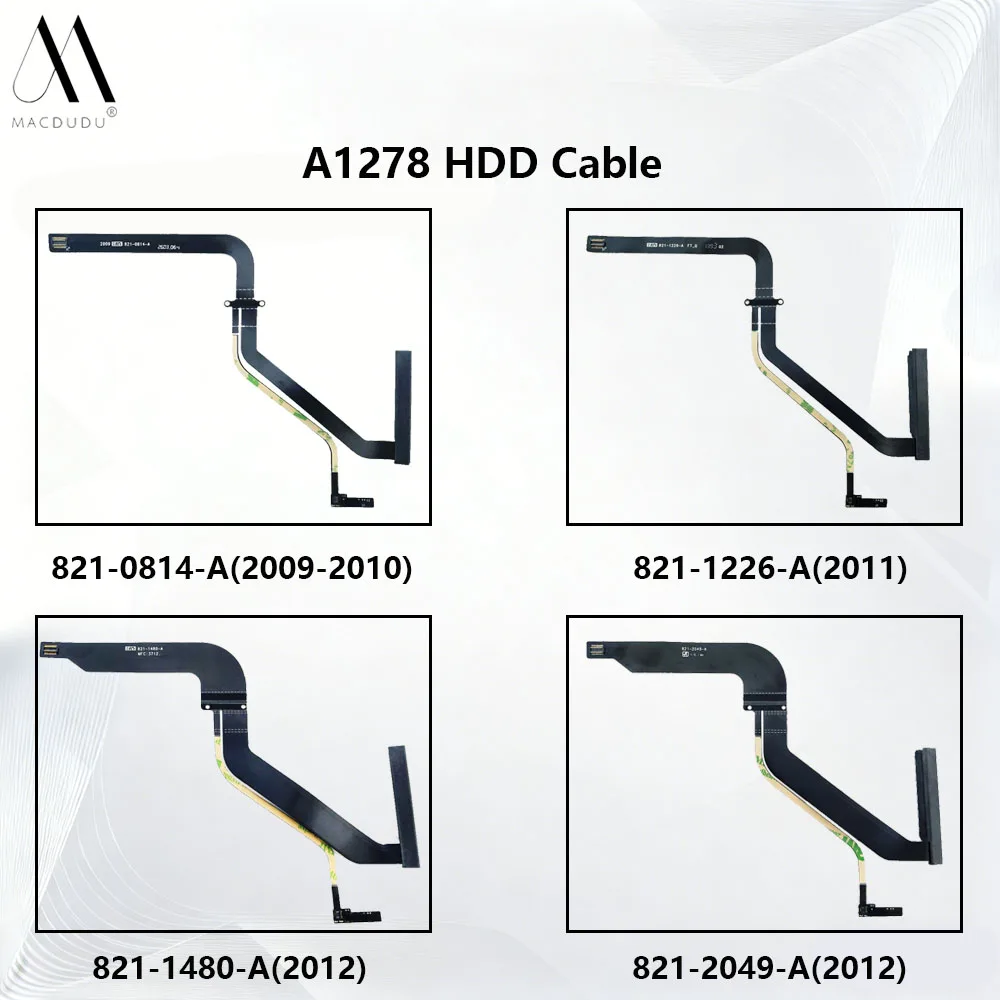

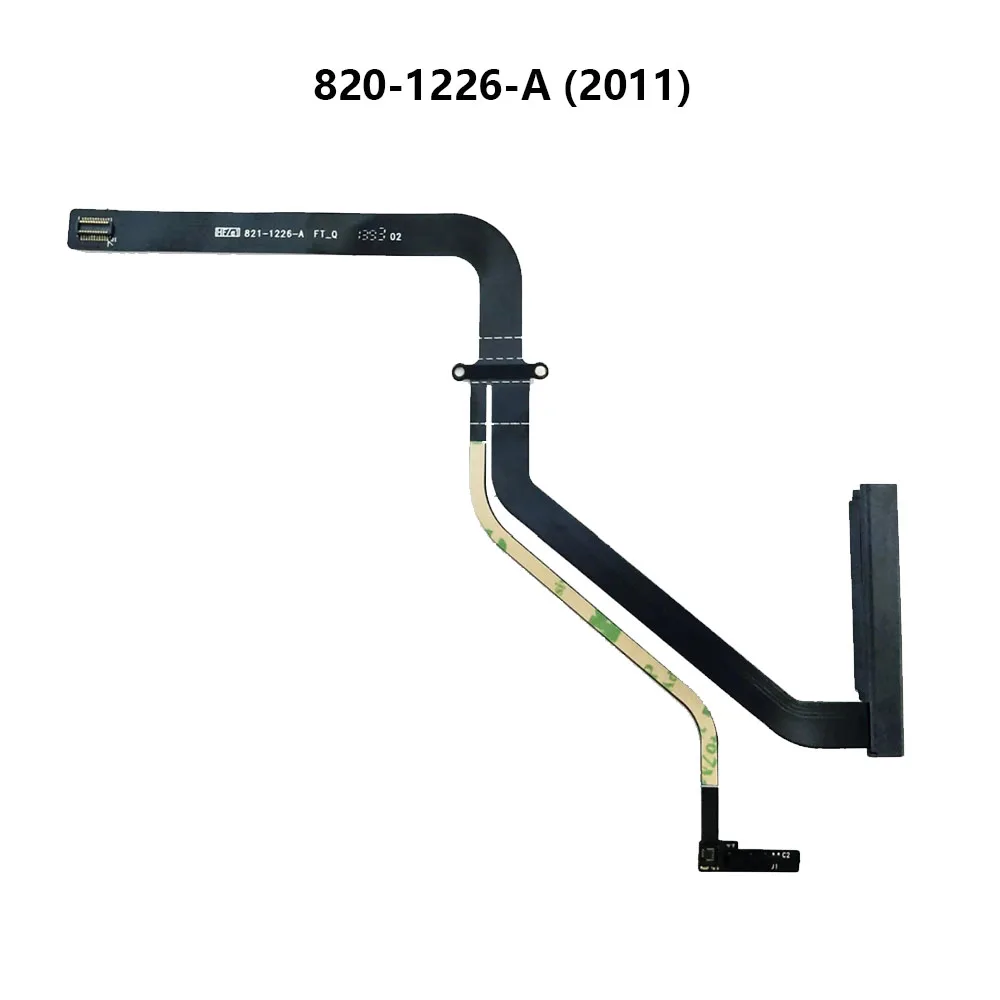

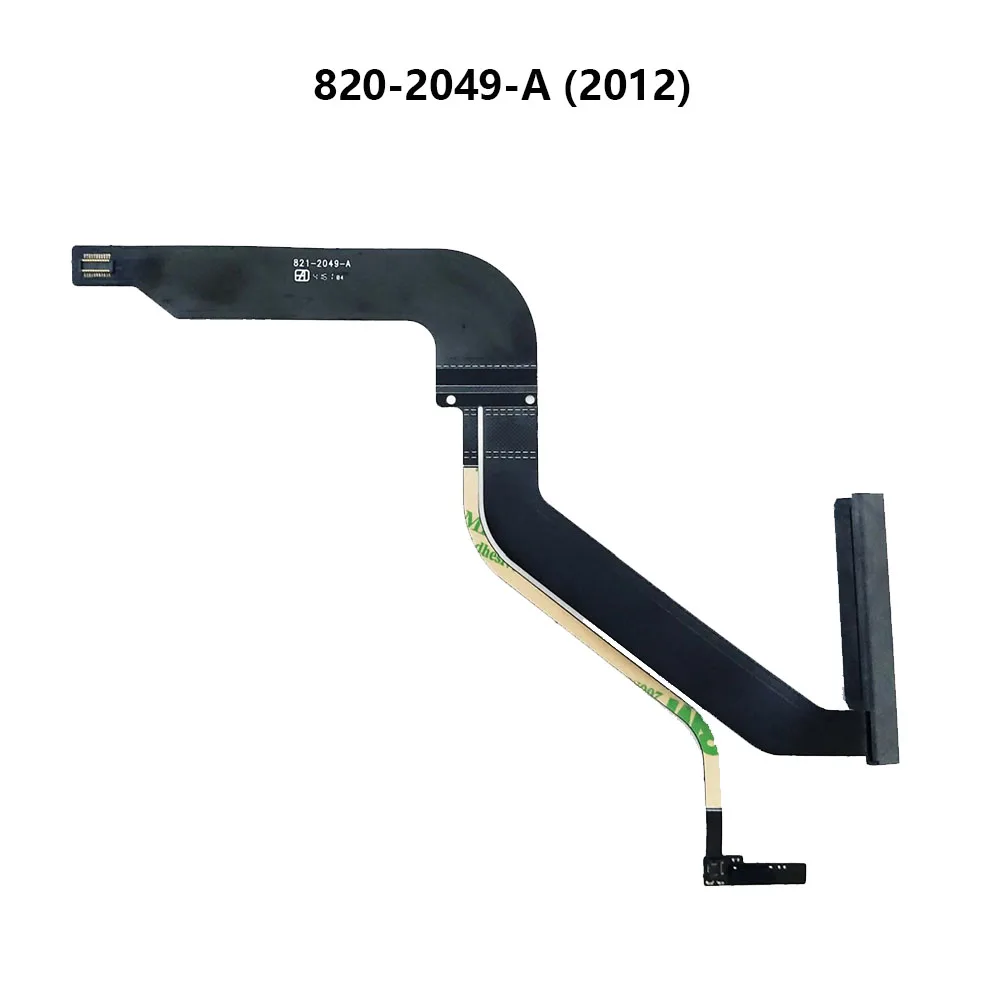

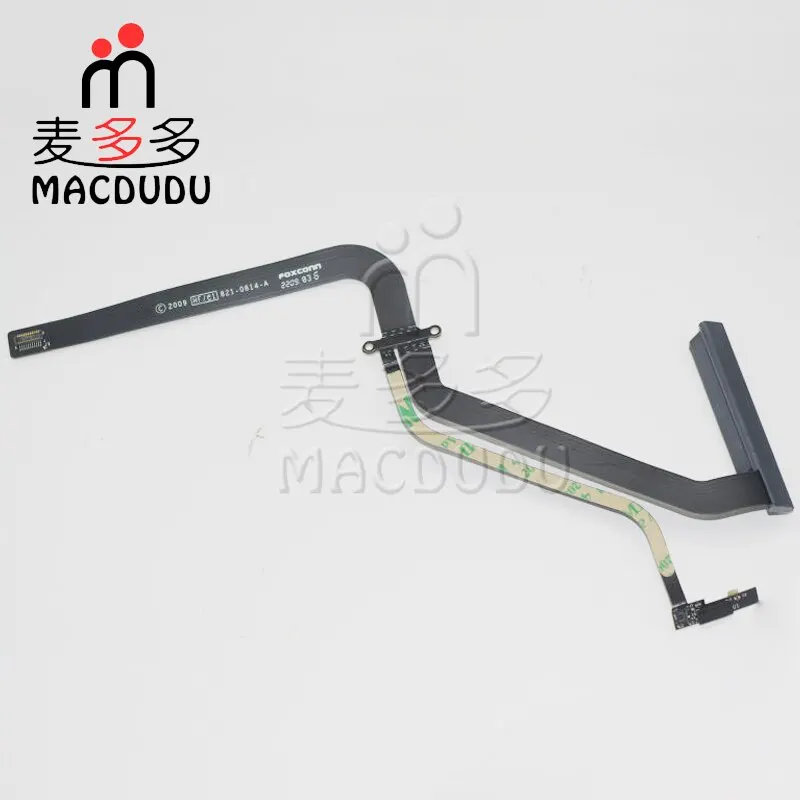

New HDD Cable With Bracket Holder For 13" MacBook Pro A1278 MB990 MB991 MC374 Mid 2009 2010 821-0814-A
72.45ر.س
Product description
<kse:widget data-widget-type="customText" id="1005000011033202" type="relation"></kse:widget>
New HDD Cable With Bracket Holder For 13" MacBook Pro A1278 MB990 MB991 MC374 Mid 2009 2010 821-0814-A

Working For: 13.3 inch MacBook Pro A1278 MB990 MB991 MC374 Mid 2009 2010
P/N.: 821-0814-A
Computer Model No.:
13" A1278 2009(MB990 MB991) Laptop
13" A1278 2010(MC374 MC375) Laptop
Below is the instruction to guide you how to replace HDD Cable.
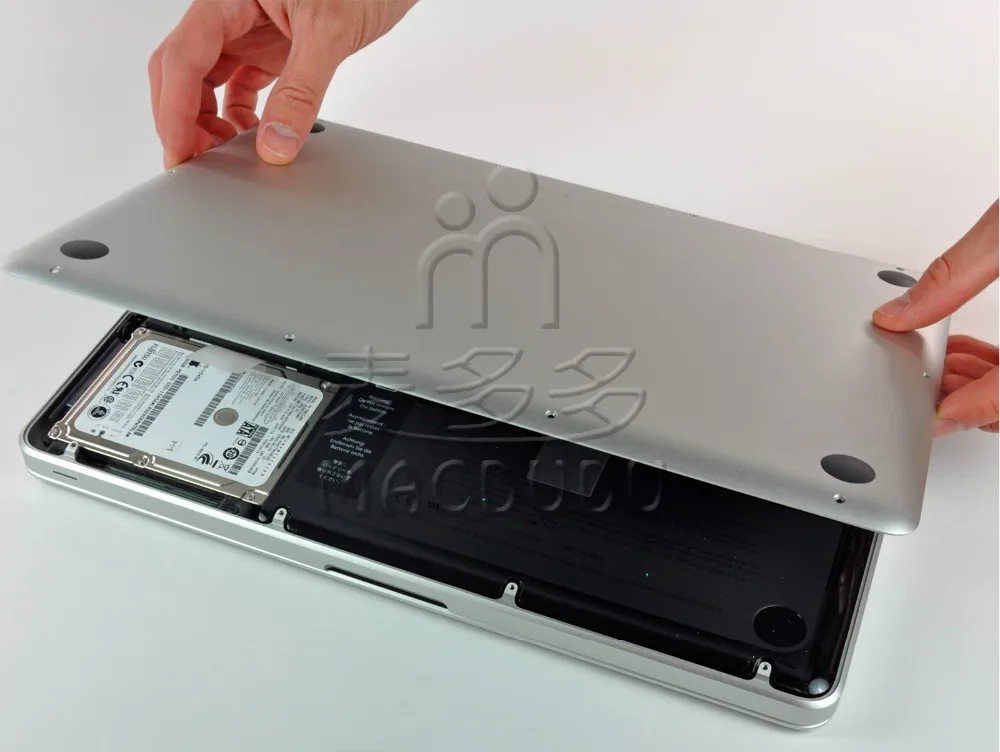
Step 1:Remove the following 10 screws securing the lower case to the MBP 13" Unibody 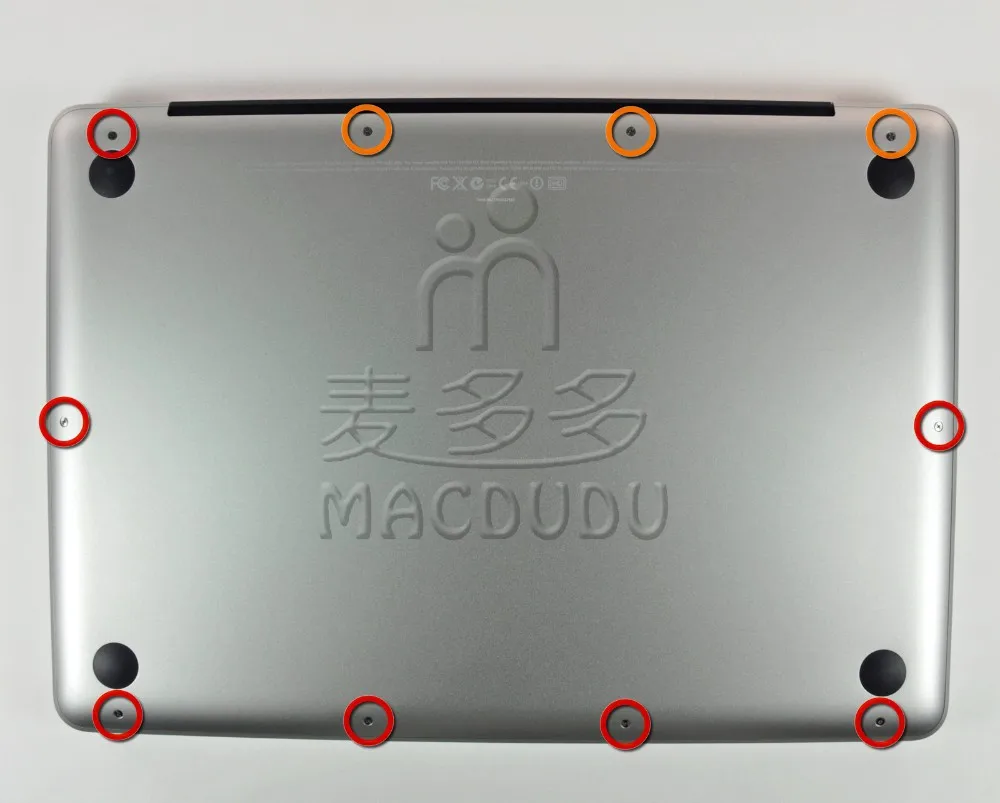 Step 2: Slightly lift the lower case and push it toward the rear of the computer to free the mounting tabs.
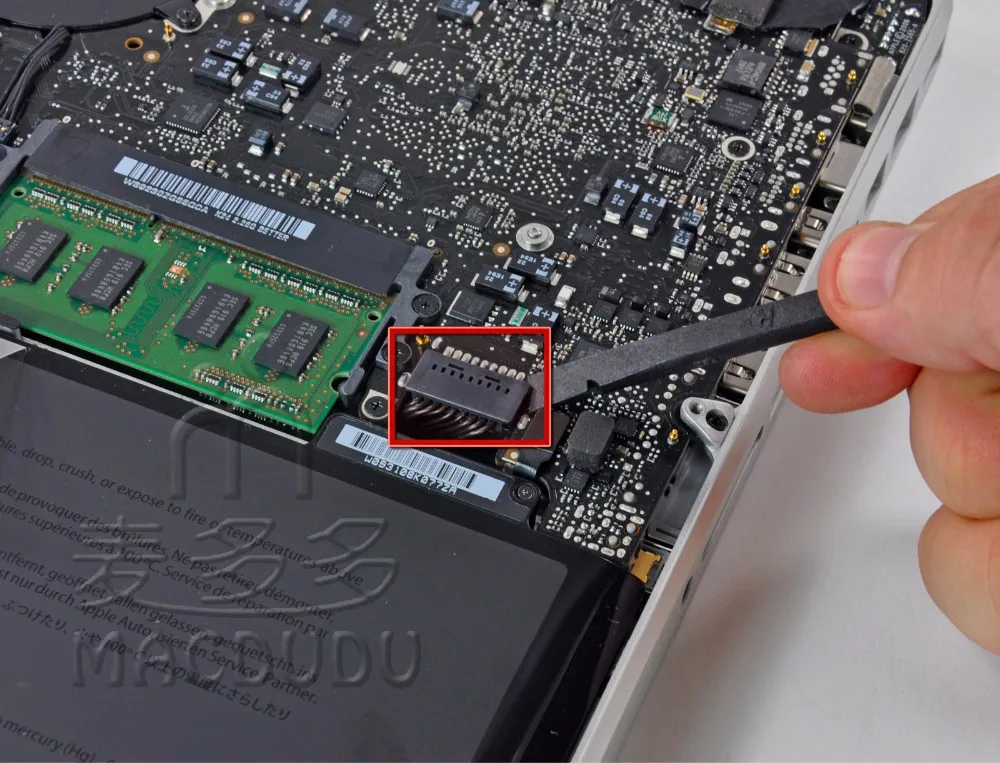
 Step 3: Use the flat end of a spudger to lift the battery connector up out of its socket on the logic board.
 Step 4: Remove two Phillips screws securing the hard drive bracket to the upper case.
 Step 5: Lift the the retaining bracket out of the upper case.
 Step 6: Lift the hard drive by its pull tab and pull it out of the chassis, minding the cable attaching it to the computer.
 Step 7: Remove the hard drive cable by pulling its connector straight away from the hard drive.
 Step 8: Remove the following four screws securing the hard drive and IR sensor cable to the upper case:
 Step 9: Slide the hard drive and IR sensor bracket away from the edge of the upper case.
Carefully peel the hard drive and IR sensor cable from the upper case. Step 10: Use the flat end of a spudger to pry the hard drive cable connector up off the logic board.

Step 11: Lift the hard drive/IR sensor cable assembly out of the upper case.
If your replacement part does not come with the hard drive bracket and indicator light, you will need to pull those off of the part you are removing and install them on the new part.


