UGREEN HDD Docking Station SATA to USB 3.0 Adapter for 2.5 3.5 SSD Disk Case HDD Box Dock Hard Drive Enclosure Docking Station
296.70ر.س
564.65ر.س-47%Product description
UGREEN
◎ Brand Newest Release
———————————————————————————————————————————————————
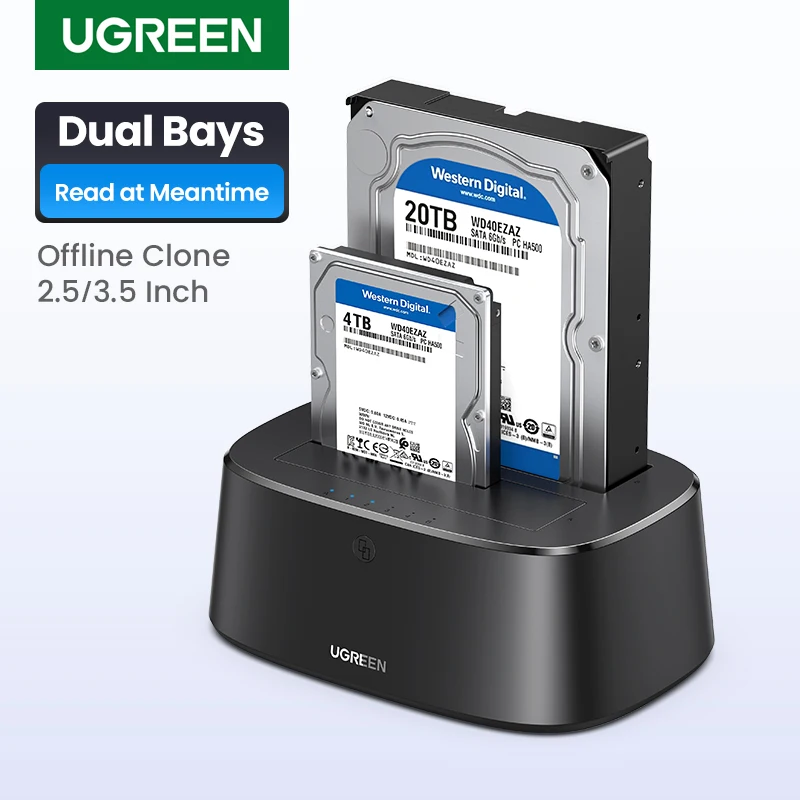
Dual-Bay Hard Drive Docking Station
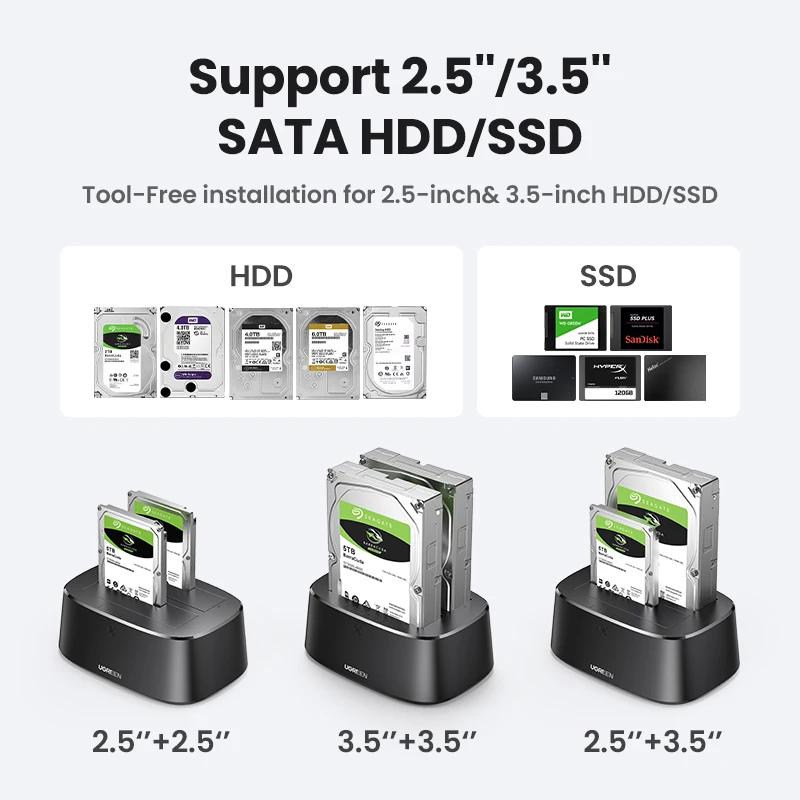
Support 2.5''/3.5'' SATA HDD/SSD
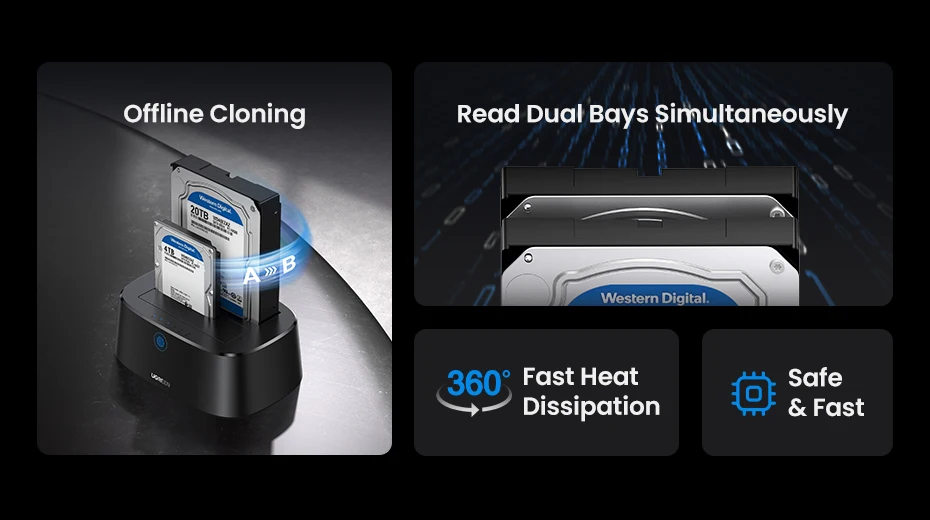
✔Read Dual Bays Simultaneously ✔Offline Cloning
✔Fast Heat Dissipation ✔Safe & Fast
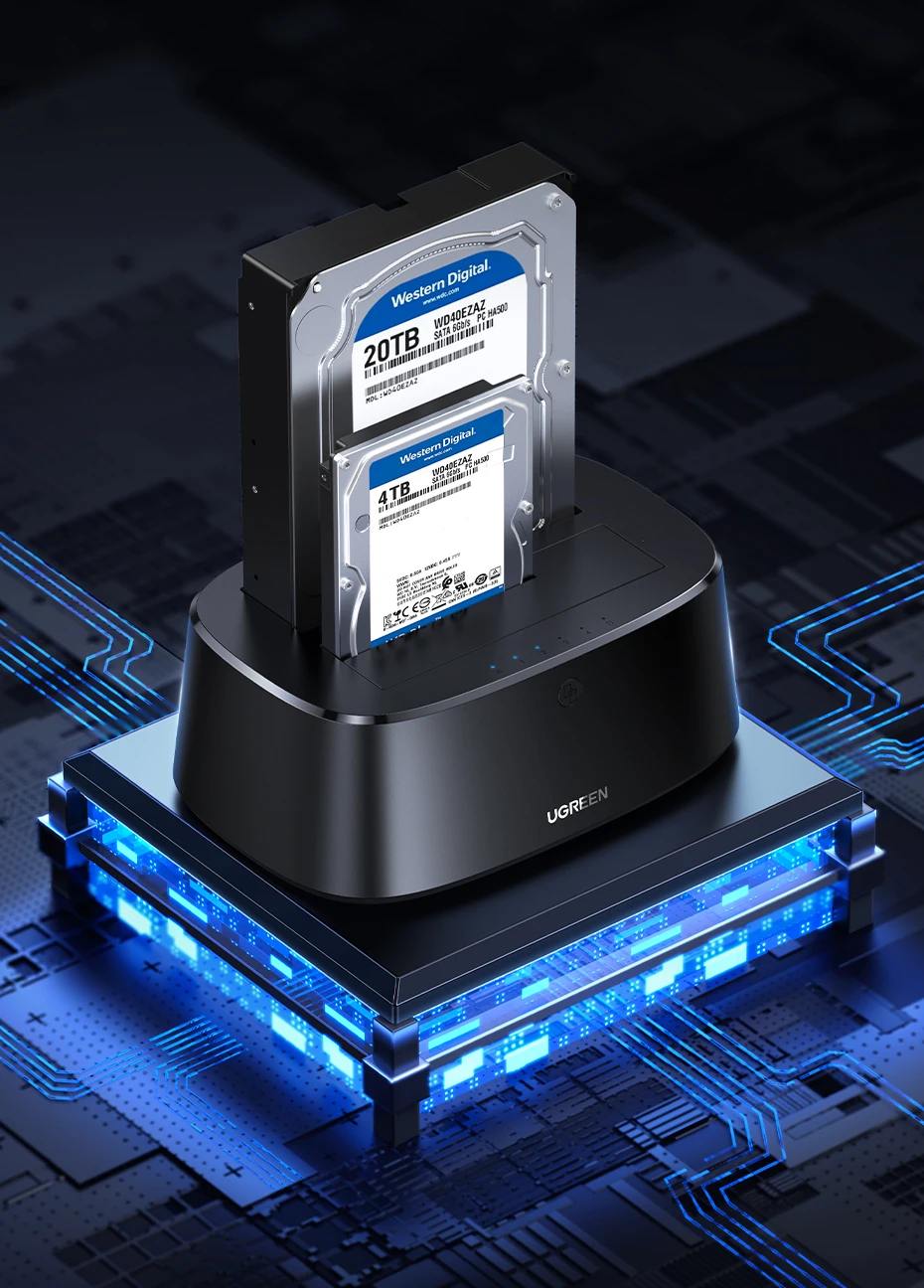
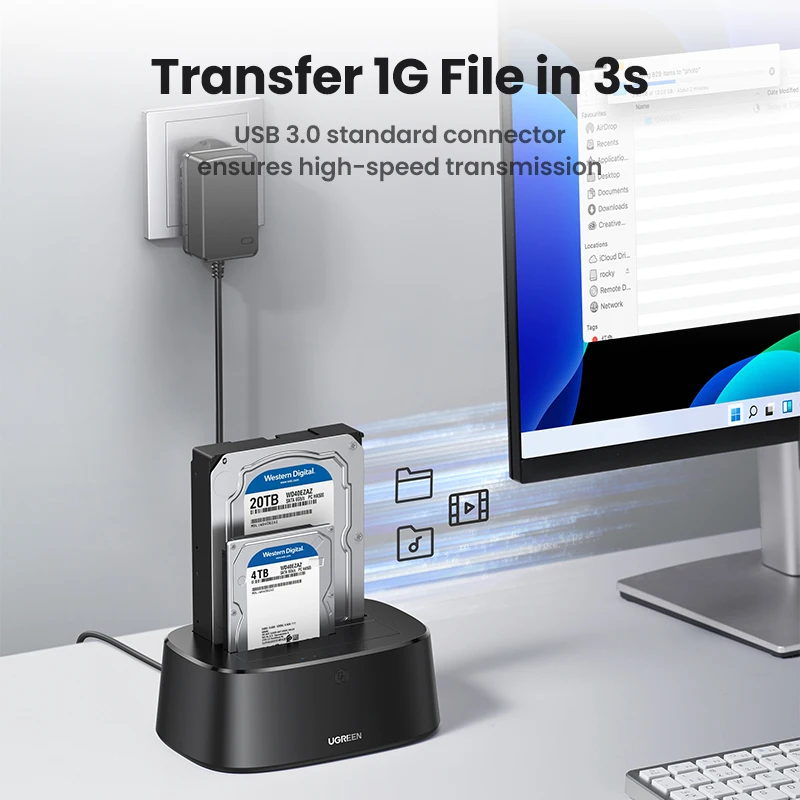
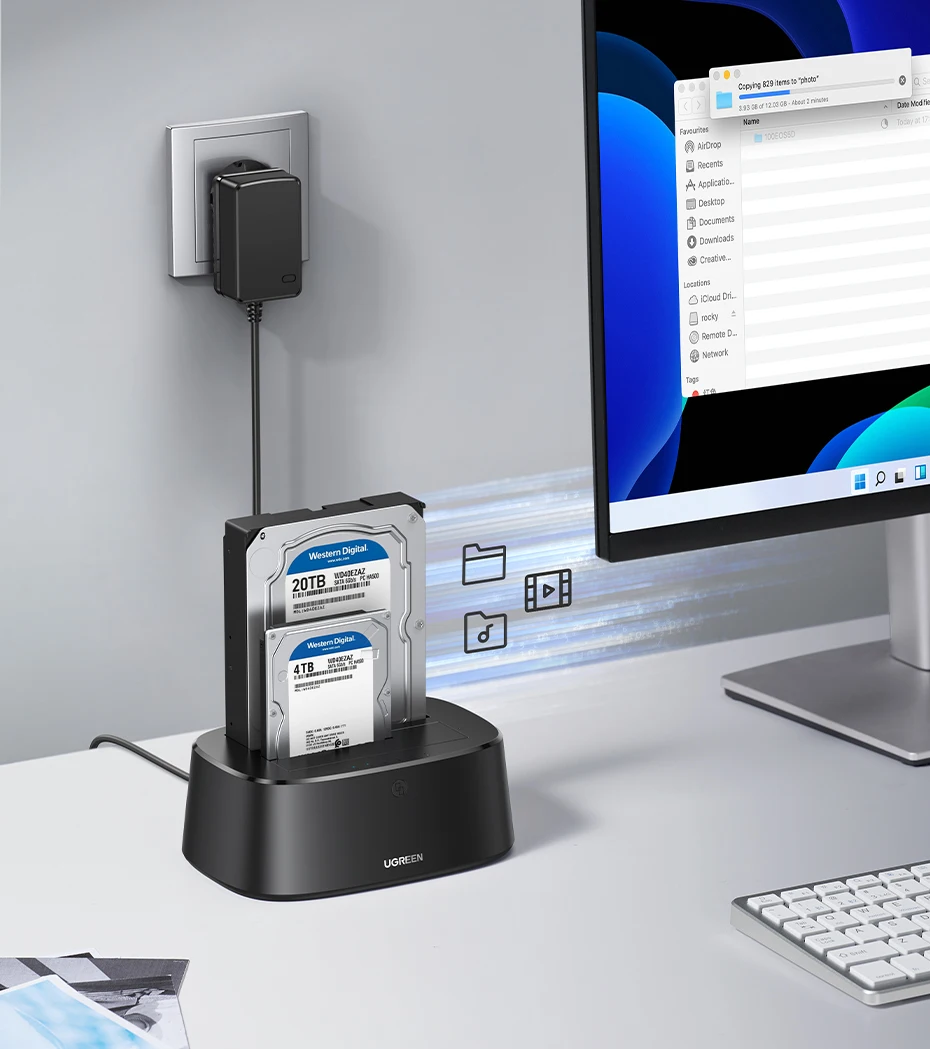
Transfer 1G File in 3s
USB 3.0 standard connector ensures high-speed transmission
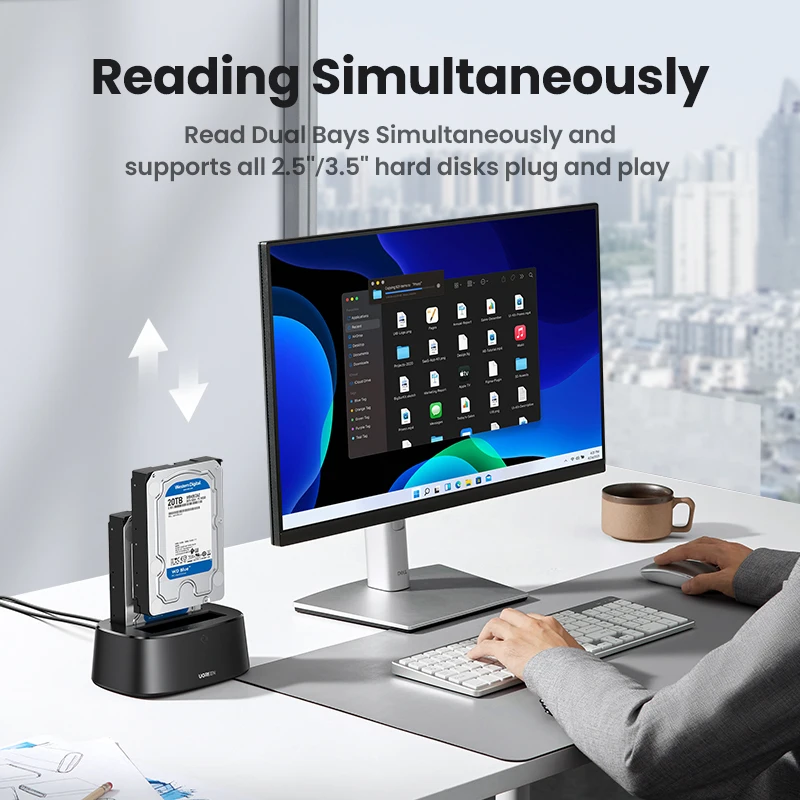
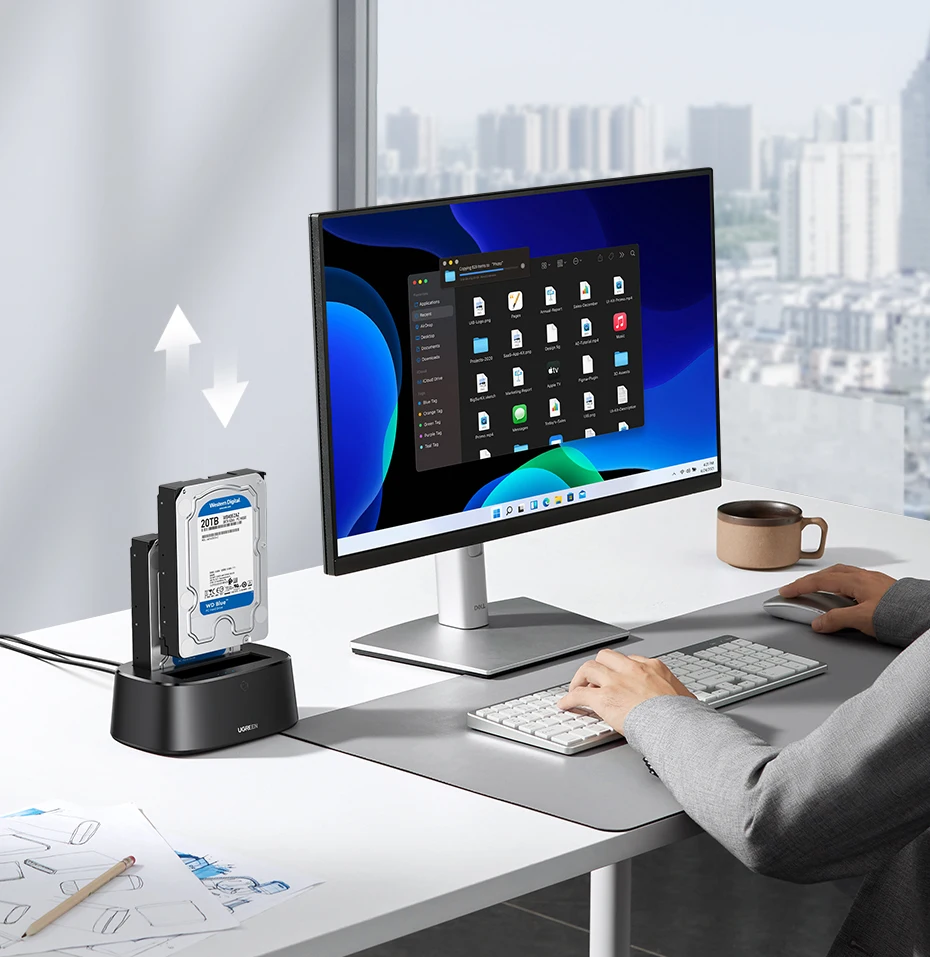
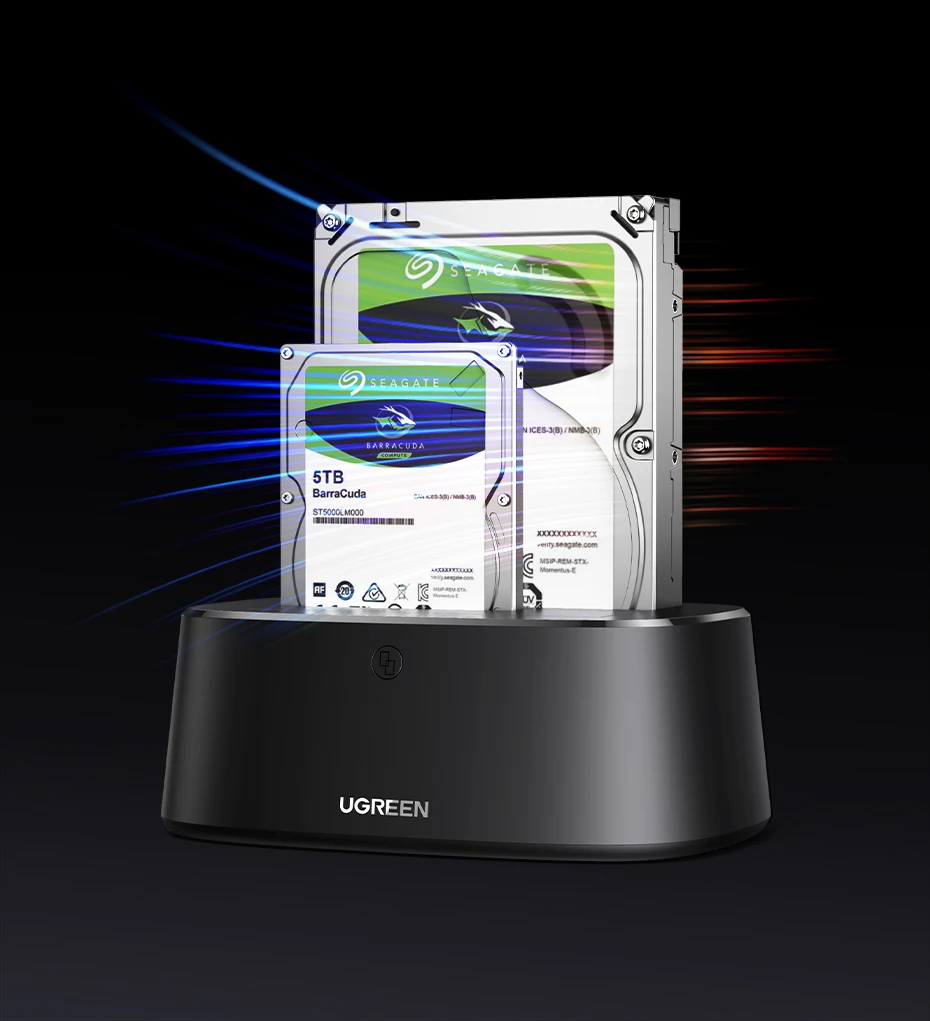
Reading Dual-Bay Simultaneously
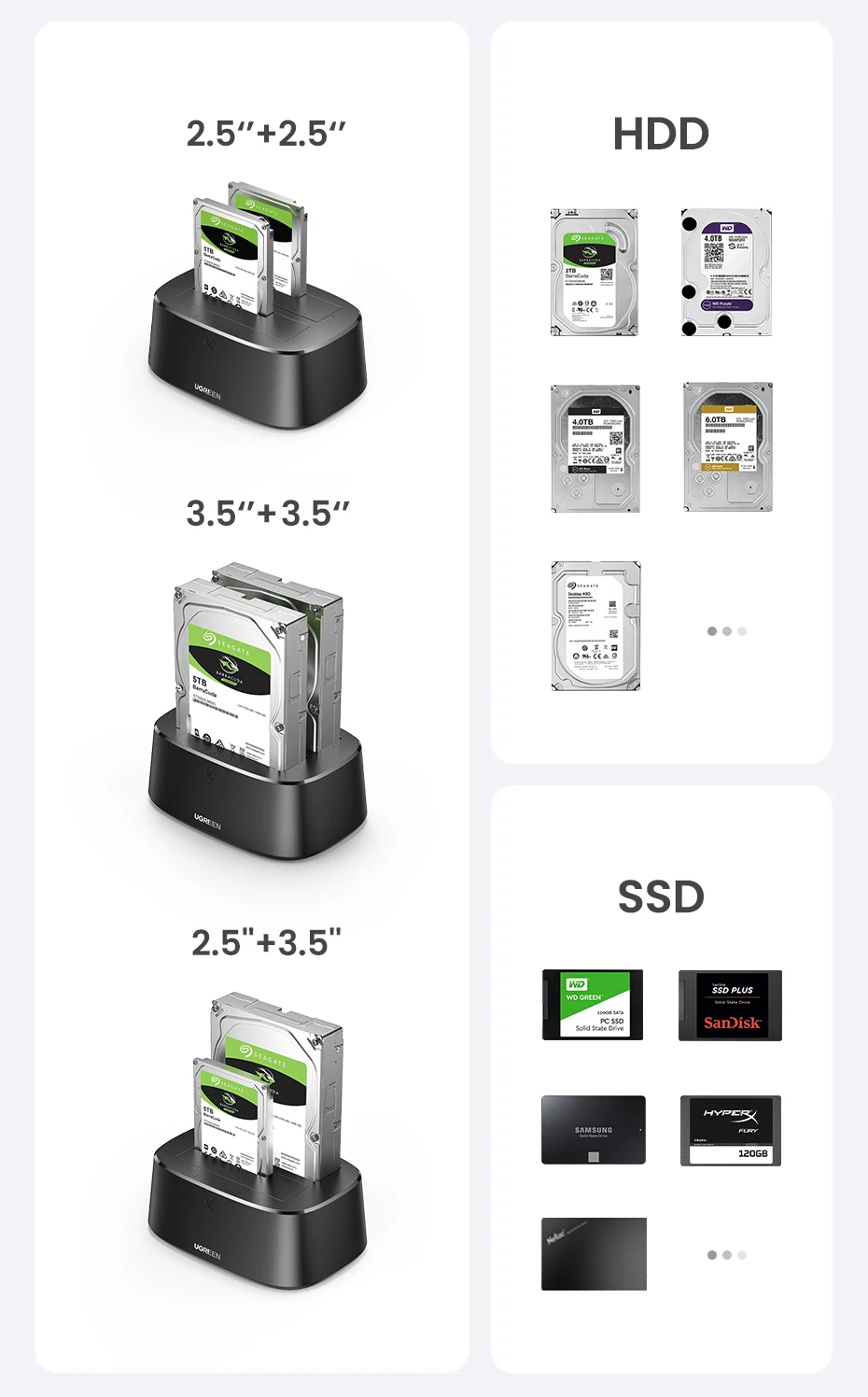
Supports all 2.5''/3.5'' hard disks plug and play
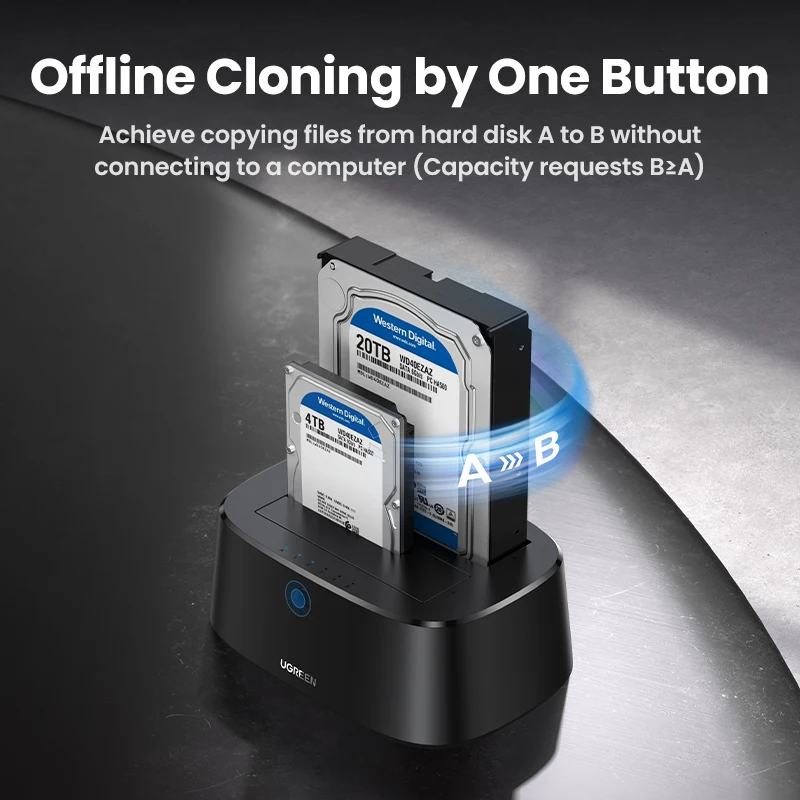
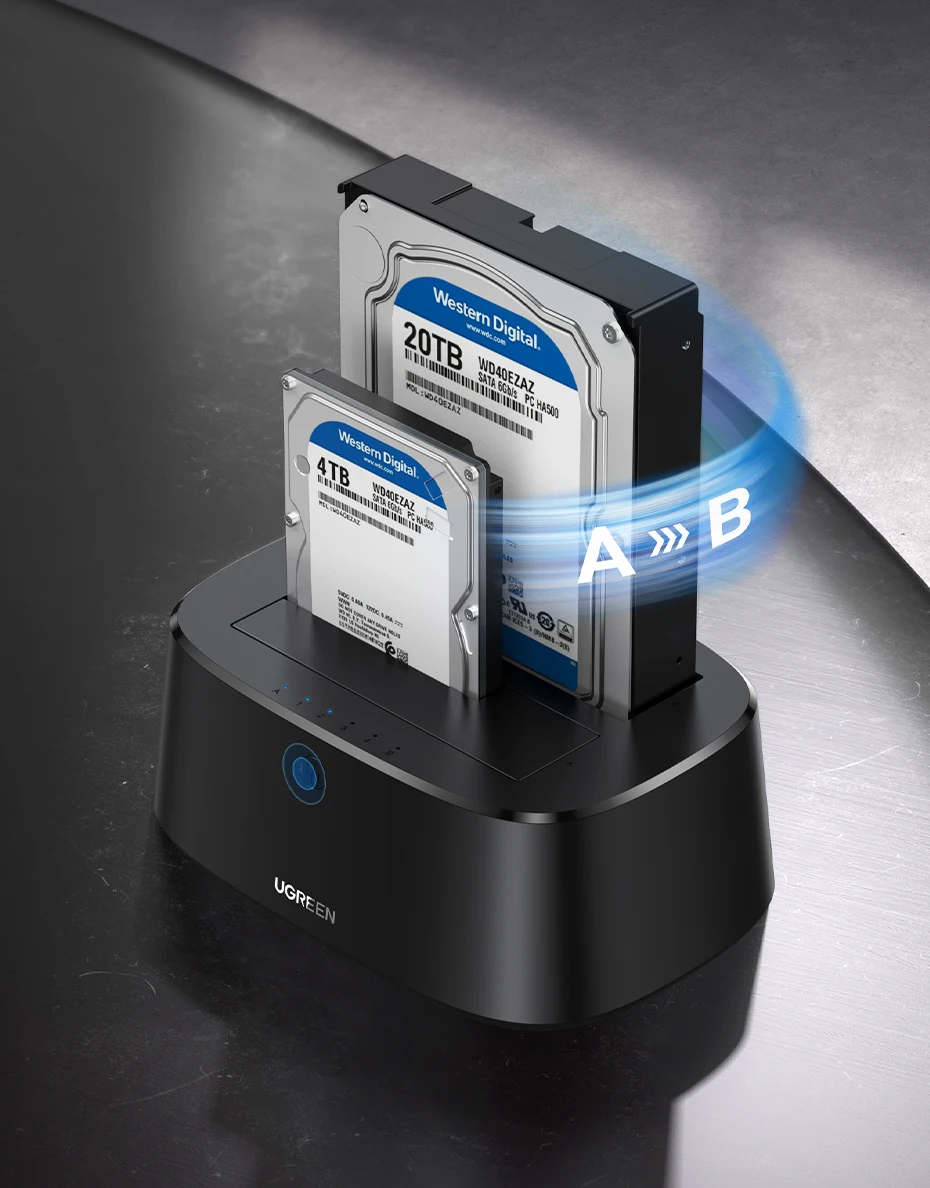
Offline Cloning by One Button
Achieve copying files from hard disk A to B without connecting to a computer (Capacity requests B≥A)
Support 2.5''/3.5'' SATA HDD/SSD
Tool-Free installation for 2.5-inch & 3.5-inch HDD/SSD
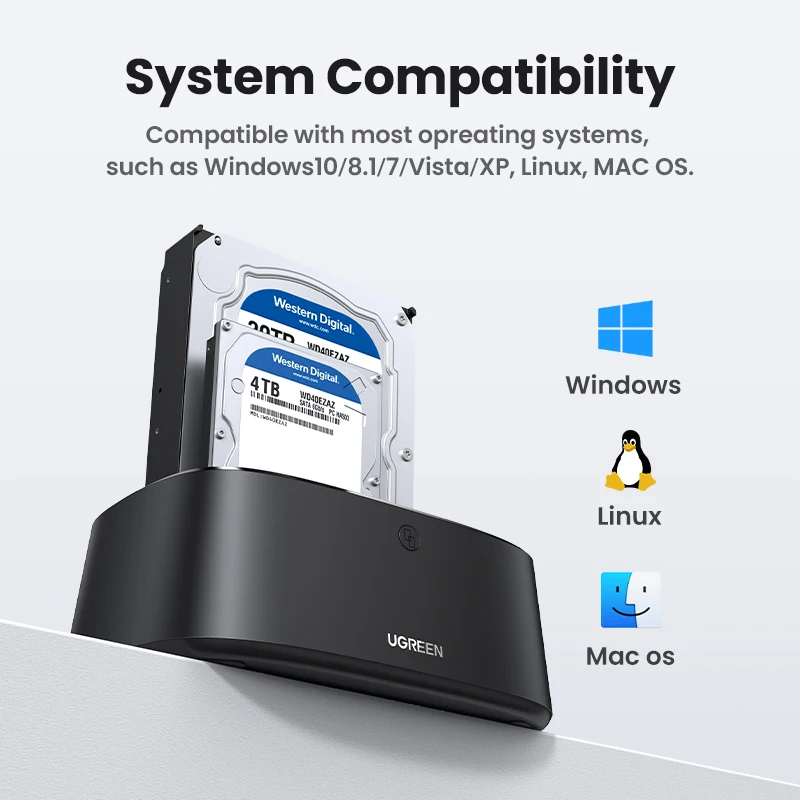
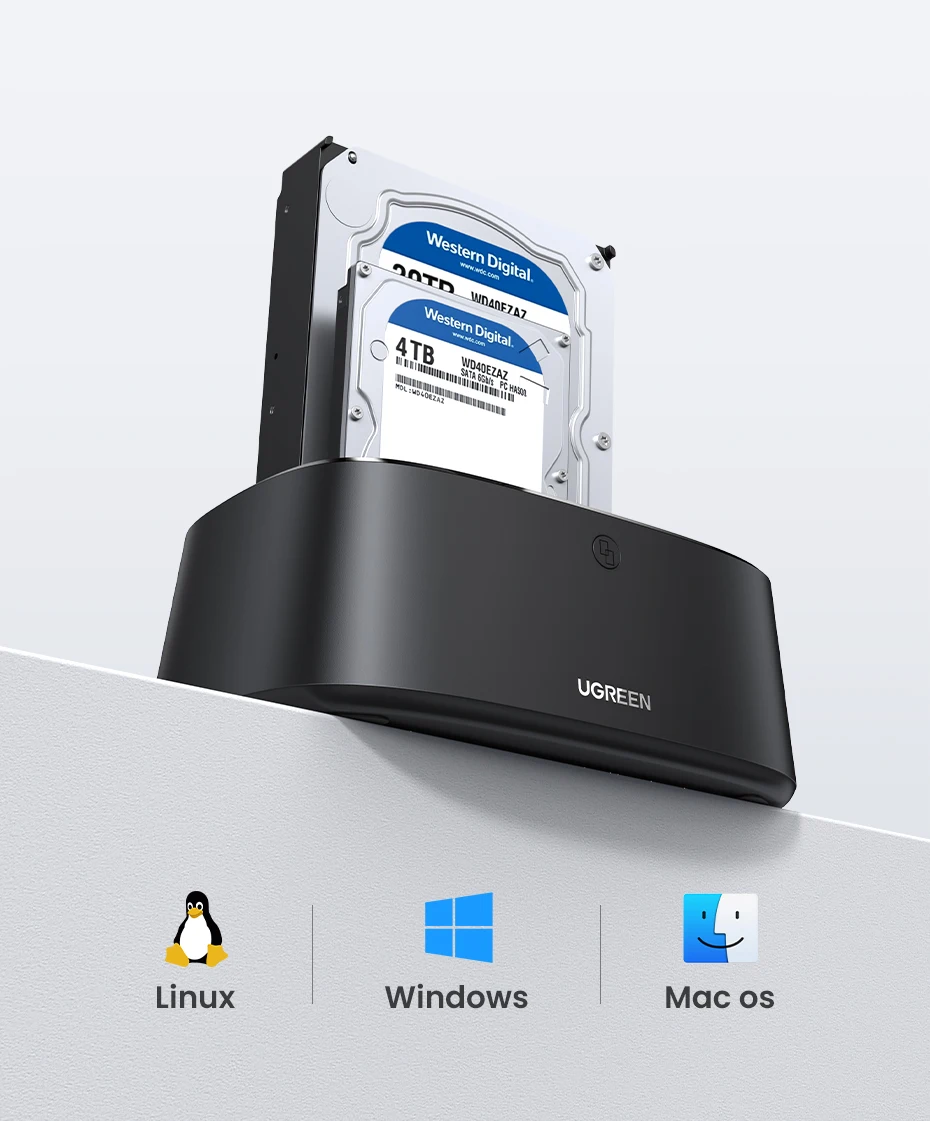
System Compatibility
Compatible with most operating systems, such as Windows 10/8.1/7/Vista/XP, Linux, MAC OS
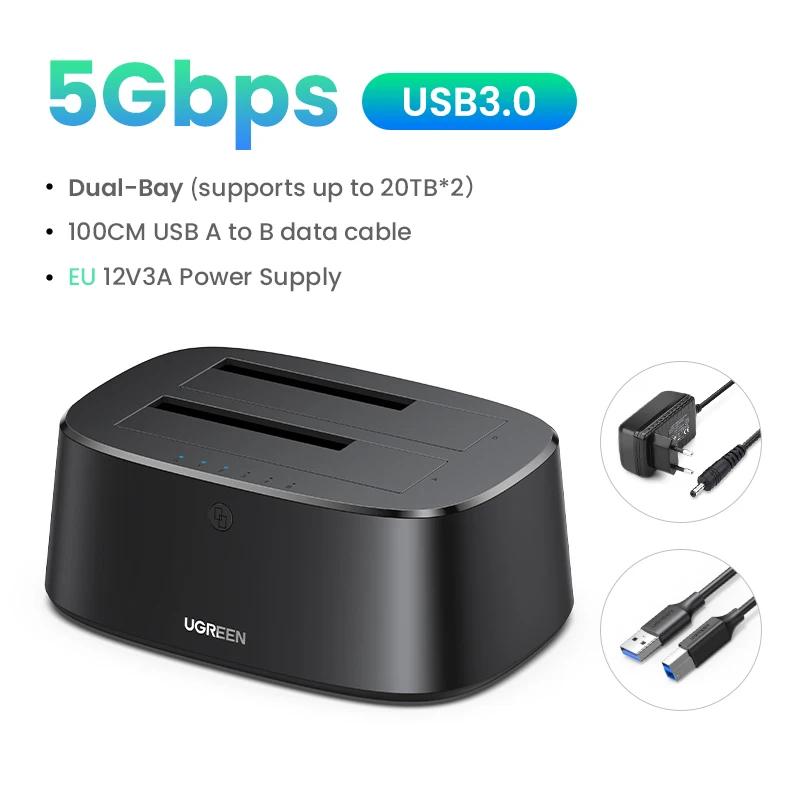
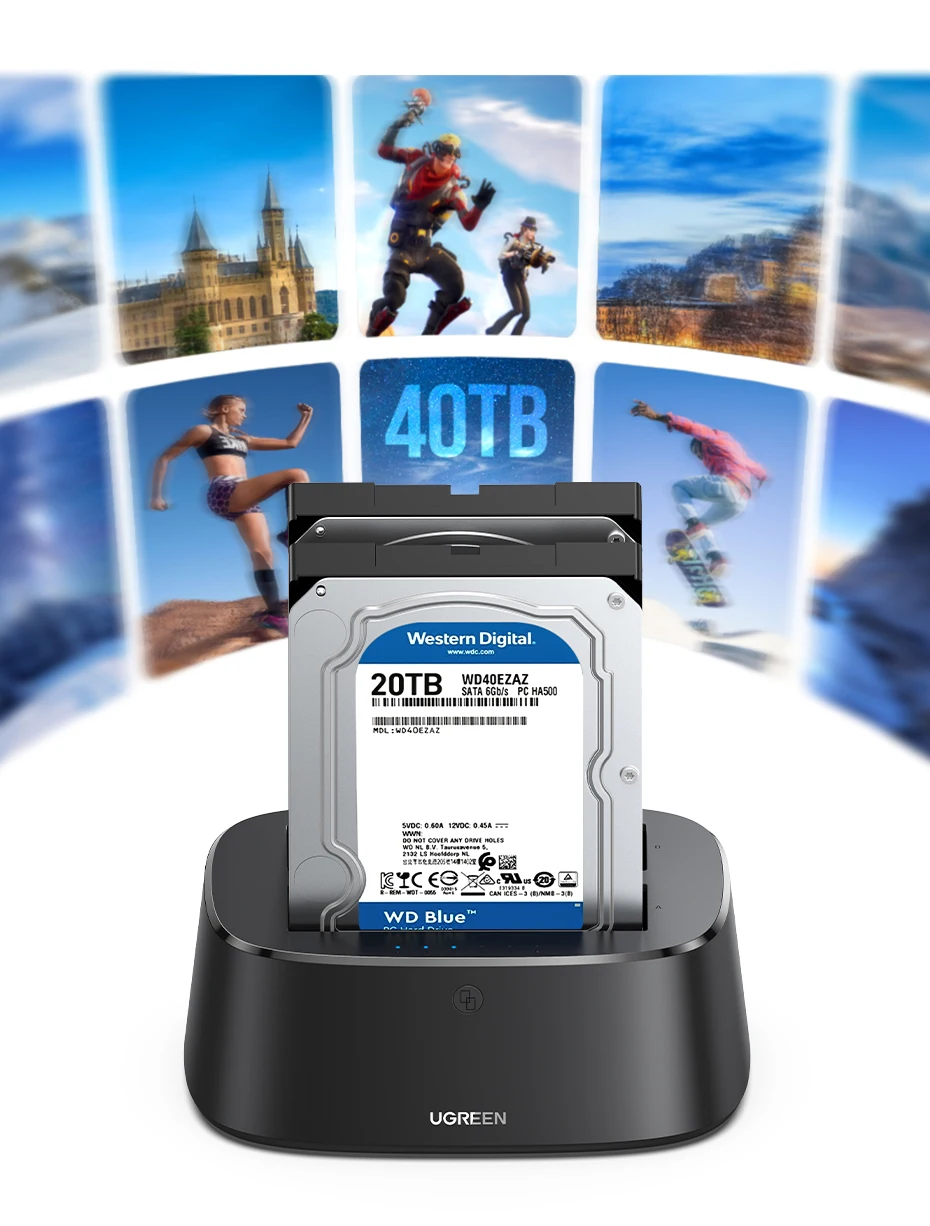
Support Up to 40TB
Single HDD/SSD supports up to 20TB, and dual HDD/SSD support up to 40TB capacity
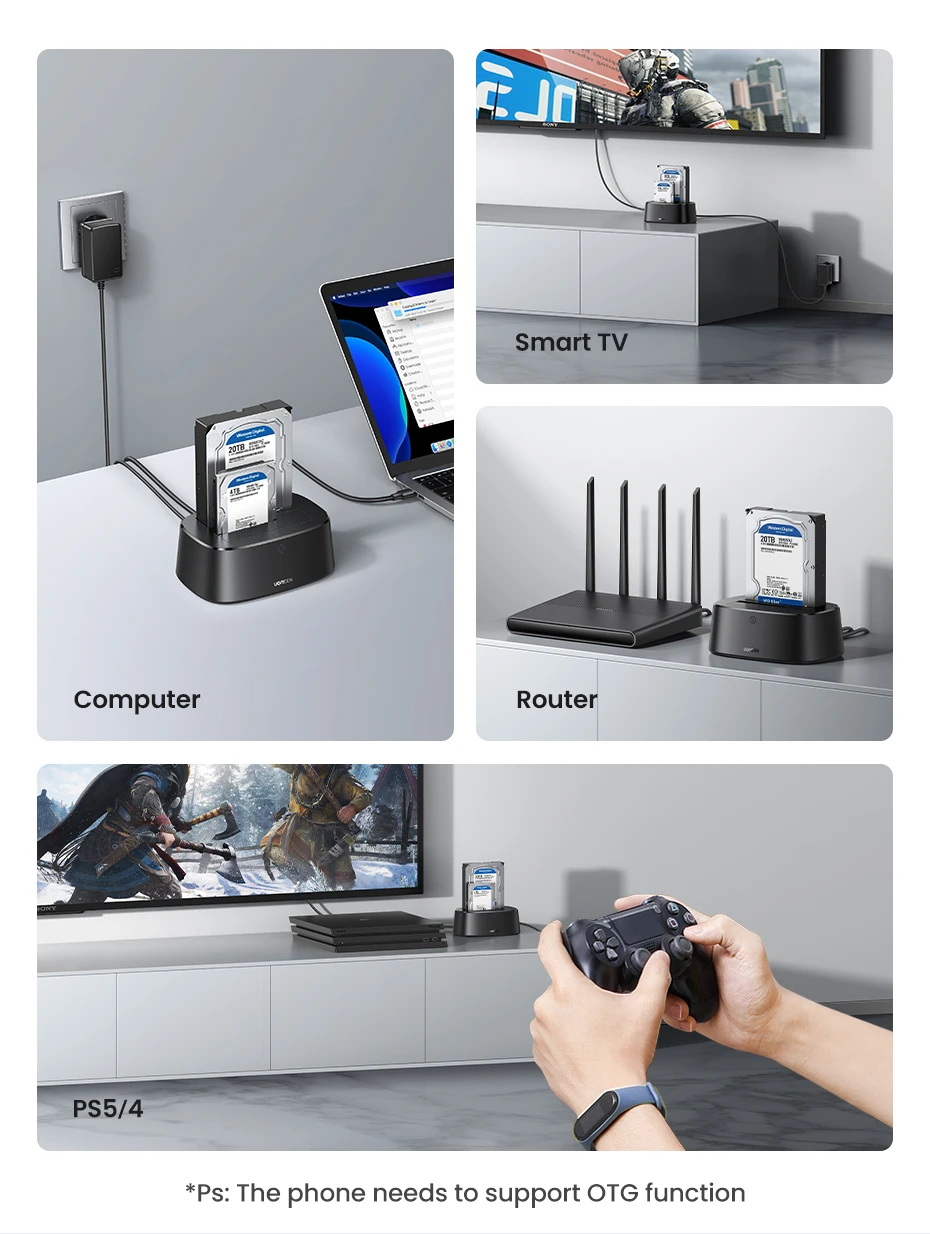
Infinite Connectivity
Used for PCs, laptops, smart TVs, smart routers, PS5/4, and other devices
*Ps: The phone needs to support OTG function
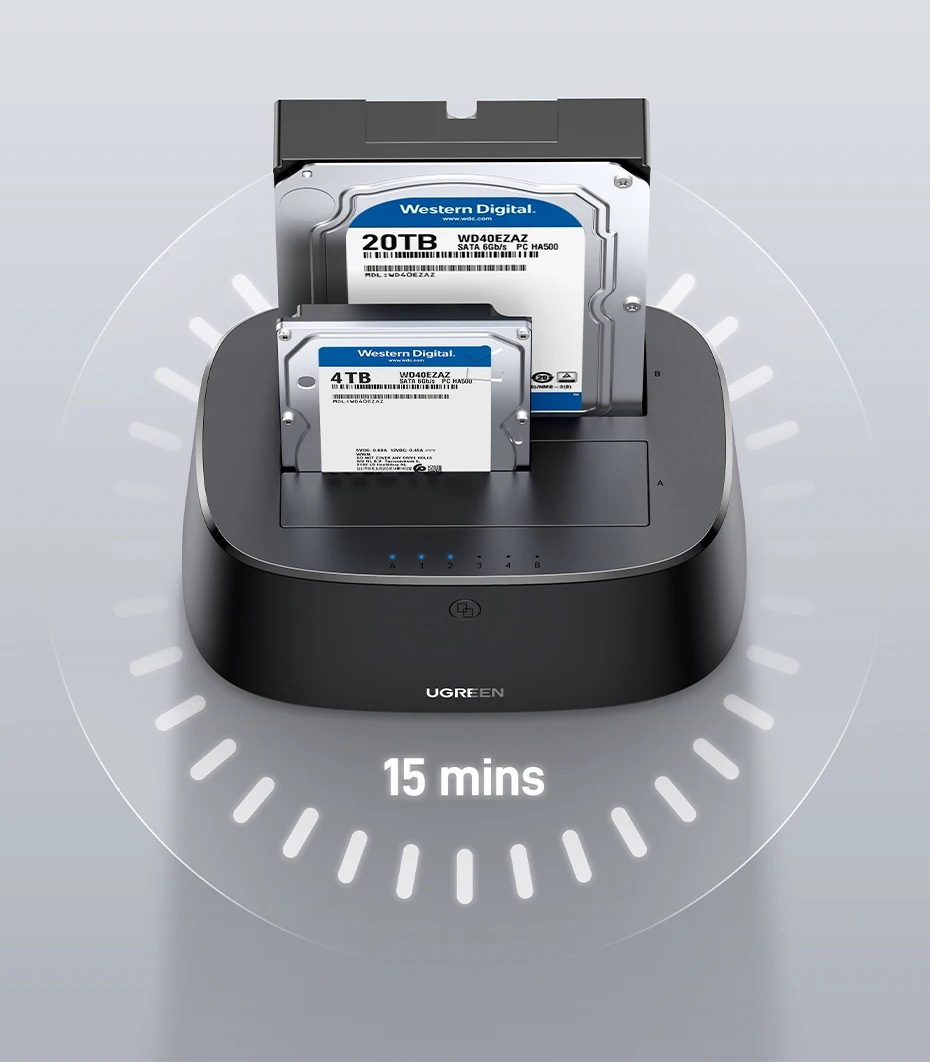
Smart Sleep
The 15-minutes auto sleep mode effectively extends the hard drive's lifespan and avoids data loss and corruption
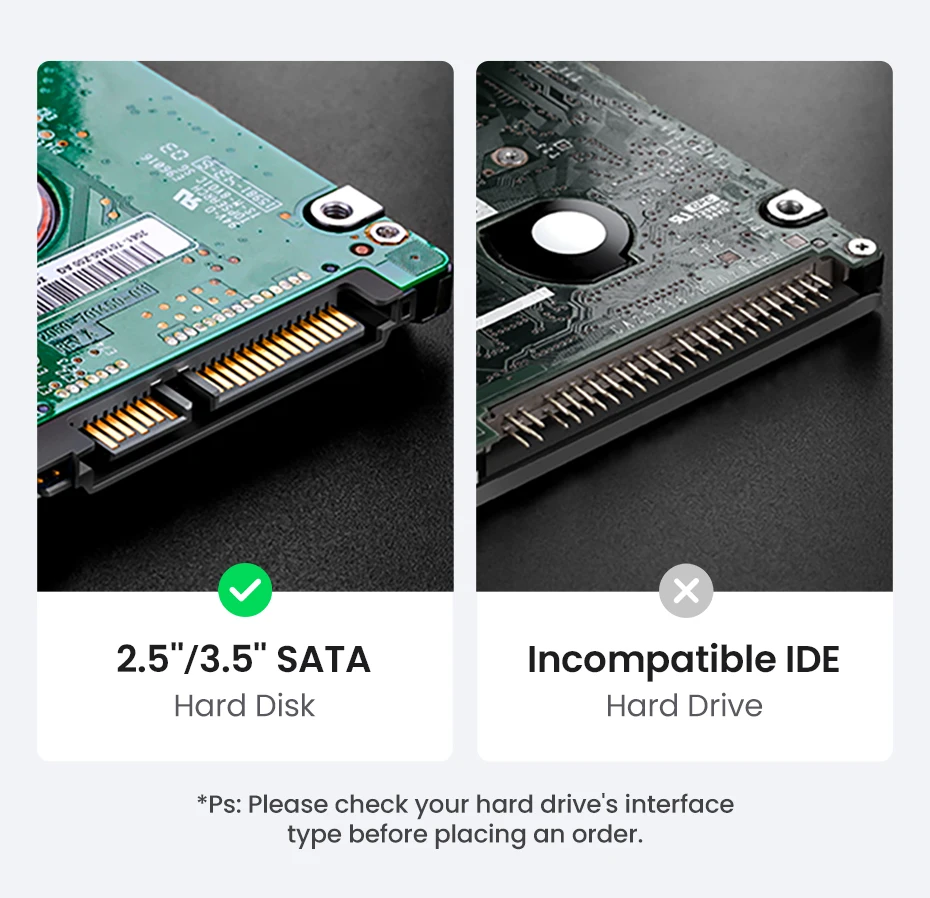
SATA Hard Disk Supported
*Ps: Please check your hard drive's interface type before placing an order.
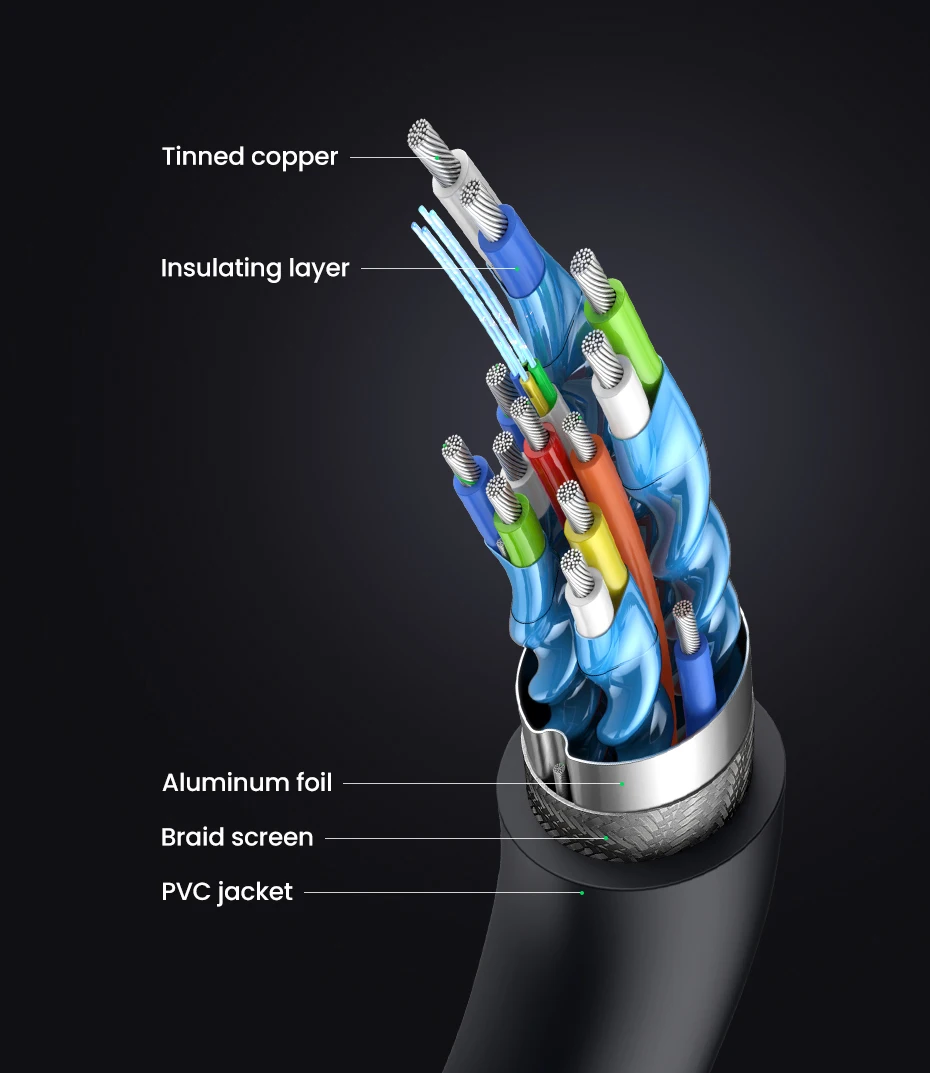
Stable Signal Transmission
Equipped with an efficient USB cable to be anti-interference
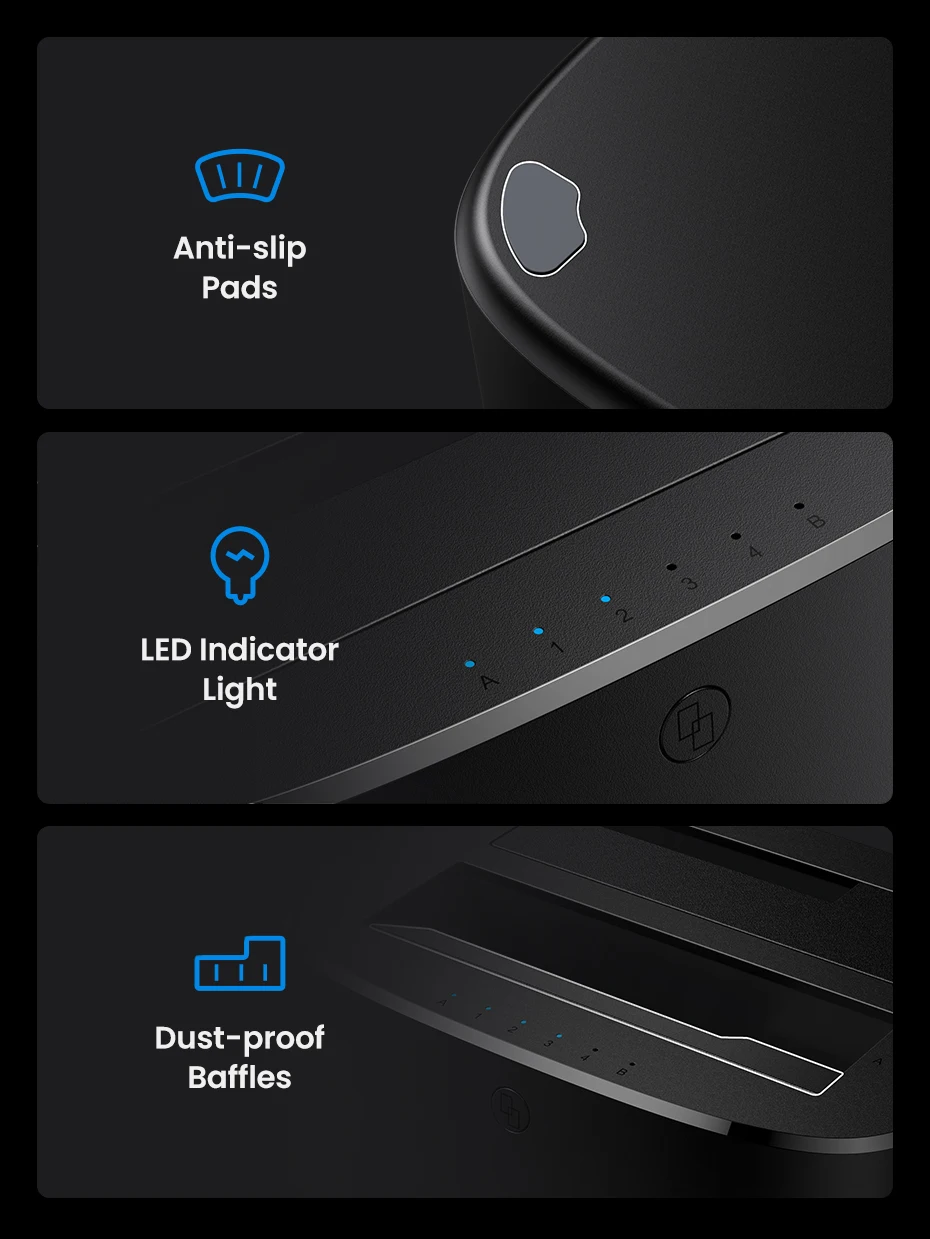
More Details
✔Anti-slip Pads ✔LED Indicator Light ✔Dust-proof Baffles
Fast Heat Dissipation
The open design provides a better heat dissipation effect and
stable transmission
Hard Drive Offline Clone Function
1. Insert Source Disk into hard drive Source bay, then insert Target Disk into hard drive Target bay.
2. Make sure that the USB cable is disconnected from your computer.
3. Connect power supply and switch on power.
4. Hold the clone button for 5-6 seconds, when the lights are blinking,and the clone progress starts.
5. A Blue LED will flash on 25% indicating that the cloning process has begun.
6. The cloning process is complete when ALL the lights turn on.
7. Finally press the power switch to the OFF position and eject your drives.
Product Specifications
Brand : UGREEN
Model No. : CM198
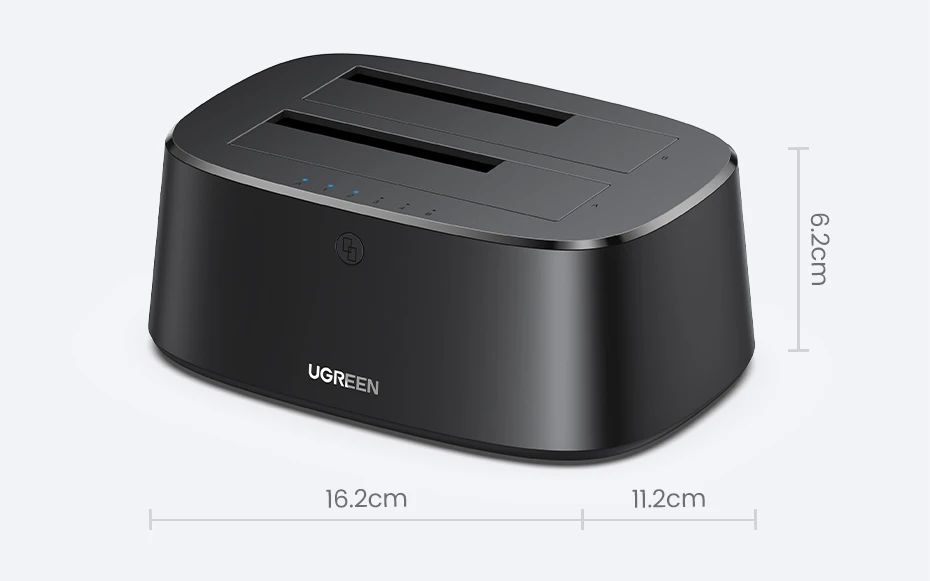
Product : 2.5''/3.5'' Hard Drive Docking Station
Compatibility: 2.5''/3.5'' SATA HDD/SSD
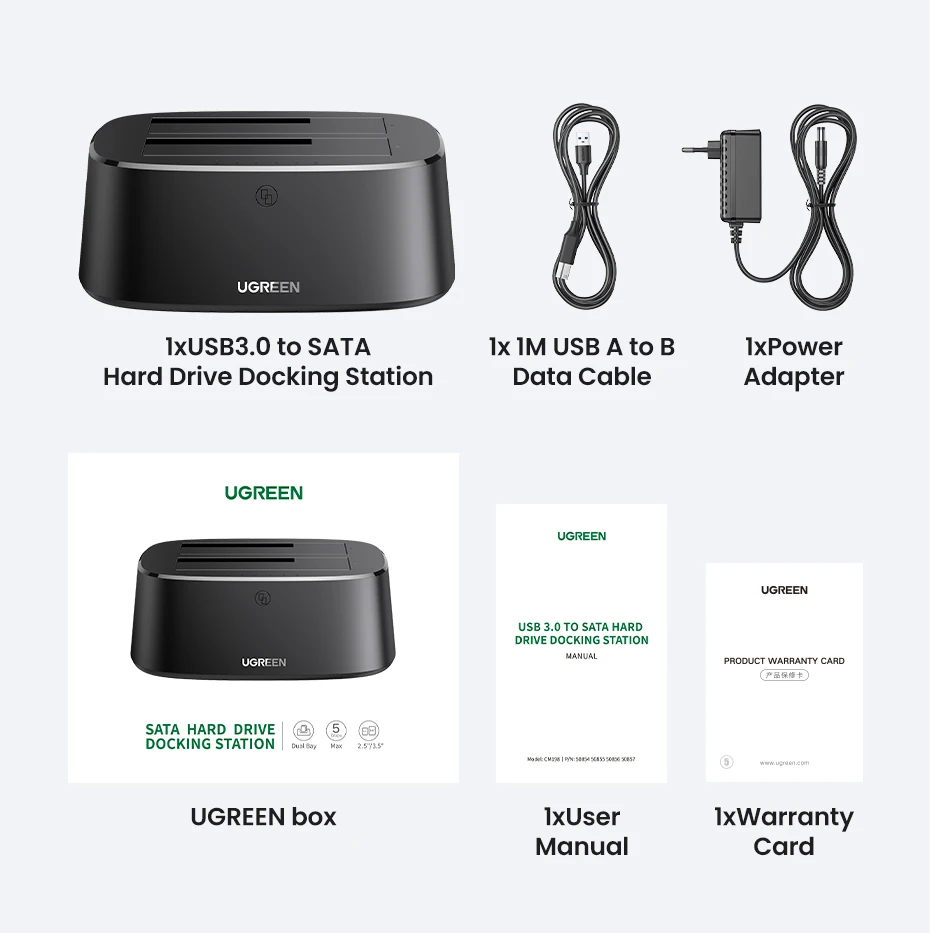
Cable:1M USB C to B data cable
System : Compatible with most opreating systems, such as Windows 10/8.1/7/Vista/XP, Linux, MAC OS
Power supply: 12EU 12V/3A
Shell Material: PC+ABS
Package: UGREEN box
Packaging