


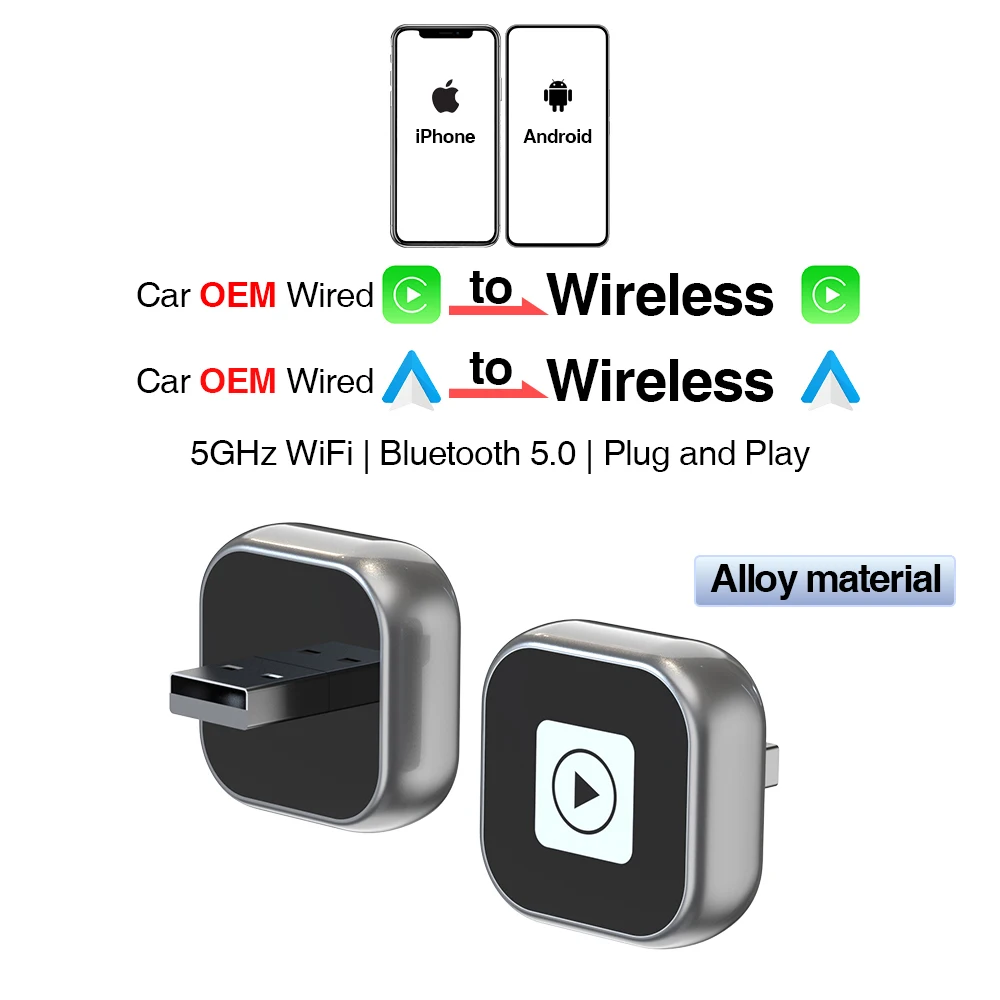
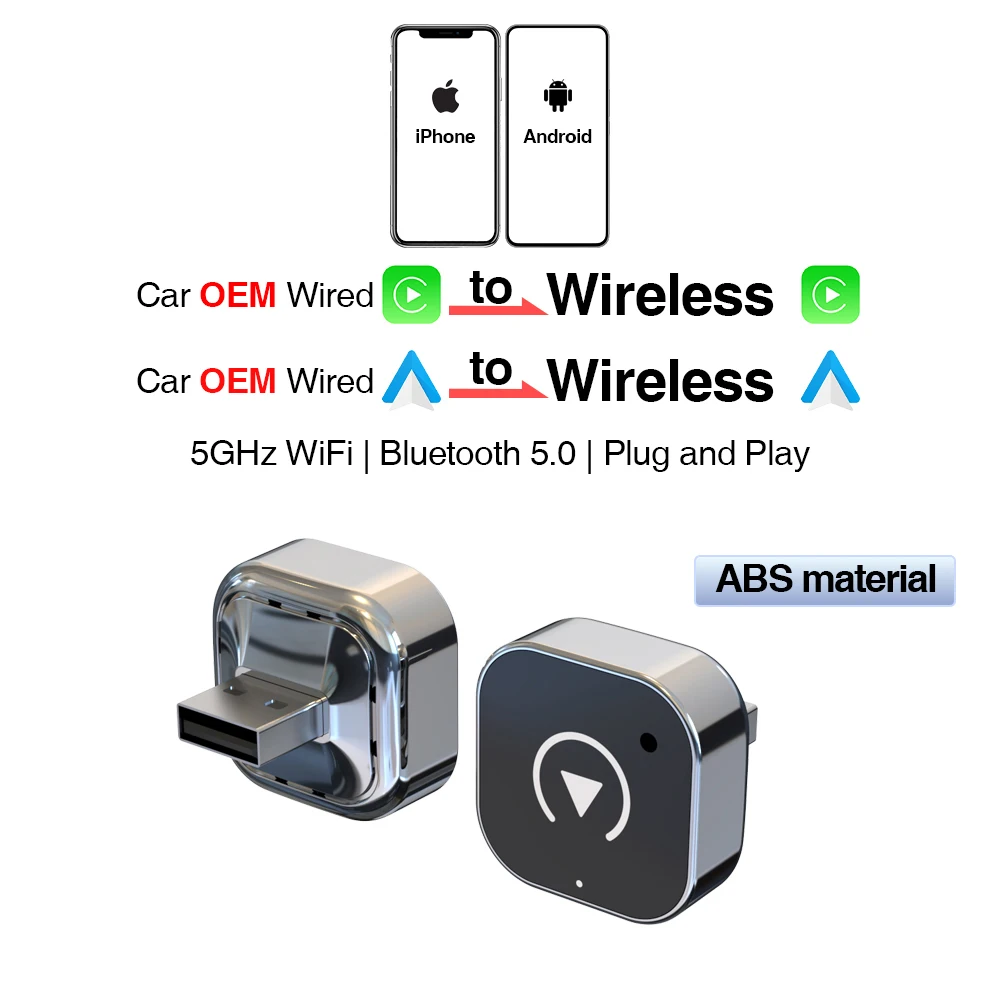
New wireless CarPlay Android car converter USB dongle smart small box plug and play universal for Volkswagen Toyota Nissan Honda Ford Benz
159.85ر.س
342.7ر.س-53%Product description
2 dongle styles to choose from, featuring an aluminum alloy material with a better and more luxurious feel compared to ABS material.
Compatibility note:
● Please ensure your original car supports wired/Android Auto operation (BMW and Tesla models are not compatible. If you're unsure, you can contact customer service for inquiries.)
● An iPhone 6 or newer iPhone model with iOS 10 or above is required for wireless car operation.
● A smartphone running Android supporting the latest Android Auto feature and Android 11 or above is required for wireless Android Auto.
Note: Huawei mobile phones have their own mobile operating system — EMUI. Unfortunately, this dongle does not support Huawei phones!
How to check if your car has wired Car-Play or Android Auto from Apple?
First method: Connect your iPhone or Android smartphone to your car via a USB cable and look for the Car-Play or Android Auto logo on your car screen.
Second method: Check the compatible list below or consult your car manufacturer to see if your car has this capability.
CarPlay: https://www.apple.com/ics/zcarplay/
Available models / Android Auto: https://www.android.com/auto/Compatibility#Compatibility-vehicles
Wireless CarPlay and Wireless Android Auto:
If your car supports wired CarPlay and Android Auto, this can help you switch to wireless CarPlay and wireless Android Auto.
How to use our products:
1. Connect the product to the car’s USB port.
2. Turn on WiFi and Bluetooth on your phone, and pair with Bluetooth SmartBox-XXXX.
3. Connect to use wireless CarPlay or wireless Android Auto.
How to use?
1. Start the car and wait for the head unit to load the system.
2. Connect the wireless Android auto converter to the car’s USB-A or USB-C port. Please ensure the converter is connected to the port designated for wired Apple Carplay or Android Auto.
3. Turn on WiFi and Bluetooth on your iPhone/Android smartphone, search for the BT named "AutoBOX-xxxx," tap Pair; tap "Low"; then select Use Carplay or Use Android Auto.
Features:
1. Wired to wireless CarPlay converter, say goodbye to cables. Plug and play via USB, stable and fast, no need to remove OEM radio.
2. It can connect automatically after the first successful connection.
3. WiFi module supporting 5GHz frequency, providing a faster and better wireless experience.
Faster, more stable, and delay-free plug-and-play.

From Al Madinah Province