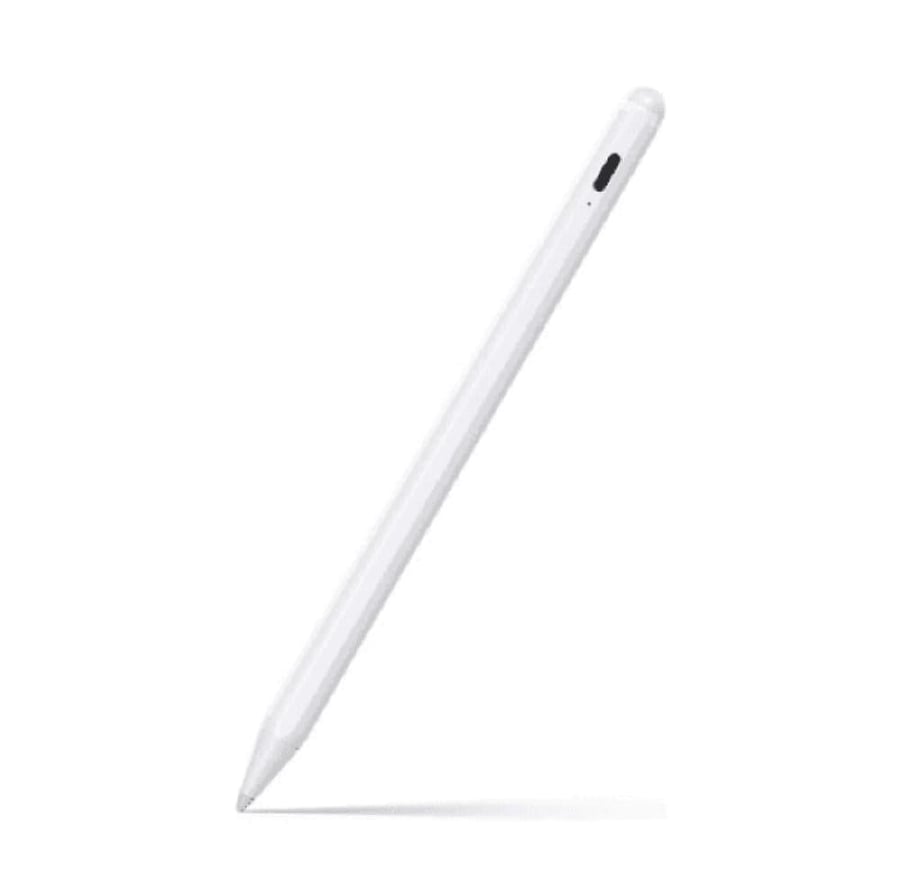


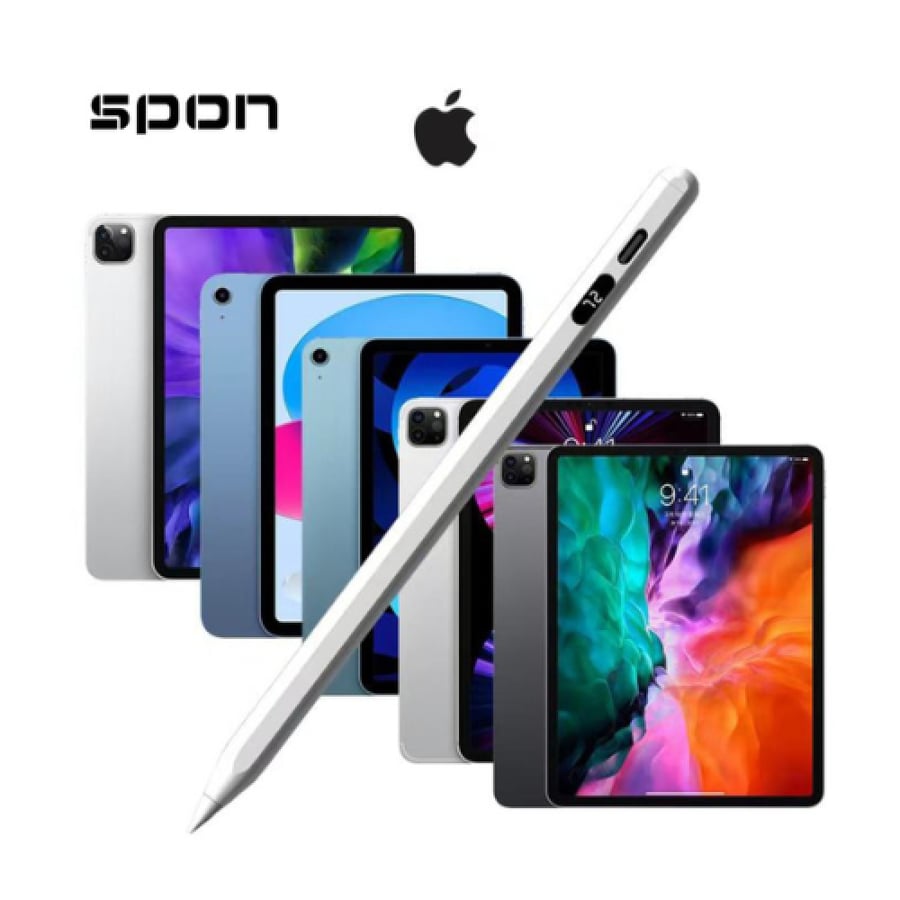

iPad pen supports palm rejection all Apple versions
99ر.س
190ر.س-48%Product description
Precise and high-performance iPad pen supporting palm rejection. The iPad pen that supports palm rejection feature is among the best options for digital writing and drawing enthusiasts, as it combines high performance and advanced technology to provide a smooth and comfortable experience for users. The main features of the iPad pen 1. Palm Rejection support: - Allows you to place your hand on the screen while writing or drawing without affecting performance. - Provides a natural experience similar to writing on paper. 2. High accuracy and fast response: - Excellent pressure sensitivity for precise drawing and detailed writing. - Almost no delay for a smooth experience. 3. Compatible with different iPad generations: - Works with iPad 9th and 10th generations, as well as other recent versions. 4. Comfortable design: - Lightweight and easy to hold, making it ideal for long-term use without fatigue. - High-quality materials to ensure long-lasting durability. 5. Fast charging and battery life: - Fast charging lasts for long hours of use. - Equipped with an indicator showing the charge level. Why choose an iPad pen supporting palm rejection? - Natural experience: Palm rejection support helps reduce errors and improve productivity while writing or drawing. - Excellent compatibility: Fits a wide range of drawing and note-taking apps, such as Procreate and Notability. - Control and creativity: Pressure sensitivity and angle provide better control to unleash creativity. - Supports all iPad versions including iPad Air 2024 + iPad Pro 2024 + iPad Air 13 inch + iPad Pro 13 inch equipped with LED screen for charge percentage. FAQs 1. Does the pen work with all iPad versions? - The iPad pen supports devices with multi-touch screens, including 9th and 10th generations. Always check compatibility before purchase. 2. Does it need charging? - Yes, the pen has a rechargeable battery that lasts long with fast charging. 3. Are there different colors available? - Usually, the pen comes in classic white, but some versions offer other options. 4. Can it be used for professional drawing? - Of course, it is designed for professional digital drawing thanks to high pressure sensitivity and precise performance. 5. Does it require special setup? - Most iPad pens require simple pairing via Bluetooth, and are easily connected to the device. The iPad pen supporting palm rejection is your ideal partner for creativity and productivity, whether you are a student, artist, or professional in any field. Get it now to experience innovative technology! Shop more iPad accessories from Rooftik Store.

From Jeddah