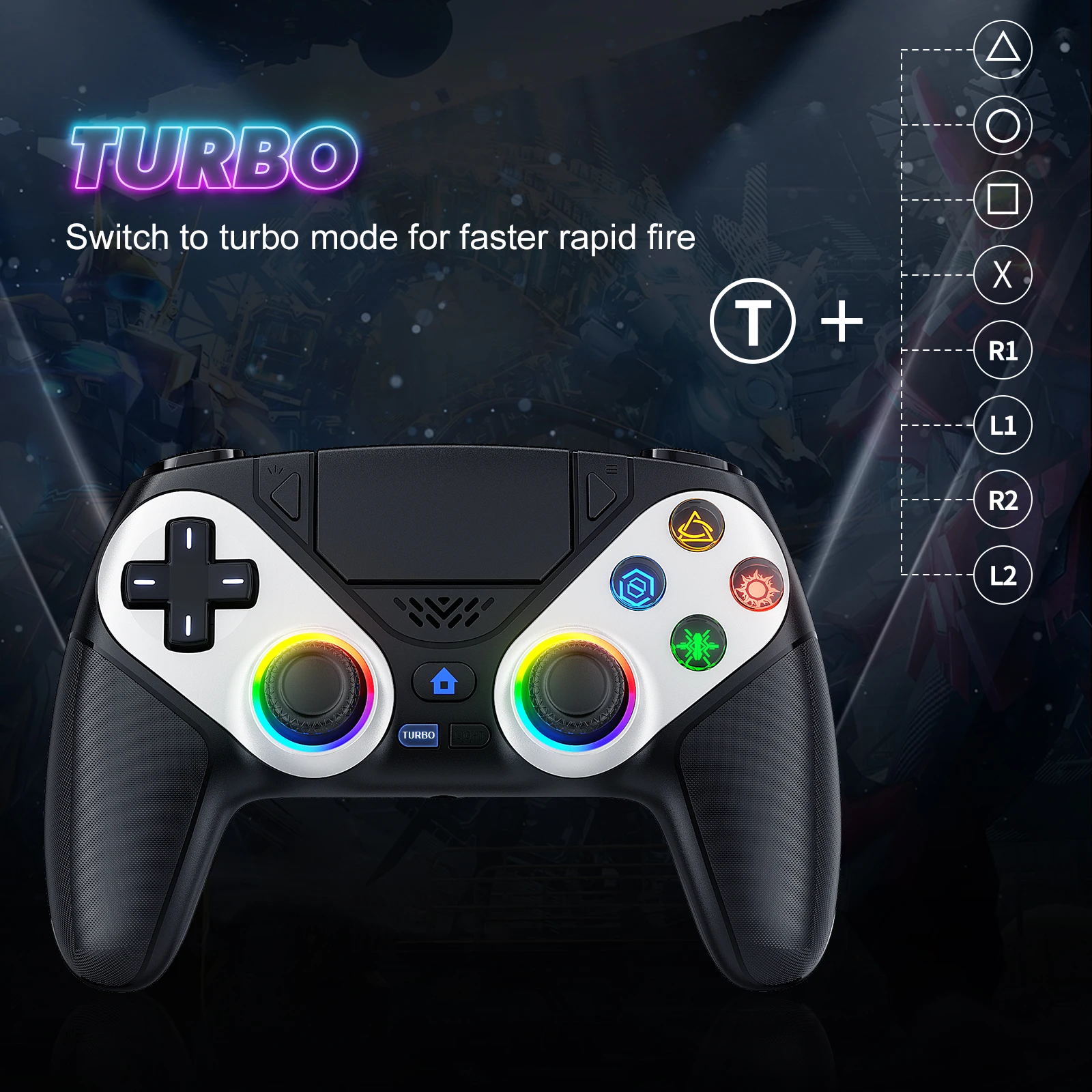
PlayStation 5 wireless controller PS5 game controller Bluetooth Gampad with dual sensation vibration programming turbo
253.45ر.س
Product description
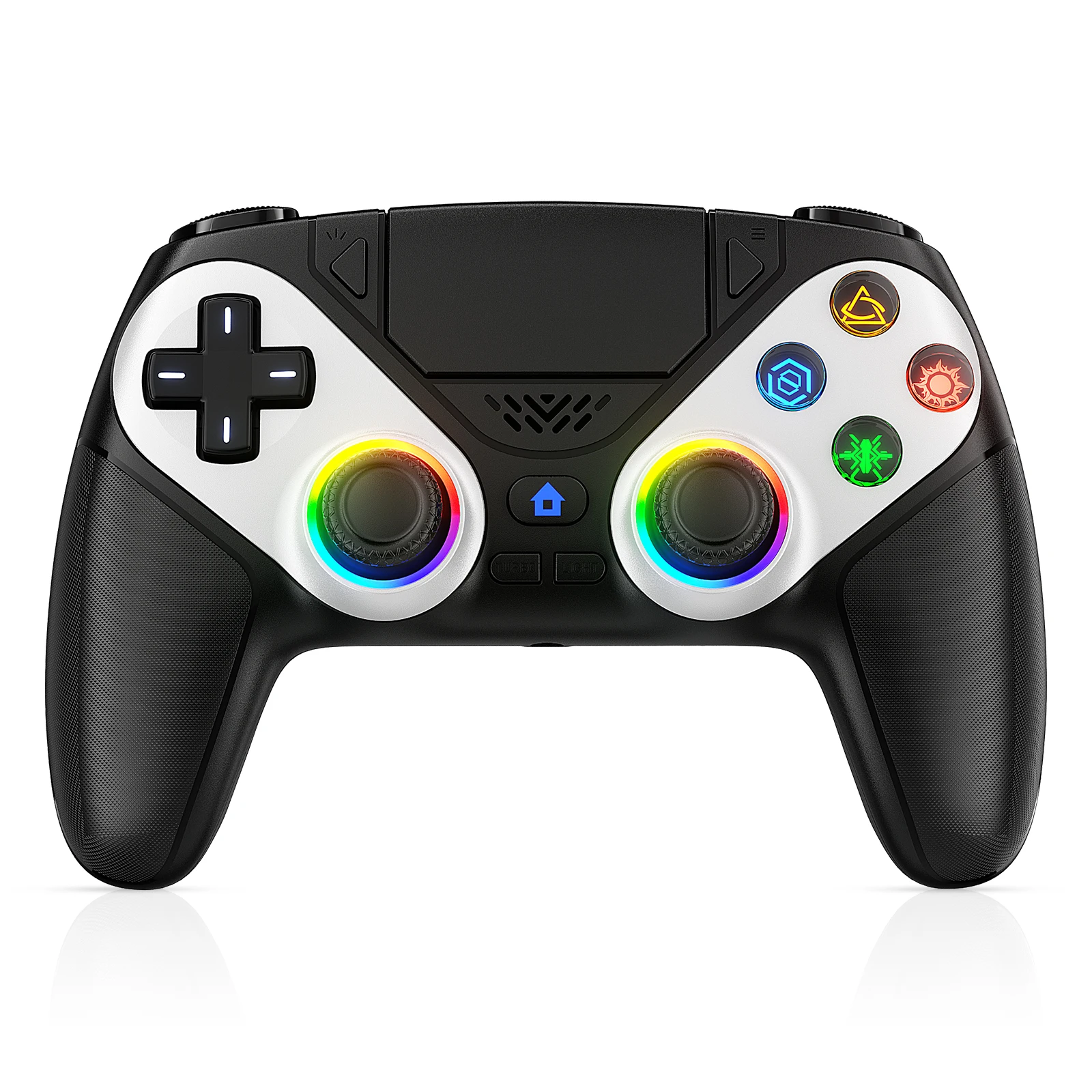
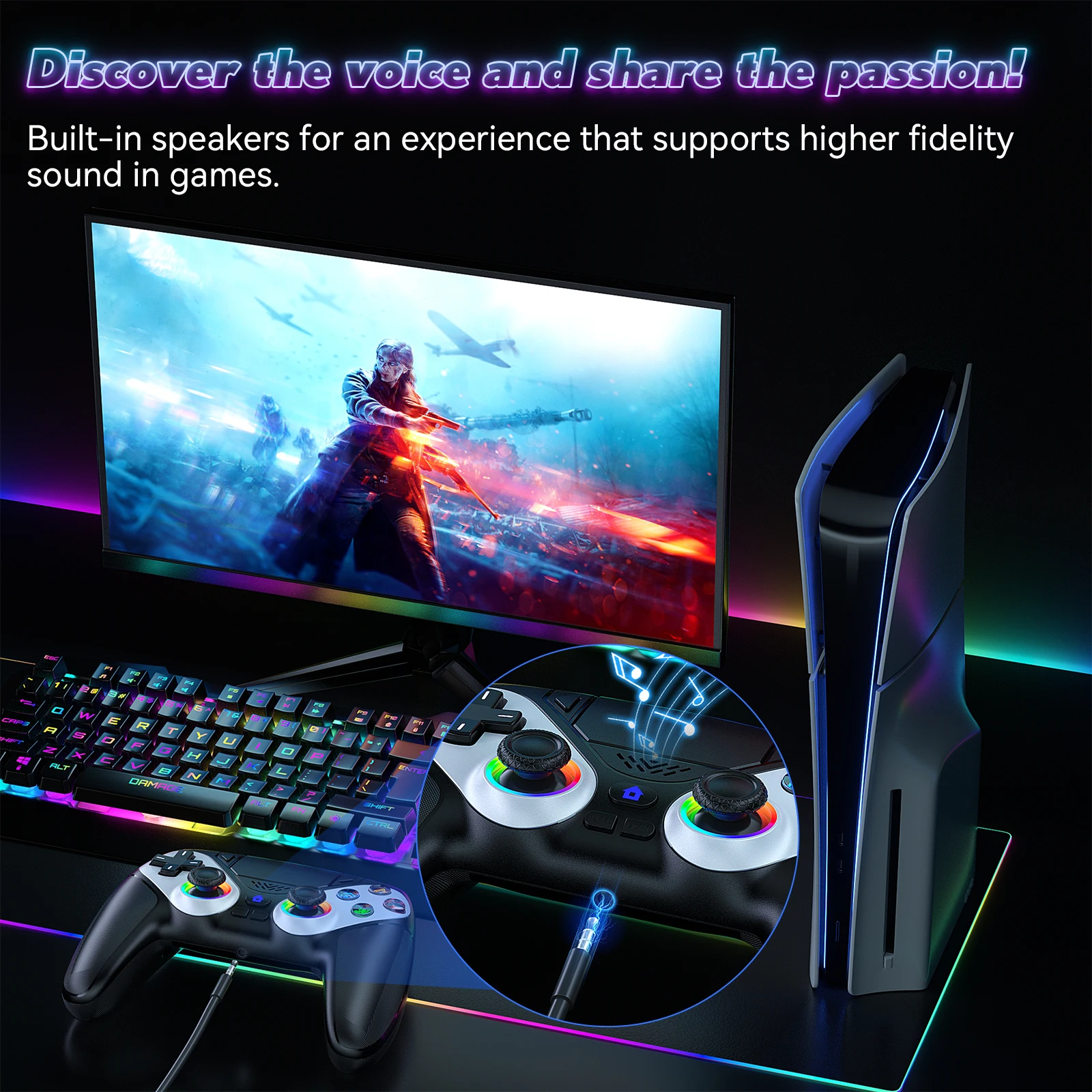
Wireless controller for Play-Station 5 game controller Esports Gamepad wireless gameboard accessories remote feature: 1. Advanced vibration and motion sensing: This wireless game controller features an asymmetric dual motor vibration and a six-axis motion sensor, providing an immersive and responsive gaming experience. 2. Versatile multiple connection options: Compatible with PS5 systems and PC, this controller supports wireless and wired connections, offering flexibility for different gaming setups. 3. Built-in sound features: Equipped with an external speaker and a 3.5mm headset jack, this esports gameboard allows you to experience clear game sound and chat with friends online when connected via wired mode. 4. Programmable back buttons: Enhance game control by assigning frequently used movements or editing and scrolling keys to the back buttons, allowing a more efficient and personalized gaming experience. 5. Multi-scenario adaptability: Designed to suit different gaming scenarios, this flexible gameboard with a sturdy build makes it suitable for diverse gaming environments and player preferences. Specifications: Origin: Mainland China Compatible brand/model: Compatible with Sony Trigger button type: Linear Suitable for: Compatible with Slim PS5/PS5 controller system part in game handle use Color: White Materials: ABS Connection: Wireless Battery capacity: 600mAh Product weight: 312 grams Product size: 155.00x70.00x25.00mm/6.1x2.76x0.98 inches (A) Connection to PS5 device 1. Wireless connection: For initial connection, use a data cable to assist with connection. Once connected, you can remove the data cable. When the controller is in sleep mode, press the PS button to reconnect. 2. Successful connection indicator: The front light strip of the controller will light up, and you can control the game controller using the function buttons on the controller, indicating successful connection. 3. Vibration feedback: During normal gameplay, the controller will vibrate according to game rules, using dual motors. 4. Video recording feature: Double-click the Share button to start recording, and double-click again to stop recording. 5. Screenshot function: Long press the SHARE button to capture a screenshot of the current screen. 6. Headset microphone function: This feature is only supported in wired mode. If you want to use two controllers at the same time, use the front and rear USB ports on the controller separately. If both are used on the same USB port, the headset function of one controller may malfunction. 7. Using microphone in games: To use the microphone function during gameplay, connect the headset to the microphone and the 3.5mm headset jack on the controller. 8. Limitations in wireless mode: External speaker/headset/microphone function is not supported in wireless mode. (B) Connection to computer 1. Wired connection: When connected to a computer, it is plug and play. You can play compatible PC/Steam games with this controller. 2. Wireless connection: For wireless pairing mode on PC, when the controller is in sleep mode, first press the Share button then the PS button for 3 seconds. The connection indicator will flash rapidly, indicating it is in wireless pairing mode. On the PC, open BT settings and search for the BT name "DualSense Wireless Controller" to connect. You can play compatible PC/Steam games with this controller. When the controller is in sleep mode, press the PS button to reconnect. Note: Due to different screen settings and lighting conditions, the actual color of the product may differ slightly from the pictures. Thank you for your understanding! Please allow a measurement error of 1-2 cm due to manual measurement.