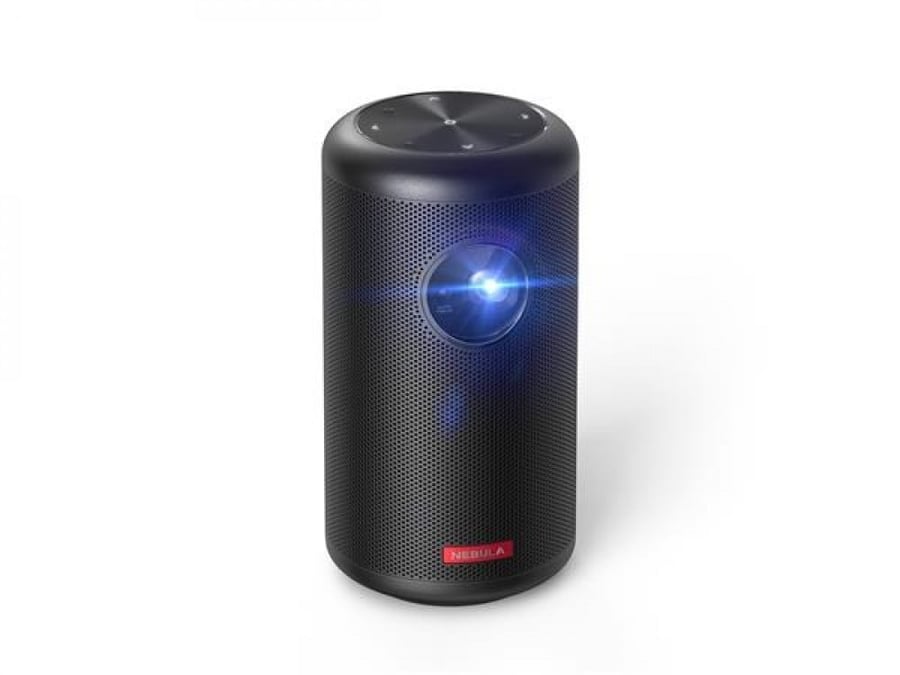


Anker Nebula Capsule 2 Laser Projector - Black
2129ر.س
2699ر.س-21%Out of Stock
Product description
Specifications of the Nebula Capsule 2 laser projector from Anker
- Brand: Anker
- Resolution: 1080p Full HD
- Illumination: 150 ANSI lumens
- Image size: 30-150 inches
- Operating system: Android TV 11
- Sound: 8W Dolby Digital
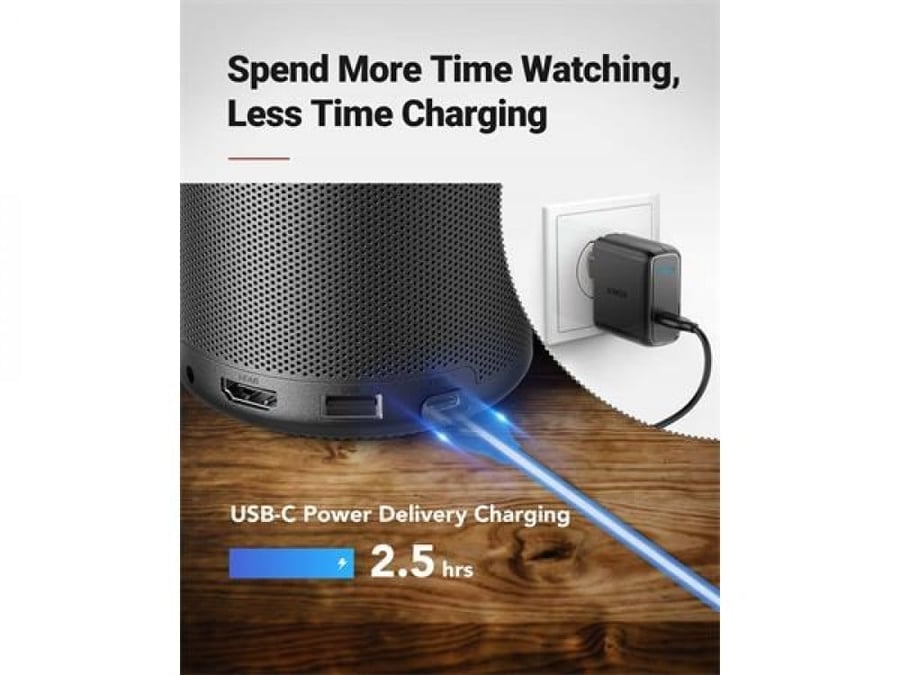
- Battery life: 2.5 hours
Features of the Nebula Capsule 2 laser projector from Anker
- High Resolution: The Nebula Capsule 2 laser projector displays an image in 1080p Full HD, providing great image quality.
- Powerful Illumination: The Nebula Capsule 2 laser projector provides 150 ANSI lumen illumination, allowing clear images to be displayed even in bright light.
- Large Image Size: The projector can display images up to 150 inches, providing a cinematic viewing experience at home.
- Android TV operating system: The Nebula Capsule 2 Laser projector runs Android TV 11 operating system, providing access to a variety of apps and content.
- HIGH-QUALITY SOUND: The Nebula Capsule 2 Laser Projector features high-quality sound from 8W Dolby Digital.
- Long Battery Life: The Nebula Capsule 2 Laser Projector has a long battery life of up to 2.5 hours, allowing it to be used for hours without needing to recharge.
How to maintain the Nebula Capsule 2 projector?
- Use the Nebula Capsule 2 projector with care: avoid dropping it, hitting it or scratching its surface.
- Do not leave the projector in the sun or extreme heat: this can damage the projector's internal parts.
- Do not leave the projector in water or moisture: The projector is waterproof, but should not be immersed in water or used in very wet conditions.
- Keep your projector clean: Wipe it with a soft, dry cloth to remove dirt or dust.
- Charge the projector properly: Follow the instructions in the user manual to charge the projector properly.
- If you use the projector outdoors, put a cover on it to protect its surface from scratches or dirt.
- If you plan to use the projector in harsh conditions, consider purchasing a protective case for it.
- If you notice any damage to your projector, contact Anker for support.
- Keep the projector lens clean: Dust or dirt can distort the image. Use a soft, dry cloth to gently clean the lens.
- Discharge heat from the projector regularly: The projector contains ventilation holes that allow heat to escape. If you are using the projector for a long time, make sure to let it cool for a few minutes before turning it off.
- Avoid using the projector at very high or low temperatures: this can damage the projector's internal parts.
By following these tips, you can help extend the life of your Nebula Capsule 2 projector and ensure it continues to deliver a great image for years to come.
Overall, the Nebula Capsule 2 projector is a durable and reliable device, but it is still important to follow some simple tips to keep it in good condition. 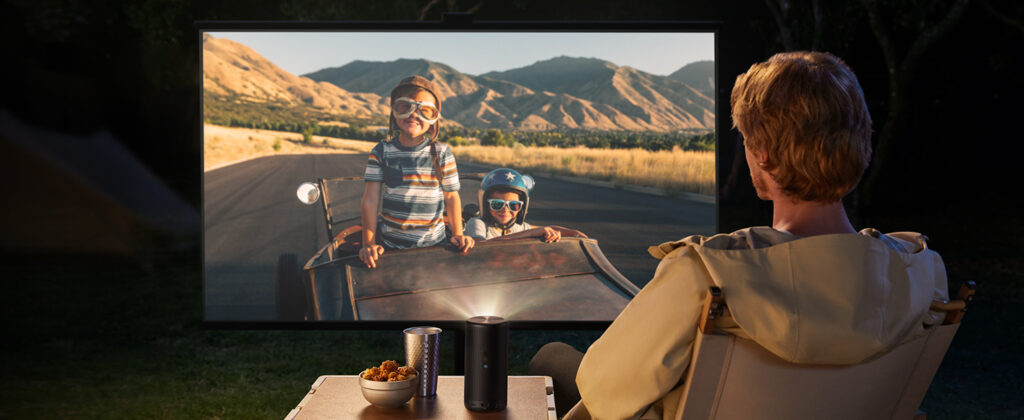
Electron Store is your best online shopping destination, offering a distinguished range of home electronic devices, mobile phones, smart devices, chargers, batteries, headphones, smartwatches, games, computer and laptop accessories, sports and health care products, car products, bags accessories, and more outstanding products. All from the best global and local brands. Enjoy Electron's offers and shop for your electronic needs online with installment plans via Tabby or Tamara

From Jeddah