
LIBORO c100 Smart Ring for Health and Fitness Tracking, Size 9-19
199ر.س
249ر.س-20%Product description
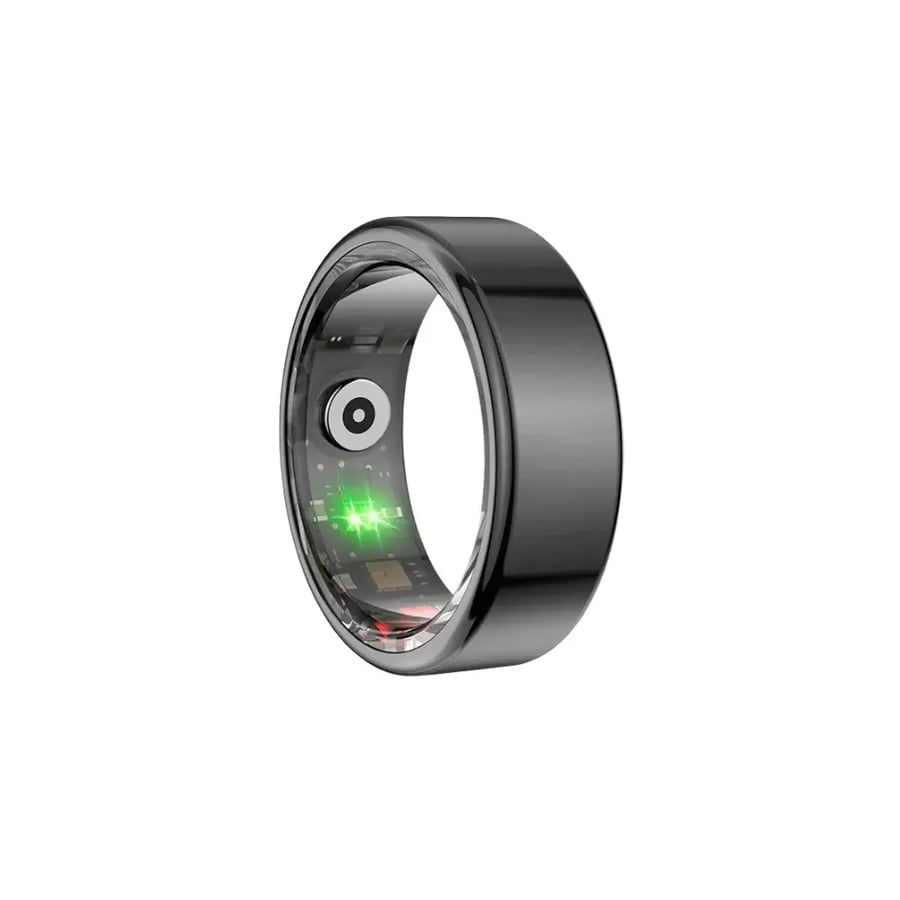
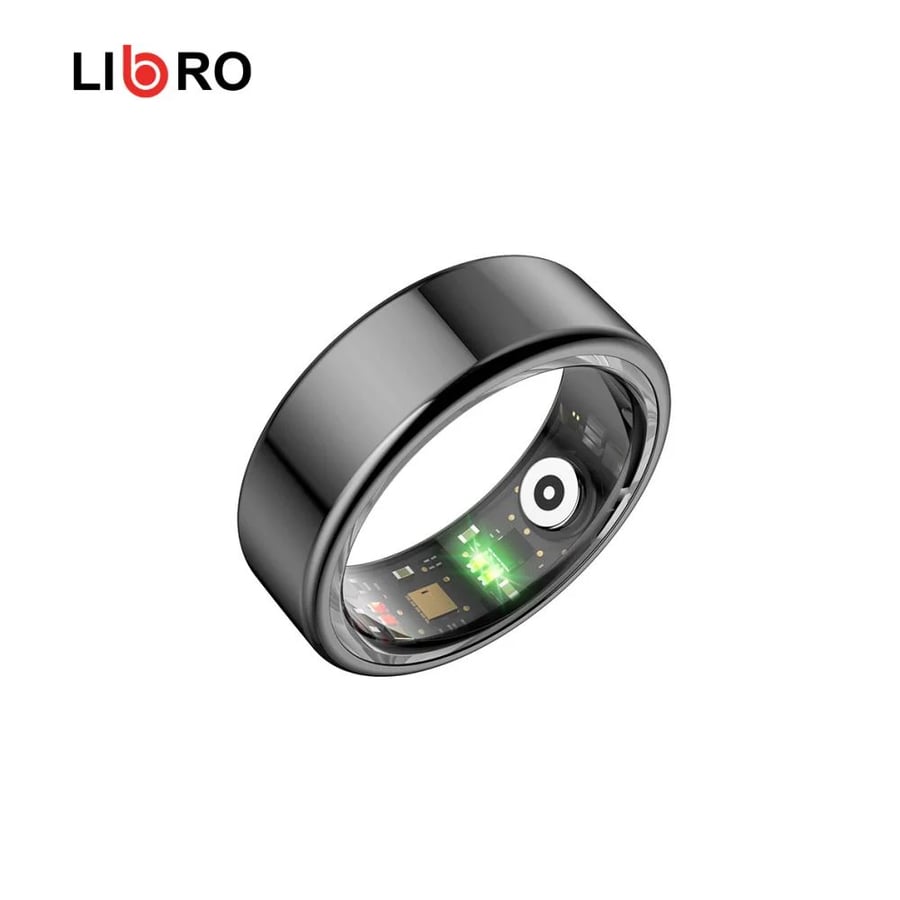
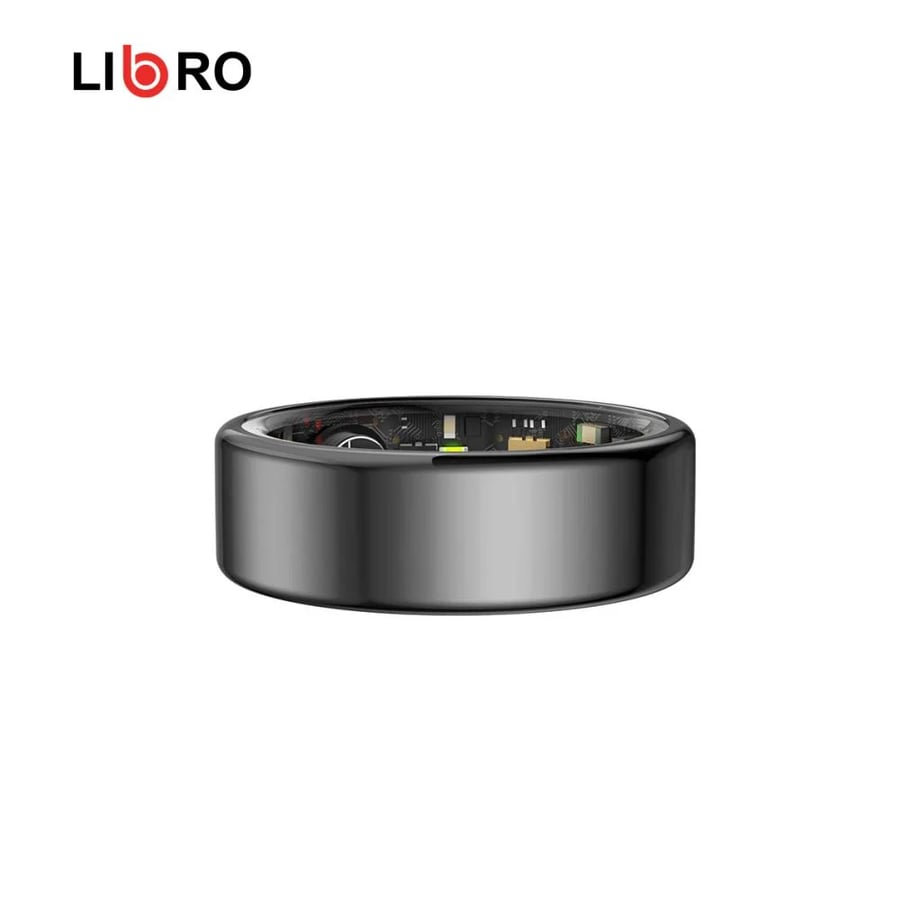
LIBORO c100 smart ring for health and fitness tracking Size 9-19
A modern, comfortable alternative to smartwatches that measures all your vital signs without you feeling it all day long:
- Heart rate and blood oxygen (SpO2) measurement: Tracks your heartbeat and oxygen level around the clock.
- Sleep quality tracking: Calculates your hours of deep and light sleep and your sleep stages to help you adjust your sleep pattern.
- Stress monitoring (Stress Level): Measures your stress level and helps you identify your rest times and daily pressure.
- Activity and movement tracking: Counts your steps, calories burned and daily sports activities.
- Water resistant (5ATM): You can wear it while doing ablution, working out, showering, or even swimming without taking it off.
How do you wear it correctly? (How to wear it)
To get the most accurate readings from the sensors inside the ring:
Best fingers: It's best worn on the index, middle or ring finger.
The right size: Make sure the ring is snug and comfortable on the finger (not loose enough to move freely, and not so tight that it restricts circulation).
Sensor position: Make sure the sensors inside the ring touch the underside of your finger (the palm side).
Sizes and choosing the right size:
A note for you: the ring is available in several sizes to ensure a perfect fit on your finger and comfort throughout the day!
Make sure to choose the size that sits securely and comfortably on your finger
Steps for first-time setup and use:
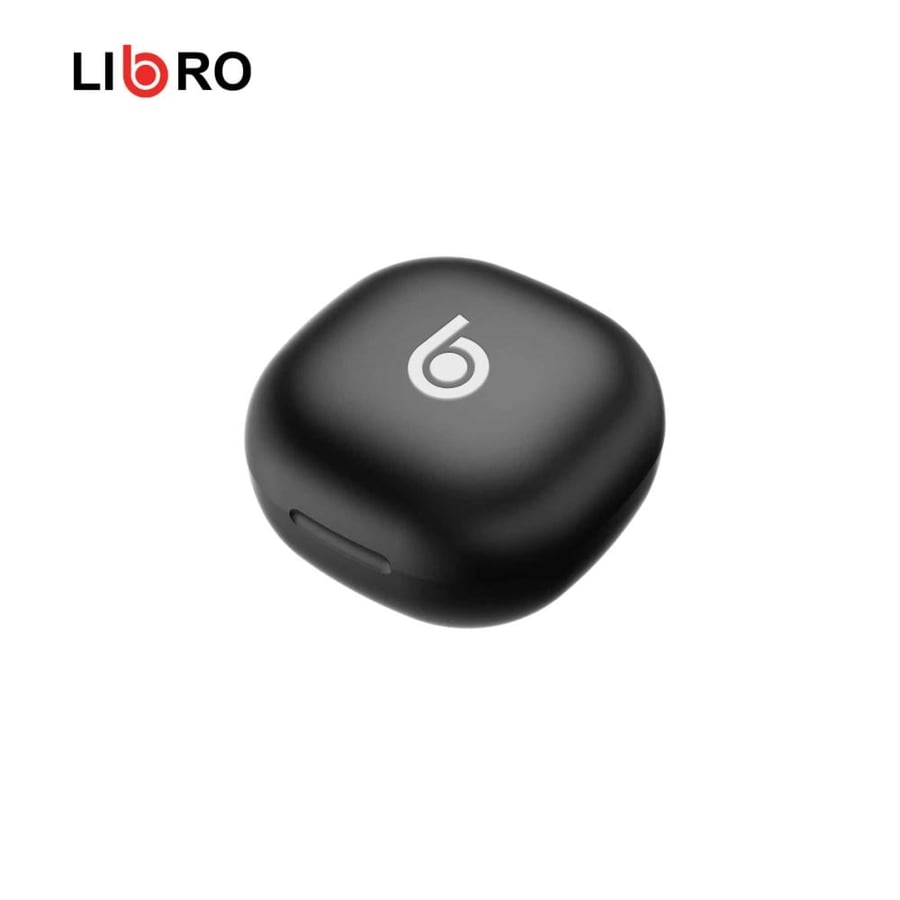
1. Charge: Place the ring in its magnetic charging case/holder to charge it fully before first use.
2. Download the app: Download the QRing app on your phone (available on iPhone and Android).
3. Bluetooth pairing: Open the app, turn on Bluetooth on your phone, and pair with the ring named LIB-C100.
4. Follow your data: As soon as you put on the ring, it starts automatically sending all your health, sleep and activity analytics to the app so you can see them in clear data and charts!
App download link
