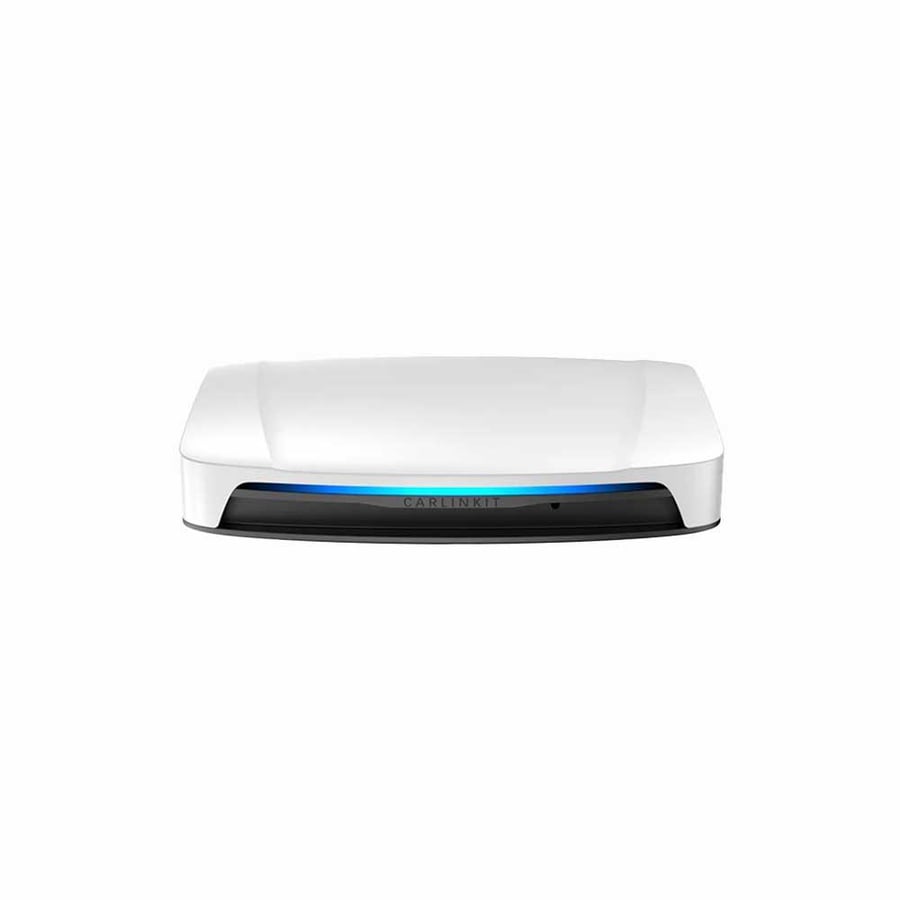


Carlinkit UHD Wireless CarPlay Player, Android 13 System, 128GB Storage with 8GB RAM, Supports 4G LTE
799ر.س
899ر.س-11%Product description

✅Carlinkit Tbox UHD - 3 in 1 Android AI Box
The Carlinkit Tbox UHD is a 3-in-1 Android AI Box that lets you seamlessly switch between wireless CarPlay, wireless Android Auto, and Android 13.0, all instantly connected to your car. Enjoy the freedom of using your favorite system with ease and convenience.

✅Supports downloading as many apps as you want
The Carlinkit Tbox UHD Android AI Box comes with Android 13 built-in, allowing you to download a variety of apps from the app store. You can personalize your in-car experience and enjoy apps like YouTube videos on your car's screen during breaks.
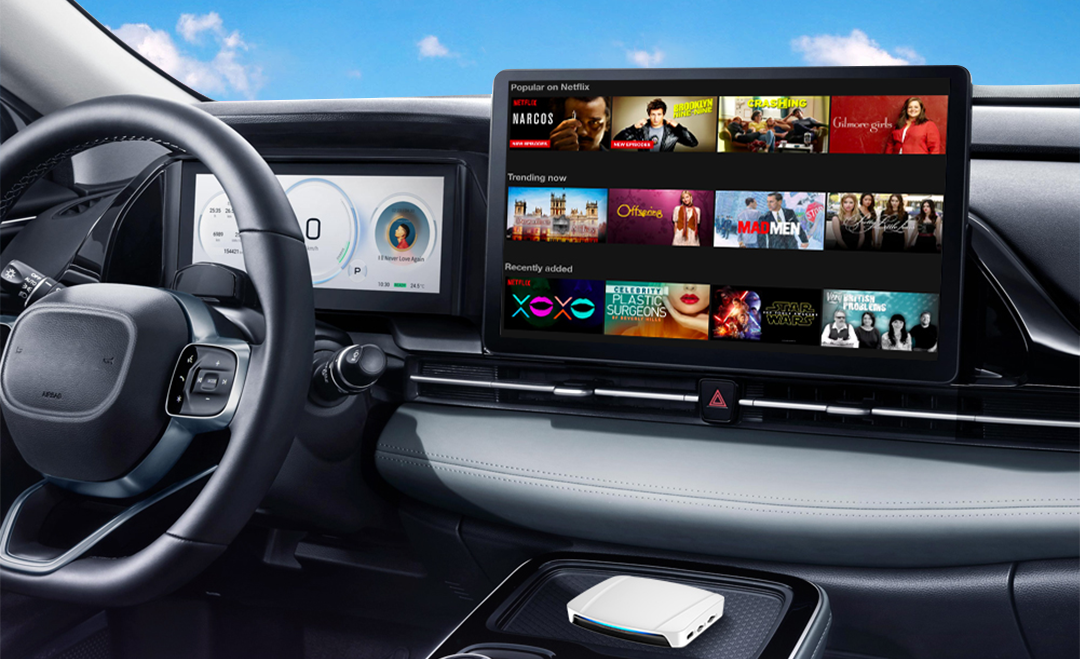
✅Carlinkit Tbox UHD - Turn your back seat into a cinema
With the Carlinkit Tbox UHD CarPlay AI, you can transform your car into an entertainment hub. Watch your favorite videos on high-definition external screens, right from the comfort of your back seat. Perfect for long journeys, it keeps everyone entertained with their favorite shows.

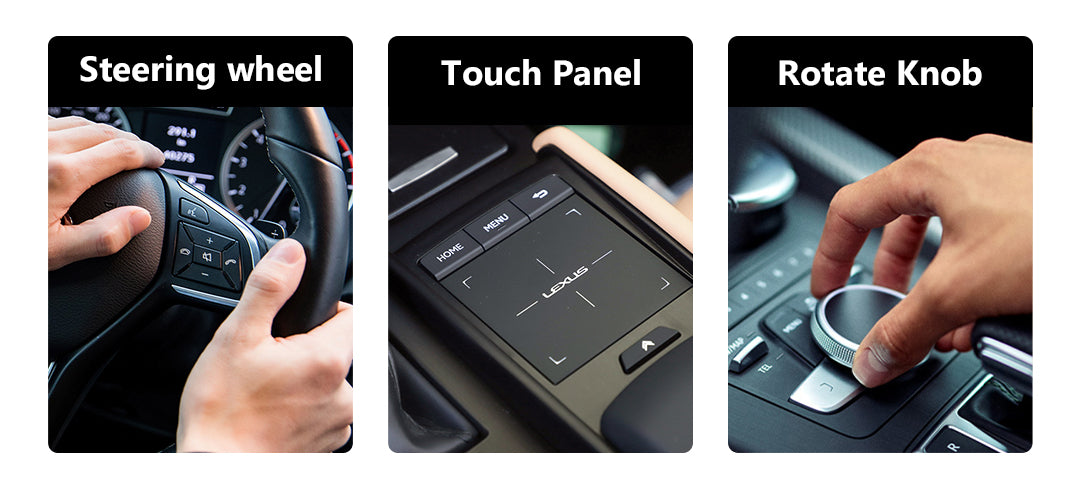
✅Maintain your car's controls and upgrade your connectivity
Carlinkit Tbox UHD enhances in-car connectivity without sacrificing familiarity. It allows you to maintain full control using native buttons, switches, and functions. Stay securely connected while enjoying hands-free calling, navigation, music, and more.
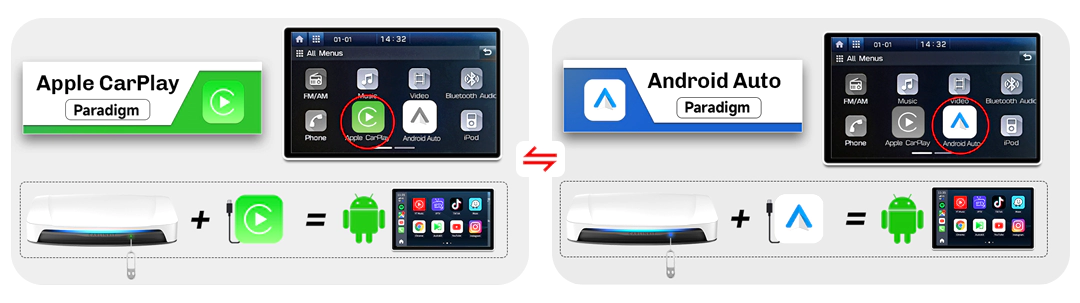
✅Optional two-way dial switch
Simply insert the eject pin and press it for 2-3 seconds to switch between CarPlay (default) and Android Auto modes. Ideal for users with two phones or families with multiple devices.
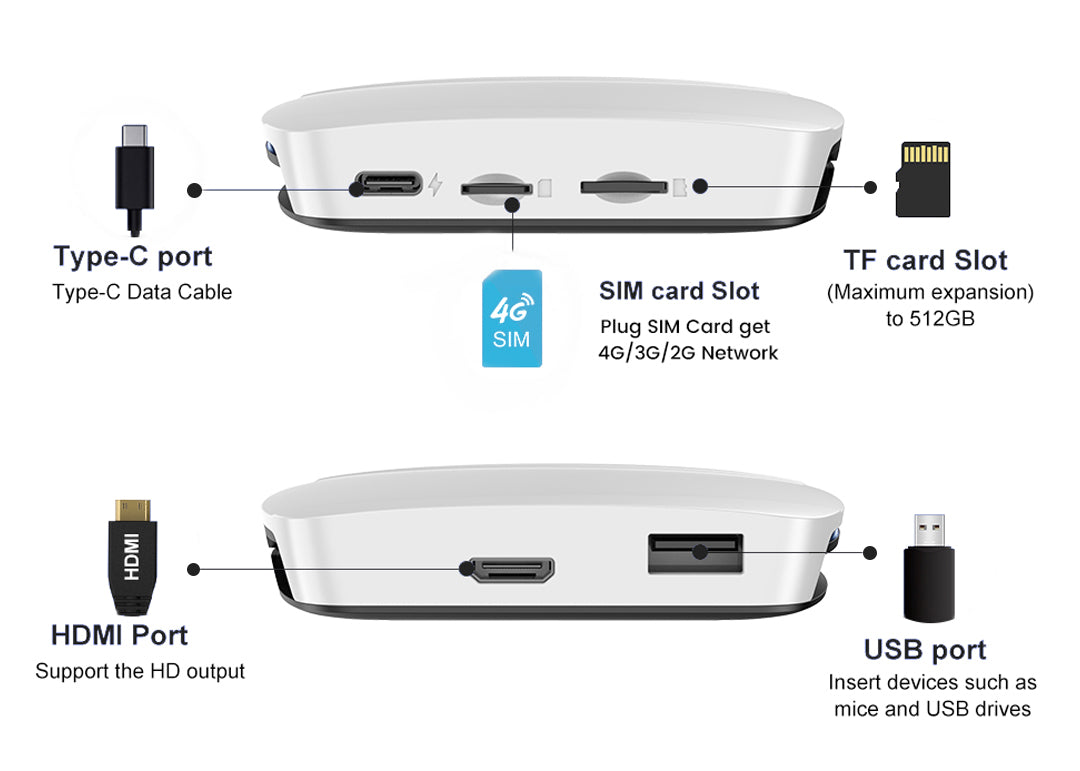
✅Displaying the Tbox UHD connection port:
Immerse yourself in a world of connectivity with the Carlinkit Tbox UHD Carplay Box. Each port is designed to enhance your driving experience and seamlessly connects to your smartphone and your car's infotainment system.
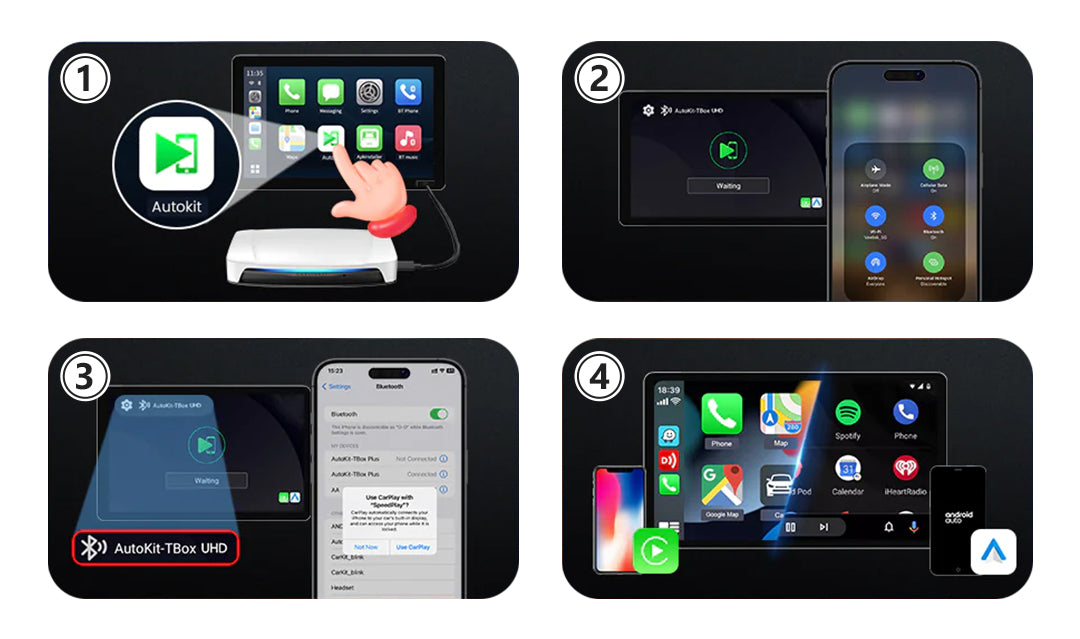
🔹Instructions for wireless Carplay/Android Auto connection:
1. Click on the "Autokit" icon to access the connection interface.
2. Enable Bluetooth and Wi-Fi on your iPhone/Android phone.
3. In your phone’s Bluetooth settings, locate the Bluetooth name displayed on the car screen and tap it to pair.
4. Wait until the connection is established. Once successful, wireless CarPlay/Android Auto will be activated.
🔹Terms of Use:
Vehicle compatibility: Compatible with 98% of cars equipped with wired CarPlay or wired Android Auto.
Phone compatibility: Supports iPhone 6 and later, as well as Android devices running Android 11.0 and later.

🔹 SDM660 chip for CarPlay AI box vs SM6225 chip, which is better?
The chips commonly used in the Carlinkit CarPlay AI box Android 13 are the SDM660 and SM6225. Both chips offer similar performance. The Carlinkit Tbox UHD with the SDM660 chip includes an additional USB port compared to the Carlinkit Tbox UHD with the SM6225 chip, resulting in a slightly higher price.
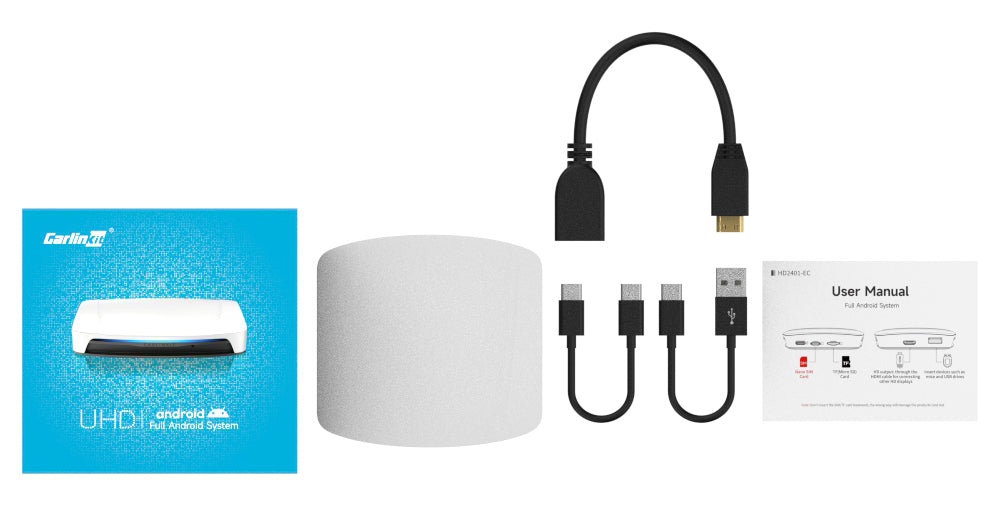
🔹Packing list:
UHD adapter *1, packaging box *1, card pin *1
USB-A to USB-C *1, USB-C to USB-C *1, HDMI cable *1
Product Guide *1
🔹Product Information:
The CPC200 box model features a full Android operating system and a Qualcomm SDM660 processor CPU, consisting of 4x Kryo Gold at 2.2 GHz and 4x Kryo Silver at 1.8 GHz.
A512 650MHz Graphics Processing Unit
- Extending support
- 512GB Wi-Fi module
- WCN 3980
- Power input: 5V ± 0.2V 2A
- Power consumption: 6 watts
- Communications Standard: Limited - FDD/LTE-TDD/WCDMA/GSM/EDGE
- Global Positioning System: Global Positioning System (GPS)/GLONASS/BeiDou
- Wi-Fi frequency: 802.11a/b/g/n/ac, 2.4G+5G
- Bluetooth version
- white color
- It supports 1080p resolution; it does not support 2K, 4K, or 8K resolution.
- Multiple languages spoken around the world such as Arabic, Chinese, English, French
- LED lighting, Type-C female port, TF card slot, USB port, HDMI port
- Data cable: USB-A to USB-C*1, USB-C to USB-C*1, Length = 300 mm
- Product dimensions: 90×84.9×17.1 mm
- Package dimensions: 110×106×39 mm
- Contact tips: Wireless communications
Note:
1. Supports TF card input, expandable up to 512GB.
2. You can use Carlinkit UHD on your home TV, not just in the car, but you will need to use a mouse.
3. The Carlinkit UHD's HDMI interface supports output only, not input.
This means that the rear screen does not support the touch function, but you can use it with a Bluetooth mouse.
