5-in-1 protection package from Tech Box
7ر.س
149.01ر.س-95%Product description
Important note: Before completing the order in the cart, if you want to change the device package, please specify that in the cart.
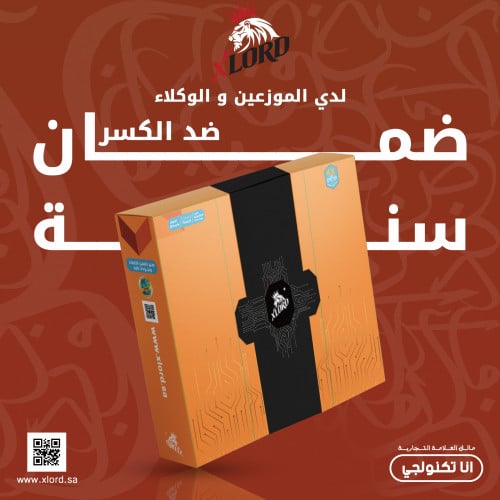
5-in-1 protection package from TECHBOX
Front nano sticker against fingerprints.
Back thermal sticker.
Transparent shockproof protective cover.
Camera protection.
Vibration absorption piece.
Installation method:
Installing the front screen
1- First, wipe and thoroughly clean the screen, ensuring it is free of dust, fibers, and other debris.
A- Wipe the screen with a damp cloth.
B- Wipe the screen with a dry cloth.
C- Use the adhesive provided to pass over the screen; the purpose of the adhesive is to remove all fibers and debris completely.
2- Remove the front screen from the mold.
3- Weigh it on the phone screen, and weighing it through the front camera area and speaker area makes the process easier.
*If debris remains after installation, you can remove it by opening the nearest area to the debris and removing it with additional adhesive. Sometimes, pressing on the debris and pushing it out can also remove it.
*If there are many debris, you can wash and clean the screen and reinstall it.
Installing the back thermal protection:
1- First, remove any debris if present.
2- Remove adhesive number one and ensure the thermal protection remains in place and is not removed during the removal of the outer part.
3- Attach the protection from the top of the phone and pass it down from the top to the bottom of the phone using the rectangular piece to ensure there are no air bubbles inside.
4- Remove adhesive number two and pass the rectangular piece from the top to the bottom of the phone to ensure there are no air bubbles inside.
5- Remove the outer adhesive.
Installing the camera protection:
1- Ensure the area is free of debris.
2- Fix the camera protection and weigh it on the lenses.

From Jeddah