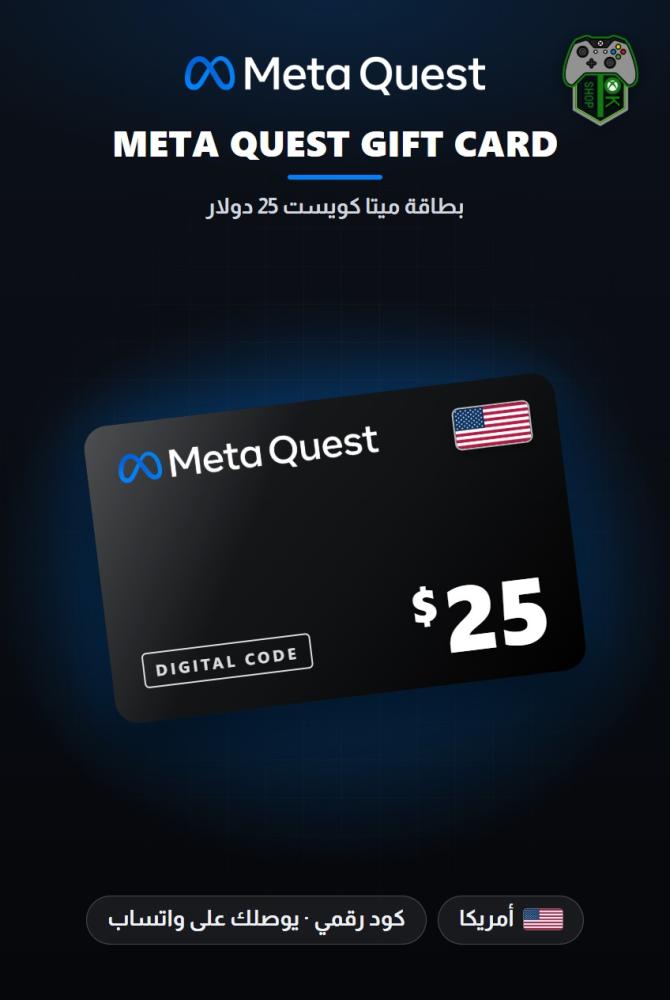
Meta Quest Gift Card $25 - US
103.99ر.س
Product description
OK SHOP · GAMING
🎮 Meta Quest Gift Card $25 - US — Digital Code
US accounts only · Via WhatsApp
📝 About the card
A Meta Quest gift card worth $25 from the US store. It is a digital code you redeem on your Meta account, and its full value is added to your account Wallet balance. Use the balance in the Meta Horizon Store (formerly the Meta Quest Store) to buy apps, experiences and virtual reality games compatible with Meta Quest headsets, as well as in-app purchases. You can redeem the code from the Meta Horizon mobile app, from Meta.com, or from the headset itself. Under the official terms, Meta gift cards do not expire except in the cases set out in those terms.
🕹️ Product details
- Type: Meta Quest gift card (digital code redeemed on a Meta account)
- Value: $25
- Region: Works only on a US Meta account with a balance in US dollars. Check your account before buying.
- Delivery: After payment, your code is sent to you on WhatsApp within minutes
🚀 How to receive and activate
- Receiving the code: After payment, your code is sent to you on WhatsApp within minutes.
- Before redeeming: sign in to the correct US Meta account. Once the card is redeemed, the code cannot be used again and the balance cannot be moved to another account.
- From the Meta Horizon mobile app: open the app and tap Menu at the top of the Horizon Feed, go to Payment and subscriptions and tap Redeem Store code, then enter the code and tap Submit.
- From Meta.com: go to https://www.meta.com/my/redeem-code and sign in to your Meta account (or create one if you don't have an account), then enter the code and click Redeem code.
- From a Meta Quest headset: press the Meta button (or Oculus button) on your controller to open the menu (Navigator), select Store and then your profile picture, select Redeem on the left, enter the gift card details and select Redeem.
- After redeeming: the card balance appears in your account Wallet, and you can use it to buy apps and experiences from the Meta Horizon Store.
- To check your balance: in the Meta Horizon app tap Menu then Wallet, or go to meta.com/payments, sign in and check the balance under Quest cash, or in the headset go to Settings, then Accounts, then Payment Methods.
⏱️ Delivery time
After payment, your code is sent to you on WhatsApp within minutes.
⭐ Why OK SHOP?
- Over 100,000 customers served since 2019.
- Registered with the Saudi Business Center and verified on Trustpilot.
- 100% original products and human support around the clock.
⚠️ Important notes
- The code can be redeemed only once, and anyone who has access to it can redeem it. Do not share the code with anyone.
- Gift card redemption is available only to account holders aged 13 or older.
- The card cannot be exchanged for cash, refunded, transferred to another person or resold, except where required by law. Its balance cannot be used to buy other gift cards or store credit.
- Meta is not responsible if the card is lost, damaged or stolen, or if your balance is used without your permission, and does not replace it unless required by law.
- Not all Meta Horizon Store products can be purchased with the balance.
- Meta requires a payment method to be added to your account before you can use the balance.
- If redemption from the app does not work: make sure the app is up to date and restart it. If the problem continues, contact Meta Store Support.
- If the balance does not appear or appears incorrectly: sign out and back in to the Meta Horizon app and restart your headset. Amounts refunded to your balance from cancelled purchases may take up to 48 hours to appear.
🔄 Refund and exchange policy
The code cannot be refunded once delivered, because it is a digital product. You can get a full refund before the order is processed, and if a code does not work we verify it and then fix the issue or replace it.
💬 Support
Our team is available on WhatsApp 24/7 for any help or question.
