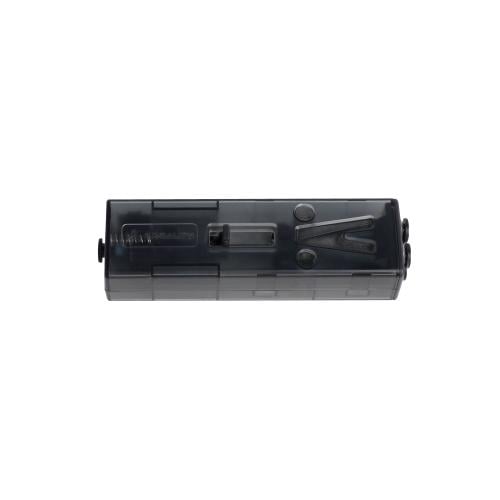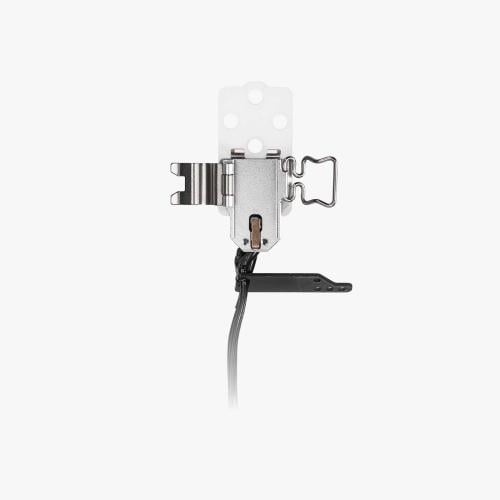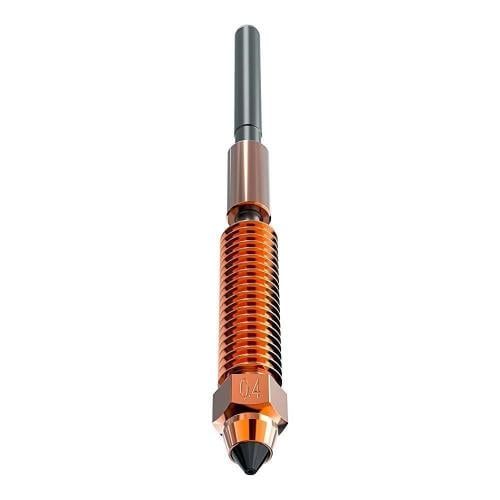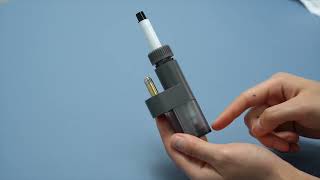


Bambu Lab Cutting Module kit
629ر.س
699ر.س-10%Product description
Bambu Lab Cutting Upgrade Kit - H2 Series/A2L
Precise cutting, plus drawing and writing on your printer
The Cutting Upgrade Kit unlocks digital cutting on your H2 Series or A2L printer, enabling precise cutting of various materials. The included pen attachment lets you easily switch between cutting and drawing or writing.
Precise multi-material cuttingEasy switching between cutting and drawingTurn colorful designs into precise cuts
What Can You Do With It?
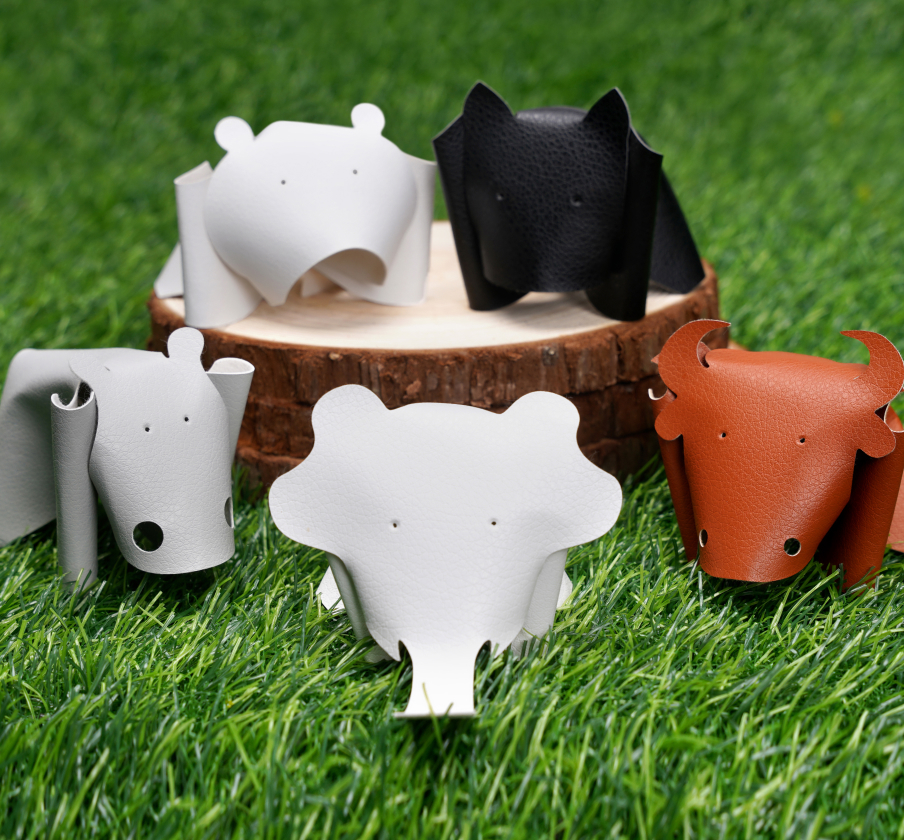
Digital Cutting
Precise cutting on a variety of materials like paper, vinyl and leather, up to 0.5 mm thick.
 |  |
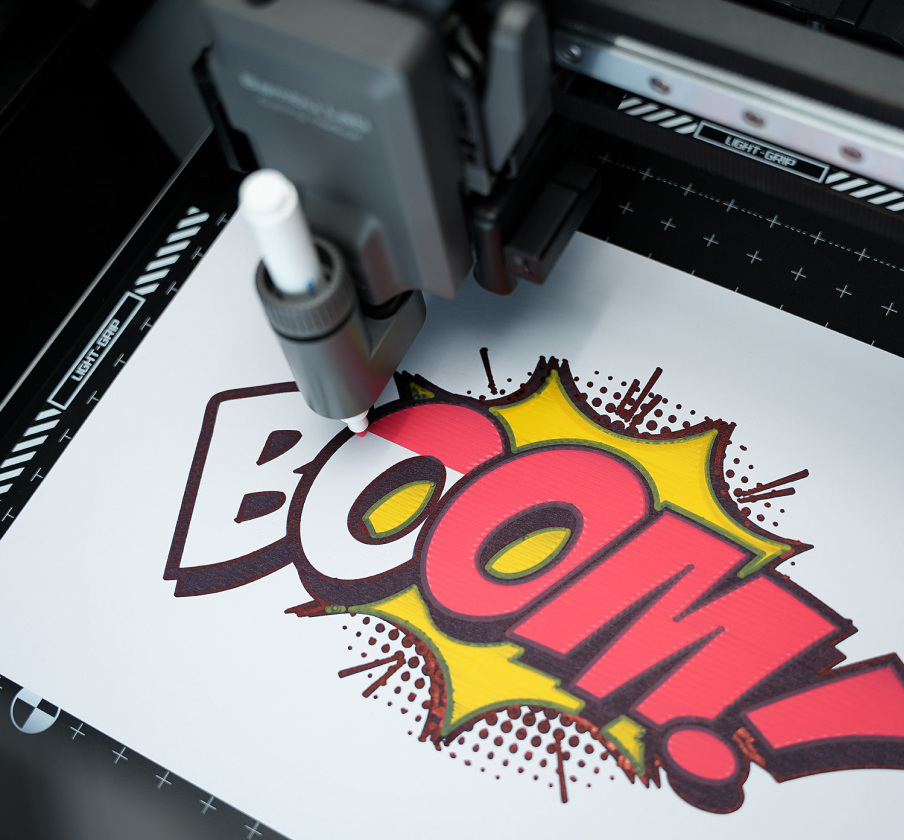
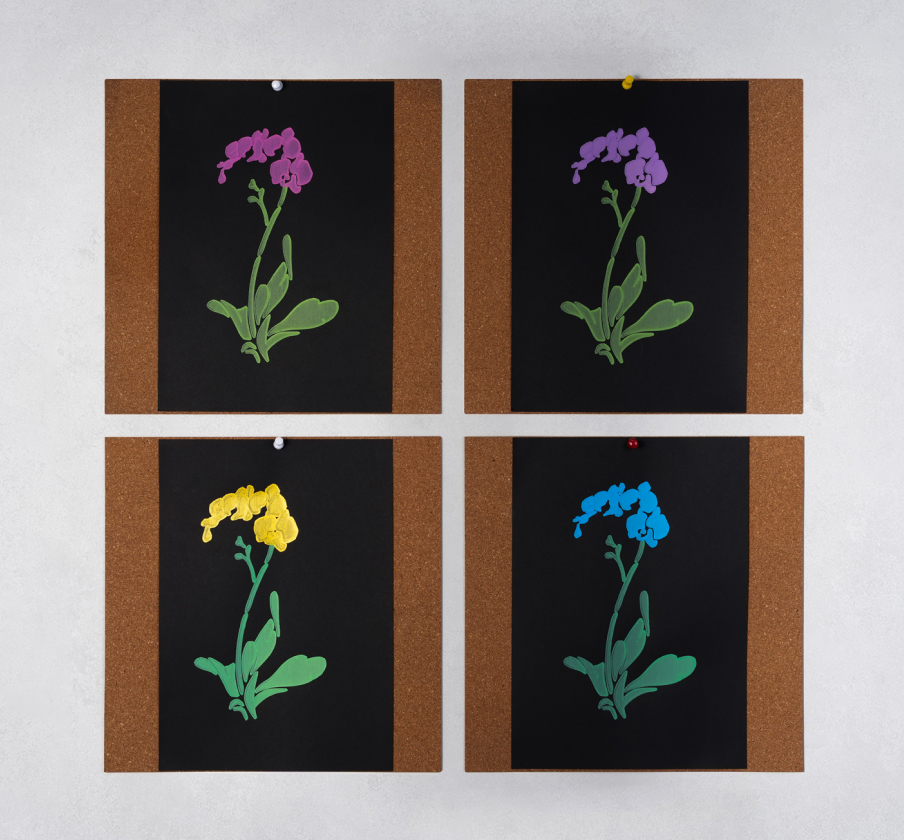
Drawing & Writing
Attach the pen holder to draw or write precisely, and switch between cutting and drawing with ease.
 |  |
Everything in One Kit
The kit contains all the items required for cutting and drawing.
Installation Guide
Please refer to the installation guide for the Cutting Upgrade Kit available on Bambu Lab Wiki. For a visual walkthrough, we also recommend watching the step-by-step installation video.
Smart from the First Setup
Blade & Pen Recognition
The printer automatically recognizes the mounted blade or pen, so every job starts with the right setup.
Cutting Mat Detection
It detects which cutting mat you are using: StrongGrip or LightGrip.
Adjustable Blade Pressure
Blade pressure from 50 to 600 gf, for clean cuts from thin paper to thicker materials.
Bitmap & Vector Images
Supports bitmap and vector images, so your designs turn straight into cuts or drawings.
Print Then Cut
With the Print Then Cut feature on the H2 Series, print your colorful design on regular paper and the Cutting Module precisely cuts along its contour.
StickersLabelsGreeting cards
Materials You Can Cut
| Cardstock | ✓ |
| Heat Transfer Vinyl (for apparel) | ✓ |
| PU Leatherette | ✓ up to 0.5 mm thick |
| PVC Sheet | ✓ up to 0.3 mm thick |
| Paper & vinyl | ✓ |
Compatibility
Compatible with H2 Series printers and the A2L:
H2DH2SH2CA2L
Specifications
| Max Cutting Thickness | 0.5 mm |
| Blade Pressure | 50 – 600 gf |
| Cutting Mats | StrongGrip & LightGrip |
| Blade & Pen Recognition | Supported |
| Cutting Mat Detection | Supported |
| Image Types | Bitmap & Vector |
| Supported Pen Diameter | 10.5 – 12.5 mm |
| Compatibility | H2D / H2S / H2C / A2L |
In the Box
| Cutting Platform (with StrongGrip & LightGrip Cutting Mats attached) | 1 |
| Cutting Module | 1 |
| Fine Point Blade | 2 |
| Weeding Tool | 1 |
| BT2.6-8 Screw | 3 |
| Pen Holder | 1 |
| Oil-based Marker (red) | 1 |
| Oil-based Marker (black) | 1 |
FAQs
Which printers does it work with?
H2 Series printers and the A2L.
Can I draw and write with it?
Yes. It includes a pen holder and two oil-based markers (red and black), and you can switch between cutting and drawing easily.
Do I need the Laser Module with the H2C?
No. With the H2C (firmware U2 or later), the Birds Eye Camera can be calibrated directly with the Cutting Upgrade Kit, enabling photo capture without the Laser Module.
What is the max cutting thickness?
Up to 0.5 mm. PU leatherette up to 0.5 mm and PVC sheets up to 0.3 mm.
What is the difference between the two cutting mats?
The kit includes StrongGrip with stronger adhesion and LightGrip with lighter adhesion, and the printer detects the mat type automatically.
How do I install it?
The installation guide and step-by-step video are available on the official Bambu Lab Wiki.
Wayto3D
Authorized Bambu Lab Distributor in Saudi Arabia
✓ Official Warranty✓ Local Technical Support