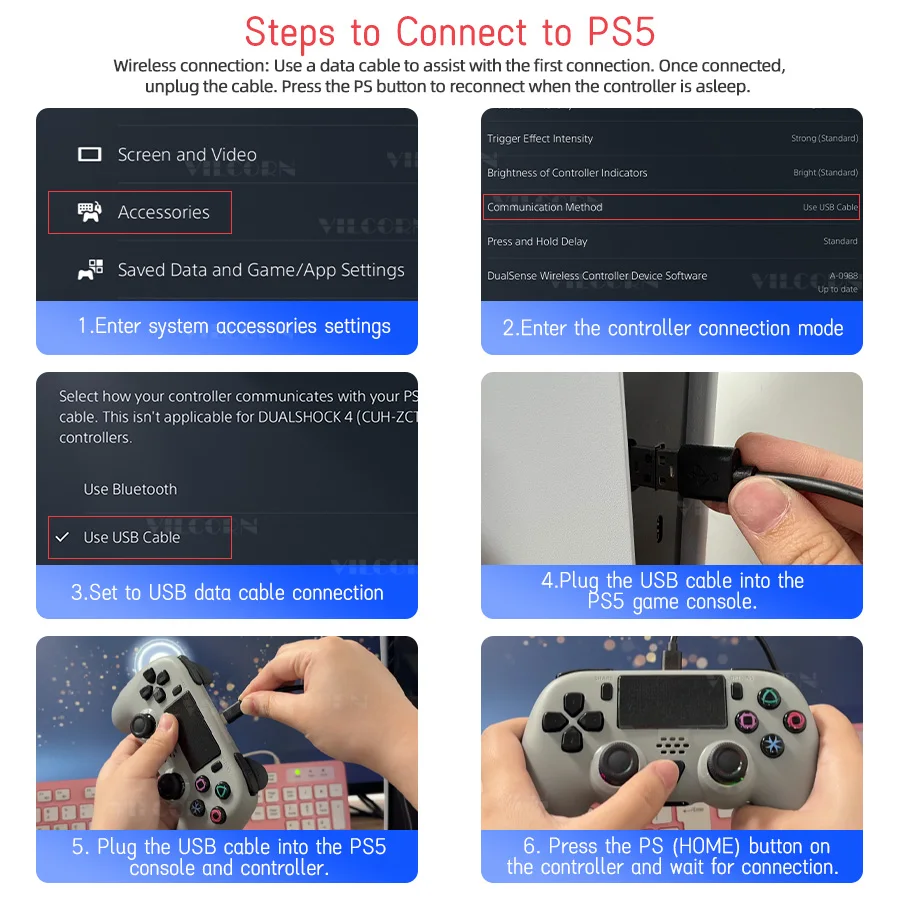


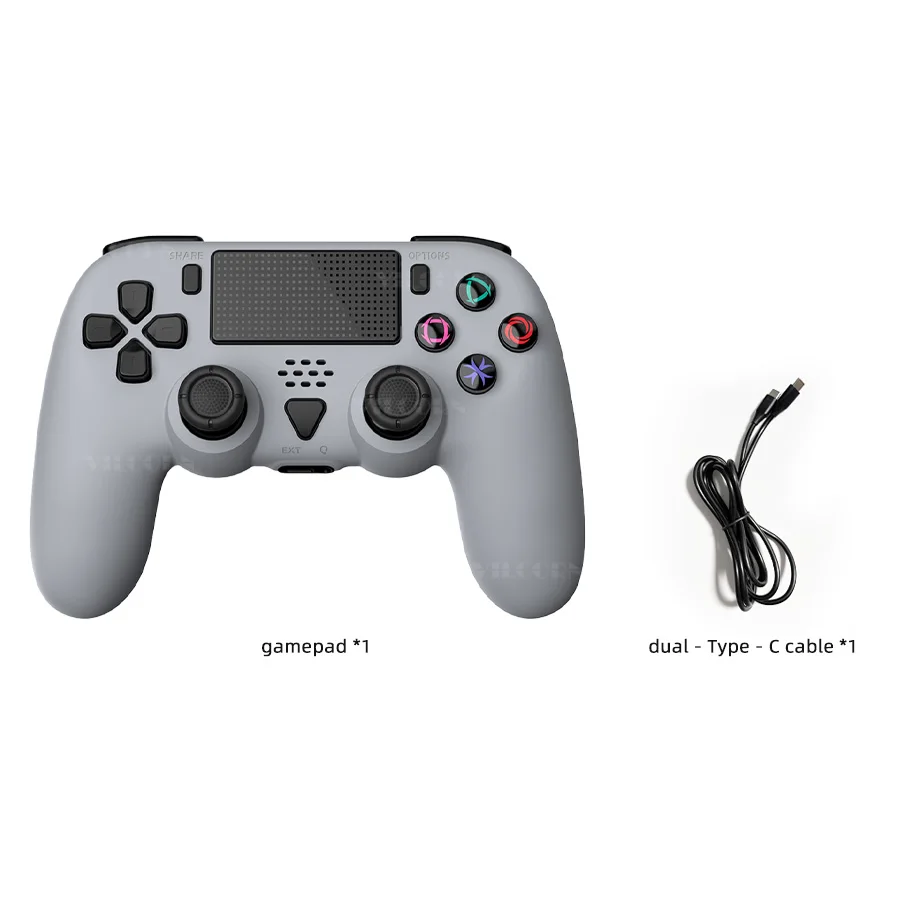
Wireless game controller for PS5 device compatible with Bluetooth for Playstation 5/PS5 Slim/PS5 Pro joystick with macro programming
300.68ر.س
Product description
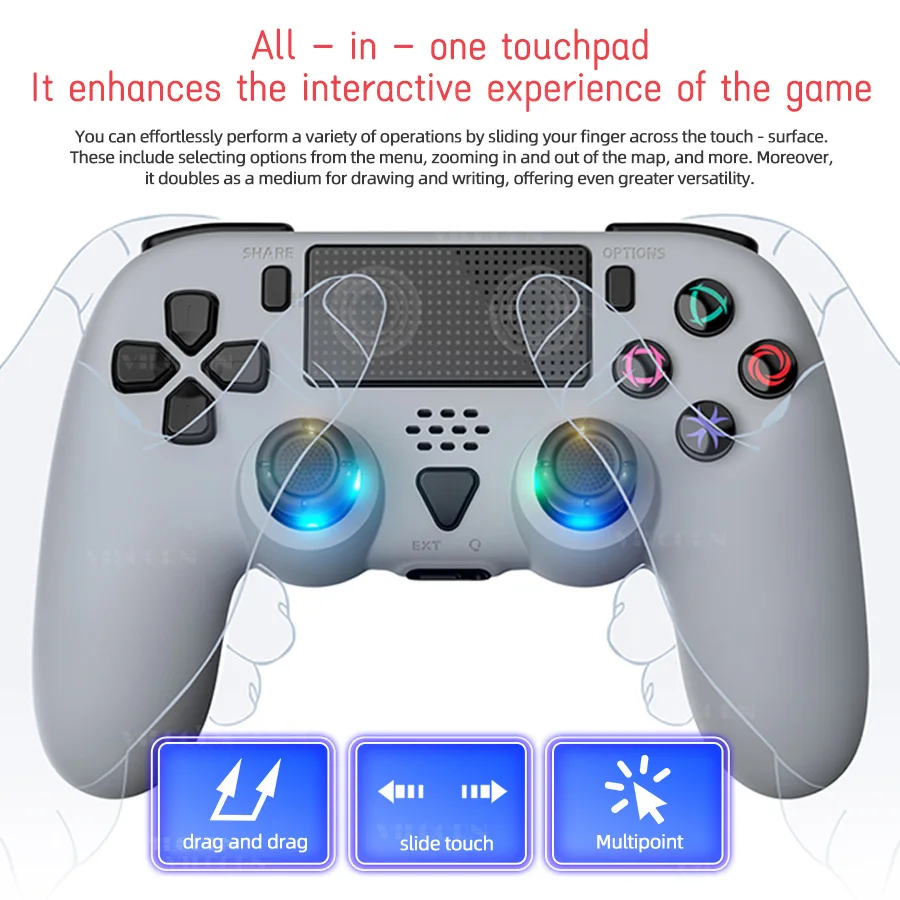
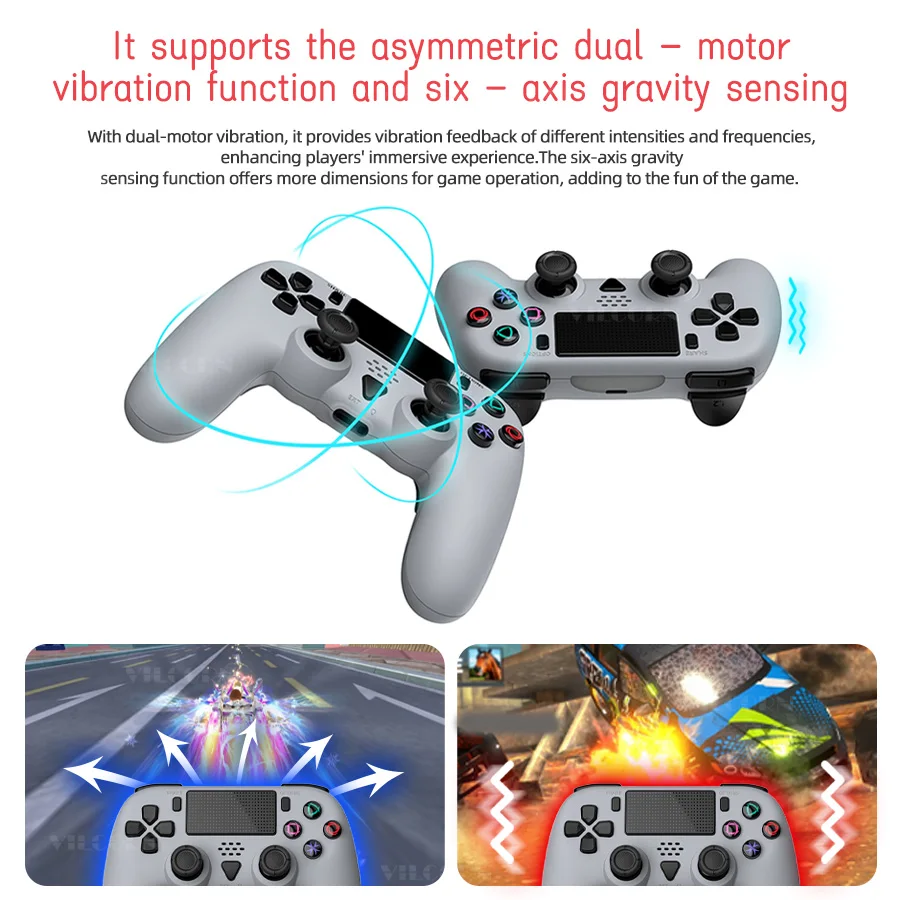
This controller supports wired and wireless connection for seamless compatibility with PS5 and PC. You can easily switch between platforms using dedicated PS5 and PC modes. The share and options buttons are intuitively placed for quick access to in-game menus and social features. Equipped with an all-in-one touchpad, this controller enhances interaction during gameplay. You can easily navigate menus or zoom maps or execute commands using simple finger gestures. The touchpad can also be used as a drawing/writing surface for creative versatility. Additional controls such as SHARE, OPTIONS, EXT, and OK for smooth gameplay, while swipe, slide, and multi-touch support advanced input accuracy. Immerse yourself in clear sound with the built-in external speaker and 3.5mm headphone jack. The speaker provides lively in-game sound effects, while the jack allows private voice chats via headphones. Active noise reduction reduces background interference for clear communication. Note: Speaker and headphone features are only available in wired mode. Enjoy a lively feedback experience with an asymmetric dual-motor vibration and 6-axis gravity sensors. The dual motors provide varying vibration intensities to increase immersion, while the 6-axis motion control offers tilt-based gameplay mechanics, adding depth and excitement to compatible titles. Customize your gameplay using the M1/M2 rear buttons with macro programming. Display frequently used actions or complex combinations (up to 14 keys per button) on these buttons for faster execution. Program by pressing the M + M1/M2 key, entering the required keys, and saving. Clear macro units by pressing the same combination again. Compatible with all basic control buttons (△, ○, □, X, triggers, D-pad, etc.). Replace combat with the TURBO edit and run function with a single click. Set quick-fire actions for buttons like △, ○, □, X, or activate (L1/R1/L2/R2) by pressing the T + target key. Reset Turbo settings by pressing T + custom key. This feature reduces manual input fatigue and boosts combat efficiency, enhancing your gaming performance.