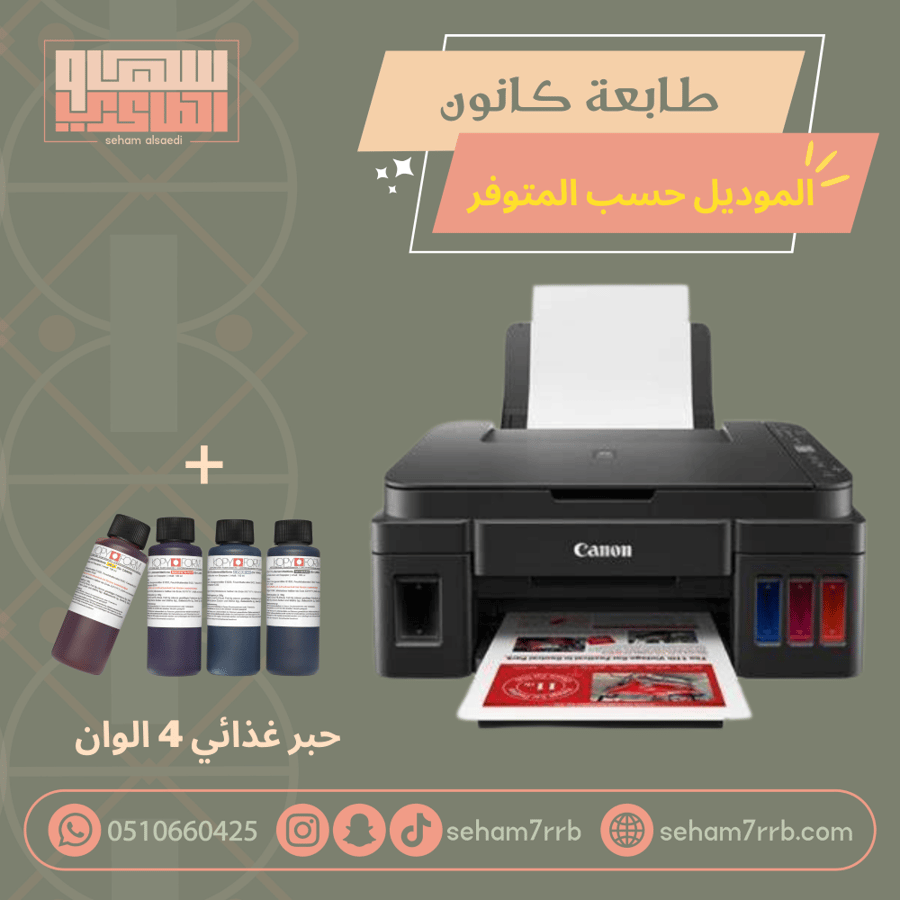
Canon printer + edible ink
800ر.س
Product description
How to use the food printer
Read the instruction manual
Turn on the printer
Fill the ink cartridges with edible ink
Print a test ink paper
Connect the printer to the computer or mobile phone to create your design
Insert regular paper for testing
Start printing
After mastering, you can now use food paper
Note: More than 10 sheets should be placed in the printer tray
This product is a printer and edible ink only.. without other accessories
Important tips to maintain the Canon food printer:
The Canon printer is a regular modified printer not covered by warranty after filling with edible ink
The warranty does not include the print heads
Remove the ink cartridge from the printer if not in use
Make sure to fully empty the ink tanks and print a test sheet to check the tanks are completely empty
Stop using the printer for a long period if there is ink or ink traces in the tanks, as it may damage the printer
Do not expose the ink to hot environments or sunlight, as it may damage the ink
Keep the ink in a cool place
When the ink dries, you can refer to the user manual or the printing cycle if you are subscribed to it to learn how to handle temporary dryness
