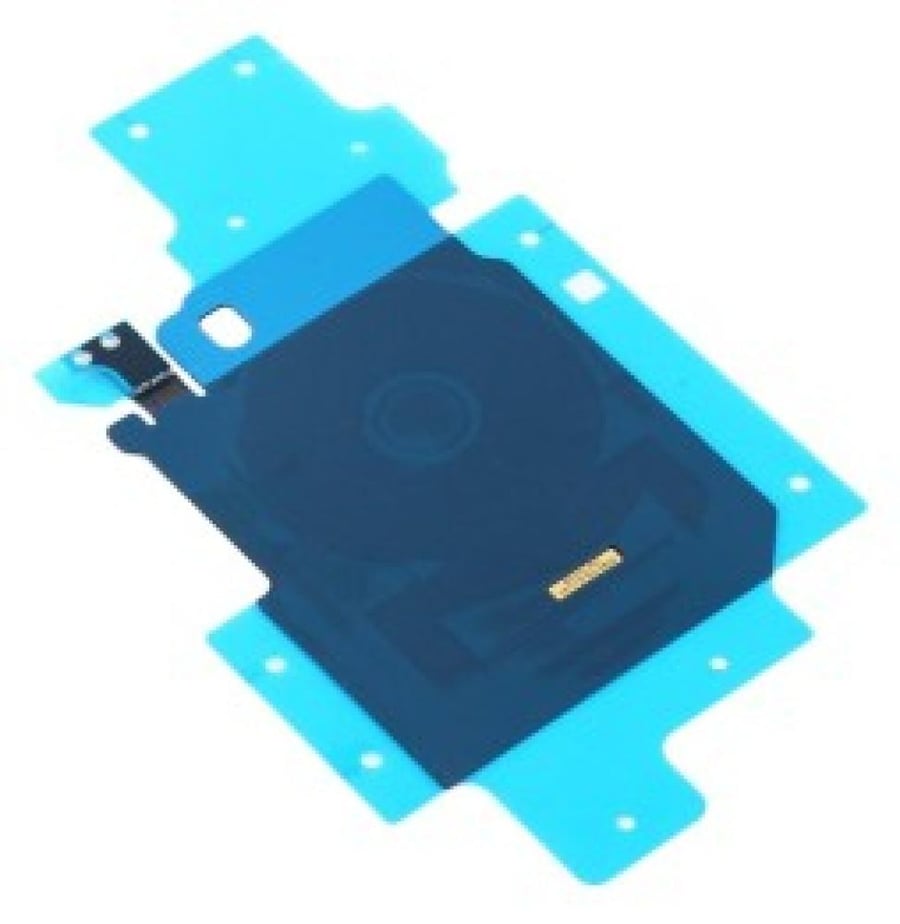
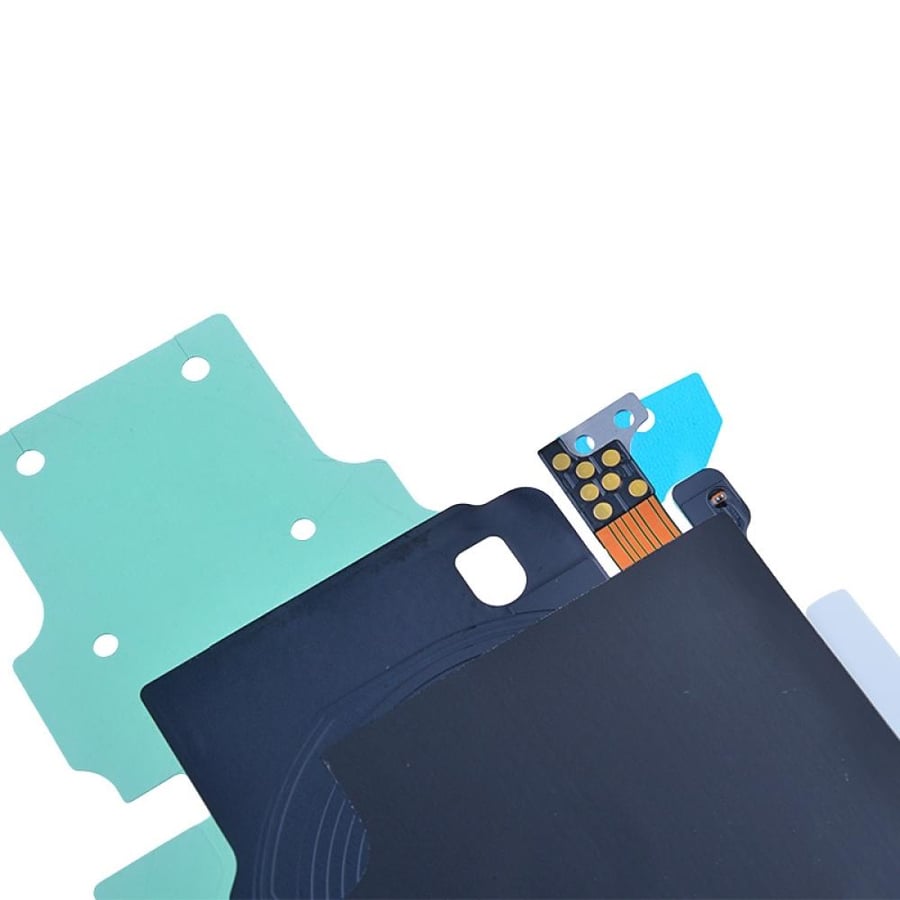

Wireless NFC charging for S20
40ر.س
Product description
NFC in Samsung Galaxy S20 phone is a "Near Field Communication" technology that allows you to make contactless payments using apps like Samsung Pay, transfer data quickly, and communicate with other wireless devices simply by placing the phones or devices close to each other. The NFC antenna is often located in the middle of the back of the phone, and you can find its best position by slowly moving the phone near the other device. How to activate NFC on Samsung Galaxy S20: open the Settings app on your phone. Go to "Connections" or "Connected Devices." Find the "NFC" or "Contactless Device Payment" option and turn it on. Uses of NFC in S20 phone: Contactless payments: pay in stores using apps like Samsung Pay by placing your phone near the payment point. Data transfer: easily transfer files and digital content between the S20 and other NFC-supported devices. Connecting with devices: quickly communicate with other wireless devices without the need for complex pairing. Tips to locate the NFC antenna: while the exact location varies slightly between phones, the NFC antenna is usually in the middle of the back of the phone or the upper middle part. If you have difficulty connecting, try slowly moving your phone at a close distance above the other device to find the optimal point to activate the connection.