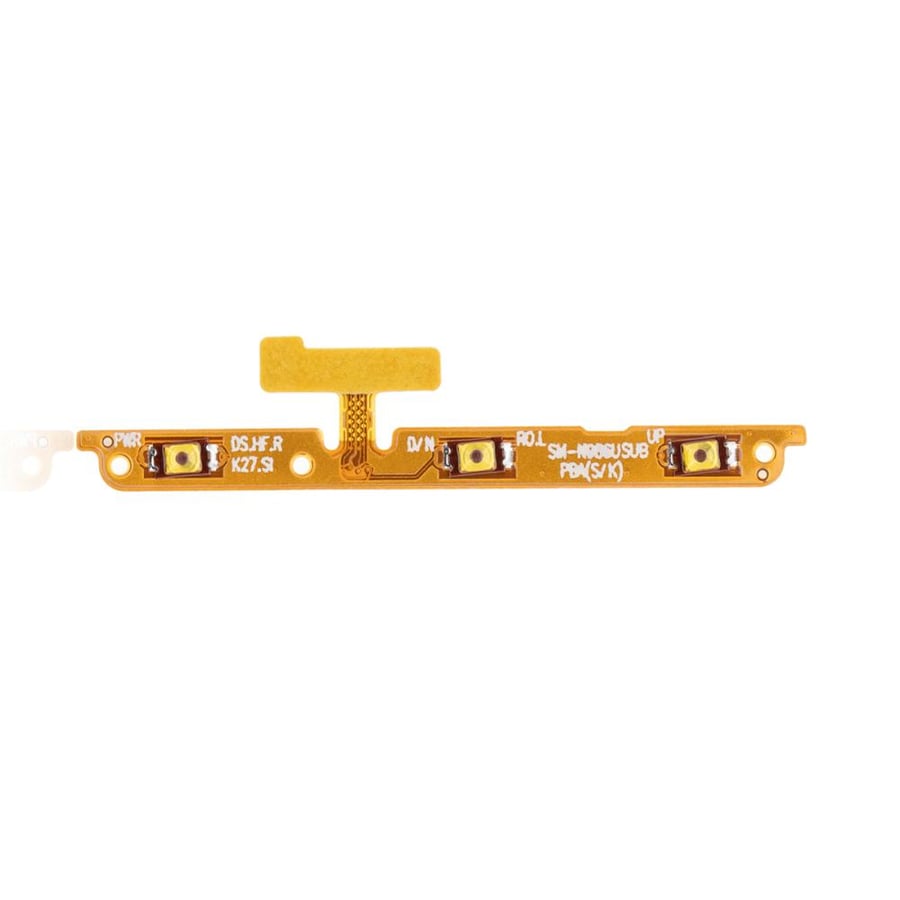
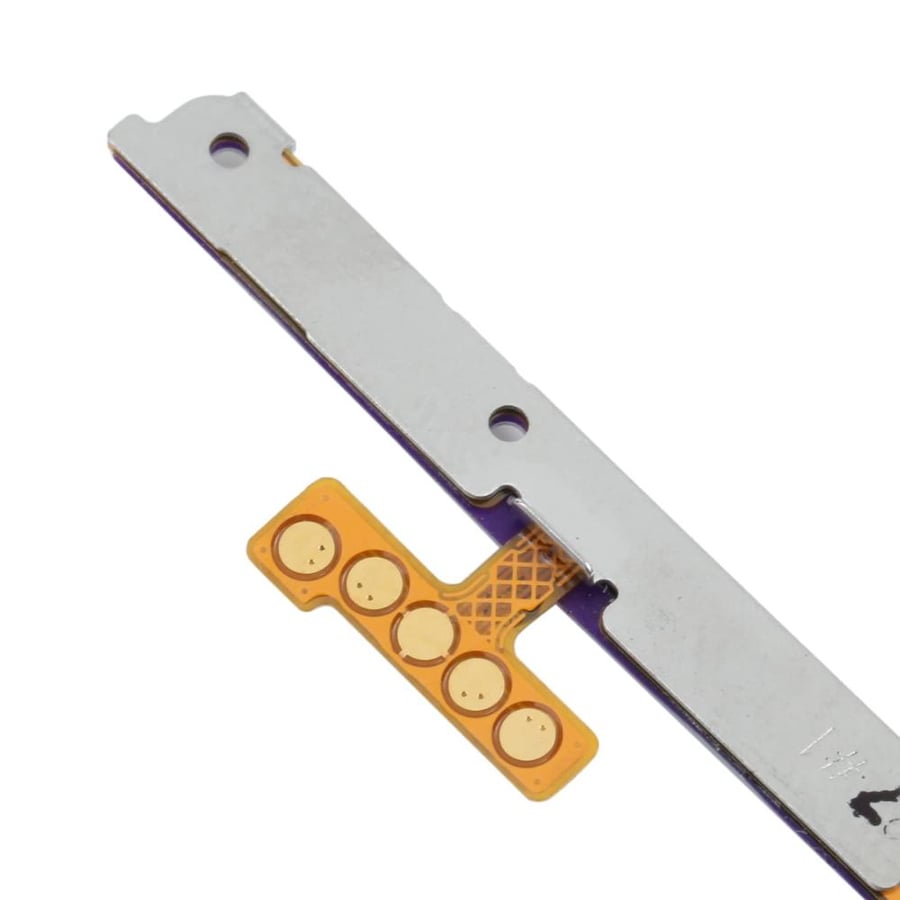
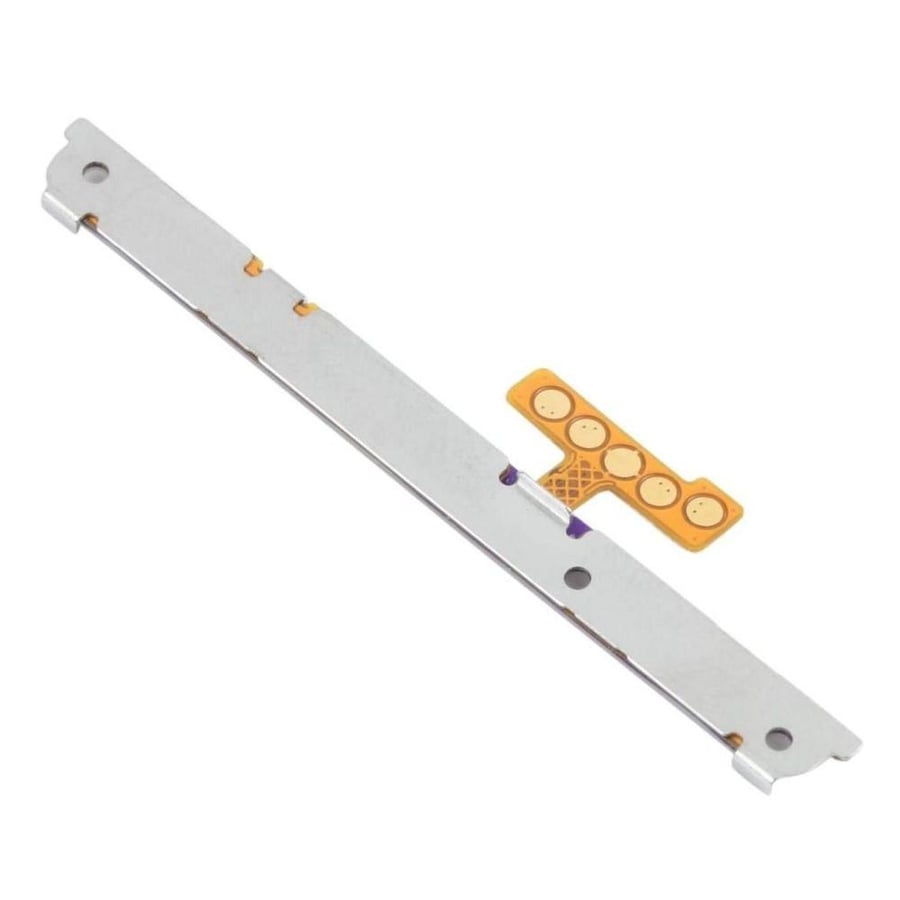
Power button cable for Note 20 Ultra
25ر.س
Product description
Alternative description for the power button in Samsung Galaxy Note 20 Ultra device: General description: Spare part: It is a cable/strip that connects the power button (power switch) to the main circuit board in the phone. Its function: Allows turning the phone on and off, in addition to controlling other functions such as muting the sound. Symptoms: If the power button does not work, the cable may be damaged or disconnected. Installation: Installing the replacement cable requires technical skills and you may need to disassemble parts of the phone to install it. Additional specifications: Compatibility: The cable must be compatible with the Samsung Galaxy Note 20 Ultra model. Quality: It is preferable to choose a high-quality replacement cable to ensure performance and reliability. Materials: The materials used in the cable should be strong and durable to withstand repeated use. Connection: The connection to the motherboard must be precise and secure to ensure the button works properly. Tips: Inspection: Before purchasing the cable, check the button and its condition to determine if the cable is the cause of the problem. Research: Look for instructional videos on how to replace the cable in the Note 20 Ultra. Consulting an expert: If you do not have experience in phone maintenance, it is better to consult a specialized technician to install the cable.

Questions you might have