



Flexible inspection camera 7mm Type-C port for Android and computer waterproof
154ر.س
Product description
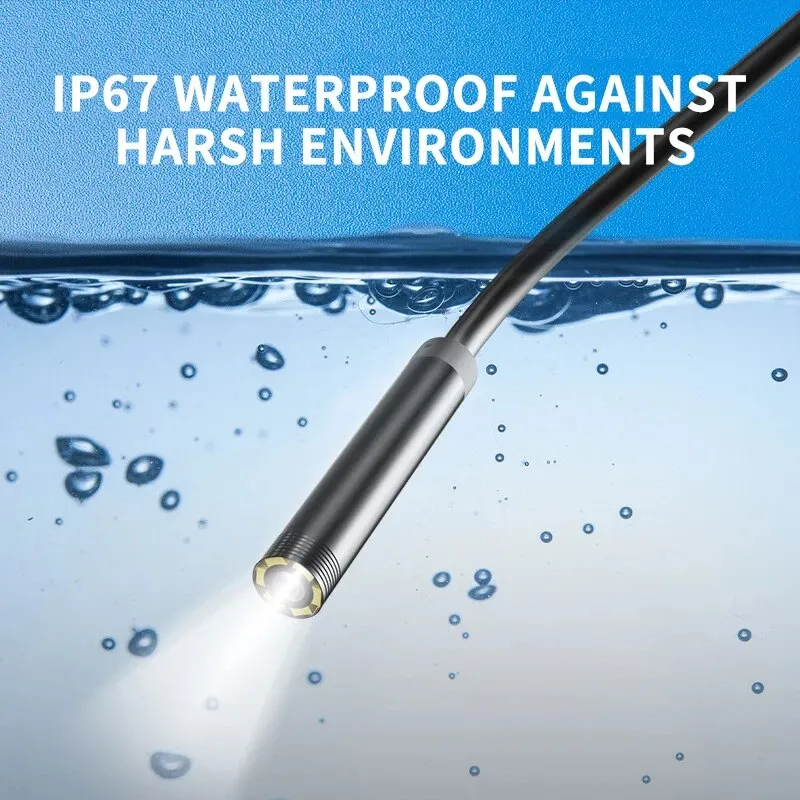
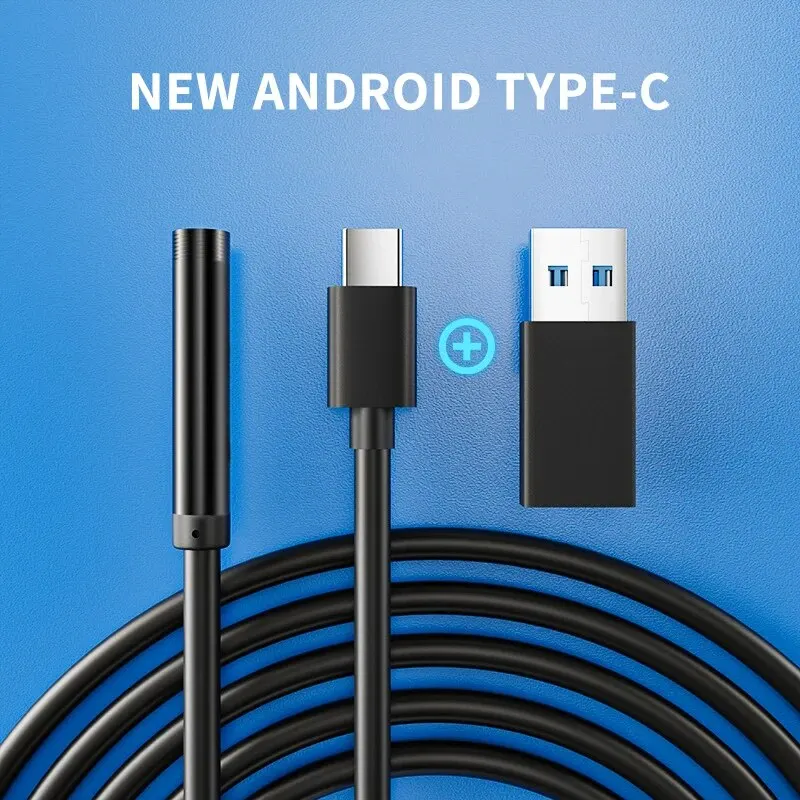
7.0 millimeter TYPE-C camera endoscope IP67 waterproof 6 adjustable lamps USB Android flexible inspection Borescope cameras for phone computer note this item only works with Android 4.0 and above 4.1, 4.2 phone system, does not support iOS system; supports Android phone with OTG and UVC function (your smartphone must be original, licensed, and support external camera, ensure it will not block the external camera). features -1- latest model for Android phones, can capture photos and videos and record sound, files are stored directly on your Android phone, full record inspection and convenient monitoring and follow-up analysis. -2- contains a rotary wheel used to adjust the brightness of six LED lamps so they work in some areas without sufficient lighting. -3- it is an IP67 waterproof camera with TYPE-C and USB, and can also be used on computers. -4- ideal for intraoral camera system, underwater camera, waterproof mini cameras, vehicle detector, sewer pipe detector. -5- best for search and rescue, forensic and customs detector, archaeology detection, PCB detection, home care, aerospace and aviation industries. -6- for care industries, tractors, petroleum drilling industries, construction, etc. specifications: -1- high resolution with 1/9 CMOS camera. -2- 6 built-in LED lamps (with brightness and image control) -3- waterproof wired internal endoscope. -4- camera head diameter: 7.0 mm -5- photo capture and video recording. -6- resolution: 640 × 480 -7- LED: 6 bright white LED lights. -8- focal distance: 3 cm - 8 cm. -9- water resistance level: IP67. -10- support systems: Android / Windows 2000 / XP / Vista / 7/8/9/10 -11- temperature: -20 ~ 100 degrees -12- total cable length: 1 m / 1.5 m / 2 m package includes: 1 × small USB endoscope 1 × small hook 1 × magnet 1 × side tester 1 × stabilizing set 1 × C to USB interface 1 × user manual instructions: -1- scan the QR code on the manual to install the app, or download link to install the app, then a symbol appears on the desktop, click the symbol, the product is ready to use. very easy to operate this Android internal endoscope, just download the app and insert the endoscope into your device, the app will automatically recognize it, then start using! (please ensure your phone has OTG function and supports external camera). -2- you can scan the QR code on the manual to install the app. if the app is not supported, you can scan and install the "inskam" app.

Questions you might have