


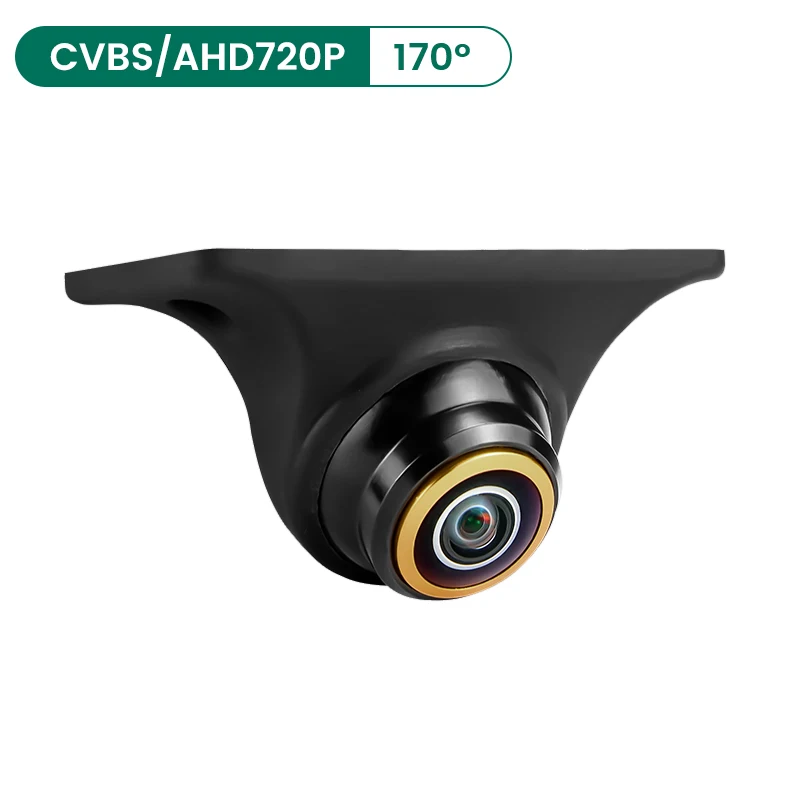
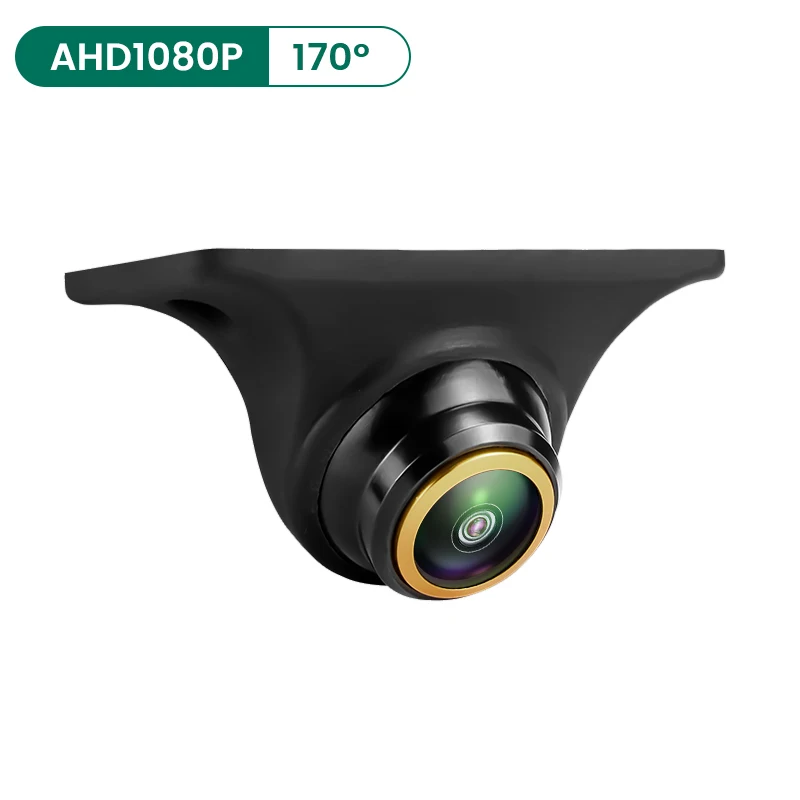
GreenYi AHD 1080P rear, side, front camera with night vision 170° backup reverse camera for car fisheye lens G879
147ر.س
Product description
Two cameras, two selection modes
Tips, about mode AHD1080P: Please check if the Android unit supports the AHD1080P camera! If AHD1080P cannot be identified, then AHD1080P cameras are not supported! Go to Car Settings >> Factory Settings >> Reverse Image Settings >> Select AHD1080P
Cameras equipped with CVBS video signal are universal for all screens, but AHD will only work with an AHD screen!
Adjustable angle
You can adjust the camera angle, and you can also rotate the camera.
170° wide angle
Goldfish eye lens - 170°
AHD1080P camera
High-definition analog technology
Top stars for night vision
The night vision function with starlight allows the camera to be used properly even in low light
Waterproof
The camera is filled with waterproof silicone, effective chip protection,
Rated IP68 for use in harsh conditions
Suitable for all cars
Supports multiple mounting methods: horizontal / inverted / side mount
Available for rear view / front view / side view cameras
Please contact us for any installation questions
Switch control line
White: Mirror control
Brown: Signal control
Green: Parking line switch
Pure copper cable
The video cable is made of high-quality pure copper, providing better video transmission quality than magnet-attractable cables.
Integrated tilt unit
Supports DC12V ~ 24V
Low power consumption, the cable is never hot.
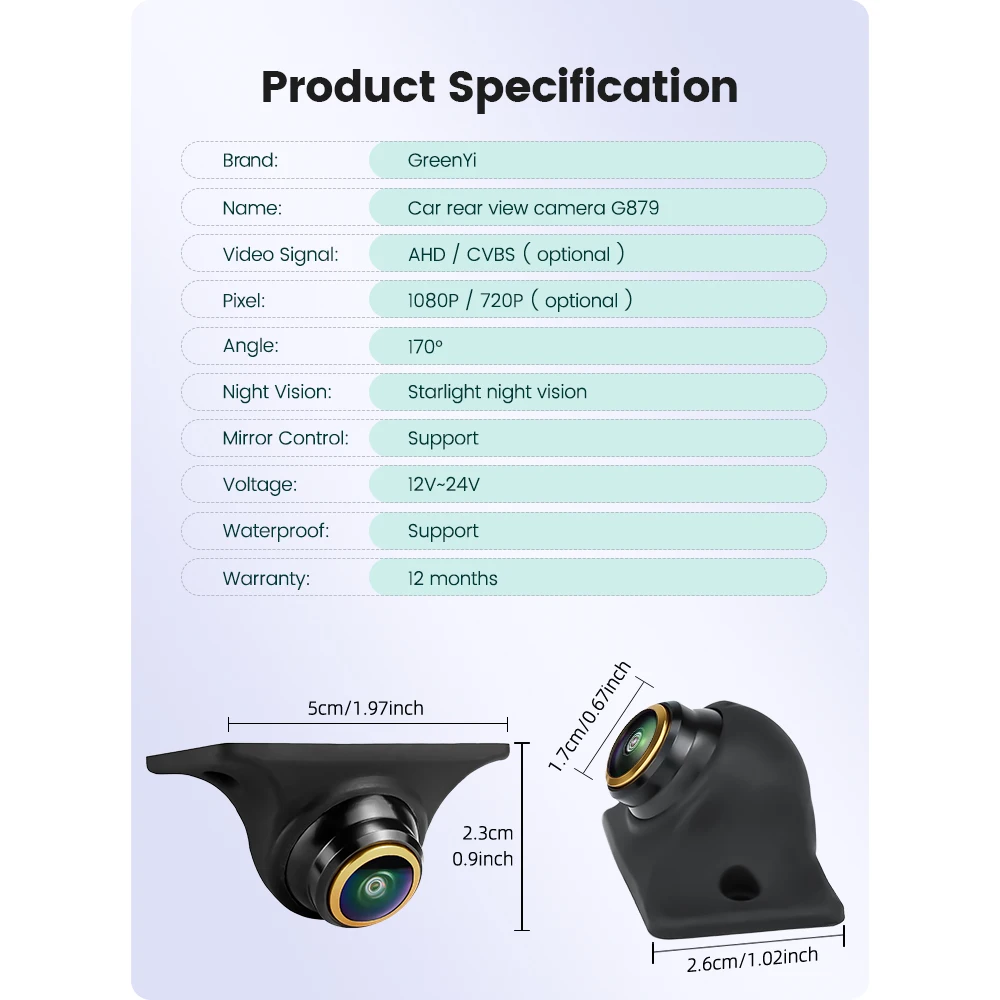
Product specifications
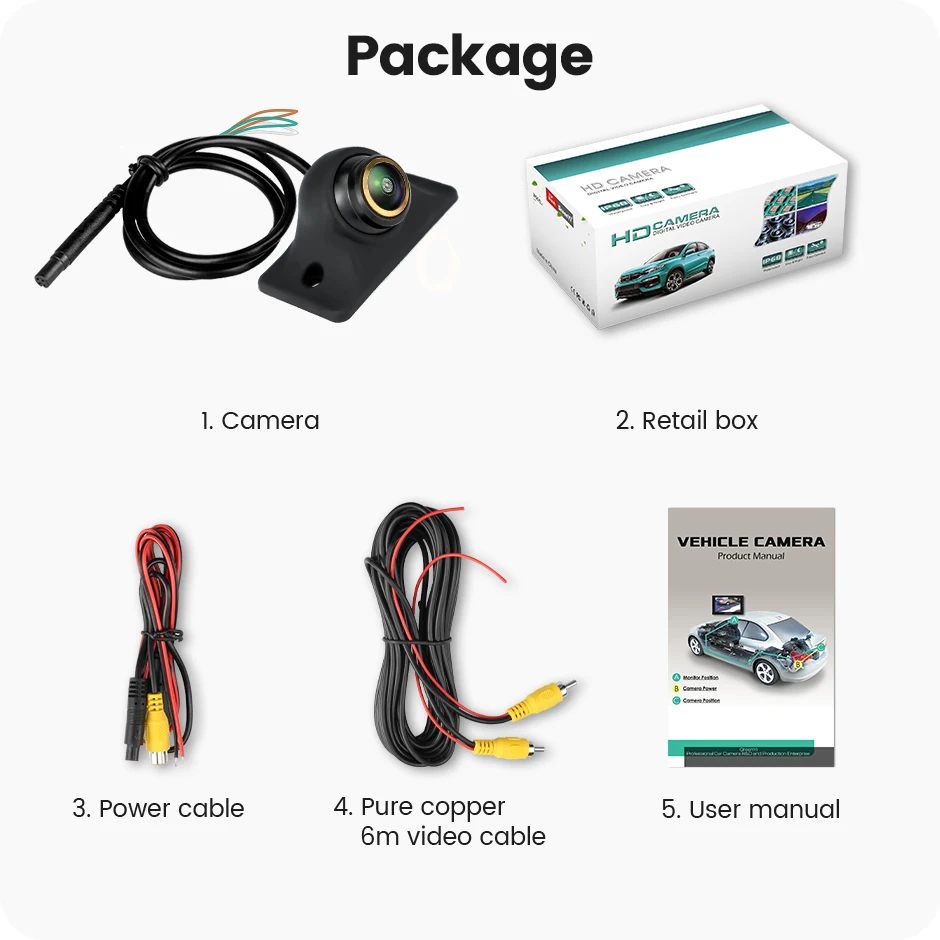
Package
1. Green Eye car camera
2. Retail box
3. Power cable
4. 6-meter pure copper video cable
5. User manual
Installation diagram
Instructions: After connecting the car camera, the screen shows no signal, black screen, or no image, what should I do?
a) Please check the signal format (AHD/CVBS), and choose the appropriate signal to operate the camera.
b) Please check your connection, the red trigger line should connect to the reverse light and reverse screen cable.
c) If your screen has an AUX-IN function, you can connect to AUX-IN.
Tip: CVBS cameras can test performance on a TV.
Global cameras with 4Pin connectors can only be installed using our cables.
Please consult customer service if you encounter any problems during installation.
What functions are controlled by each of the three cables of the rearview camera?
Brown cable: Control of video signal
• AHD-CVBS720P camera: Default (AHD)+(1280x720)+(170°)
Cut the brown cable → (CVBS)+(1280x720)+(170°)
• AHD1080P camera: Default (AHD1080P)+(1920x1080)+(175°)
Cut the white cable → (CVBS)+(1280x720)+(125°)
White cable: Control of mirror
• Default is rearview mirror camera.
Cut the white cable → front view camera (non-reflective)
You can also manually rotate the ball angle 90° to achieve side camera effect
Green cable: Control of parking line
• The camera with parking line / camera does not display parking lines, you can cut the green cable, then reconnect the camera power source, which can change the parking line.

Questions you might have