



Dash cam 4K UHD car camera recording DVR HDR night vision built-in Wi-Fi 24H parking APP monitor
369ر.س
Product description
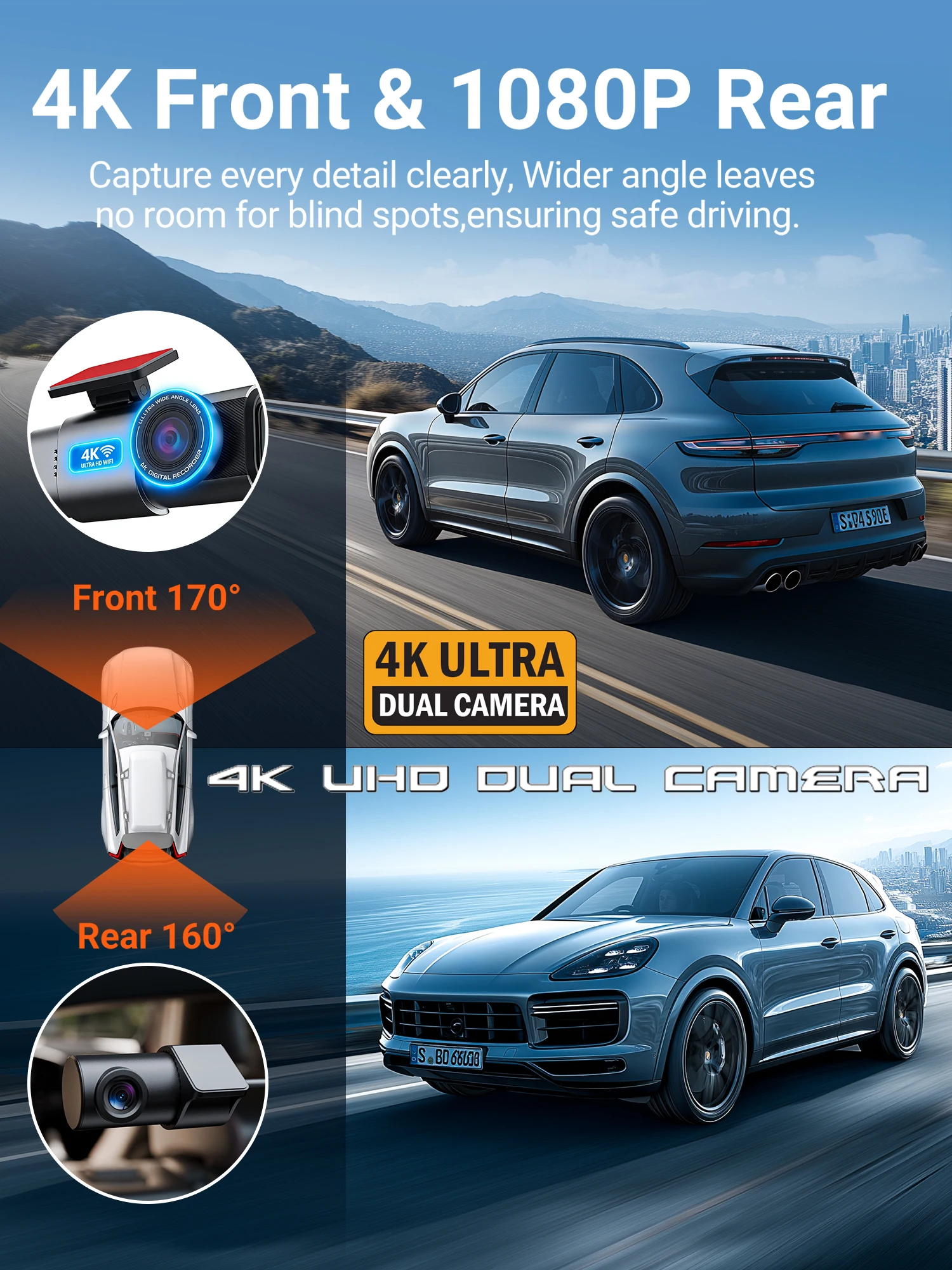
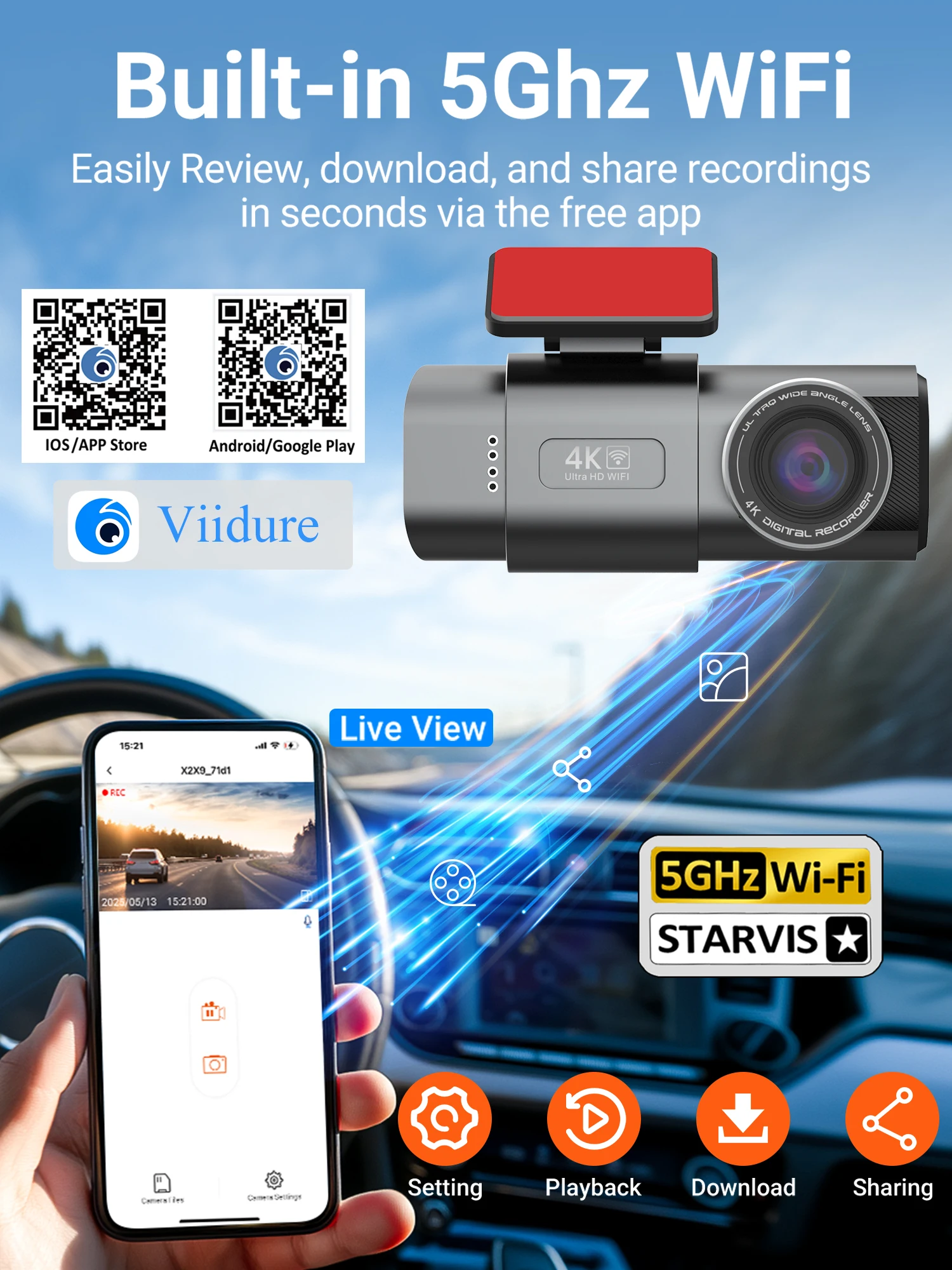
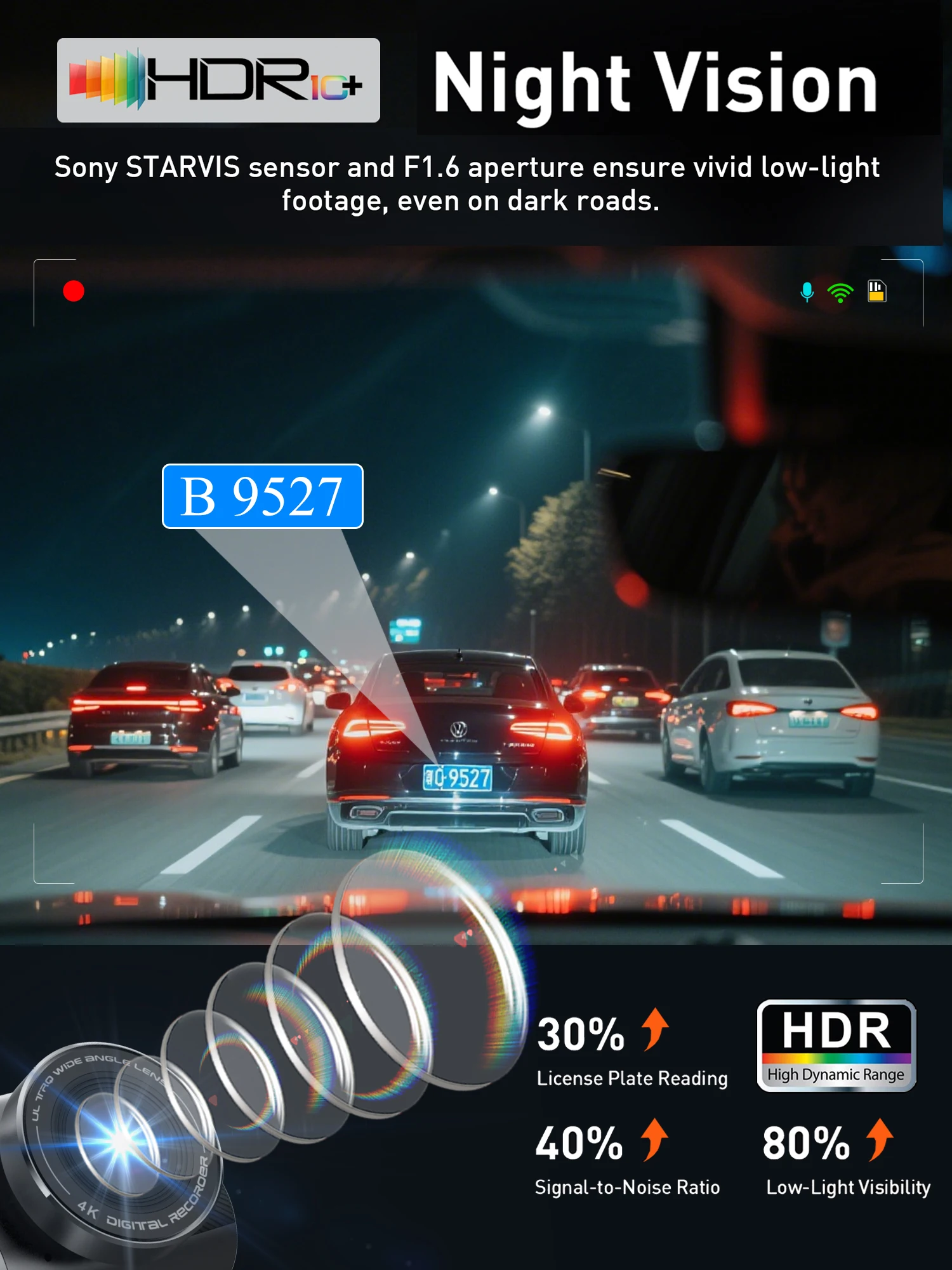
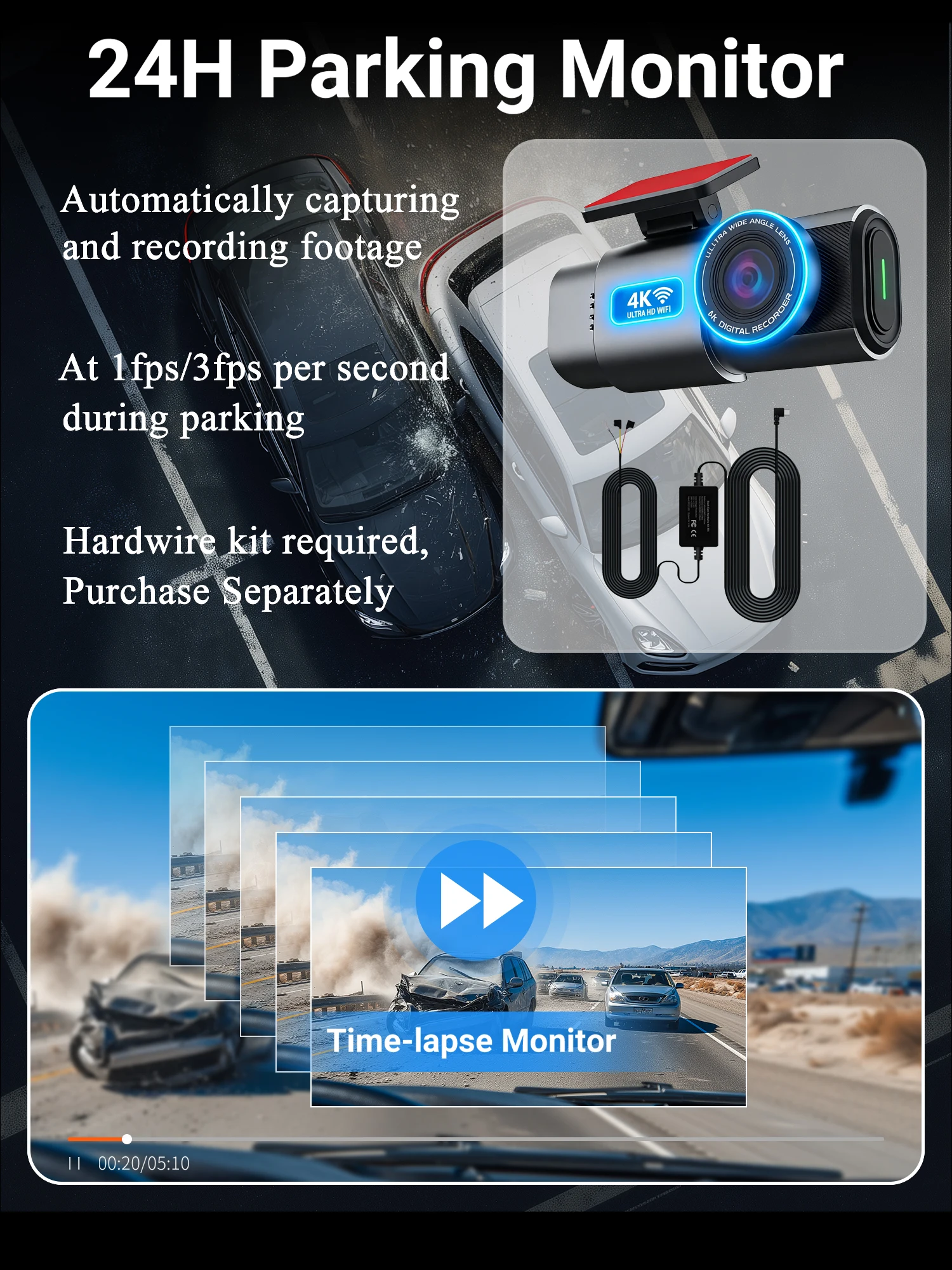
Description: ● Image sensor: Sony IMX415 ● Resolution: front 4K + rear 1080P 170 degrees ● Features: loop recording; G sensor; parking monitoring (requires hard wire kit); mobile phone detection. ● Memory card: maximum transfer speed 512GB FAT32 class 10 formatting ● Power interface: USB2.0/5V-2.5A ● Battery: 150mAh (cannot operate without power source!) ● OSD languages: English, Russian, Dutch, French, Spanish, Portuguese, German, Italian, Chinese, Japanese, Korean, Polish, Thai, Vietnamese, etc. (you can change the desired language on the app) ● Customer service email: ricardozed23@gmail.com (please describe the issue you encountered and send videos or pictures if possible. You will not suffer any loss during the camera's warranty period. Please do not start disputes. Thank you) Steps: (1) Enter DVR menu and go to WiFi settings and WiFi function; (2) In the DVR's WiFi menu, check for the WiFi SSID name and password; (3) Open the "Viidure" app on your phone, enter setup mode, turn on WiFi function on the phone, follow the instructions to find the DVR's WiFi SSID signal and enter the password to connect; (4) After successful setup, you can connect and operate the digital video recorder through the "Viidure" app.

Questions you might have