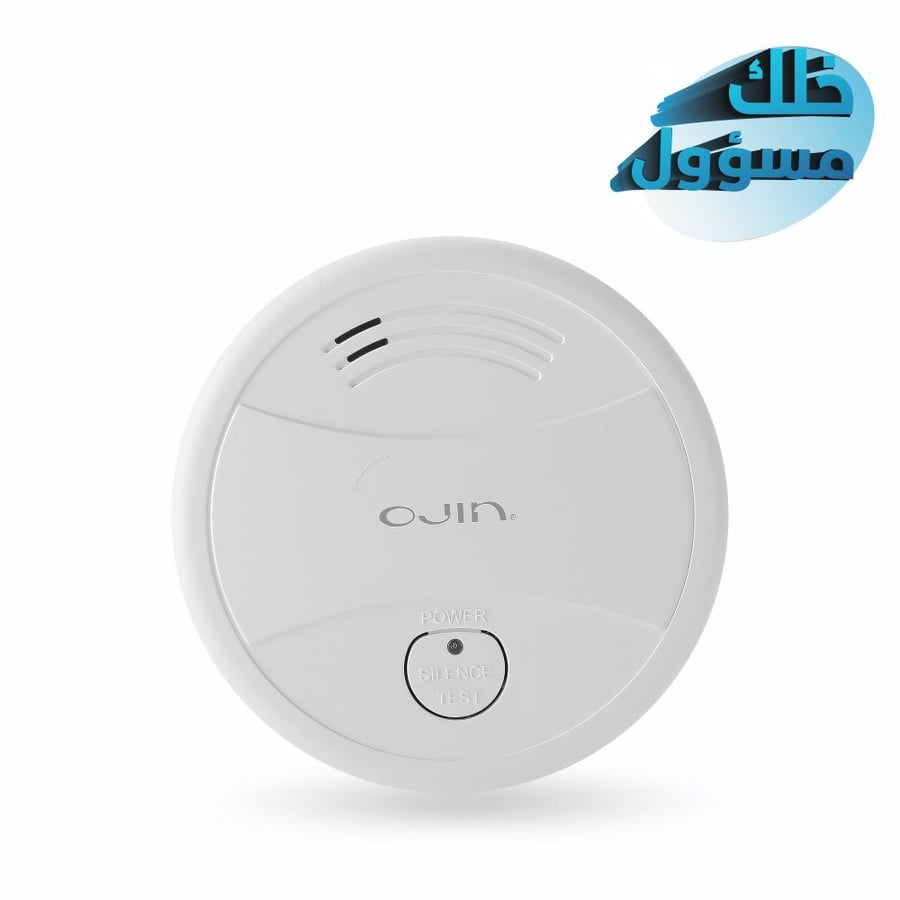
Smoke detector - Wifi
260ر.س
Product description
The Wi-Fi smoke detector is a smart security device as it detects smoke in the early moments of a fire, and issues a loud audible alarm and lighting alert you immediately, and allows you to send alert information directly to the mobile phone application via Wi-Fi. Why choose it? - Immediate protection as the device detects smoke in the early moments. - Smart alerts thanks to Wi-Fi connection, you can receive instant alerts on your mobile phone wherever you are. - Easy installation in one smooth step with clear and easy-to-follow instructions for installation and setup. - Its modern design fits your home or office. How to use: - Install the "Tuya Smart" app on your phone. - Make sure your phone is connected to Wi-Fi. - Open the app, tap on "Add Device," then select "Security Sensor" -- the sensor (Wi-Fi). - Press and hold the "Test" button for 5 seconds until the LED indicator flashes with a short beep for "Di." - Click "OK" in the app, and the detector enters setup mode for up to 60 seconds. - A long sound signal for "Di" with the LED indicator on for 10 seconds means the device has successfully connected to the Wi-Fi network. Instructions and warnings: - Use a drill to make a hole in the ceiling. - Install the expansion tube into the hole. - Fix the mounting plate with a screw. - Point the alarm towards the mounting plate, then connect and rotate clockwise until you hear the "kaca" sound, indicating correct installation. - Avoid humid places, fumes, and flames to ensure the device works efficiently.

Questions you might have