



Complete 10-in-1 mobile protection package for all iPhones, original Bastak brand
59ر.س
95ر.س-38%Product description
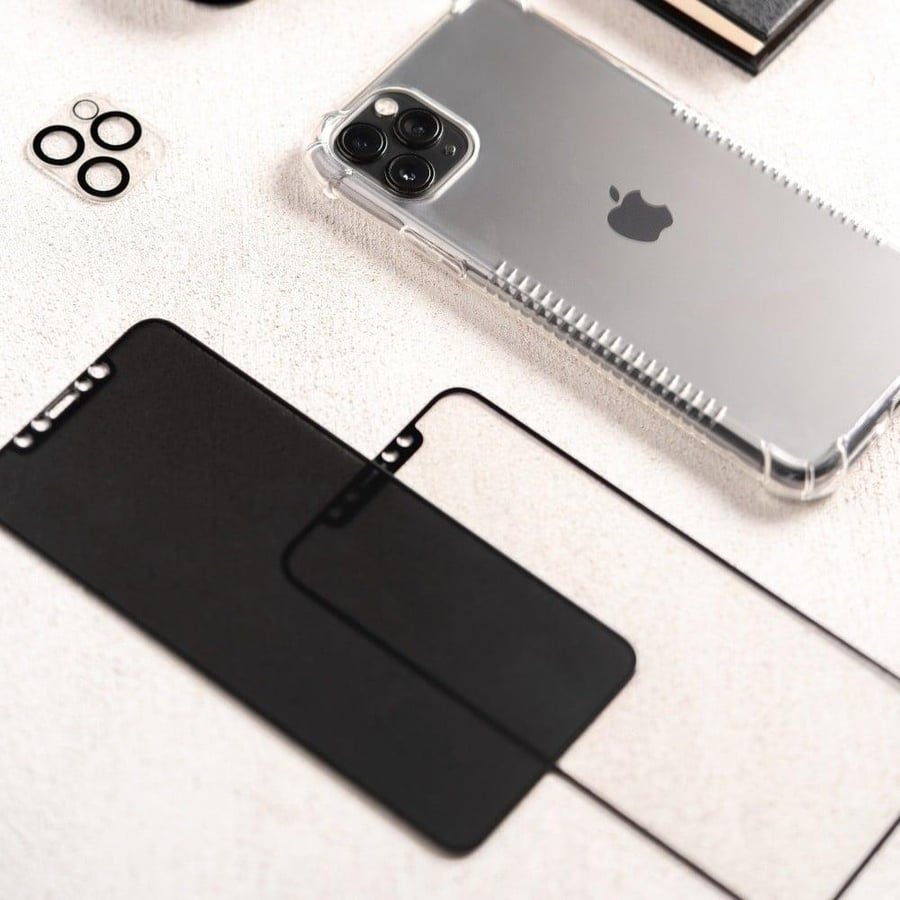
Complete mobile protection package for all iPhones, consisting of front protection, back protection, and thermal wrapping edges - phone cover - camera protection - installation and cleaning tools - phone grip.
Features:
1- The mobile screen protector is made of multiple protective layers with nanotechnology.
2- Provides full protection for the phone from shocks, scratches, and liquids, and gives it an elegant and attractive appearance.
3- Protective lens for the rear camera, phone grip, cloth fingers for gaming, phone pendant, back cover for the phone, screen protector, fingerprint protection, installation and cleaning tools, and thermal wrapping for the device with high quality.
Main:
Protection packages
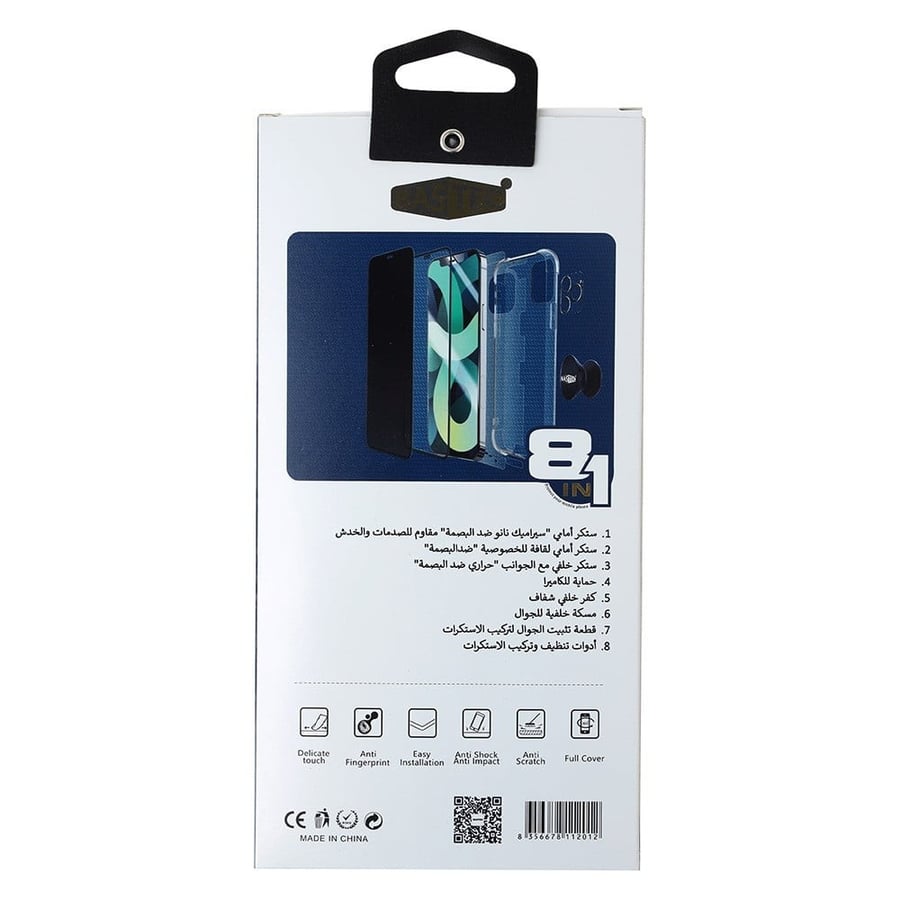
Complete protection package from Bastec 8-1
Package components:
Front sticker "Nano ceramic fingerprint-resistant" shock and scratch resistant
Privacy screen protector sticker "Fingerprint-resistant"
Back sticker with sides "Thermal fingerprint-resistant"
Camera protection
Transparent back cover
Back phone grip
Phone fixing piece for sticker installation
Cleaning and sticker installation tools
Installation method:
Front screen installation:
1- First, wipe and thoroughly clean the screen, ensuring it is free of dust, fibers, and impurities.
a- Wipe the screen with a damp cloth
b- Wipe the screen with a dry cloth
c- Use the adhesive to pass over the screen; its purpose is to remove fibers and impurities completely.
2- Remove the front screen from the mold.
3- Place it on the phone screen, aligning it with the front camera and speaker area to facilitate weighing.
*If impurities remain after installation, you can remove them by opening the nearest area to the impurity and removing it with additional adhesive. Sometimes, pressing on the impurity and pushing it out helps.
*If there are many impurities, you can wash and clean the screen and reinstall it.
Installing the back thermal protection:
1- First, remove any impurities if present.
2- Remove adhesive number one, ensuring the thermal protection remains in place and is not removed during the removal of the outer part.
3- Attach the protection from the top of the phone and pass it down from the top to the bottom of the phone with the rectangular piece to ensure no air is trapped inside.
4- Remove adhesive number two and pass the rectangular piece from top to bottom again to ensure no air is trapped inside.
5- Remove the outer adhesive.
Installing the camera protection:
1- Ensure the area is free of impurities.
2- Fix the camera protection and weigh it on the lenses.

From Al Ahsa
Questions you might have