




Lesson 1: Basic Photo Editing - Part 1
10ر.س
20ر.س-50%Product description
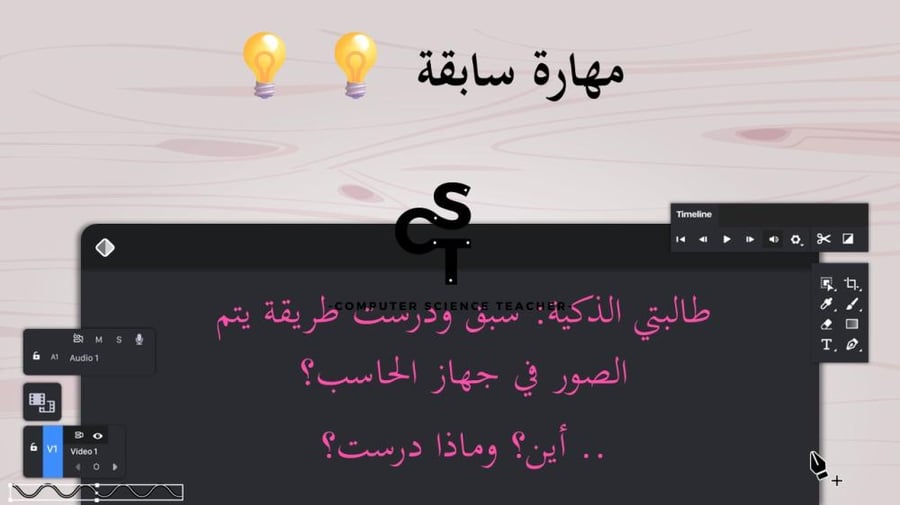
Presentation for the first secondary grade - Digital Technology 2-1 - Computer Science subject - New curriculum - Unit One - Advanced Image Processing - Lesson 1: Image Editing Basics - Part 1
Lesson objectives:
• GIMP program
• Components of GIMP program
• Image size and screen resolution
• Choosing color systems
The presentation consists of 55 slides
Contains 12 activities
The teacher's guide is used when preparing activities
Enhances religious and national values
Equipped with scientific enrichments and research
Matches the items of the class card form
**Purchase method:**
1. Add the product to the cart then click on checkout
2. You will be asked to register in the store via a text message or email
3. Enter the verification code sent to you to access your account in the store
4. Choose the appropriate payment method and enter payment information
5. Then click on complete payment
6. Follow the order status from the bell icon, and it will show that the order status is "Pending review"
7. Follow the order status from the bell icon, and when the status changes to "Completed," click on the notification to open the page
8. You will find the product name and in the next line the files: and the product title with a clickable link to start downloading
After purchase, because it is a digital product, the user receives it via a link; the presentation is in pptx format, editable.
Once the customer receives the product, if there are any notes, we are informed for modifications. The product value is not refundable after receipt.
All rights reserved for the computer science teacher account. The customer is not allowed to share the presentation link or provide it to others without paying for the copy, to avoid legal accountability.
Remaining rights are attached to the presentation and samples.
Note: The rest of the lessons and units for the new curriculum in computer science will be added.

From Mecca