

HP DeskJet 2875 multifunction printer
249ر.س
299ر.س-17%Product description
Product details: HP DeskJet 2875 all-in-one printer is the perfect solution for all your daily printing, scanning, and copying needs, with advanced HP Thermal Inkjet technology that guarantees you exceptional print quality every time. Thanks to its wireless connectivity and ease of use, the printer allows you the freedom to work from anywhere at home or in the office without the need for cables.
Features:
Ease of use: Convenient features for printing, copying, and scanning daily documents with ease.
Ideal for homes: A4 color inkjet printer perfect for home use.
Multiple functions: Supports printing, copying, and scanning in one device.
Dynamic security: Equipped with dynamic security to keep your data safe.
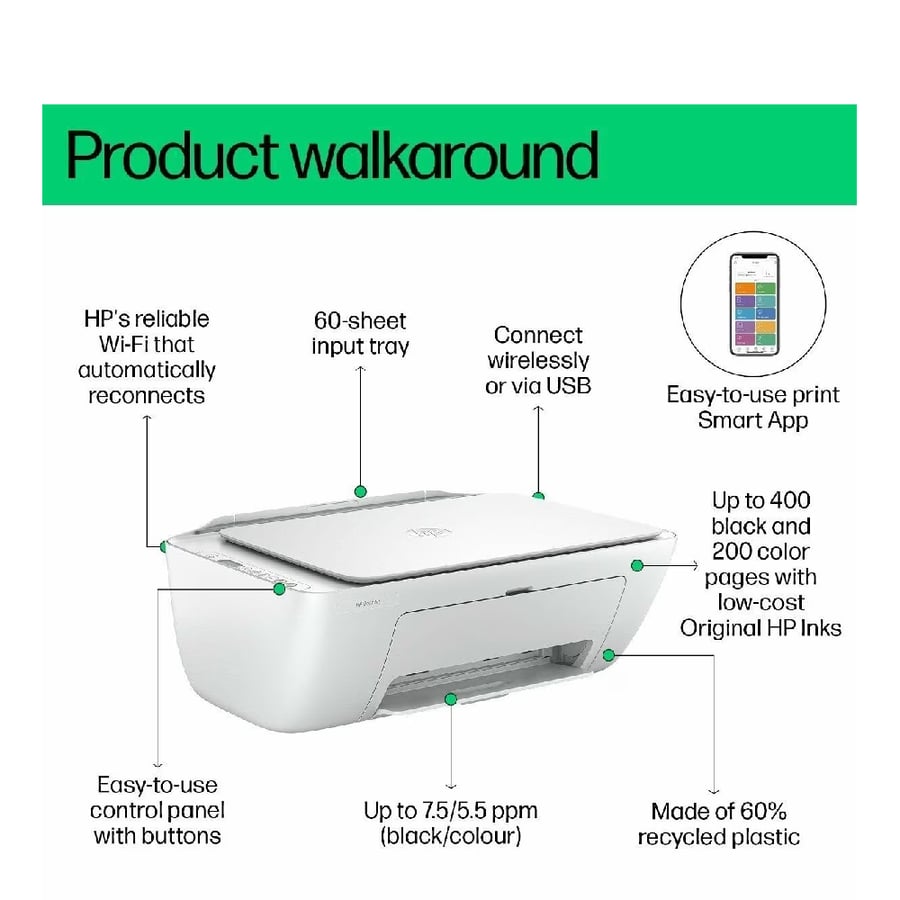
Efficient print speed: Up to 7.5 pages per minute (black) and 5.5 pages per minute (color).
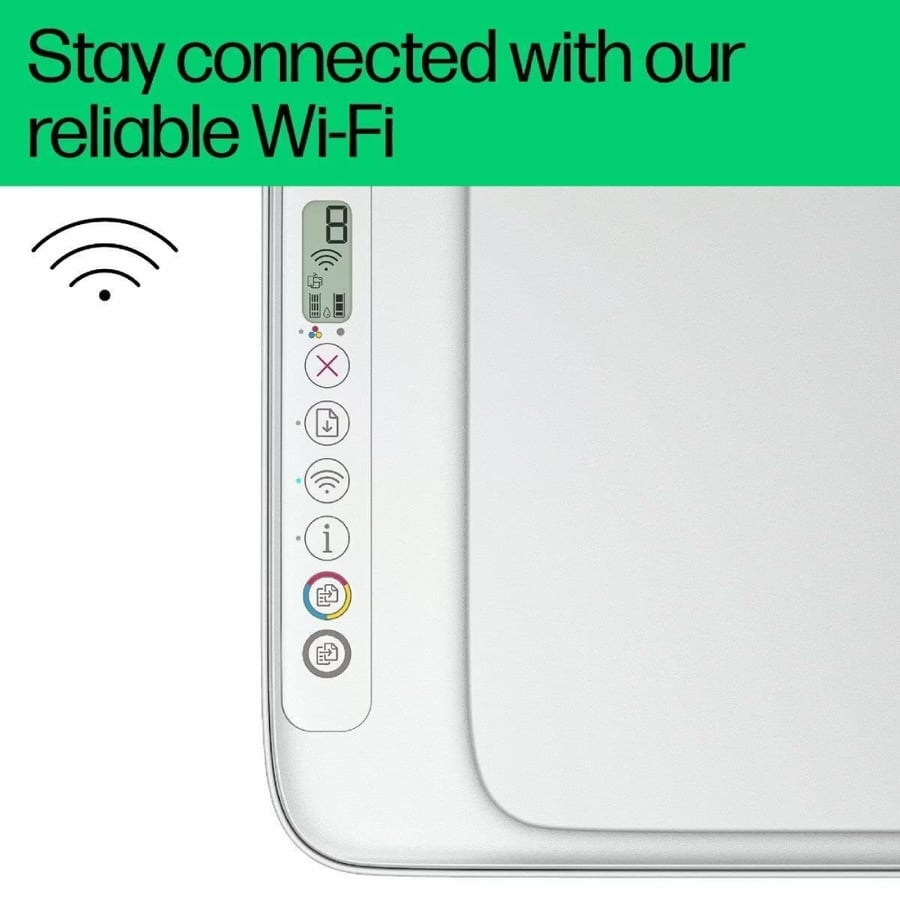
Flexible connectivity: Allows connection to Wi-Fi network or USB for greater flexibility.
Specifications:
Functions: print, copy, scan
Supports multitasking: print speed (black, ISO, A4): up to 7.5 pages per minute
Print speed (color, ISO, A4): up to 5.5 pages per minute
First page out time (ready): black: within 13 seconds
Monthly duty cycle (A4): up to 1000 pages
Recommended monthly page volume: 50 to 100 pages
Printing technology: HP Thermal Inkjet
Included printer drivers: HP PCL 3 GUI
Print quality (best): black: up to 1200 × 1200 dpi
color: up to 4800 × 1200 dpi (when printing from computer on HP photo paper with 1200 dpi input)
Screen: iconic LCD screen
Processor speed: 1.0 GHz
Number of ink cartridges: 2 (1 black, 1 tri-color)
Printing languages: HP PCL 3 GUI; HP PCLm (HP/UPD applications); URF (AirPrint)
Automatic paper sensor: no
Wireless connection: yes, built-in Wi-Fi 802.11b/g/n (2.4 GHz only)
Standard connection: 1 Wi-Fi 802.11b/g/n, 1 high-speed USB 2.0 (for device)
Minimum system requirements:
Windows 10, 11: 1 GHz processor (32-bit or 64-bit), 2 GB available storage, internet connection, Internet Explorer
macOS: version 10.14 Mojave, 10.15 Catalina, 11 Big Sur, 12 Monterey, 13 Ventura; 2 GB storage; internet connection required
Compatible operating systems: Windows 11, Windows 10, macOS 10.14 Mojave, 10.15 Catalina, 11 Big Sur, 12 Monterey, 13 Ventura, 14 Sonoma
Mobile printing capability: HP app; AirPrint; Chrome or Email
Memory:
Standard: 64 MB DDR1
Maximum: 64 MB DDR1, 24 MB flash
Paper handling (standard input): 60-sheet input tray
Paper handling (standard output): 25-sheet output tray
Duplex printing: manual (supported via driver)
Supported media sizes: A4; B5; A6; DL envelope
Custom media sizes: from 76 × 127 mm to 215 × 355 mm
Media types: plain paper, photo paper, booklet paper, envelopes, and other specialty printing paper
Recommended media weights: 75 g/m²
Borderless printing: no
Scanner type: flatbed
Scan file formats: JPEG, TIFF, PDF, BMP, PNG
Optical scan resolution: up to 1200 dpi
Bit depth: 24-bit
Maximum scan size: 216 × 297 mm
Automatic document feeder: no
Standard digital send features: no
Scan input methods: copy buttons on front panel, HP Smart app
Copy resolution (black text): up to 300 × 300 dpi
Copy resolution (text and colored graphics): up to 300 × 300 dpi
Maximum copies: up to 9 copies
Fax: no
Power:
Input voltage: 100 to 240 V AC (+/- 10%), 50/60 Hz (+/- 3 Hz), 350 mA
Power consumption: ready: 2.8 watts
Sleep mode: 1.53 watts
Auto-off: 0.3 watts
Off: 0.3 watts
Environmental sustainability specs: 60% recycled plastic post-consumer
Operating temperature range: 5 to 40 degrees Celsius
Recommended operating humidity: 20 to 80% RH (non-condensing)
Minimum dimensions (W × D × H): 425 × 304 × 154 mm
Maximum dimensions (W × D × H): 425 × 546 × 250 mm (when fully extended)
Packaging dimensions (W × D × H): 475 × 191 × 354 mm
Printer weight: 7.55 lbs (3.42 kg)
Package weight: 4.48 kg
Pallet quantity: 72 units
Number of layers per pallet: 6
Included software: HP printer software, available online
Make the HP DeskJet 2875 all-in-one printer your daily partner to accomplish your office tasks quickly and efficiently. Don't miss the opportunity to own a multifunction printer that meets all your needs and helps you maintain top productivity. Get it now and enjoy unmatched performance!

From Riyadh