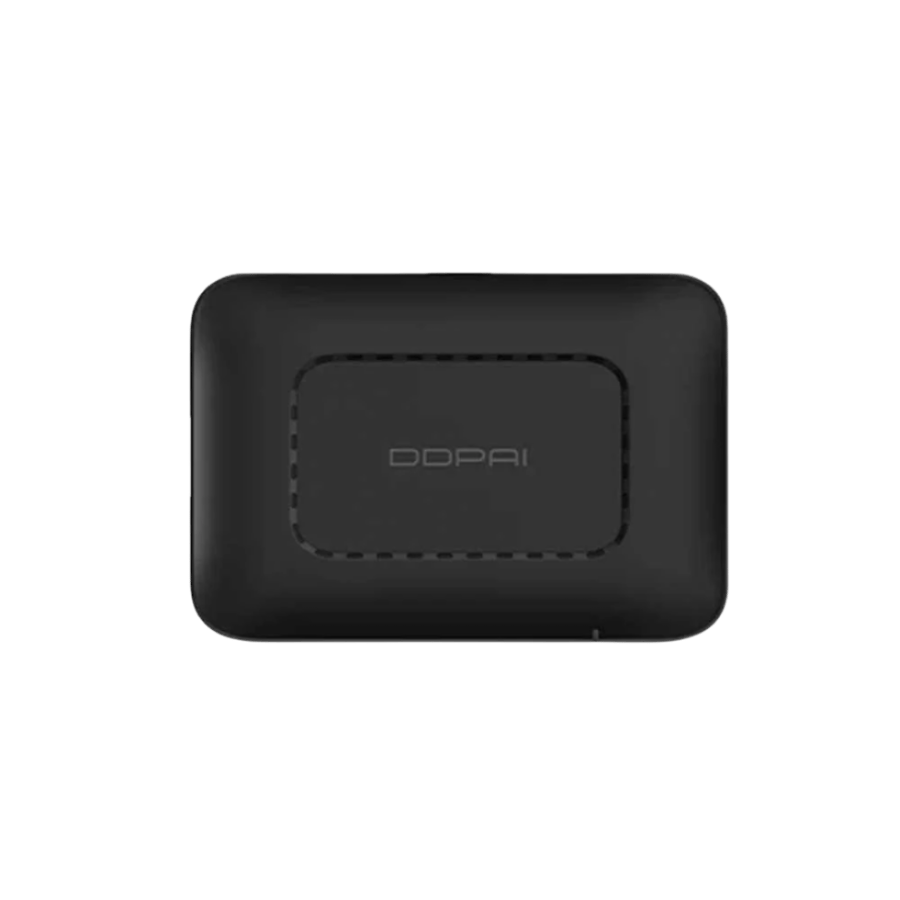

DDPAI 4G Link Box SIM card box for tracking the dash cam and remote alerts
299ر.س
349ر.س-14%Product description
DDPAI 4G Link Box container an additional practical for the dash cam compatible from DDPAI, allows connecting the camera to the internet via a 4G SIM card to benefit from remote monitoring features, such as viewing the camera image from the phone, receiving notifications when a collision occurs, and tracking the vehicle movement through the electronic fence, with the possibility of uploading images and clips to the cloud depending on the app and service support.
Specifications
Brand: DDPAI
Product type: 4G SIM card box for dash cam
Technical name: DDPAI 4G Link Box / 4G Link Bracket
Function: Connecting the dash cam to the internet via a 4G SIM card
Use: Remote monitoring, notifications, tracking, cloud upload
Connection: 4G via compatible data SIM card
Application: Works with DDPAI app
Notifications: Collision alert and movement alerts according to app settings
Features
Allows viewing the dash cam image remotely via the phone when connected.
Sends notifications when a collision or important event is detected around the vehicle.
Supports the electronic fence feature to alert you when the vehicle enters or leaves a specified area.
Helps upload images and videos to the cloud for review or later download.
Suitable for those who want to monitor their vehicle during parking or in public places.
Operates through the DDPAI app for easy control and monitoring.
An important addition for compatible dash cams supporting 4G features.
Helps enhance parking monitoring and smart alerts.
How to use the DDPAI 4G SIM box
Ensure your dash cam model supports DDPAI 4G Link Box / 4G Link Bracket.
Insert a compatible 4G data SIM card into the box.
Fix the box in the appropriate place inside the vehicle according to installation instructions.
Connect the box to the dash cam and the required cables as per the user manual.
Open the DDPAI app and link the box to the camera.
Set alert, remote monitoring, and electronic fence settings from the app.
Uses of the DDPAI 4G box for dash cam
Remote camera viewing from the phone.
Receiving alerts when a collision or vibration occurs.
Tracking the vehicle’s location or movement according to app support.
Creating an electronic fence to alert you when the vehicle enters or leaves a specific area.
Uploading images and videos to the cloud when the service is available.
Enhancing vehicle monitoring during parking in parking lots or streets.
Compatibility conditions before purchase
Works only with compatible DDPAI models, not suitable for all dash cams.
Requires an active 4G data SIM card and an internet plan.
Some features like cloud, streaming, or alerts depend on app support, region, and coverage.
Installation requires proper connection to the camera and power source.
It is recommended to verify compatibility with the camera model before purchase.
Product contents
DDPAI 4G Link Box or 4G Link Bracket depending on the version
Connecting and installation accessories according to the available package
User manual if available
Note: Package contents may vary depending on the version and model, so it is preferable to review product details before purchase.
Frequently Asked Questions
Does it work with all DDPAI cameras?
No, it only works with compatible DDPAI models supporting 4G Link Box / 4G Link Bracket.
Do I need an internet SIM card?
Yes, an active 4G data SIM card is needed to use remote connection features.
Can I view the camera from outside the vehicle?
Yes, this is possible with compatible models when internet connection and app support are available.
Does it send an alert when a collision occurs?
Yes, it can send notifications when a collision or event is detected, according to camera and app settings.
Does it support uploading clips to the cloud?
Yes, it supports uploading images and clips to the cloud depending on service availability and app support.