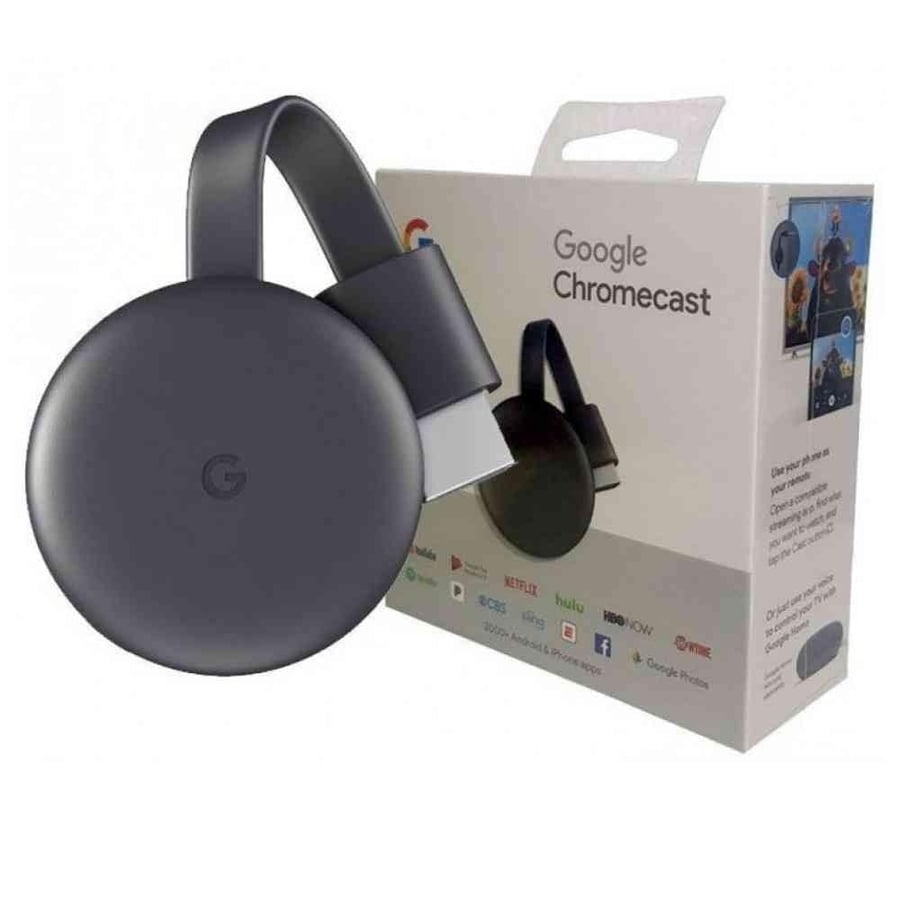




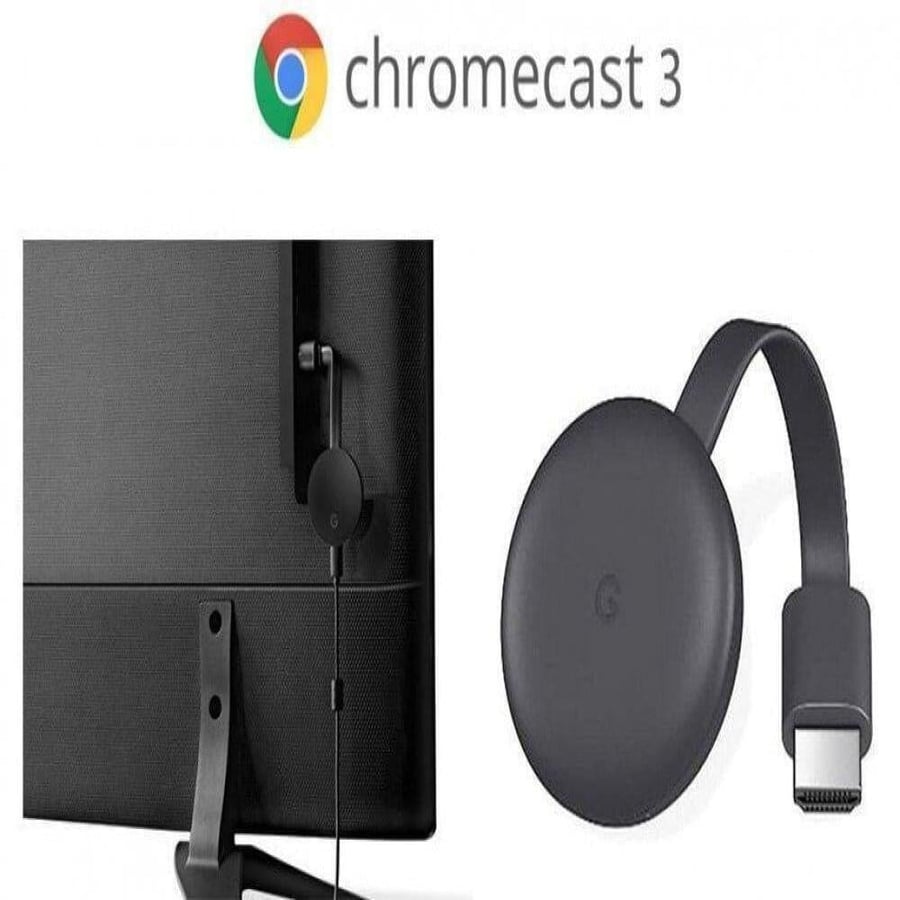

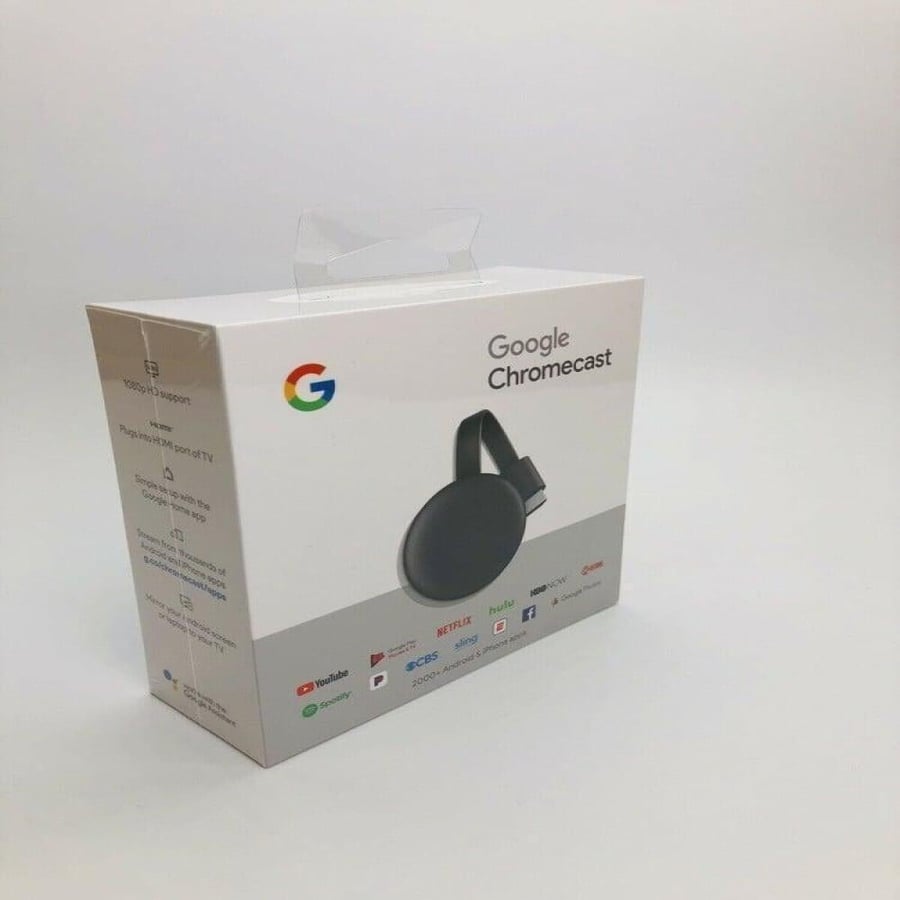
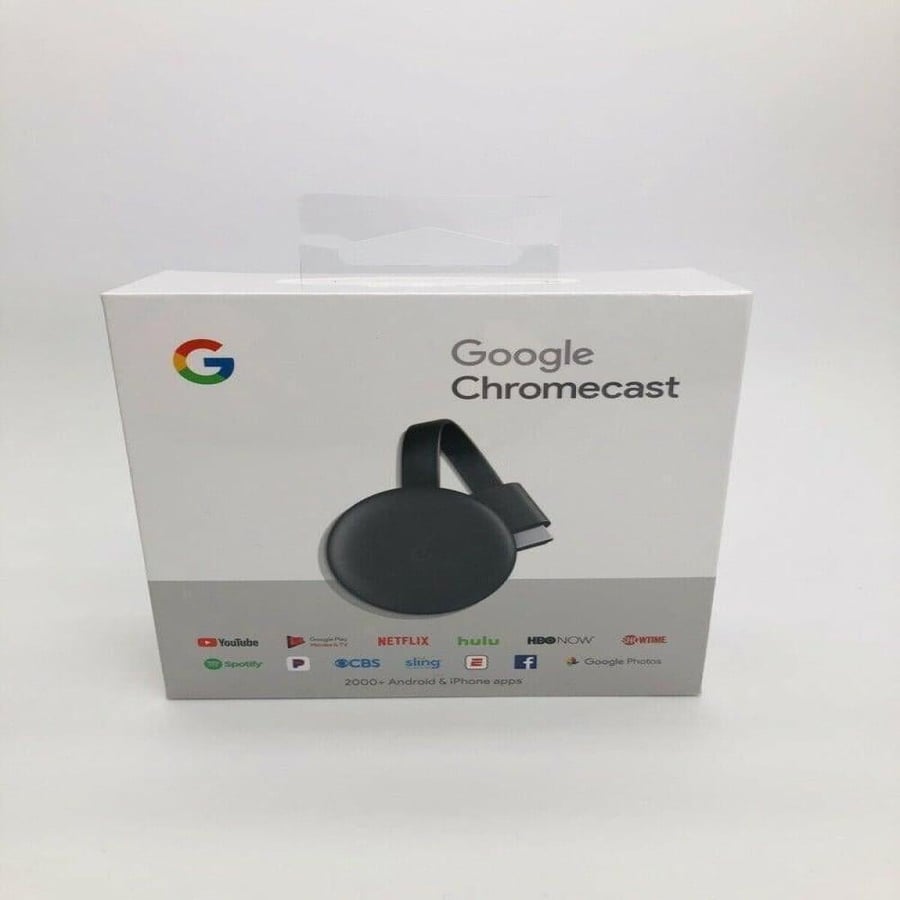
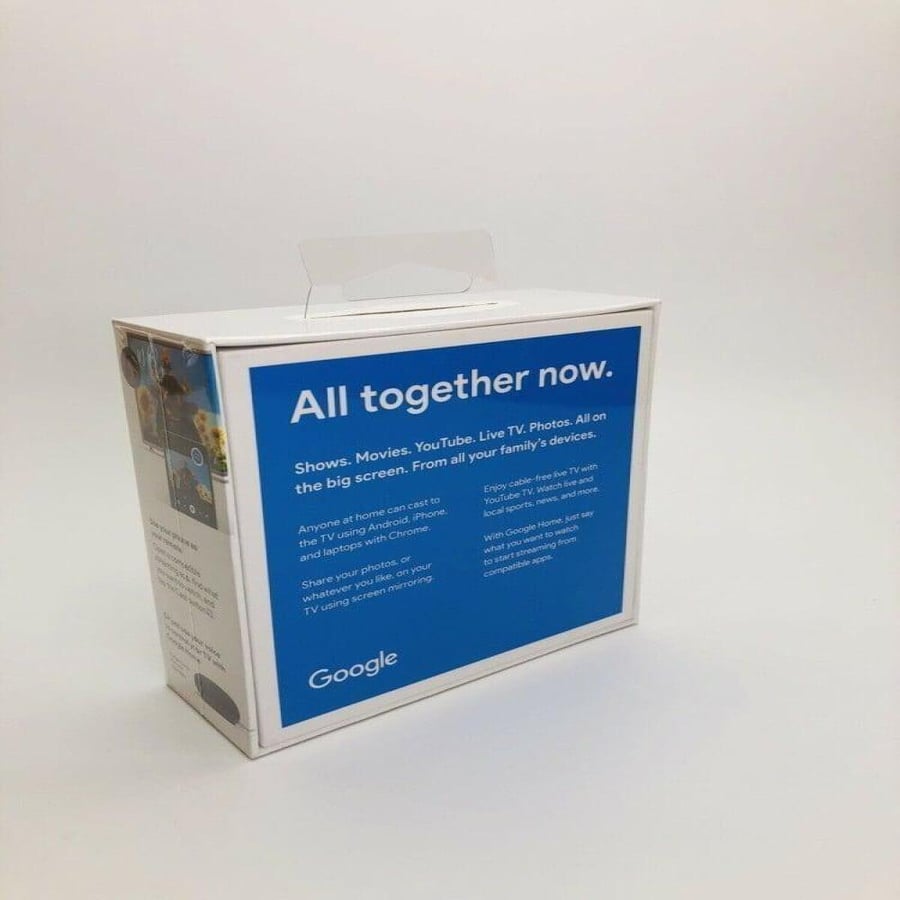
Google Chromecast 3 - Google Chromecast 3
182.45ر.س
Product description
Google ChromeCast
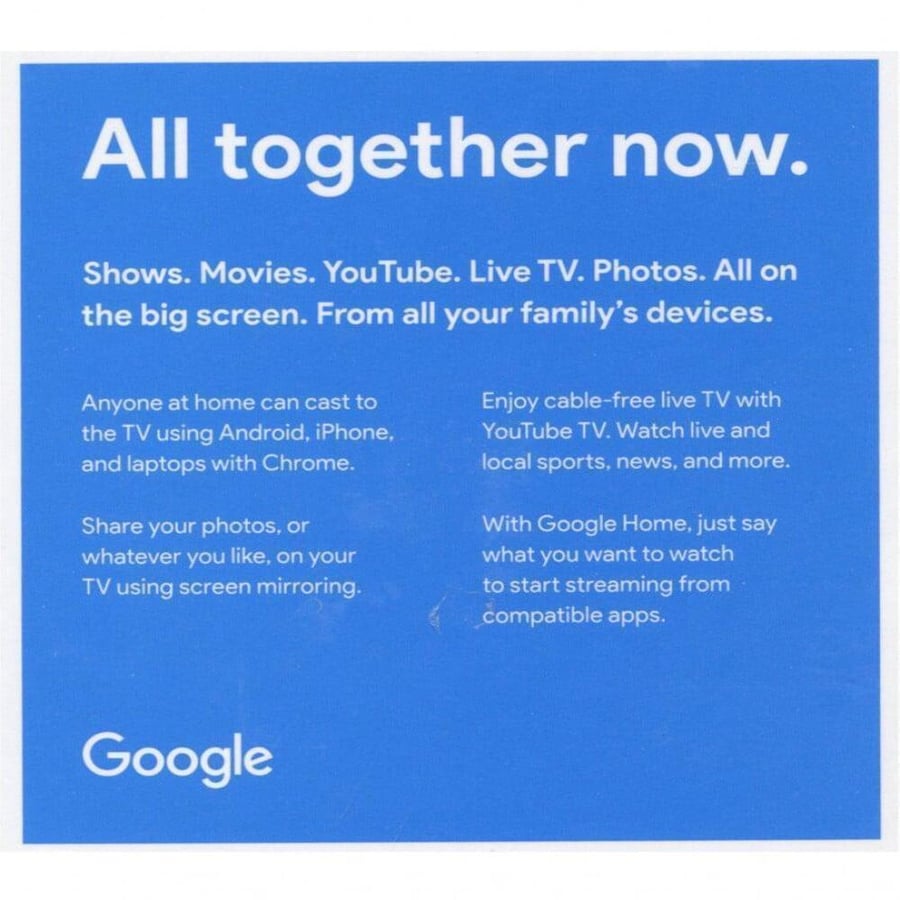
• Stream from Android and iPhone: Enjoy thousands of Android or iPhone apps, and turn them on or off right from your phone.
• See your laptop on your TV: You can view your laptop screen on your TV using Chrome browser, browse the web or watch media on the big screen.
• Connect your TV from your tablet: Turn your Android or iOS tablet into a better entertainment hub, just tap the cast button on any compatible app.
Chromecast Features:
Chromecast is easy to install and operate
Chromecast link supports HD 1080p
Google Chromecast 3 allows you to view thousands of Android and iPhone applications
A Google Chromecast TV link that enables you to display the screen of your mobile phone or laptop on the TV screen
The Google Chromecast link enables you to play media on TV in 1080p from Google
Enjoy with wireless live streaming via Chromecast and watch YouTube and live shows through the many applications available on Google Chromecast
Google Chrome Cast 3 turns the TV screen into a smart screen with the highest standards. Everyone can view media on TV, whether Android, iPhone, or even a laptop
Share your photos and all your fond memories with your family and friends by viewing them from your mobile phone on the TV screen via the Google Chromecast link from Google
How to play google chromecast:
connect chromecast to tv
The first step is to connect the Google Chromecast chip to the TV, and you must connect the chip itself via the HDMI port, while you connect the USB charger through the designated port inside the TV to provide power or connect it to an external power source directly.
Download the Google Home app
The second step to control the Chromecast chip is through the Google Home application available through the Google Play Store or through the iTunes store for IOS phones and most Android phones come with the application pre-installed, after installing the Google Home application, you choose the Chrome Cast icon within the application
After that, the settings for Google Chromecast are installed automatically, and you only need to click on the Continue button, then you continue to choose preferences for some display and video broadcast settings on your TV to choose what suits you. After completing your preference setting, a code will appear on your TV that you enter in the application
Google Home, then you choose the name of your new link, the Chromecast link, and you connect it to a Wi-Fi network, after that, enjoy the many benefits of Chromecast
- It is preferable to log in with your Gmail account to sync your preferences and watch history from YouTube and others (optional).
Product carton contents:
Chromecast
Power Cable
Power Adapter
2 years warranty