
Wireless keyboard with touchpad Bordo
99ر.س
149ر.س-34%Out of Stock
Product description
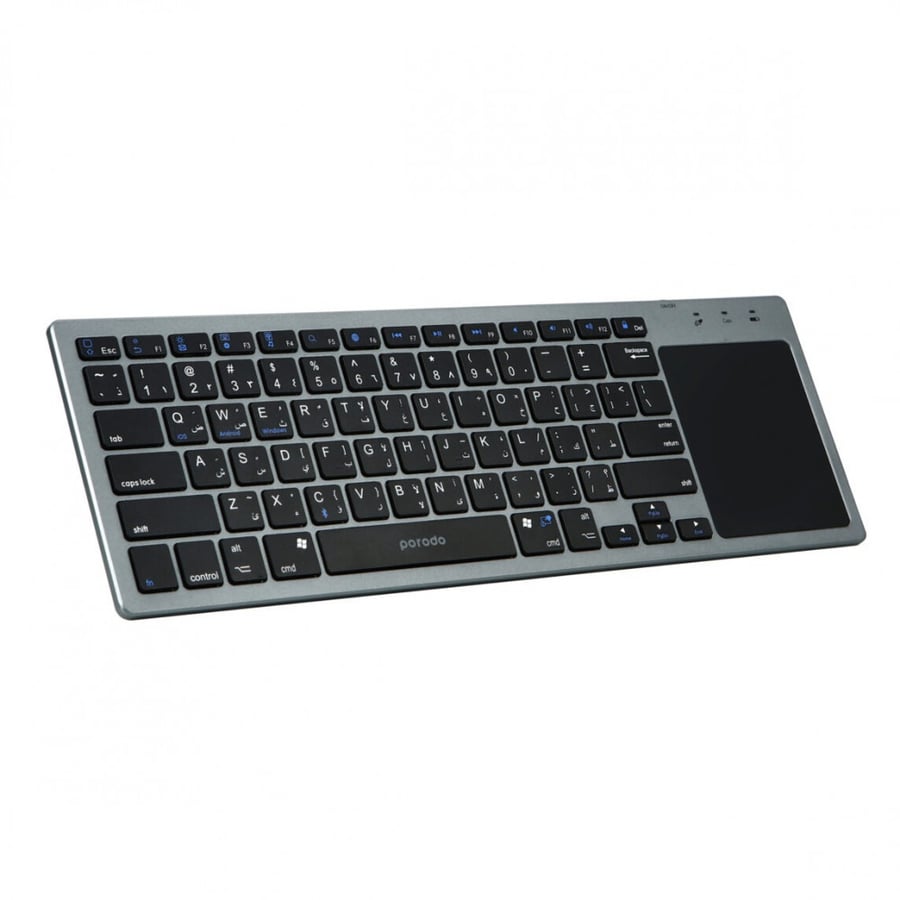
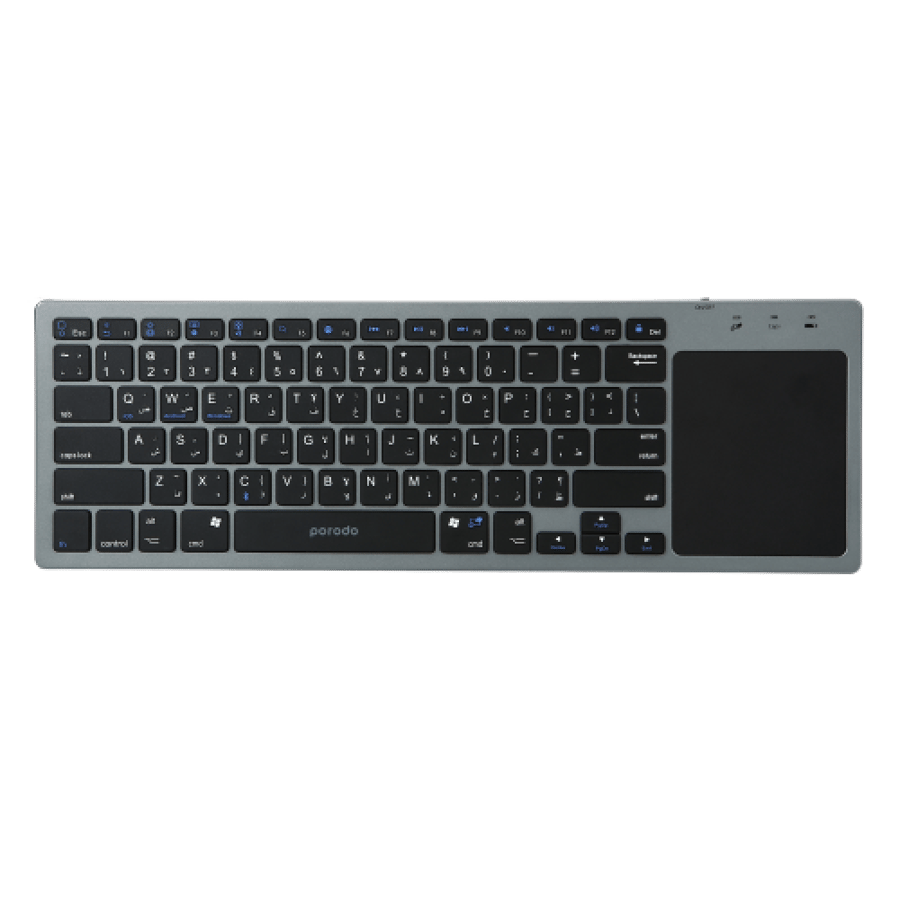
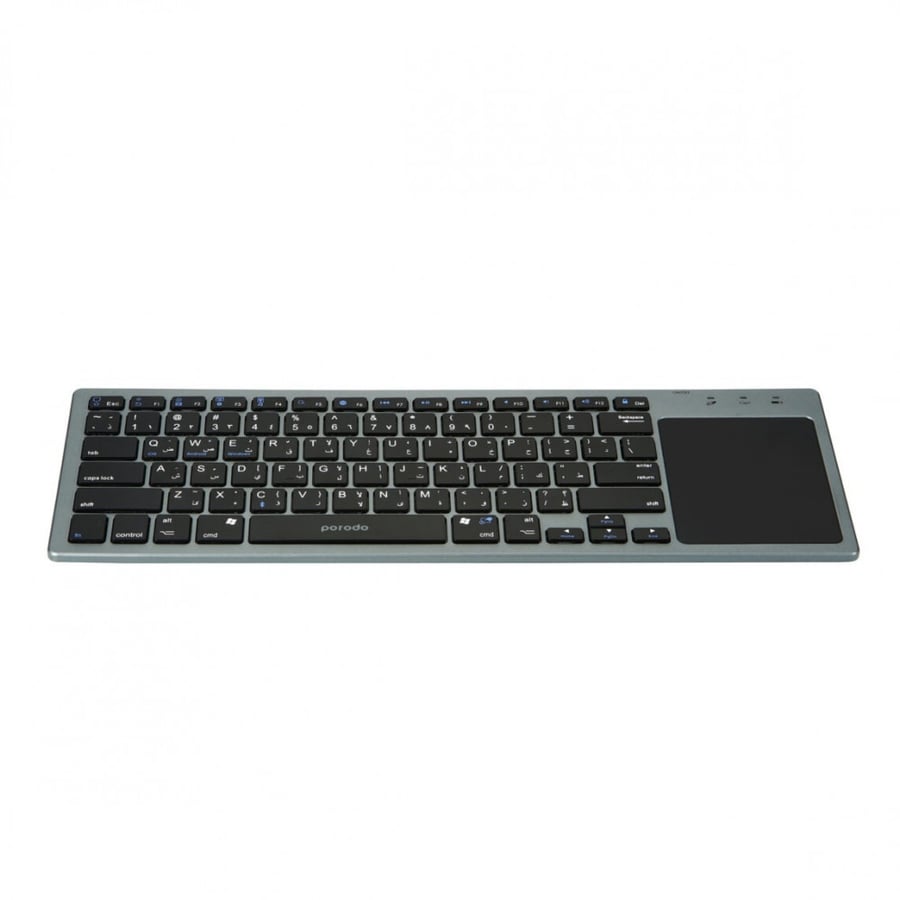
The wireless keyboard from Porodo comes with an attached touchpad. You can carry this lightweight product without any effort. You have two options in one product, a keyboard and a mouse. The built-in Bluetooth 5.0 function allows devices to easily connect to any laptop, computer, or smart device. The touchpad is designed on the right side of the keyboard, and it is stylish enough to make you feel comfortable when using it. You can use one finger to click on the left, two fingers to right-click, click with one finger and use another finger to drag, use two fingers for the mouse wheel to scroll up and down, and swipe two fingers to zoom in and out. With the sleep timer option, you can ensure a durable and long-lasting battery. To connect the keyboard to the device, turn on the keyboard, press the "fn + c" button, then you will see a blue LED flashing. Bluetooth searches for the paired device, then open the Bluetooth on the computer/iPad, start searching for the device, look for "BT-TP KB PORODO," click on it to connect, enter the code displayed on the screen, then press the Enter key, and the connection will be successful.

From Buraydah