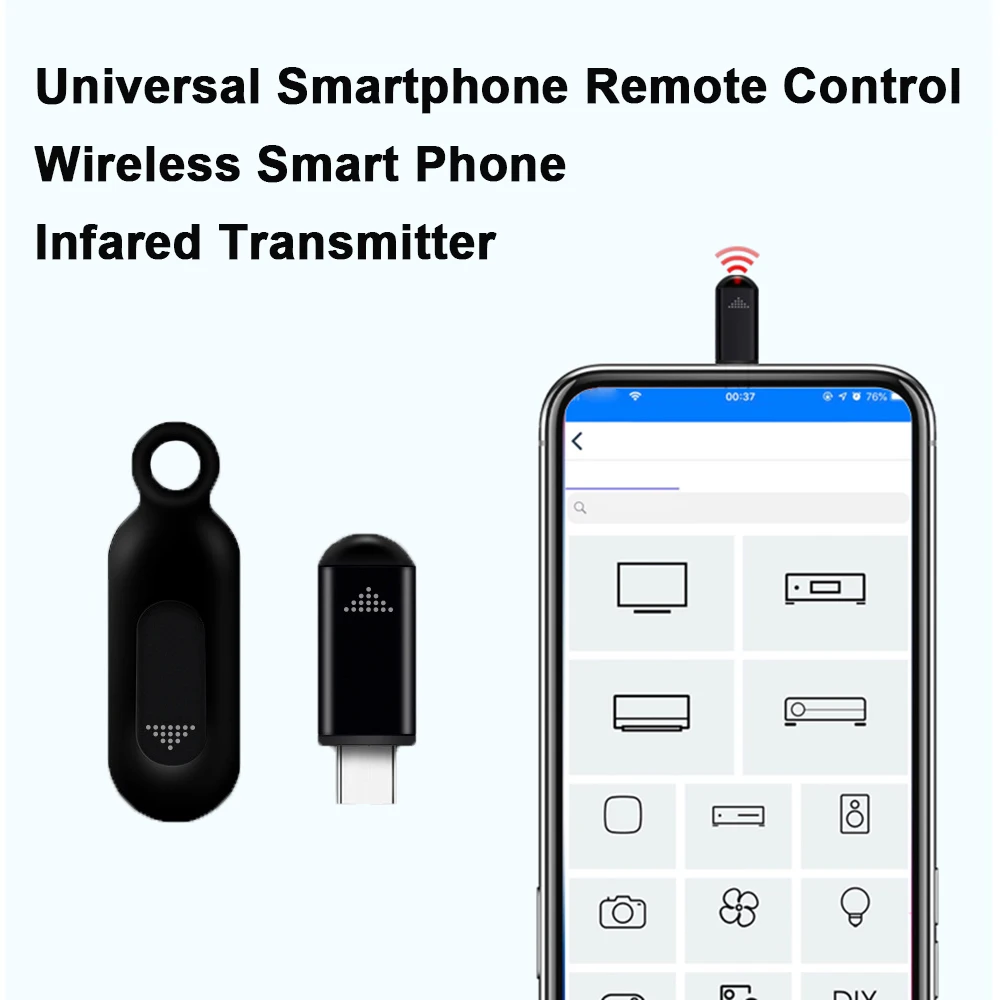

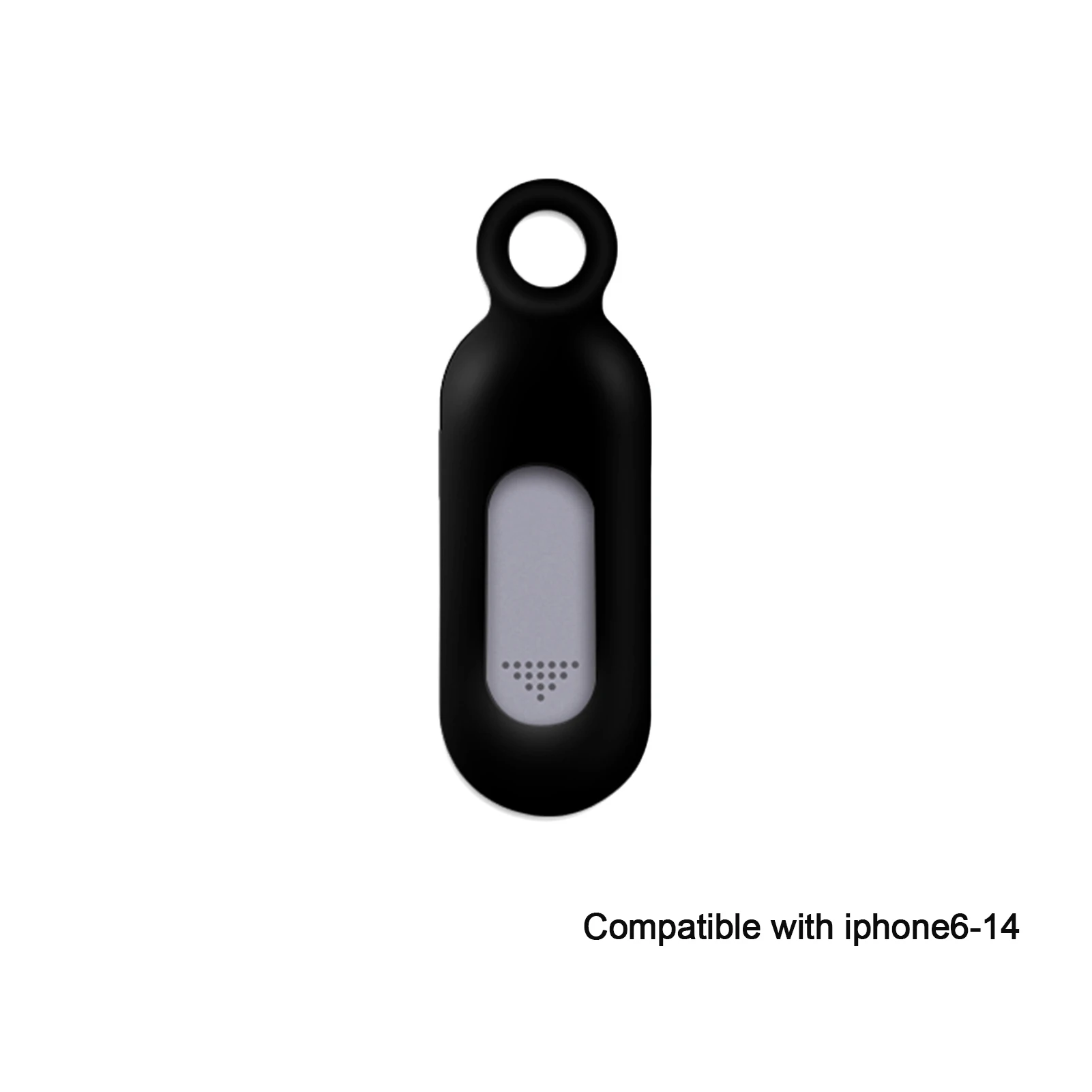
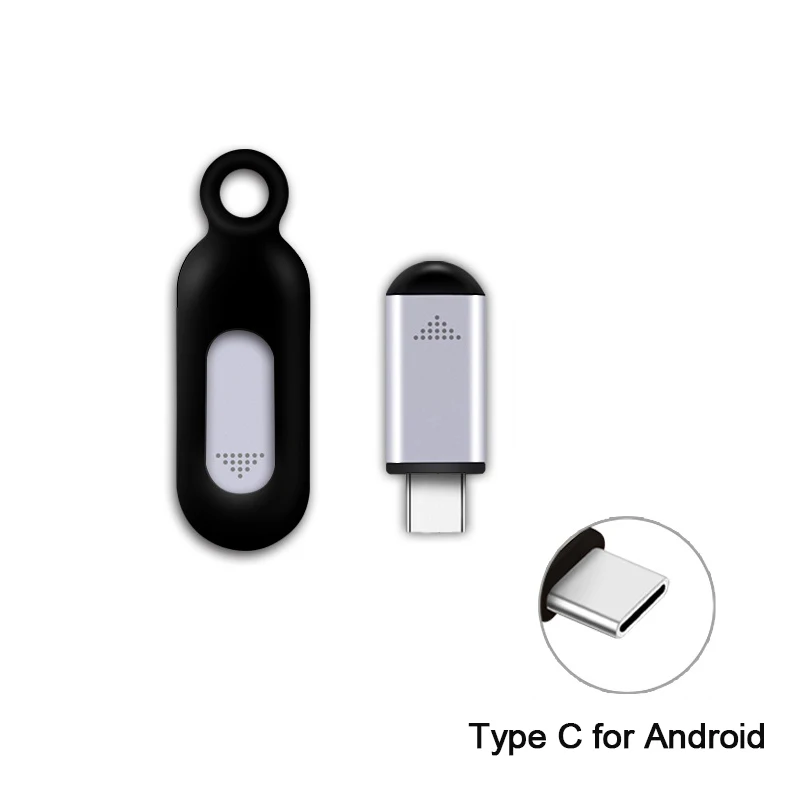
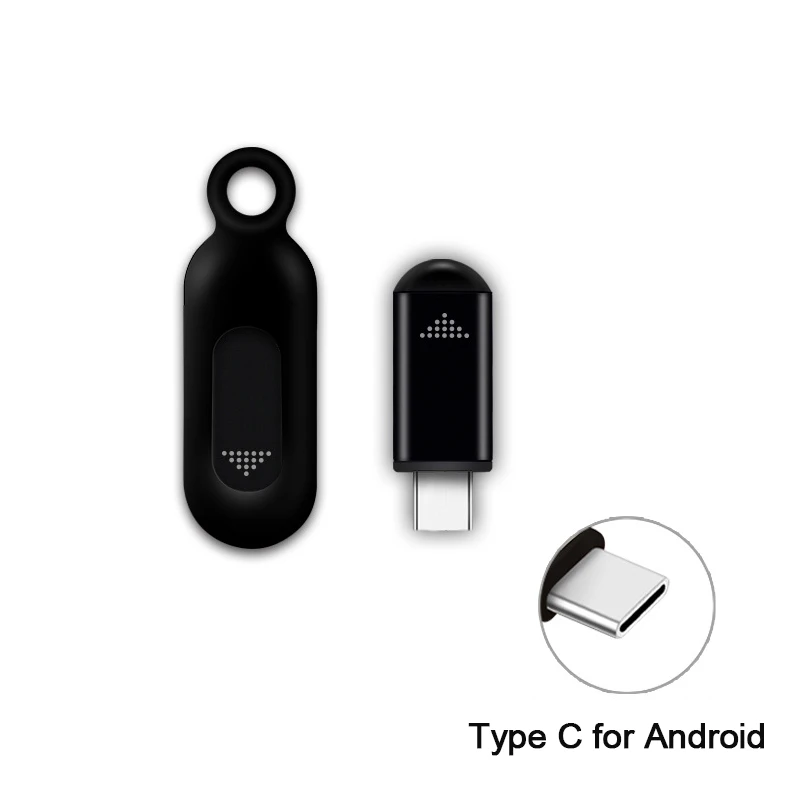
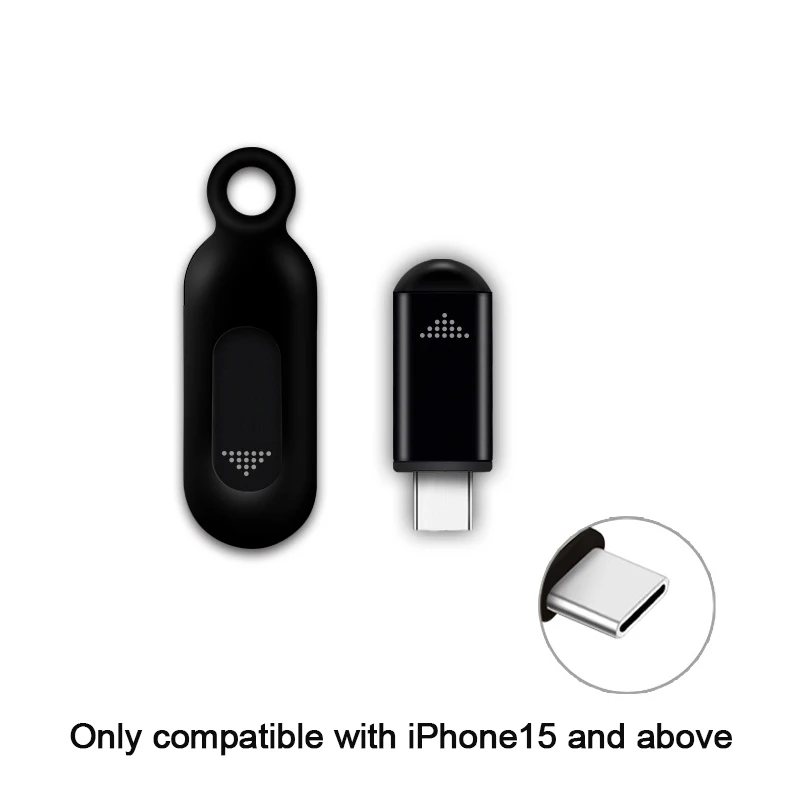
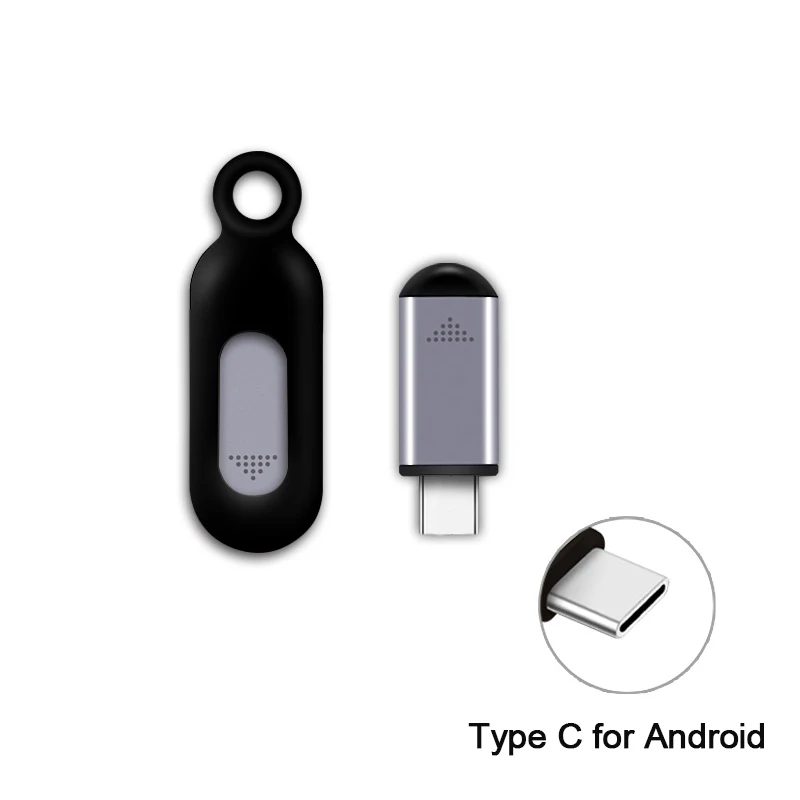
Remote control device for mobile phone of type C for iPhone IR Blasters universal converter with infrared smart remote for fan air conditioner for television
60.94ر.س
91.06ر.س-33%Product description
Model: EKX4S
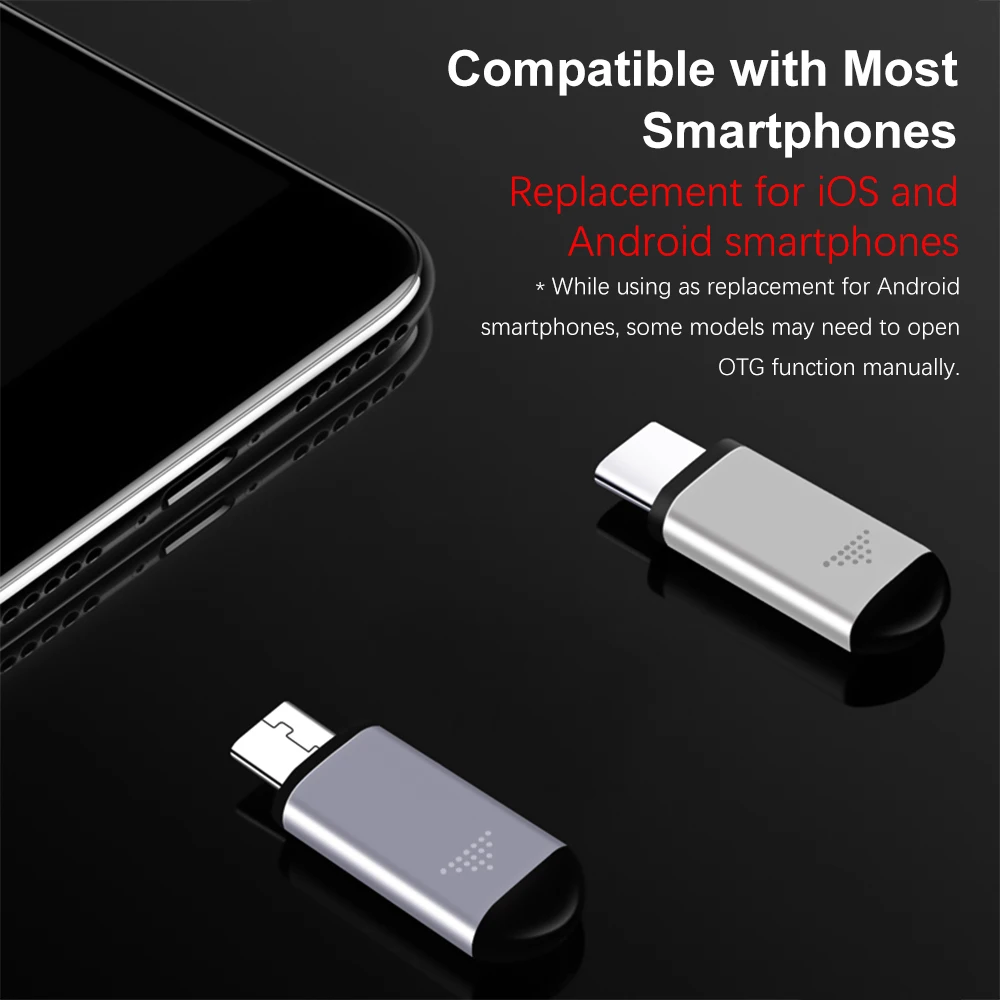
Mobile phone interface applicable: TypeC (the plug is not compatible, please choose the appropriate version according to your phone system)
Lighting, applicable products: iOS Apple, Android
Suitable for: air conditioner, television, decoder, camera, and other infrared remote-controlled devices
Infrared wavelength: 940 nanometers
Transmission frequency: 38 kHz, 56 kHz
Weight and size: one set of products (with packaging): about 19 grams, 8.5 × 5.5 × 2.5 cm
IOS: search for Uni TV Remote and download it from the Apple Store / search for "ocrustar" in the App Store to download the app
Android: search for Zaza device and download it remotely from the Google Store (different countries have different app names. You can search for universal remote controls. The one with the highest number of downloads will be compatible.)
1. The Apple phone can be recognized after connecting it to the remote control, but why can't it be adapted and the indicator light doesn't flash?
Answer: It can be solved by turning off mono sound in the mobile phone settings - General accessibility functions (the mono sound option is a set of auxiliary functions for people with hearing impairment in one ear and will not affect regular calls)
2. Why can't the Android phone be recognized after inserting it into the remote control or why can't it be used normally after recognition?
Answer:
1. If the mobile phone is an OPPO or vivo, you need to turn on the OTG switch in settings - other settings.
2. If other Android phones encounter similar problems, you can open the remote control wizard - my settings in the upper right corner - infrared driver settings - device and select USB.

Questions you might have