
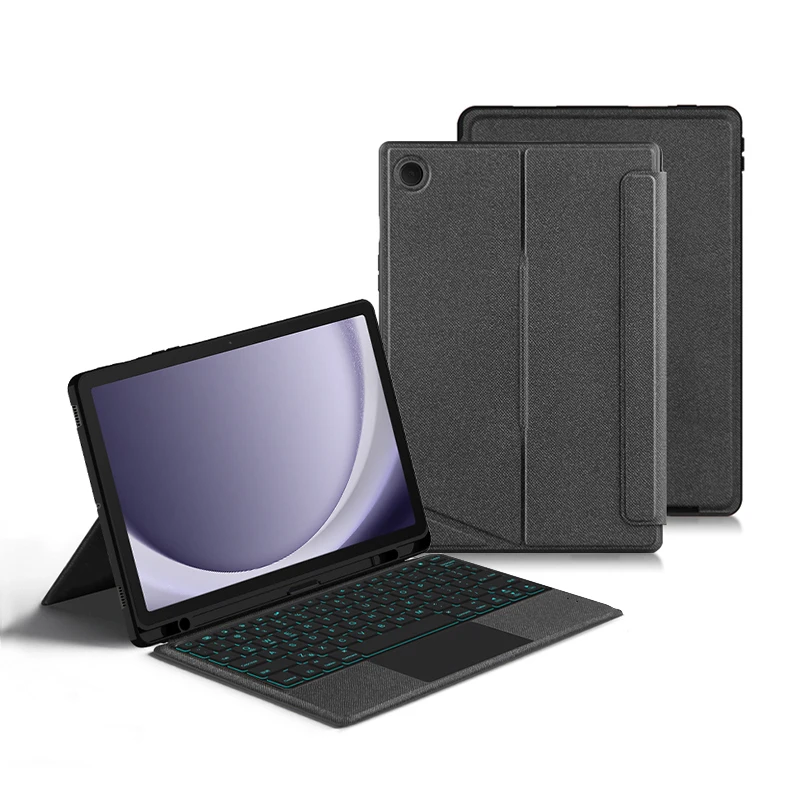
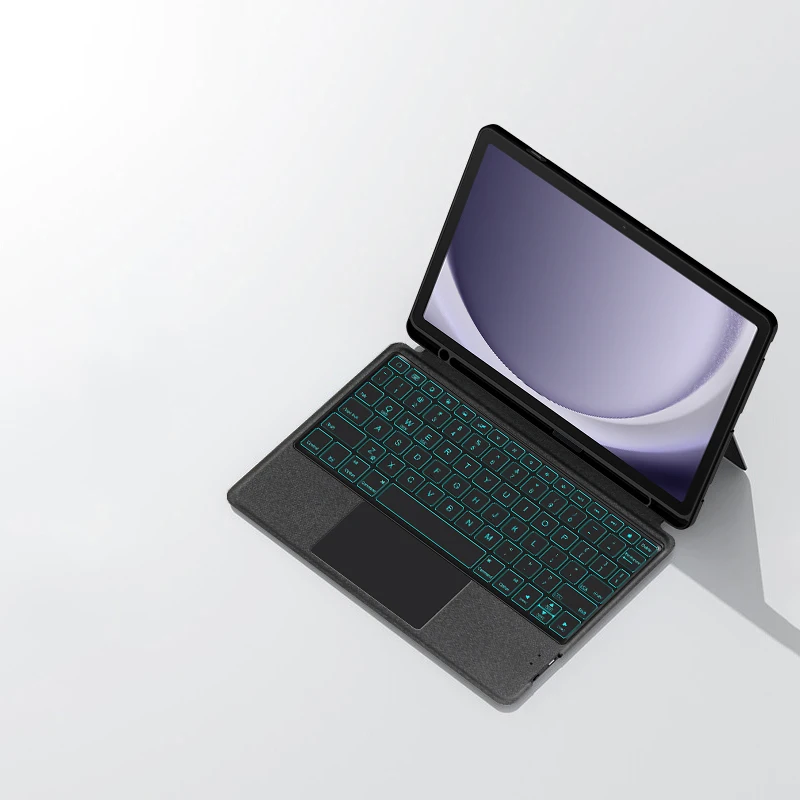
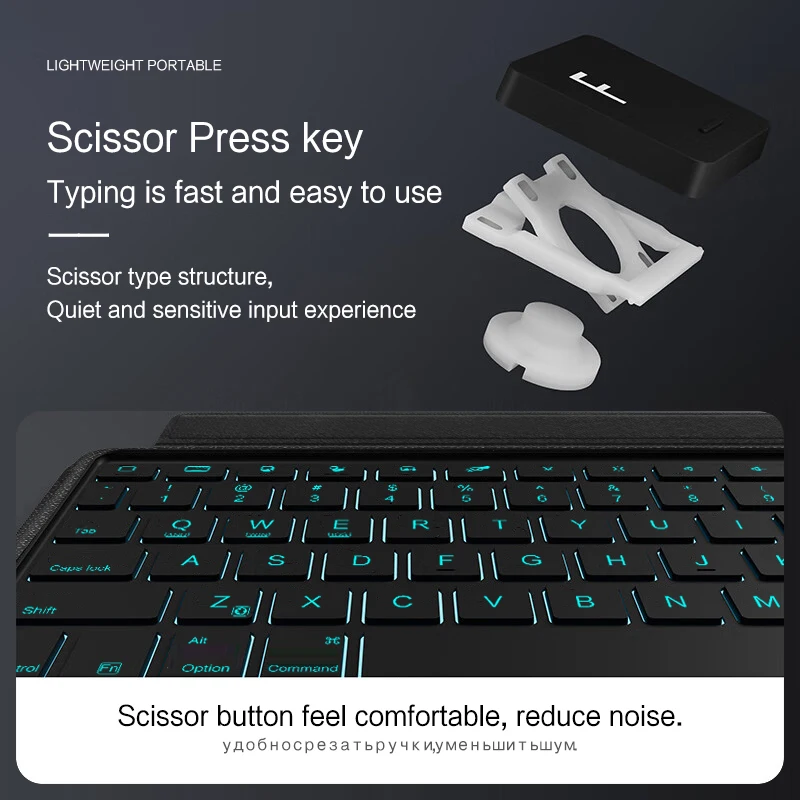


Magic keyboard with backlight for Samsung Galaxy Tab A9 Plus, A9+ case with 11-inch size (SM-X210 X216 X218) with smart keyboard cover and touchpad.
278ر.س
554ر.س-50%Product description
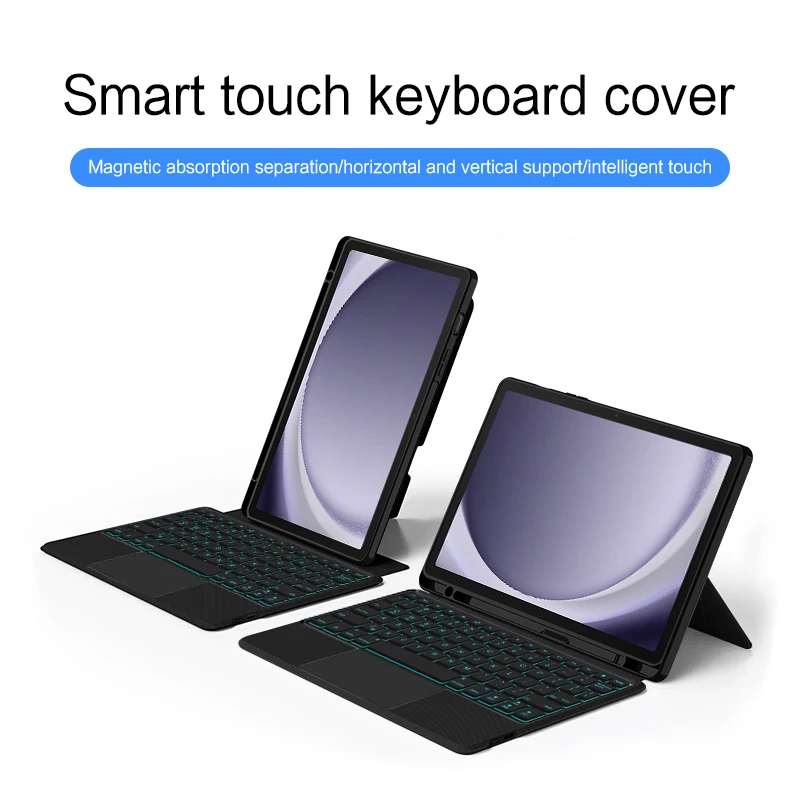
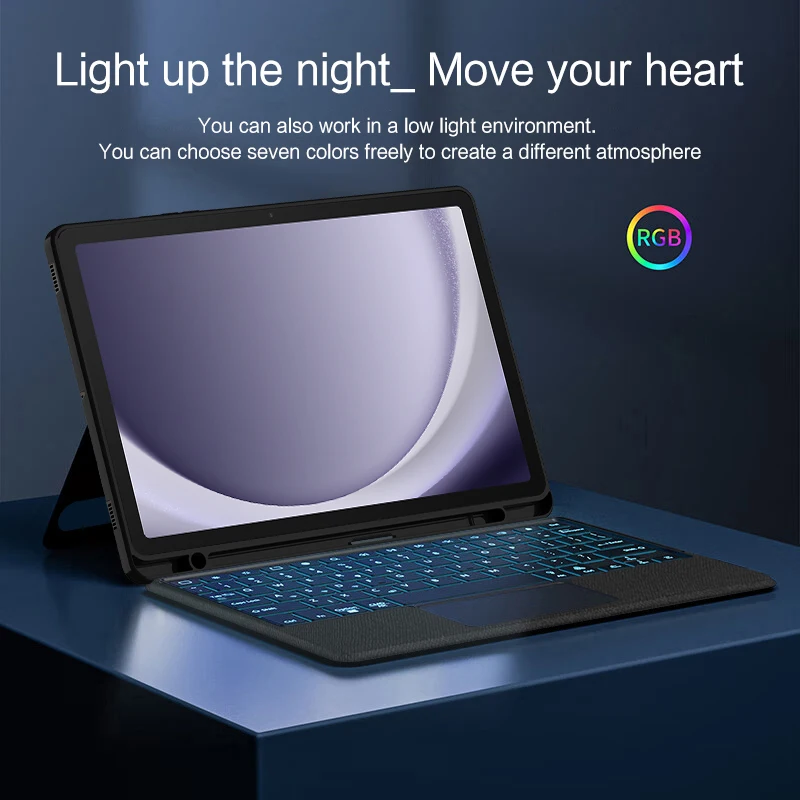
This is a detachable keyboard case, made of soft TPU material, which can effectively protect your device. The keyboard and case can be separated. The keyboard has backlit keys and a touchpad. Bluetooth connection, with a touchpad, with backlight. Supports horizontal and vertical modes. Note 1: You need to upgrade your tablet to version 15.0 or higher to use the touchpad. Note 2: After turning on the power, please press the "Fn" and "C" keys together 【Fn+C】 to turn on the Bluetooth keyboard. This is very important. How to check your device model: 1. Turn your Samsung tablet to the back and find your specific model, for example: SM-****2. Go to "Settings" -- tap "About" -- find "Model". 3. Please identify the correct model number before purchasing your device after viewing. Compatible model: only for Samsung Galaxy Tab A9 Plus/A9+ 11 inch 2023 (SM-X210/SM-216B/SM-X218U). Other models cannot be used. Please note: English version Keyboard: English letters only. Multi-language version Keyboard: English letters and carved language letters together. (Due to the difference in the number of keys compared to a standard desktop keyboard, some modes of carving special characters are the same, which is normal.) (The basic keyboard is English, and the characters carved on the keyboard are just surface display. Therefore, in some countries, even if the input method is switched, the special symbols do not necessarily match the keyboard layout.) (You can continue to transfer or AI set) 【1】Switch language: open Settings - Language & Input method - Physical keyboard - Add language layout. [1-1]Switch input method: Control + Spacebar. [2] Bluetooth connection method: turn on the keyboard switch, press the Fn+Z button, then search for the Bluetooth connection keyboard on the tablet. 【3】Type-C charging port, with switch button, Bluetooth version 3.0. 【4】For detailed instructions, please read the user manual. Device accuracy varies, and there may be color differences in the images, which is normal. The actual product received shall prevail. Note: The tablet and stylus are not included in the package.

Questions you might have