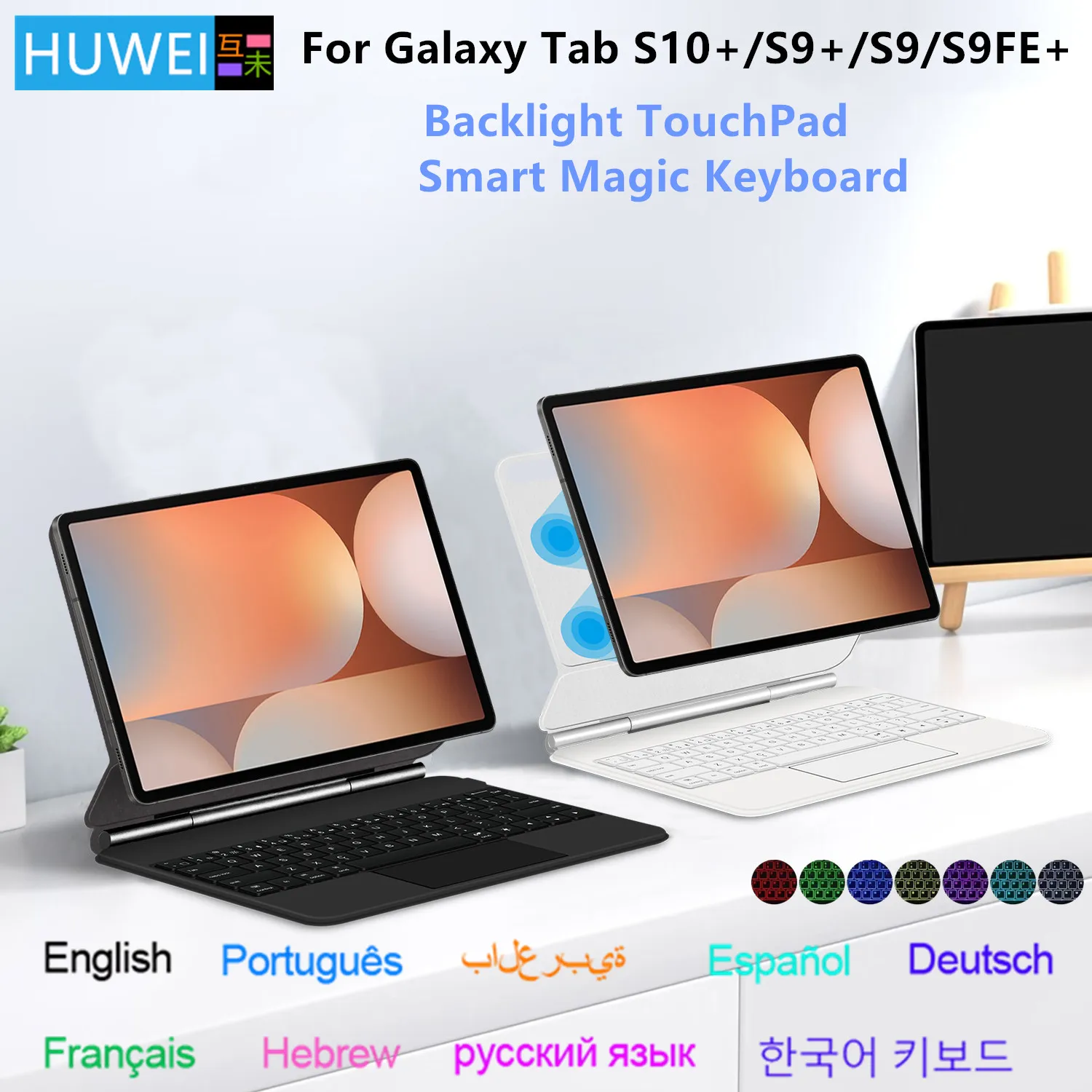
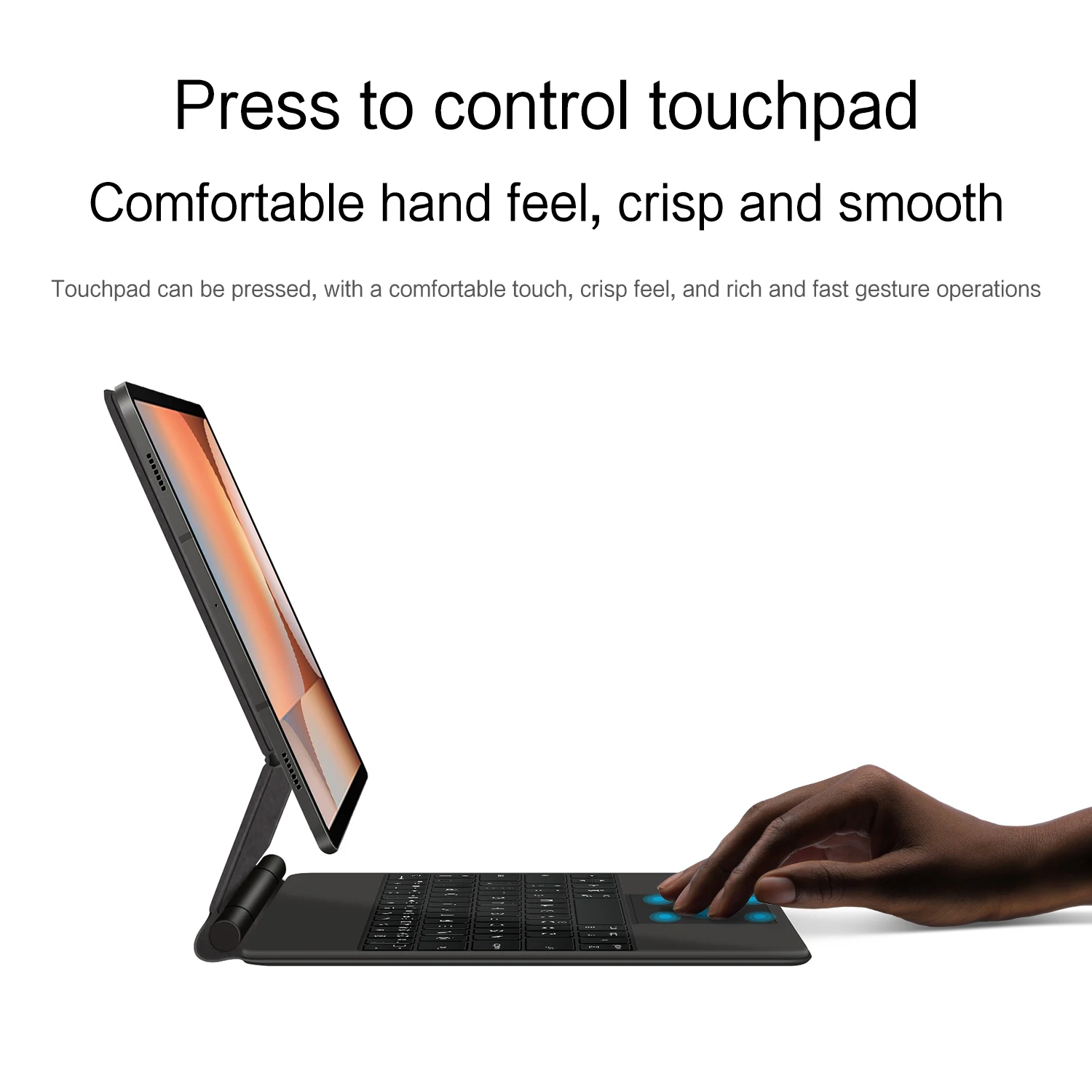
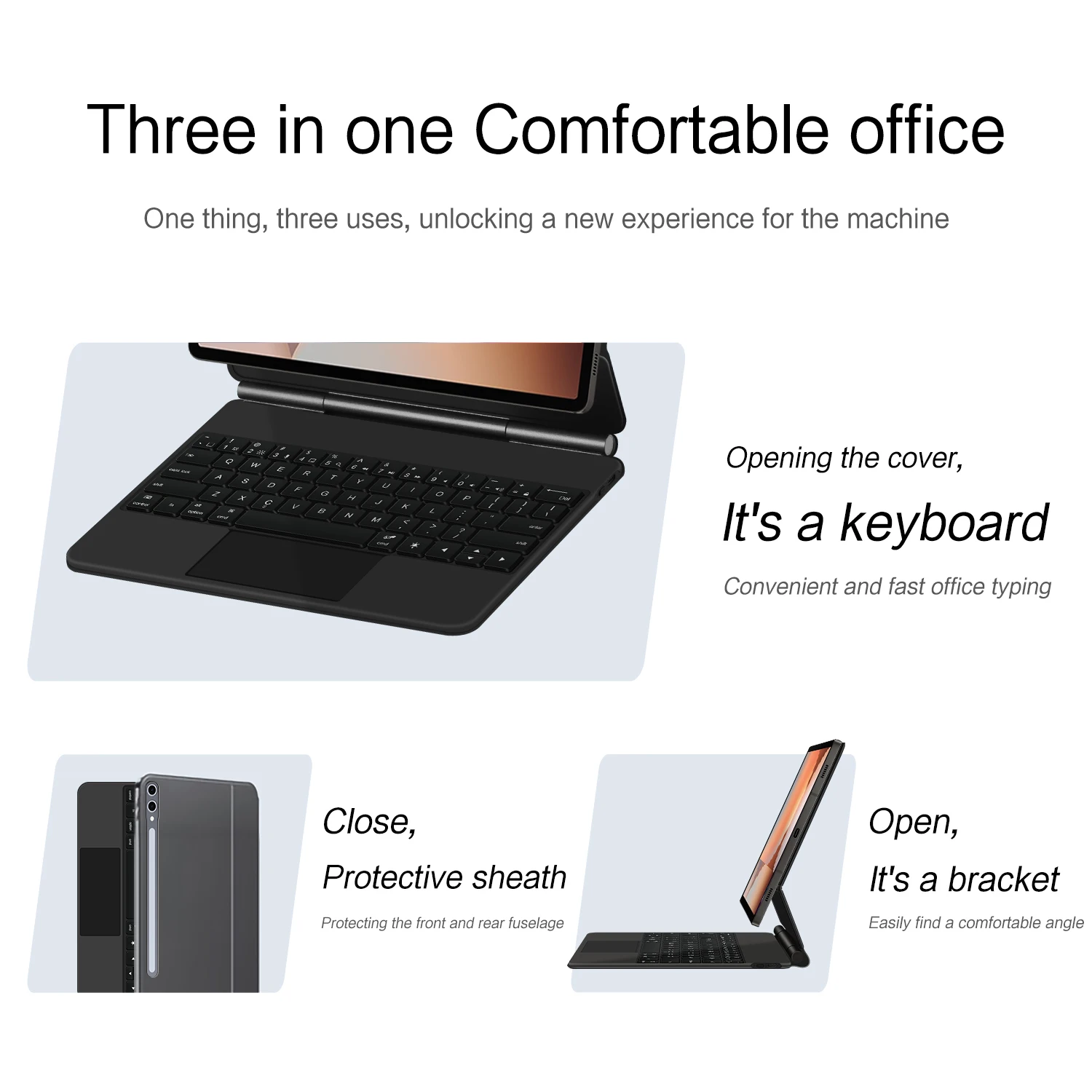
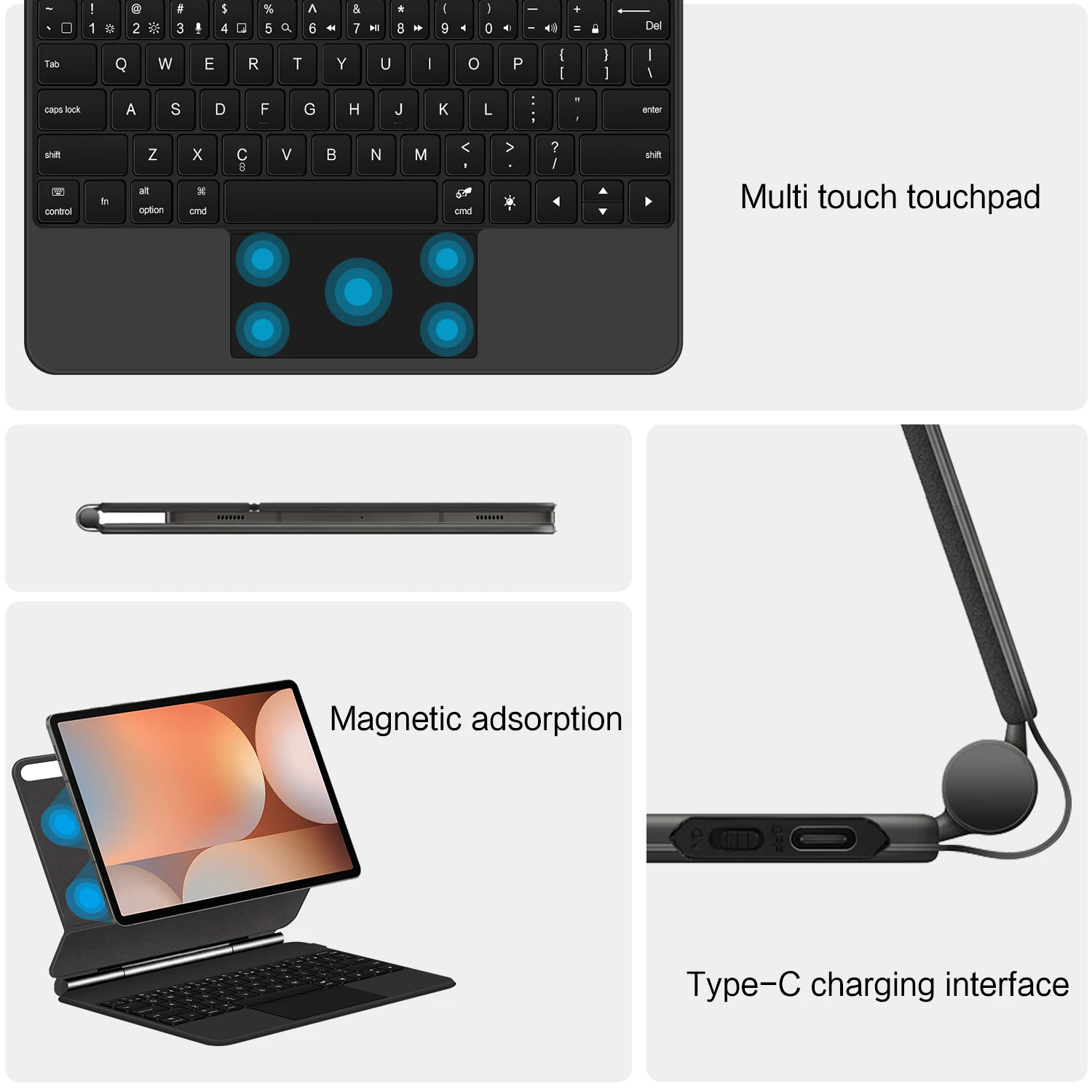
The magical keyboard case from HUWEI for Samsung Galaxy Tab S10, S10 Plus, S9, S9 Plus, S9 FE Plus, features a magnetic design and a smart cover for the keyboard.
498ر.س
972ر.س-49%Product description
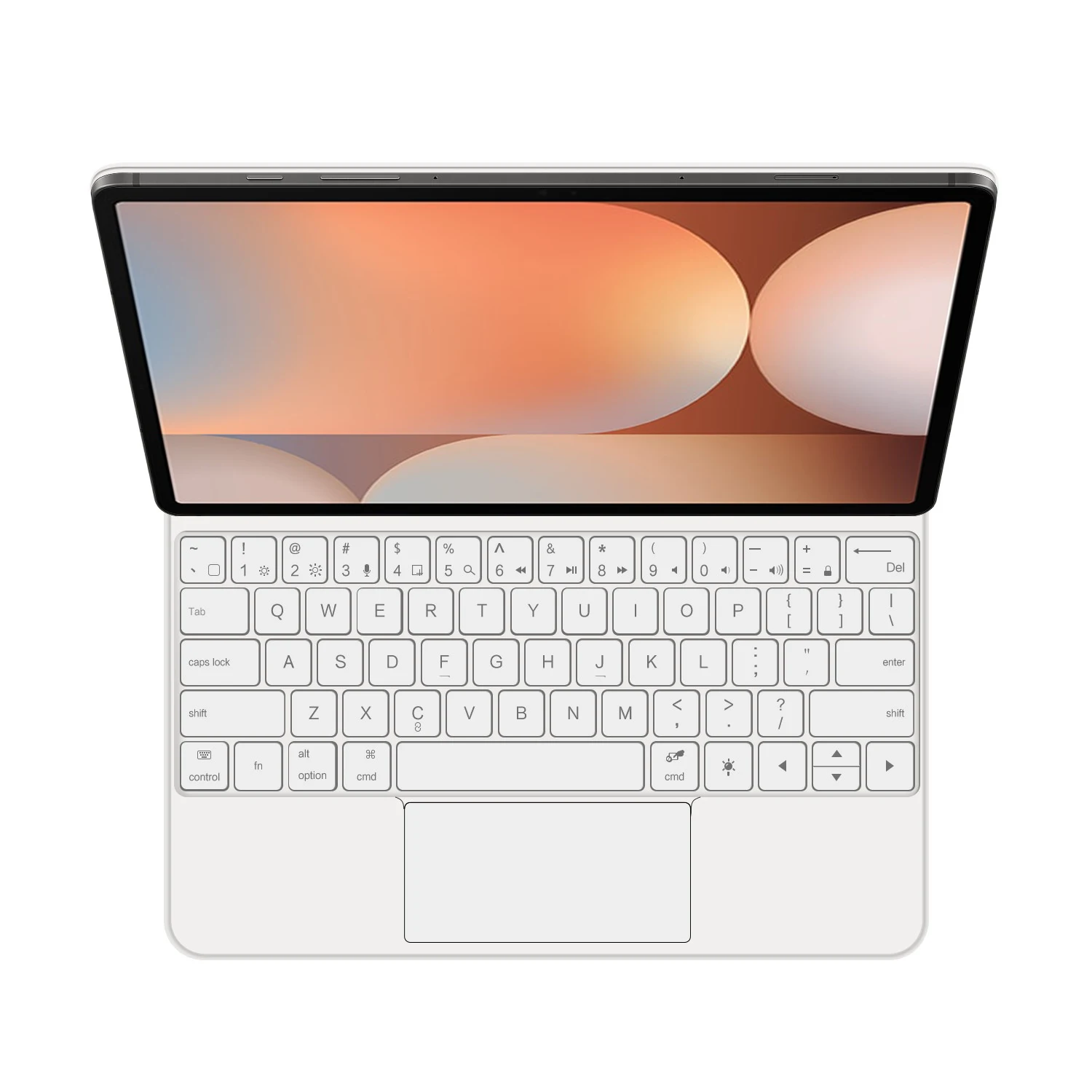
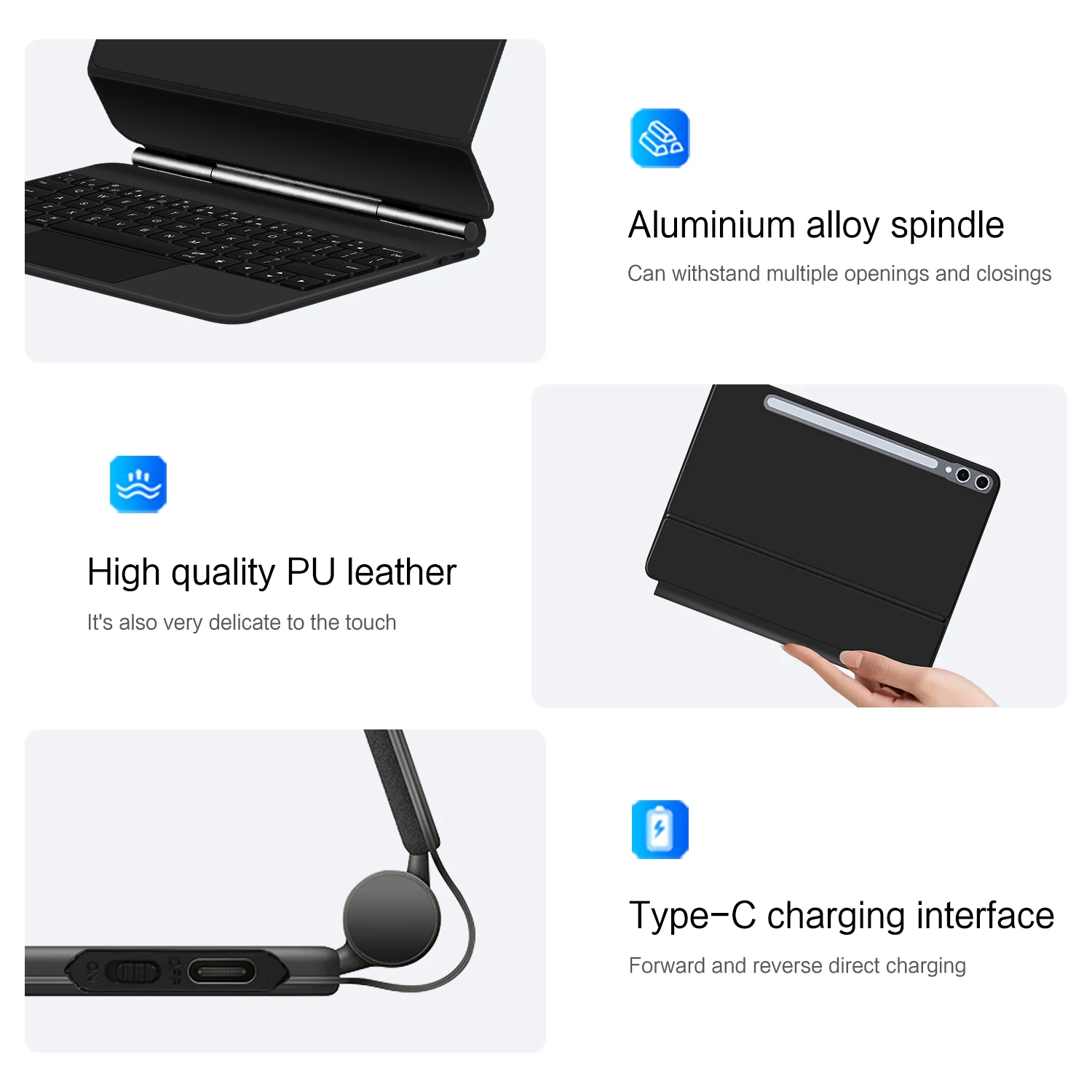
Product details: 1. Number of buttons: 64 2. Battery: 500mAh lithium battery 3. Standby time: 150 days 4. Working time: 5 hours (with backlight), 120 hours (without backlight) 5. Operating voltage: 3.0 - 4.2 volts 6. Charging current: <250mA 7. Effective distance: 10 meters 8. Backlight: 7 colors with backlight 9. Charging port: Type C 10. Materials: PU leather 11. Main life: 3 million 12. Charging times: 3 hours Note: Tablets and pens are not included in the package. Note 1: The tablet needs to be upgraded to version 15.0 or higher to use the touch panel. Note 2: Please check the size and model details of your iPad!!! Note 3: After turning on the power, please press the "Fn" and "C" buttons 【Fn+C】 together to turn on the Bluetooth keyboard. How to check your tablet model 1. Turn your Samsung tablet to the back and find your specific model, for example: SM-**** 2. Go to "Settings" — tap "About" — find "Model" 3. Please identify the correct model number before purchasing your tablet. Applicable models: Models applicable for 11-inch and 10.9-inch sizes Samsung Galaxy Tab S9 S8 S7 11 inch (SM-X710 SM-X716B SM-X718U SM-X700/X706 SM-T870/T875). Samsung Galaxy Tab S9 FE 10.9 inch (SM-X510 SM-X516 SM-X516B) 2023. Applicable models for 12.4-inch size Samsung Galaxy Tab S10+/S10 Plus 12.4 inch (SM-X820 SM-X826 SM-X826B) 2024. Samsung Galaxy Tab S9 Plus 12.4 inch (SM-X810, SM-X816B SM-X818U) 2023. Samsung Galaxy Tab S9 FE Plus 12.4 inch (SM-X610 SM-X616B SM-X616/x616C) 2023. English version Keyboard: only English letters on the keyboard. Multilingual keyboard version: English letters and carved language characters together. The primary language of the keyboard is English, and the carved characters on the keyboard are just surface display. Therefore, in some countries, even if the input method is switched, the special symbols may not necessarily match the keyboard function layout (you can press and hold Shift or the options group).【1】1. After connecting Bluetooth, open your iPad — Settings — Keyboard — Add new keyboard【1-1】Switch input method: Control + Spacebar. (Choose the language you need)【2】Type-C charging interface, with switch button, Bluetooth 5.0 version【3】For detailed instructions, please read the user manual. Device accuracy varies, and there may be color differences in the pictures, which is normal. The actual product received shall prevail (images are for reference only). Attention: Since the 12.4-inch tablet is smaller than the keyboard, there may be a gap when closing the keyboard and the tablet, as shown in the following figure.
