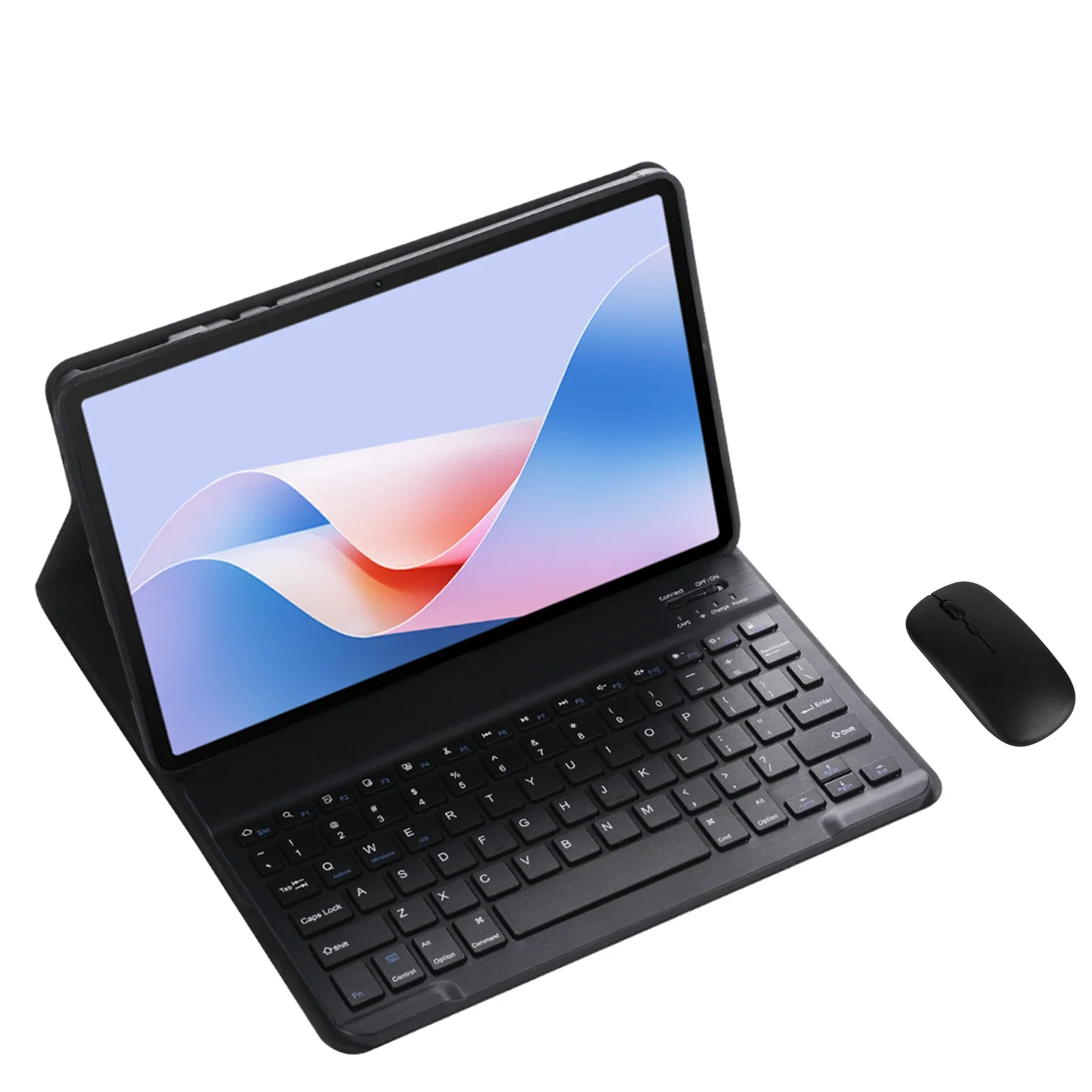
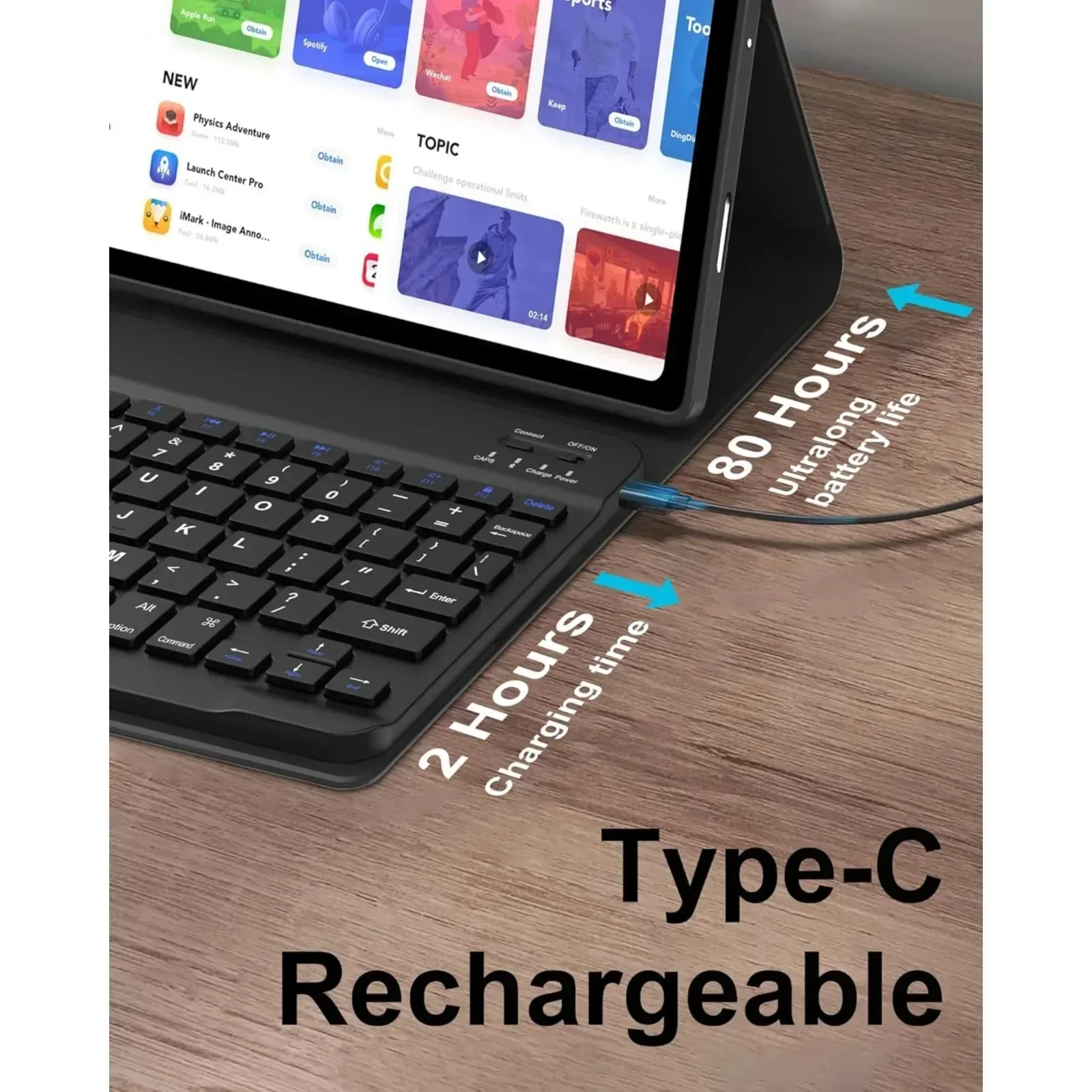
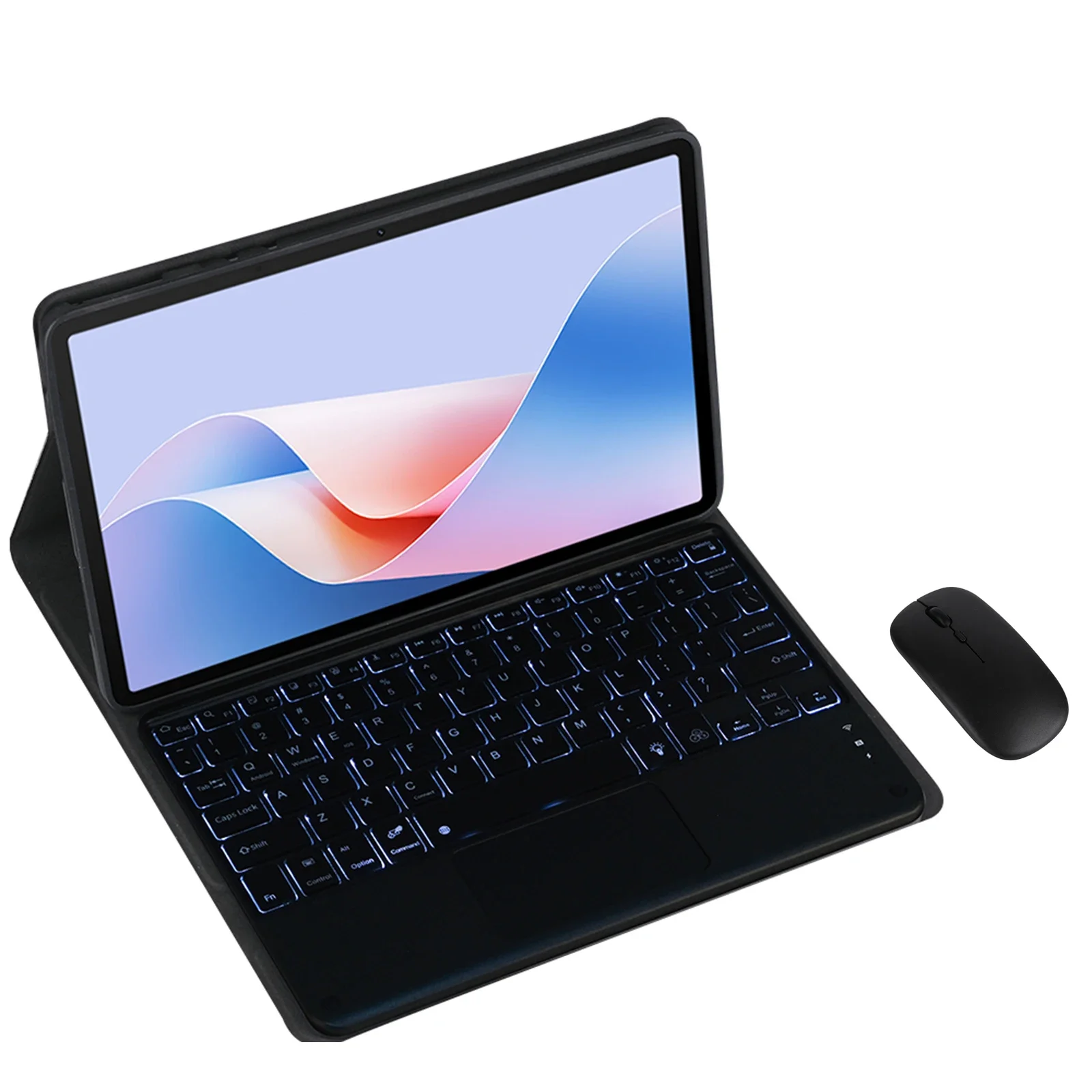
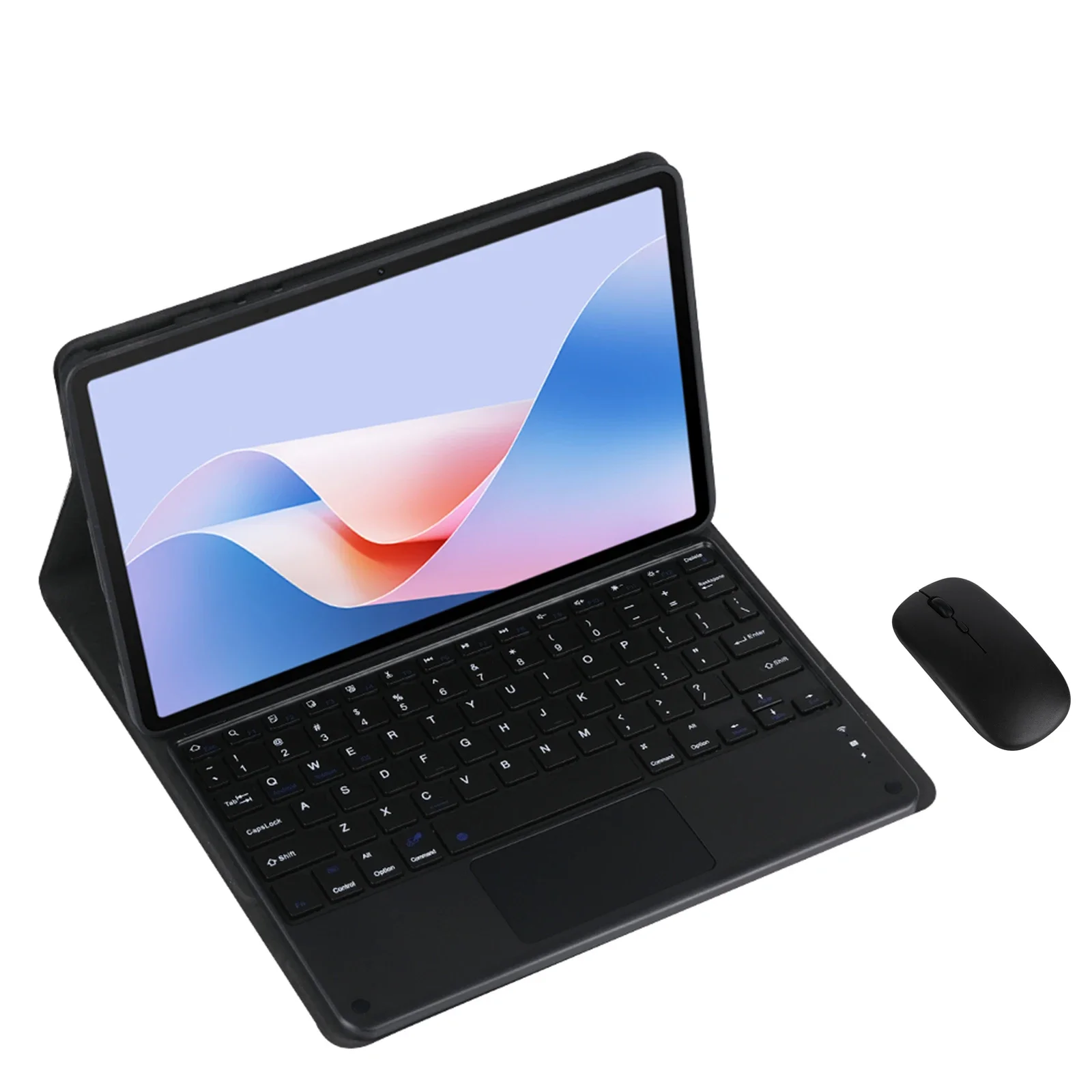
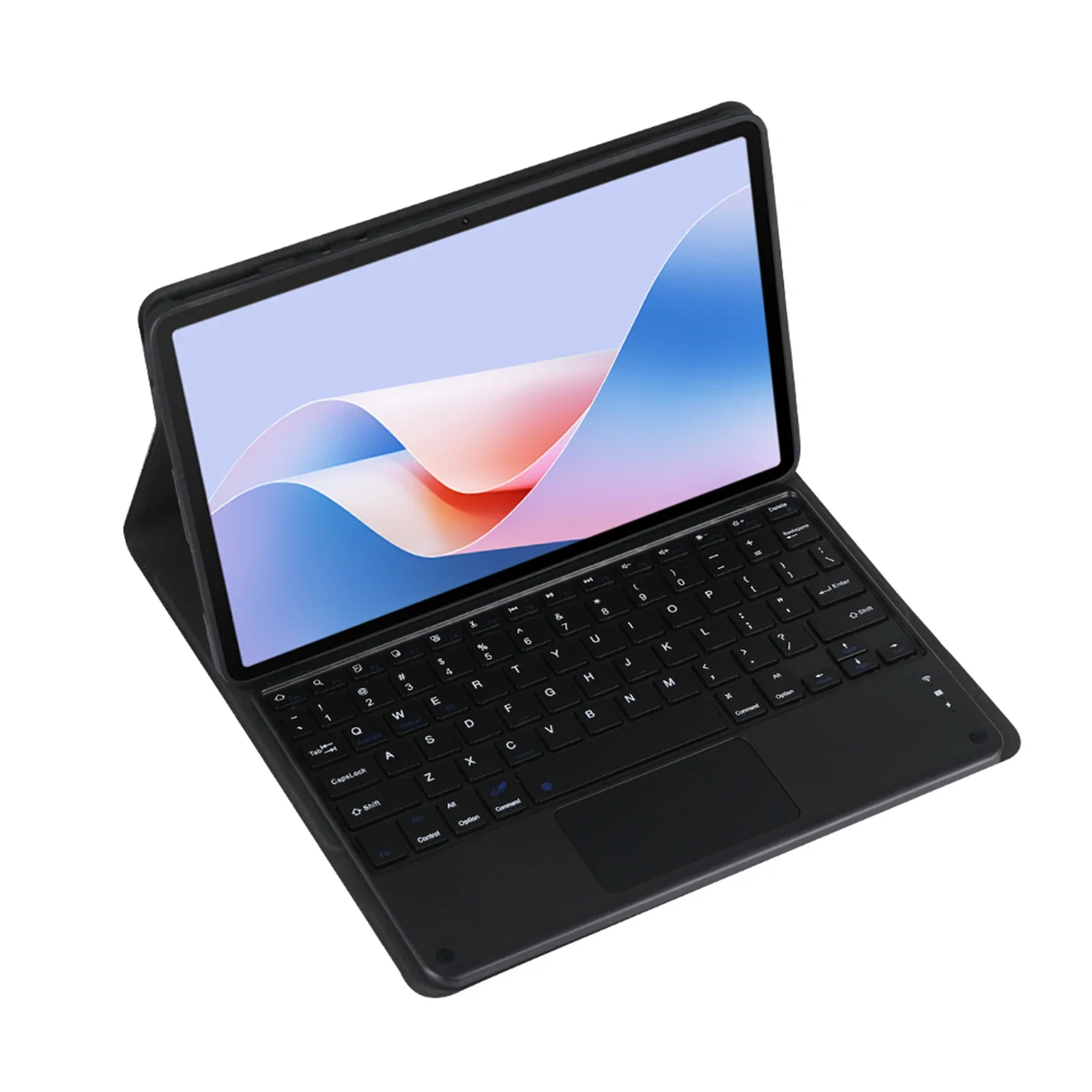
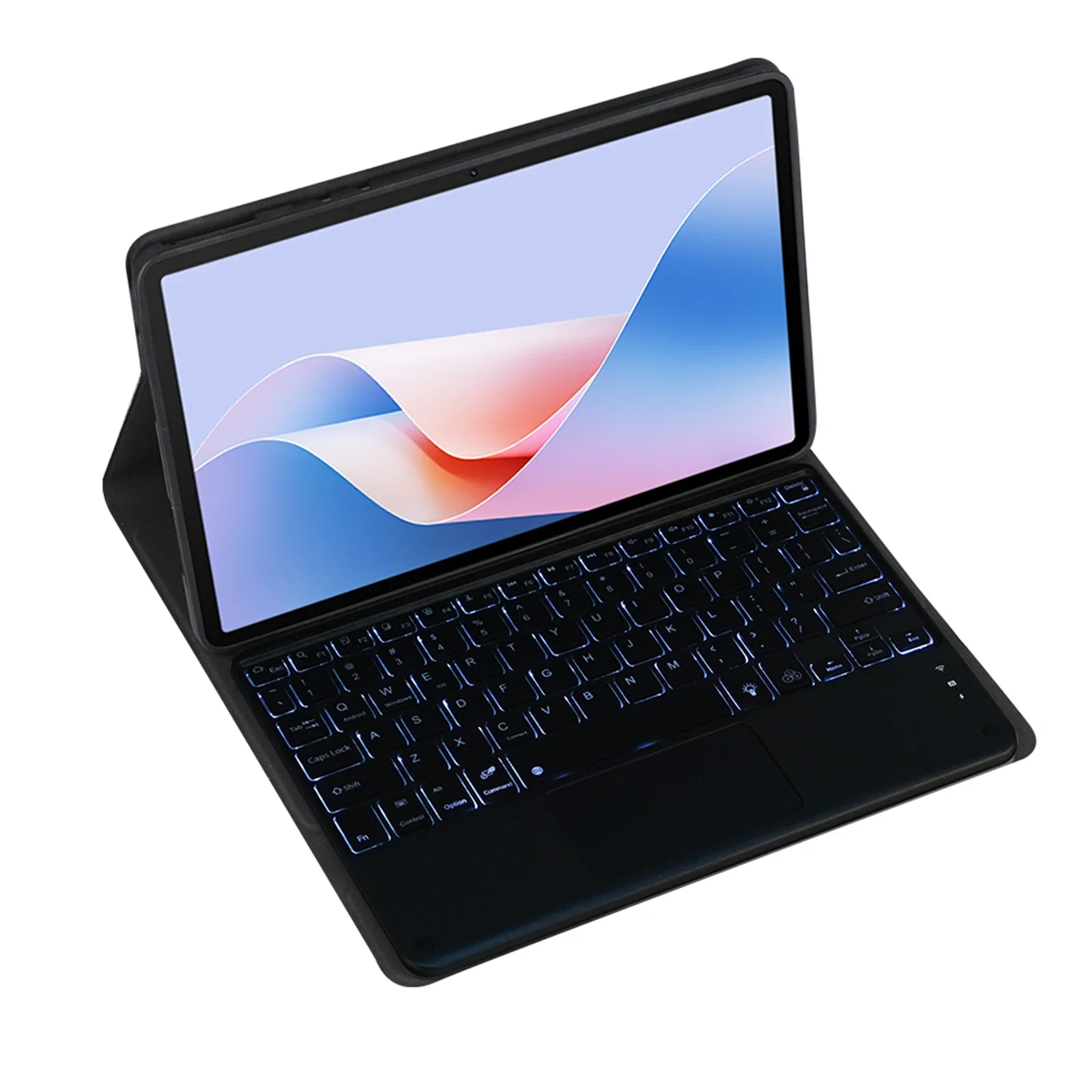
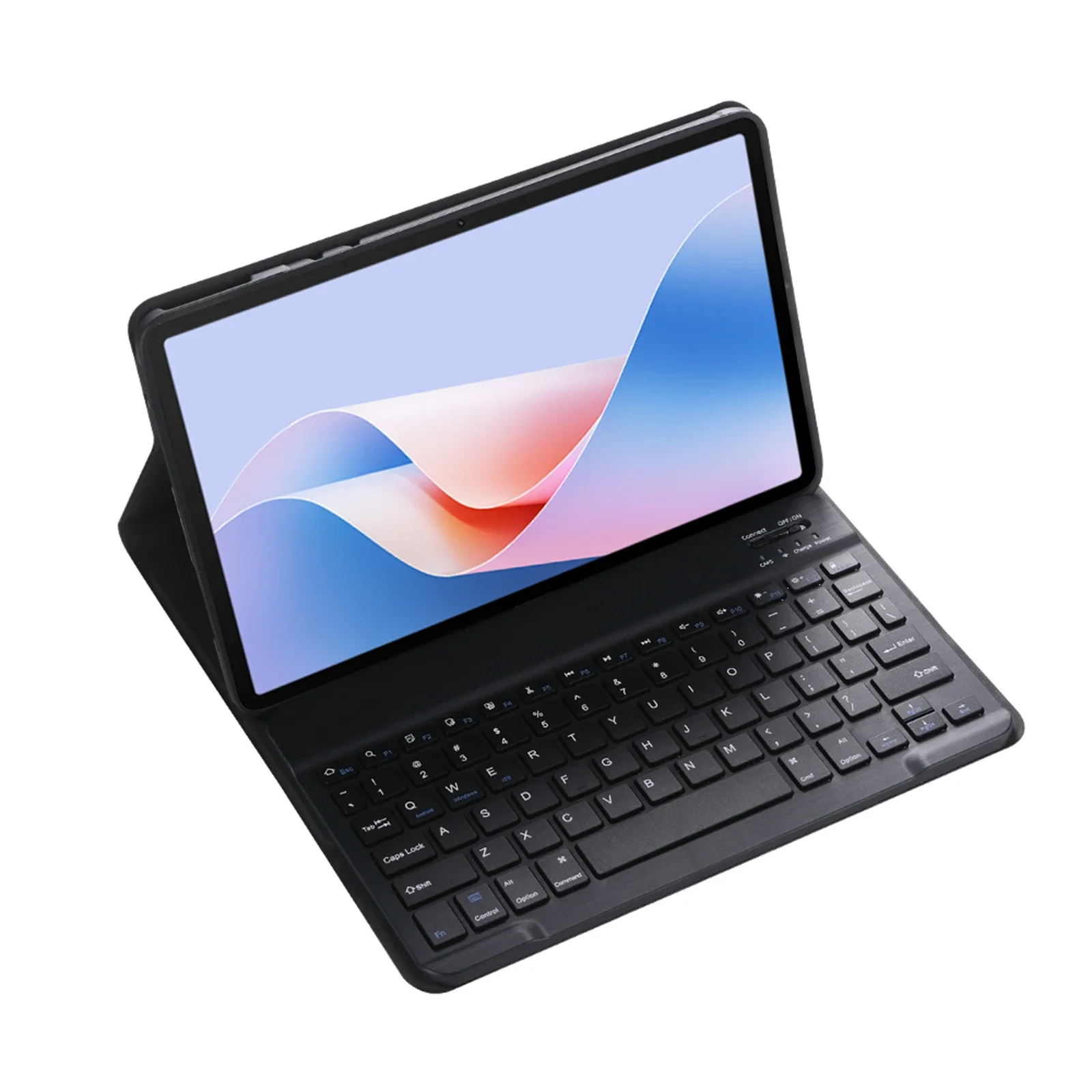
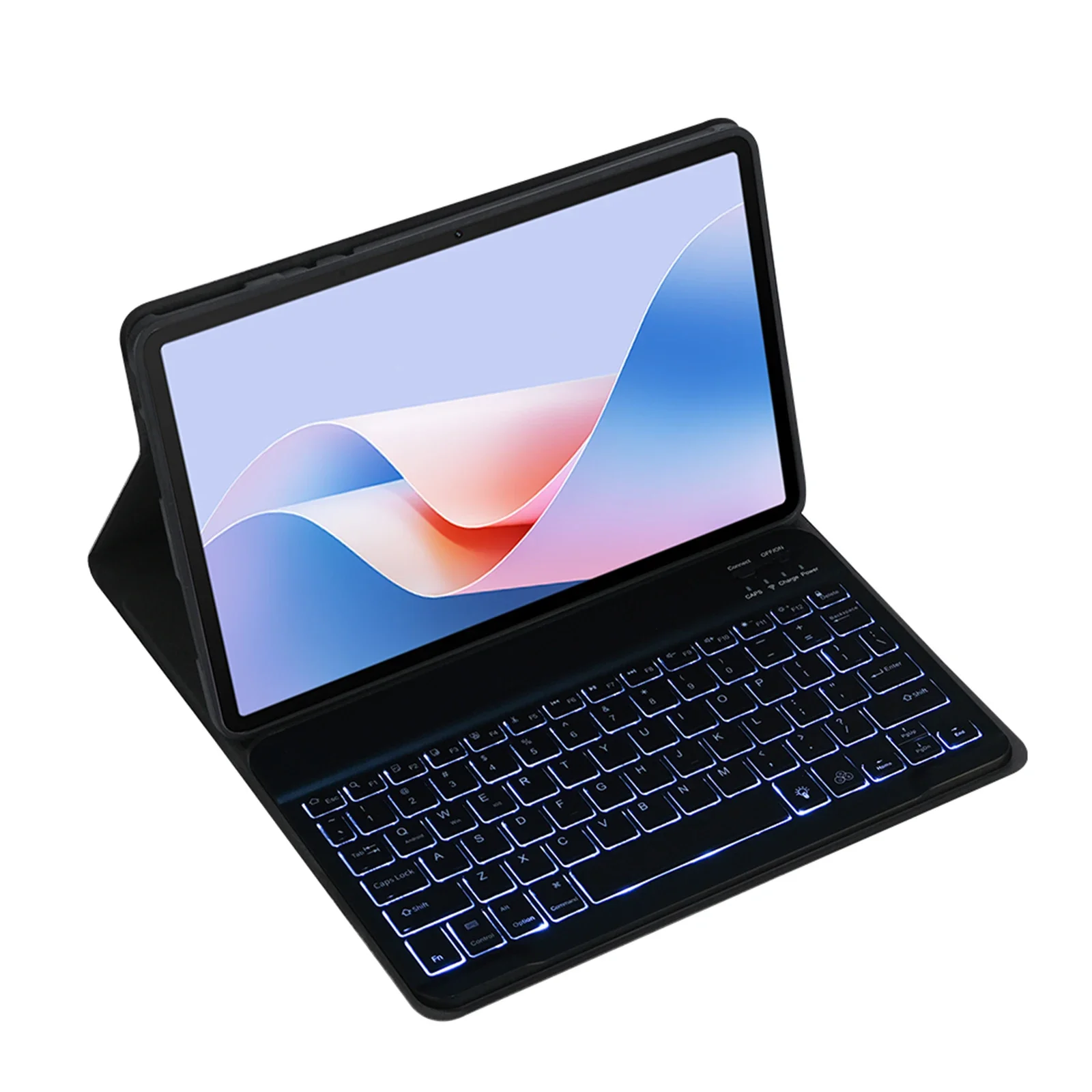
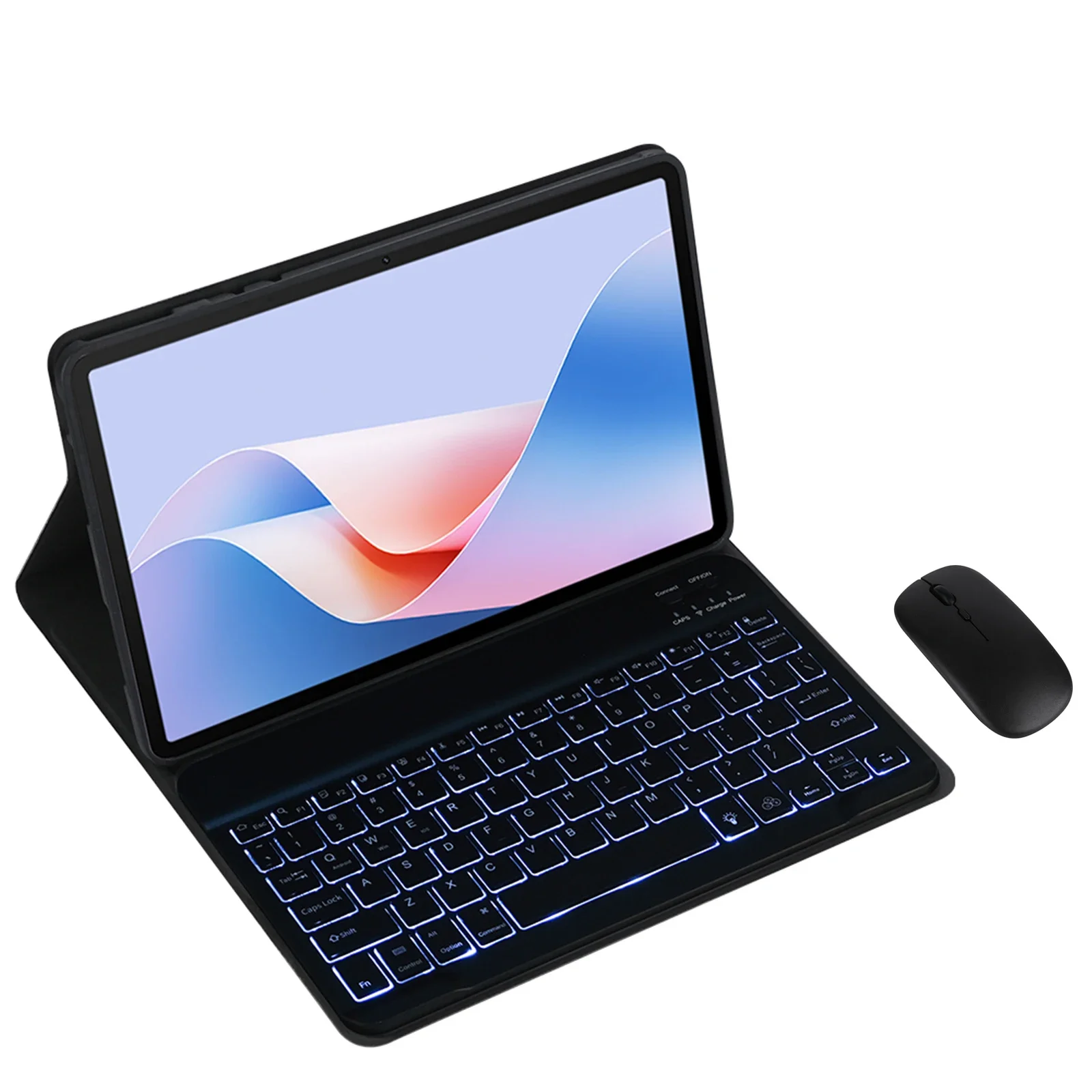
Keyboard case for Microsoft Surface Go 1/Go 2/Go 3/Go 4, size 10.5 inches, includes cover, keyboard, and detachable wireless mouse (black color).
298ر.س
627ر.س-52%Product description
How to connect Bluetooth: Step 1: Press the power button and the power light will turn on. Step 2: Press Fn+C for three seconds to activate Bluetooth. After the first connection, the next time you use it, the keyboard will automatically connect when turned on. Basic key groups: Switch to Apple system: FN+E. Switch between Chinese and English input methods: FN+space. Show actual keyboard: FN+Control. Program switch: Command + Tab. Switch between upper capsule and small: Caps Lock. If you cannot set up the IPAD first: Settings 1 + General + Keyboard + Actual keyboard + Turn off Caps Lock key to switch to Latin keyboard. Note: If you need to use different countries (Korean, Japanese, etc.), please set up the system to add a keyboard (IPAC set a universal keyboard ← add keyboard). The handwriting pen and tablet shown in the picture are not included. The tablet and pen are not included in the images!!

Questions you might have