






Lenovo Original Bluetooth Earphones Over-ear Foldable Computer Wireless Headphones Noise Cancellation HIFI Stereo Gaming Headset
319ر.س
352ر.س-9%Product description
Lenovo Original Bluetooth Earphones Over-ear Foldable Computer Wireless Headphones Noise Cancellation HIFI Stereo Gaming Headset
More Details, Please check at the end.
Product Features:
1.Model:LES-113
2.Pairing names:LES-113
3.Bluetooth Version:V6.0
4.Weight:~320g
5.Playback Time Upto 63Hours (at50% volume)
6.Speaker Mode Time:Up to 10 Hours (at 50% volume)
7.Battery Capacity:1200 mAh
8.Charging Input:5V/1A
9.Supported Profiles:HSP/HFP/A2DP/AVRCP
10.Audio Codecs:SBC/AAC
11.Wireless Range:10m
12.Signal-to-Noise Ratio:105dB
13.Sensitivity:85士3dB
14.Frequency Response:20Hz-20kHz
15.Modes:TF Card / FM Radio / Speaker Mode
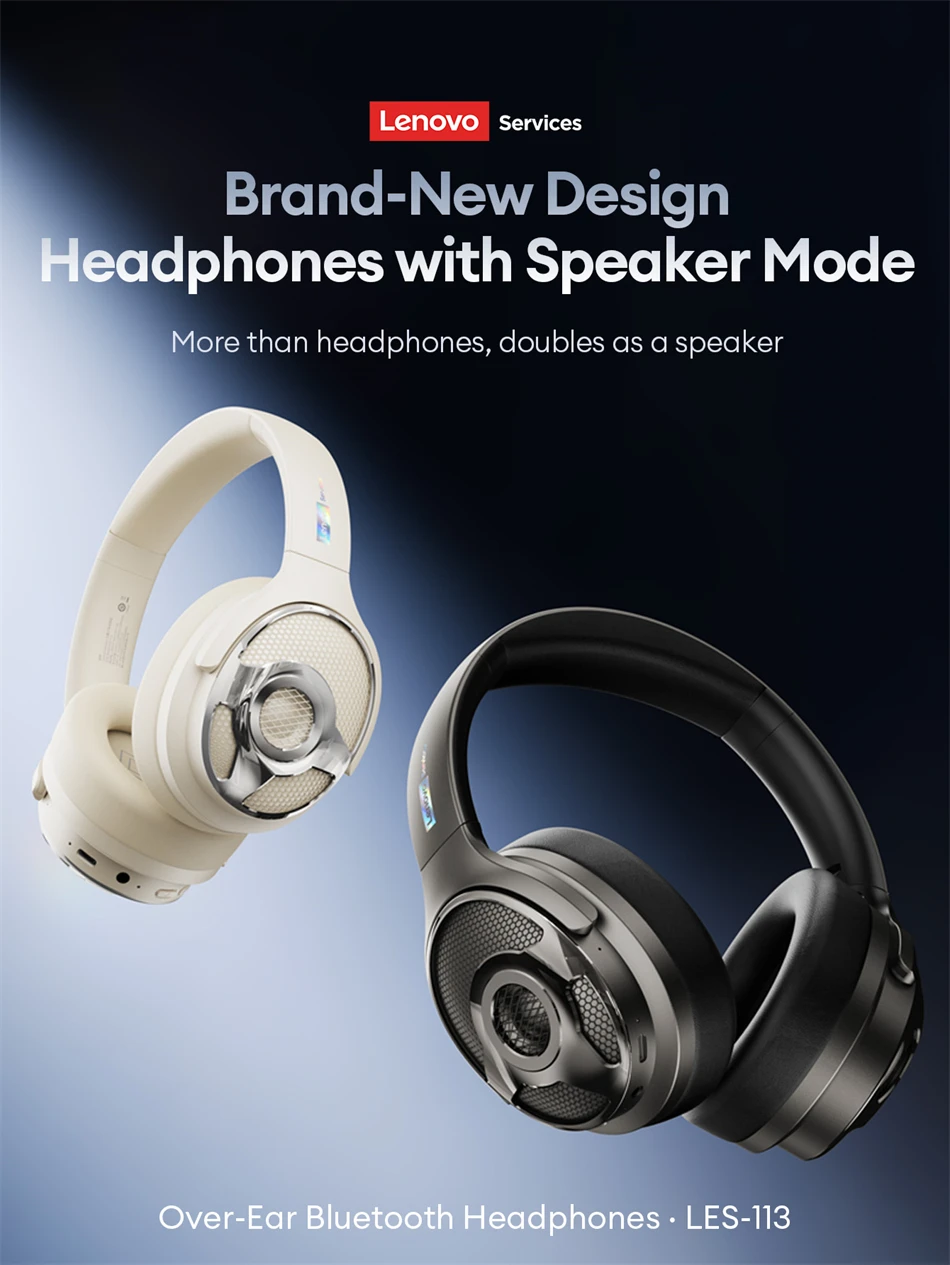
Headphones with Speaker Mode
More than headphones, doubles as a speaker
Over-Ear Bluetooth Headphones . LES-113
 Premium Features Effortless Enjoyment
1.performance
TF Card Mode . Plug & Play
2.surround
40mm High-Performance Drivers
AAC&SBC Audio Codecs
Rich, Full-Range Sound
Independent Soundstage Surround Effect
3.DENOISING
ENC Call Noise Cancellation
Clear & Hiah DefinitionCalls
4.Comfortable
Ergonomic Headband.Fits Head Shape
Elastic Cushioned Earpads.Comfortable Fit ENC Noise-Canceling Calls
Smart Calling· Clear Voice Engine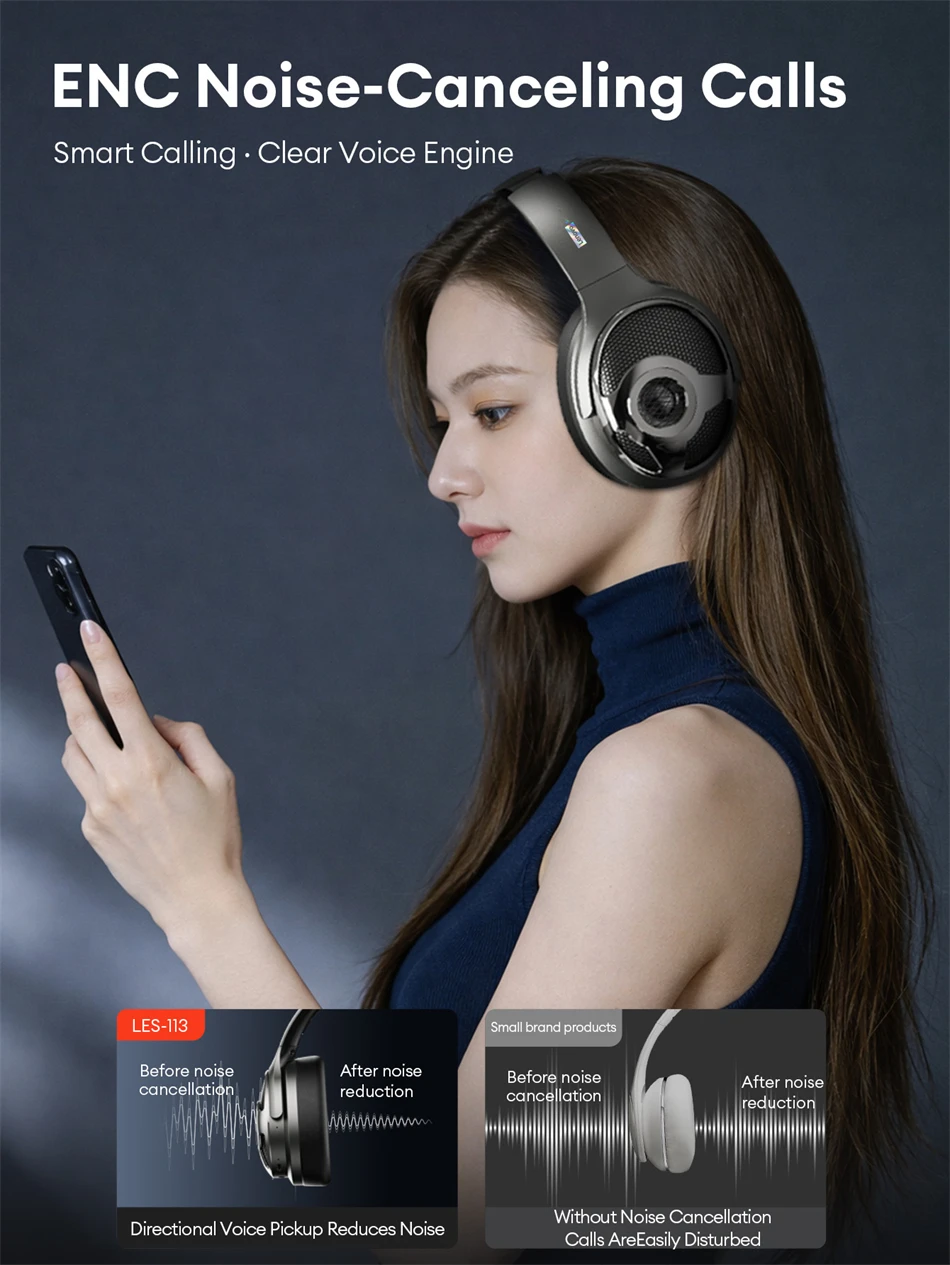 Precise FM Tuning Ideal for Study
Wide FM Range: 87-108 MHz,Supports Public Radio, Campus Broadcasts, Language Tests Multiple Channels Available 360° Spatial Audio Immersive Soundstage
Accurately Recreates Natural Sound Movement,Sound Flows Freely Around You,Meets Diverse Listening Needs Speaker Mode with Optimized Acoustic Chamber
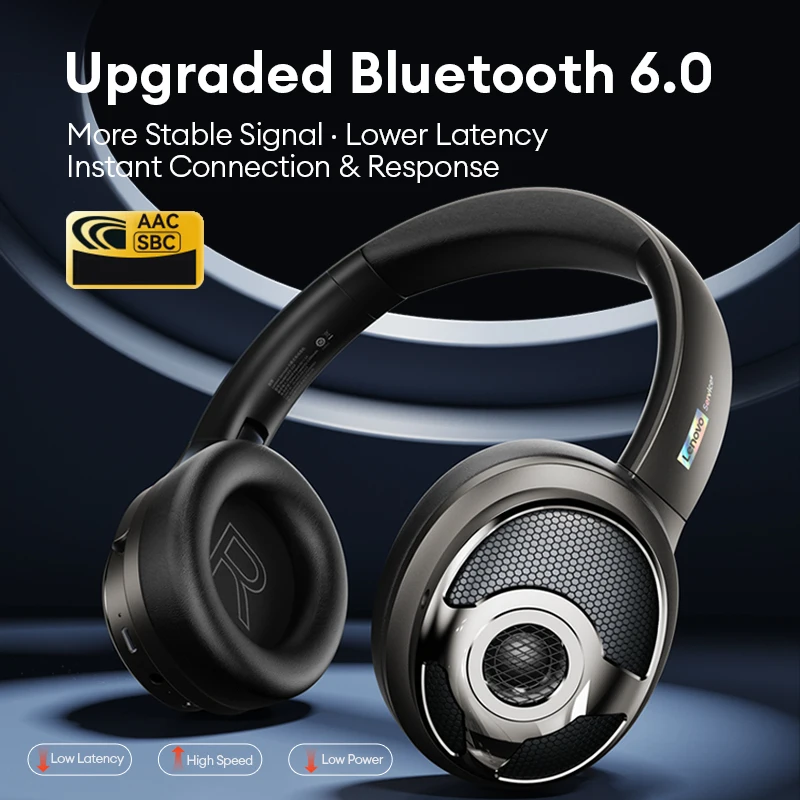
Headphones That Work as a Speaker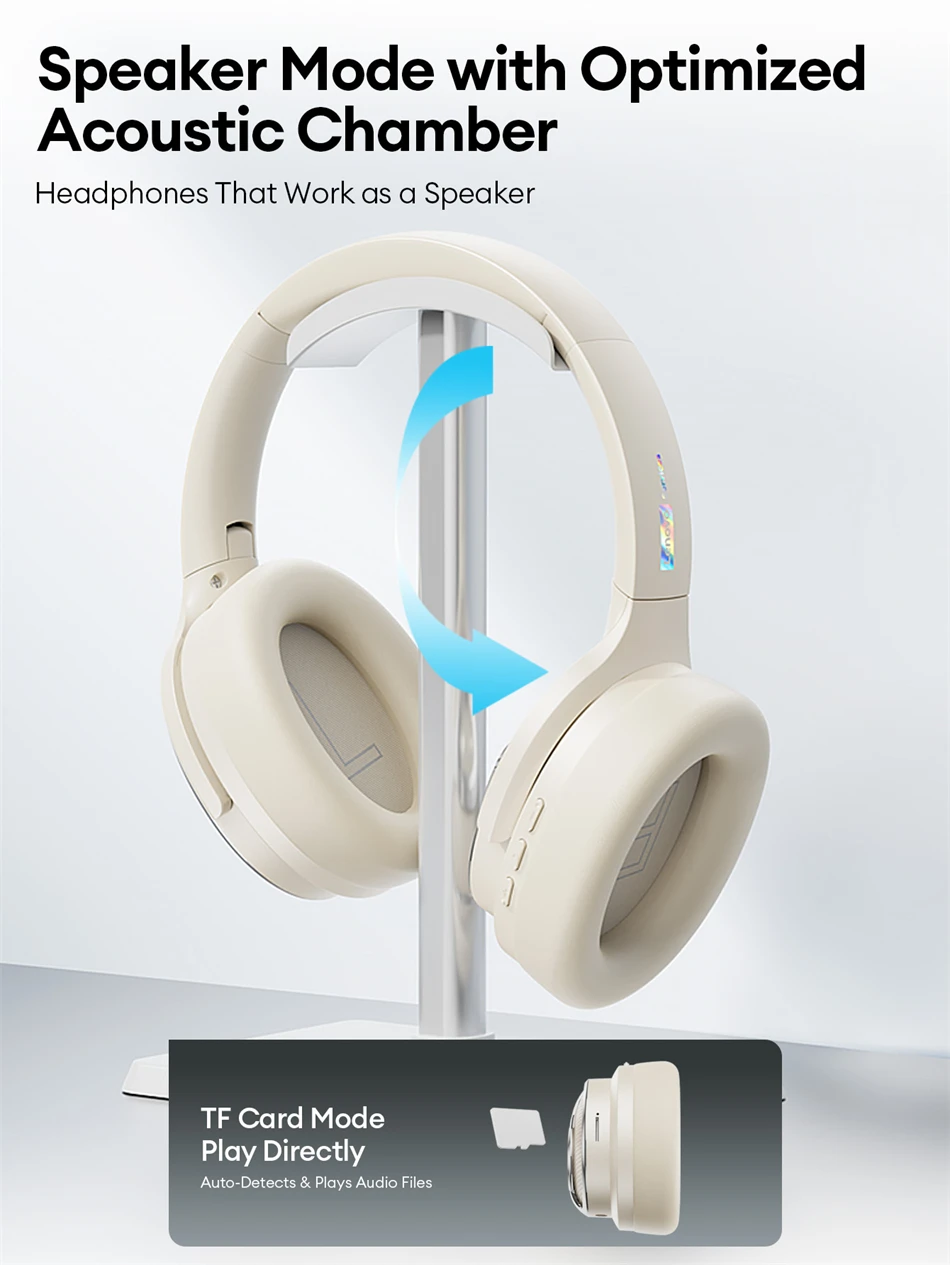 Upgraded Bluetooth 6.0
More Stable Signal . Lower Latency Instant Connection & Response Sound upgrade
Low-Power Design Extended Battery Life
 Wired &Wireless Modes
Bluetooth-Compatible Devices Supported
Works with Phones PCs, TVs & Tablets
Still Works Without Power
Use as Wired Headphones via 3.5mm Cable Foldable Storage Design
Compact & Foldable . Easy to Carry Anywhere


FAQ:
Q: What should I do if the headset received unable to turn on?
A: Confirm that the charging case has power left.If charging case power off, please put the earphones in charge case and charging for 1 hour and try again.
Q: What should I do if Sound comes from only one earphone?
A: Put both earphones back into the charging case and close the cover, then take them out again to check whether both ears have sound. If only one earphone still has sound, please restore the factory settings for both earphones.
Q: How to solve the problem that the mobile phone prompts that it cannot connect?
A: Delete the pairing record on the mobile phone, and then search for pairing and connect again.
Q: How to solve the problem that there is no sound when listening to music or calling?
A: There is a settings icon on the right side of the Bluetooth connection name on Android phones. Click to enter, turn off the mobile phone audio and media audio, and then turn them on again. If there is still no sound, please re-pair the earphones with the mobile phone.
Q: Why is there a delay in video or games?
A: Affected by factors such as the use environment, network and mobile phone Codec, there will be different degrees of delay when the mobile phone transmits audio data to the earphone.
Q: How to solve the problem of stuck or intermittent sound?
A: If there are a lot of Wi-Fi, 5G or 4G signals, high-power electrical appliances around, it may cause stuck and intermittent sound. Please Change the environment or re-pairing can solve the problem.
Other Tips:
1. Before using the earbuds, please read the manual carefully and keep it for future references.
2. The earbuds need to be fully charged prior to first-time use.
3. lf the earbuds are left unused for over two weeks, please recharge.
4. Please use the chargers made by qualified manufacturer.
5. lf earbuds fail to be found by phone, please re-turn them connectable or restore factory settings.
6. lf a program error of phone occurs, please turn off and on Bluetooth function or reboot the phone.
