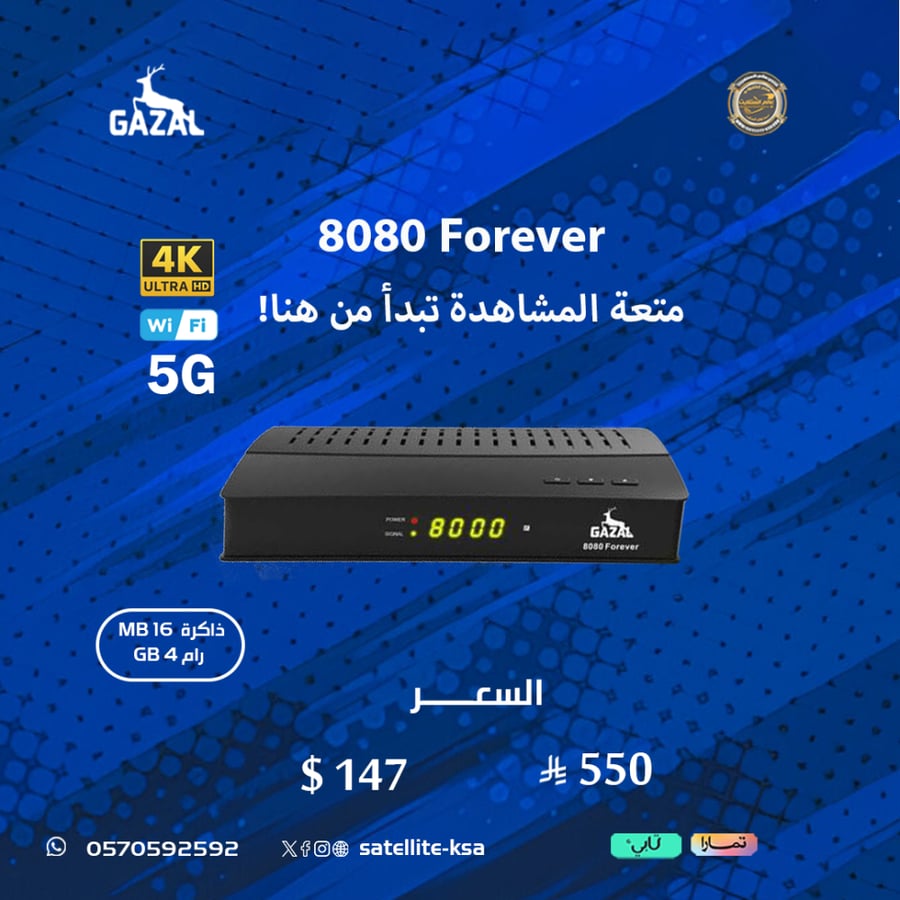

GAZAL ROYAL 8080 FOREVER 5G 4K Receiver
550ر.س
Product description
The latest Royal Ghazal receivers 2026
GAZAL 8080 5G FOREVER
Enjoy the best shows, experience the excitement, and watch all the world championships.
With the new and first 4K receiver that includes Forever Pro Sharing and supports 5G connectivity
Enjoy the OZN Red Package channels
With satellite translation support, enjoy moments of pure entertainment while watching.
Device specifications...
💢Excellent specifications and high capabilities
💢16MB internal flash memory and 4GB RAM
💢Supports Ethernet input
💢Powerful USB input
💢Internal Wi-Fi supporting 2.4 & 5GHz internet connectivity
💢 Internal and external lens
💢Ali 2661 Processor
💢With support for multiple multistream levels
💢 The ability to mirror your phone screen via the receiver using the DLNA DMR and G-Mscreen applications installed on the device.
💢And this receiver needs to store a large number of channels, supporting 20,000 channels.
💢Professional translation support on satellites
💢Supports sat2ip
💢2 high-specification remotes, one of which operates via Bluetooth
💢YouTube support in 4K format
💢Sleep timer, multiple search options
💢A great and easy menu
💢True support for 4K image quality thanks to the cable included in the box
💢Supports all types of codes with the ability to change sharing colors
With Auto update BISS via the internet
💢Continuous online updates
And a long list of specifications
⚽ The subscriptions and durations supported by the device are shown in the image.
🔴It is necessary to update the device the first time upon startup in order for all subscriptions and settings to appear:
Steps:
1- Download the software from the website
https://www.gazalsat.com/soft/8080DUBAI/GAZAL%208080%20Forever_V1.11.22874_12062026.bin
Extract the file and place it on a USB flash drive formatted with FAT32. Then, access the receiver, select the update option, and press OK.
2- Leave the receiver to restart automatically, then perform a factory reset.
3- Select satellite channels. If none are available, quickly press F1+111. Options will appear; choose the internet as the last option, and sharing will be activated.
4- To check if sharing is working, go to Wi-Fi - Server, then tap number 40 at the top, and the server and its date will appear.
5- If that doesn't work, go to the Network Address or IP Address option and select Set IP Automatically, and the numbers will change from zeros to the correct IP address.
🔴Important Note: We do not offer a warranty on any sharing or IPTV subscriptions if there is any interruption, buffering, or delay in duration, as we do not own or control these services. We provide technical support to resolve any issues that may arise. Thank you for your understanding.
🔴No returns or exchanges for devices with activated subscriptions due to the nature of the product.
