

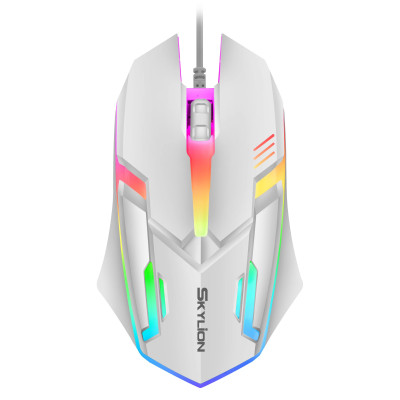
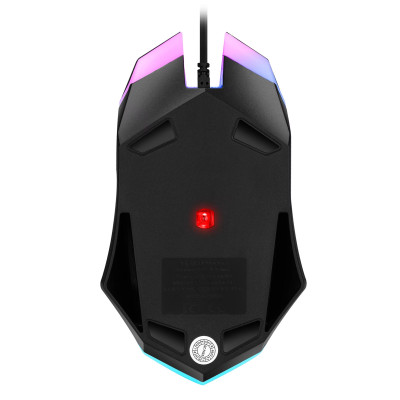
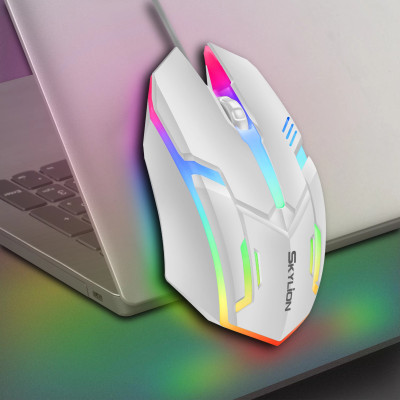
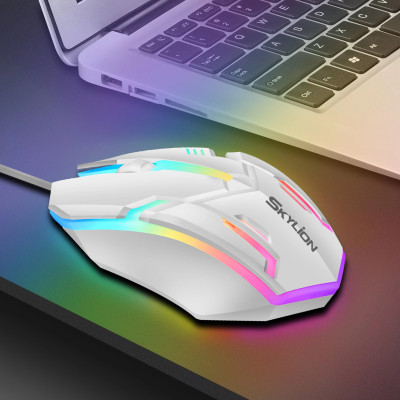
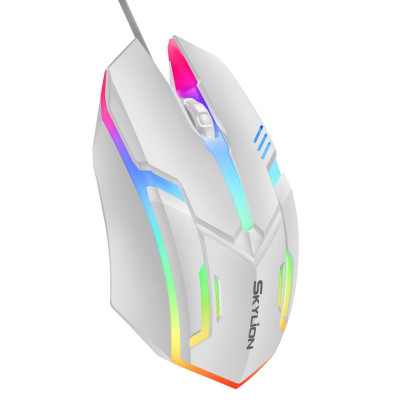
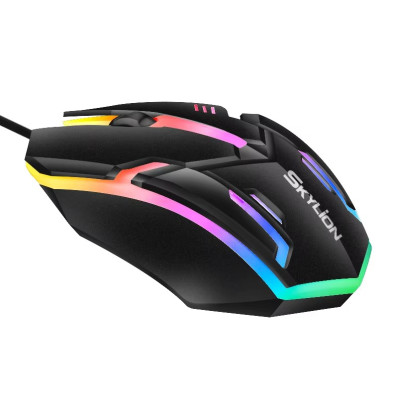
F1 wired mouse 3 keys colorful lighting for gaming and office for Microsoft Windows and Apple iOS system
33.35ر.س
Product description
• Colorful lighting: The mouse features colorful lighting that adds a touch of elegance to gaming or office setups.
• Hand orientation between hands: The mouse is designed for both left-handed and right-handed users, making it comfortable for everyone to use.
• Optical electronic operating mode: The mouse uses optical electronic technology for precise and accurate tracking, ensuring smooth and seamless movements.
• 3 buttons: With 3 buttons, the mouse provides easy access to different functions, enhancing productivity and gaming experience.
• Colorful lighting: The mouse features colorful lighting that adds a touch of elegance to gaming or office setups.
• Hand orientation between hands: With both left and right buttons, this mouse is designed for comfortable use by individuals who use either hand.
• Optical electronic operating mode: The mouse uses optical electronic mode, which ensures accurate movement tracking.
• 3 buttons: With 3 buttons, this mouse provides easy access to various functions, making it a convenient tool for gaming and work.
• Colorful lighting: The mouse features colorful lighting that adds a touch of elegance to gaming or office setups.
• Hand orientation between hands: Designed for both left-handed and right-handed users, ensuring comfort and ease of use for everyone.
• Optical electronic operating mode: The mouse uses optical electronic technology for precise and accurate tracking, providing a smooth gaming or working experience.
• 3 buttons: With 3 buttons, the mouse offers easy access to different functions, making it suitable for all your computer needs.
Product Information
First: This is a wired USB interface 3-button office mouse.
Second: The mouse comes in options of white and black.
Third: The mouse has an automatic colorful lighting mode.
Fourth: The cost performance of the mouse is very high.
Note
1. Wash your hands before using the mouse to prevent sweat and bacteria from contaminating it. Washing hands after use can prevent bacterial contamination on the mouse.
2. The mouse should be placed on a smooth desktop surface and a mouse pad should be used to avoid dropping and contaminating the mouse.
3. Before using the mouse, carefully check the mouse instructions and follow the requirements and specifications in the instructions.
4. Do not place other items on the mouse to avoid damaging or contaminating the keys.
5. When cleaning the mouse, do not wash it directly with water. For non-waterproof mice, washing may render it unusable.
6. Do not vent your feelings on the mouse. The most common thing is to hit the mouse hard when it malfunctions. On one hand, this will reduce the lifespan of the mouse; on the other hand, it will leave sweat stains and scratch your hands on the mouse.

From Riyadh
Questions you might have