3 camera dash cam for car 1080P video recorder WiFi car DVR 2 lens front camera rear view night vision car accessories
290.35ر.س
414.78ر.س-30%Product description
Warm tip:
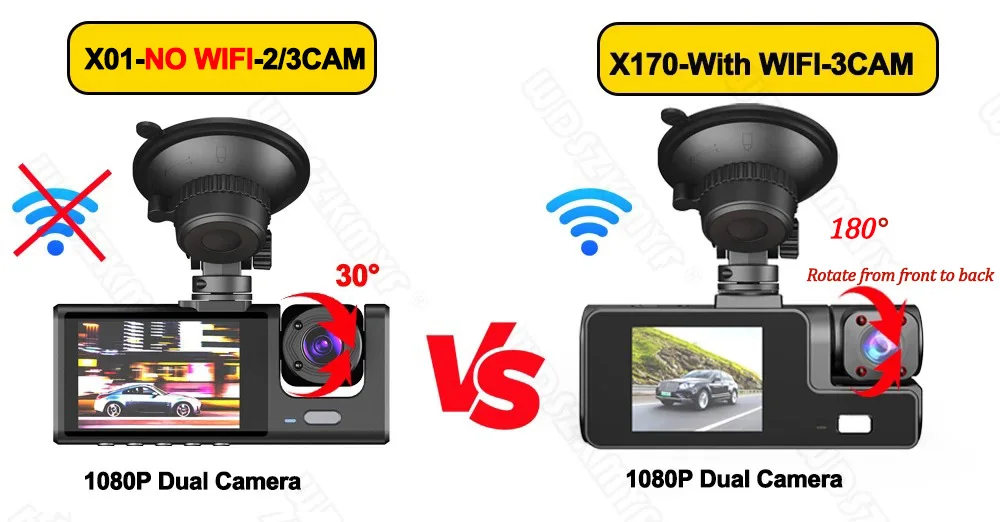
X01 does not have WiFi function, X170 has WiFi function, X01 can choose 2 lenses or 3 lenses.
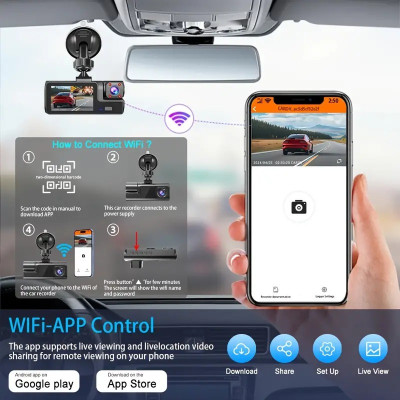
⭐WiFi: You can download the car recorder app to connect the product WiFi through your mobile phone. You can use the mobile app to control the device, watch the recording video in real time, and download/share previous videos through your phone screen. You can share it with social apps.
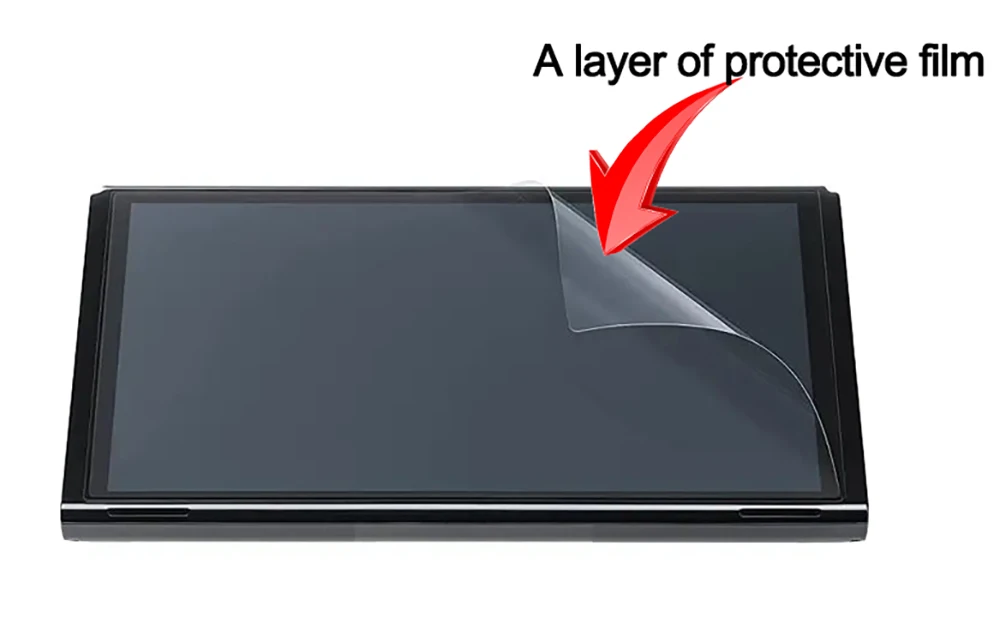
This product has a protective film.
The new high definition 3 lens dash camera supports built in WiFi connection for Android and iPhone, making it easy for your phone to view videos.
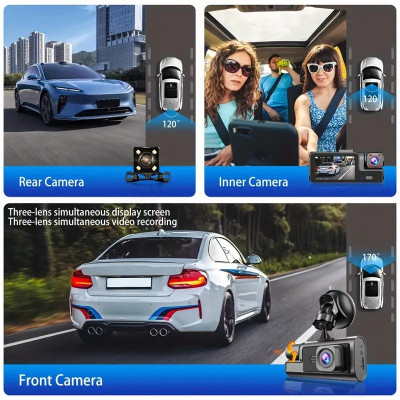
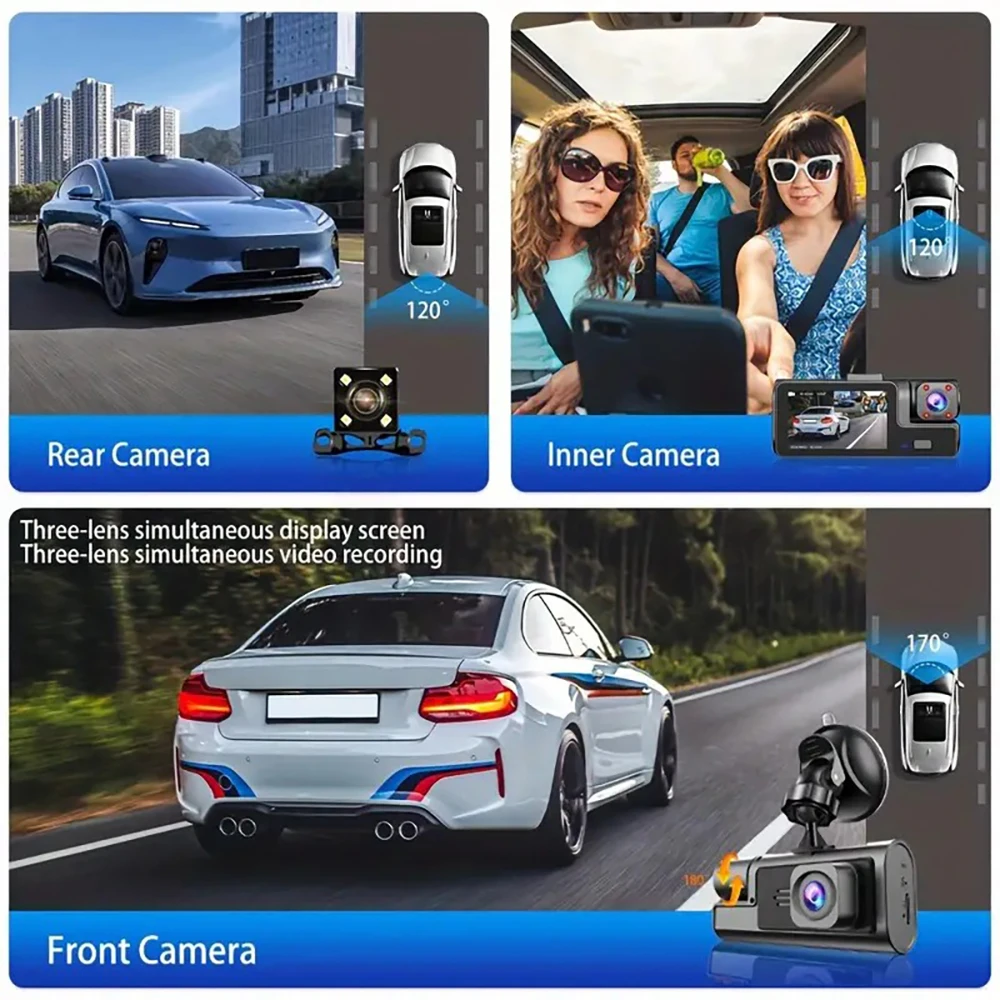
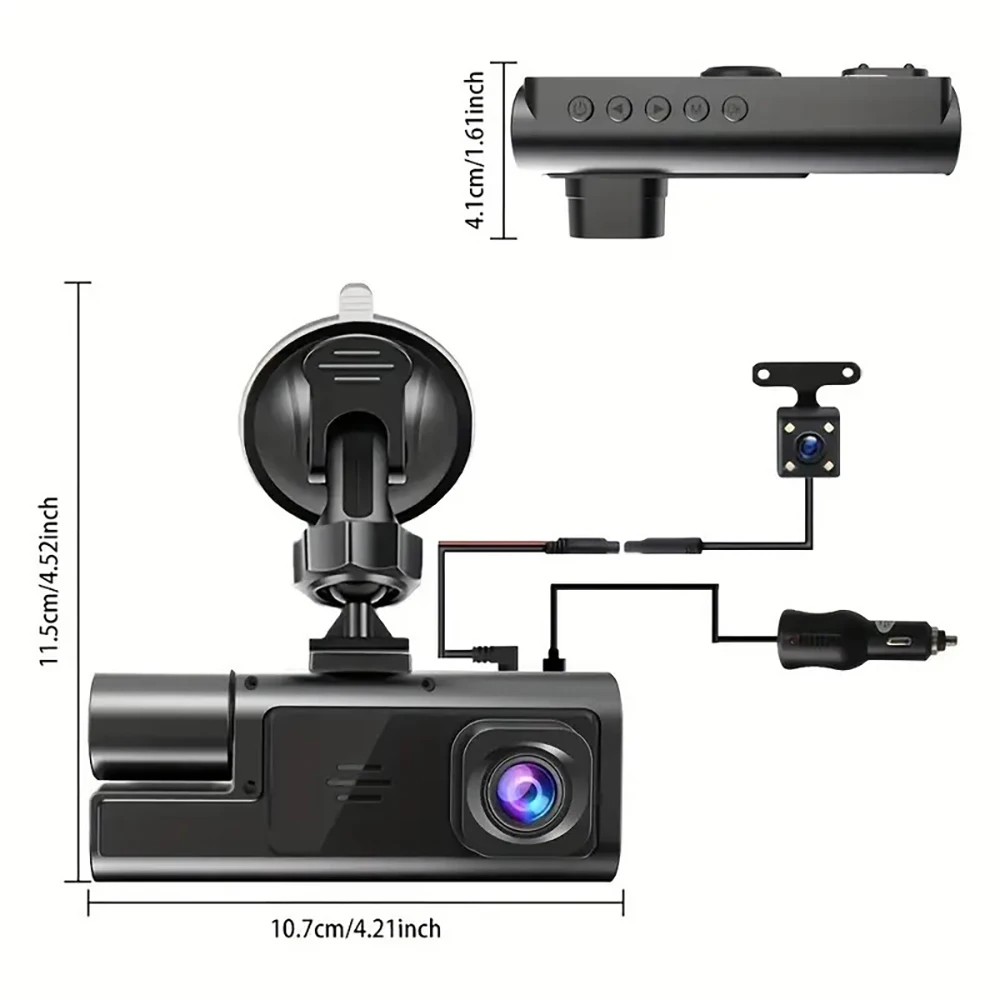
Product specifications: 3 channels: [front + inside + rear]
Screen size: 2 inch
File format: MP4
Voltage current: 5V / 1A
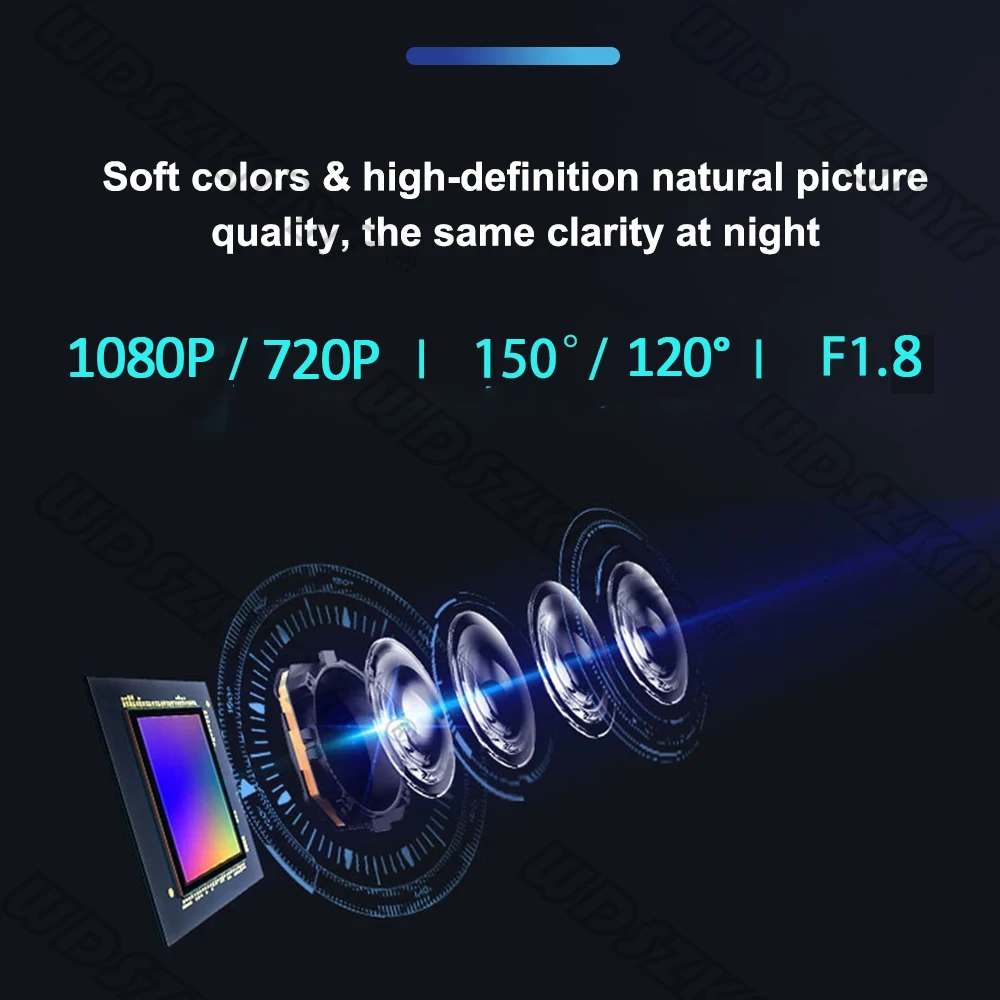
Video resolution: 1080P; 720P; 720P
Continuous loop video: seamless loop recording
Auto power on/off: supports ignition automatic start and shutdown
Interface: support TYPE-C
Time synchronization: support
Memory card support: TF card (maximum support 128GB)
Built in stereo: support
Frequency: 50Hz / 60Hz
Supported languages: Chinese, English, French, German, Russian, Polish, Japanese, Portuguese, Spanish, Korean, etc.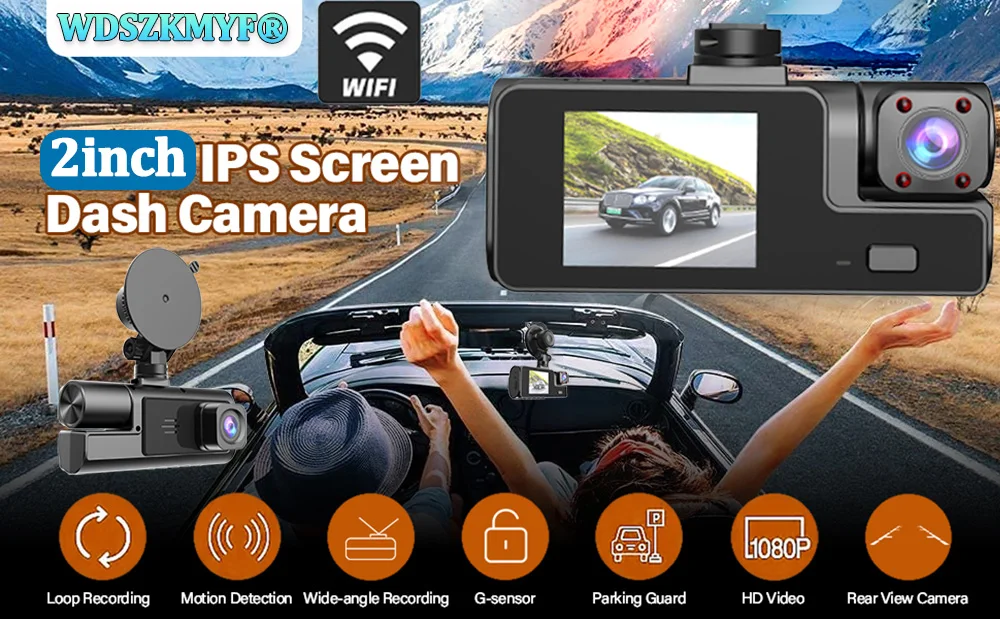
New high definition WiFi dash cam 2/3 lens
Front camera only: 1080P
Front + rear camera: 1080P + 1080P
Front + interior camera: 1080P + 720P
Front + interior + rear camera: 1080P + 720P + 720P
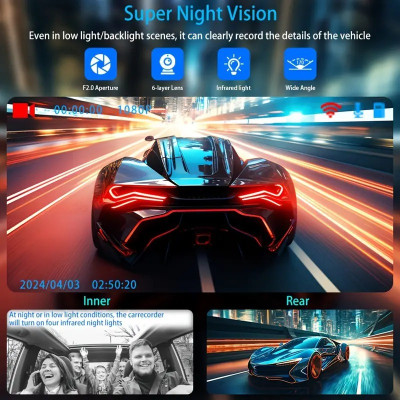
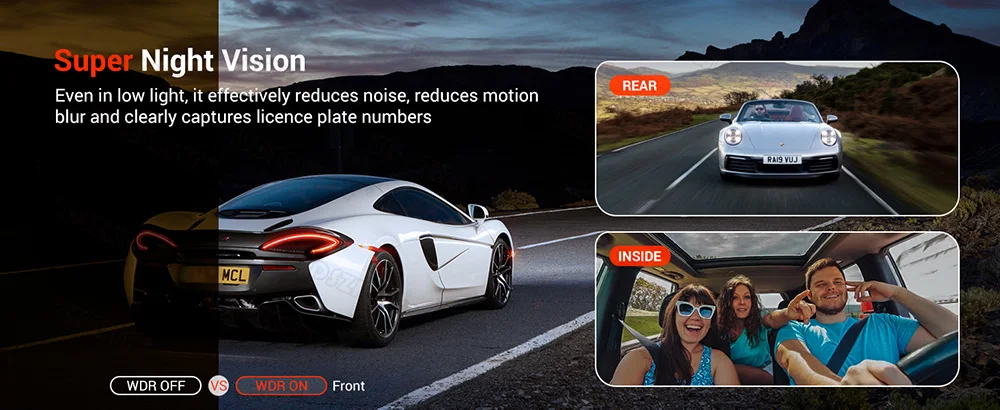
Starlight night vision
With the help of the F1.8 large aperture and decent low light performance of the lens, the car camera can capture details such as license plates at night.
Built in WiFi
Download the app from Android and iOS systems, connect your phone to the dash cam via WiFi, then you can view recordings in real time, download recordings, play and share them through your phone.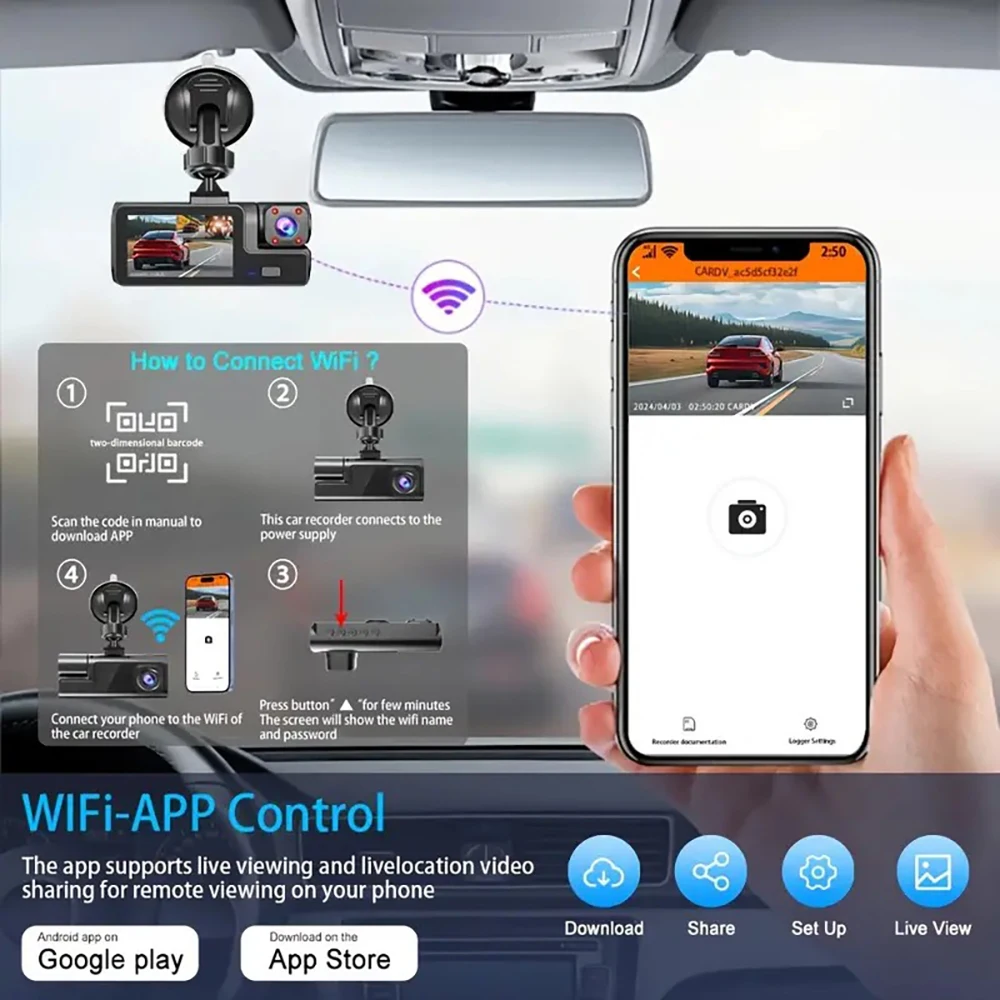
How to connect WiFi
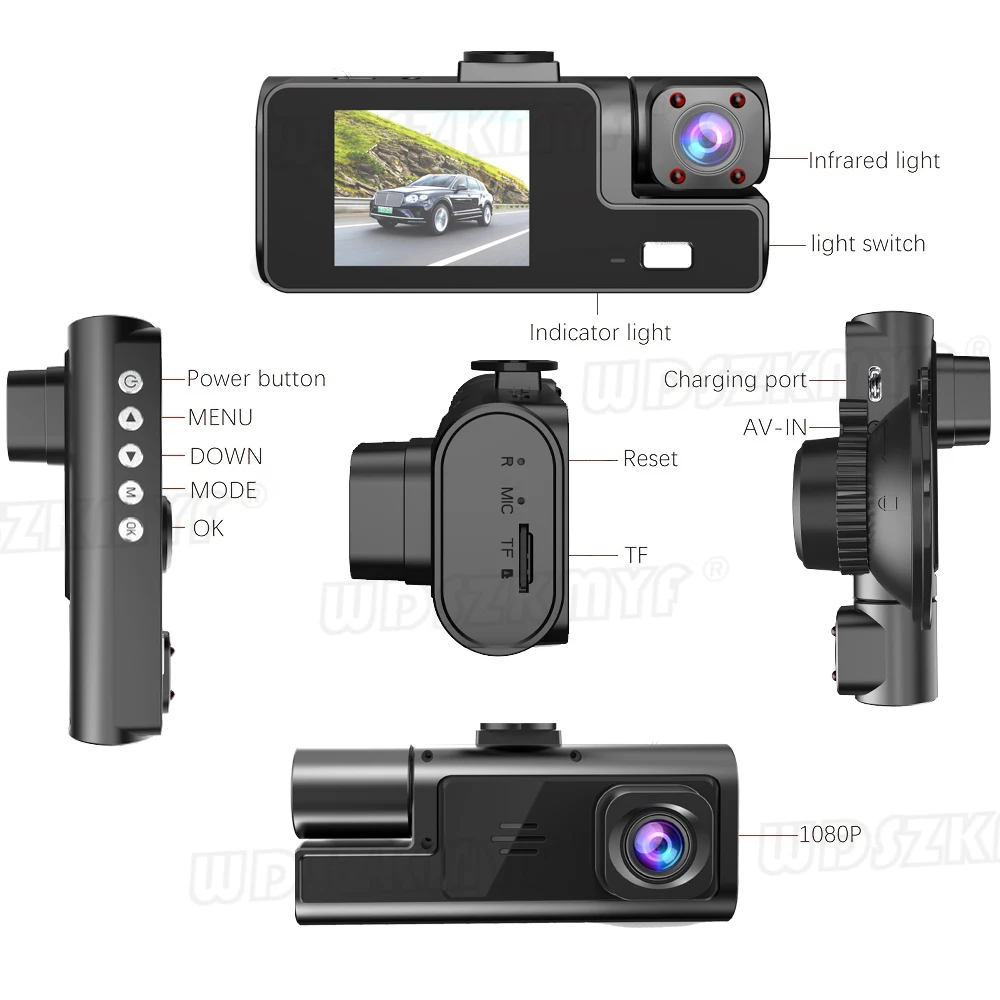
Press the menu button M for 5–10 seconds, then the WiFi module will appear. The WiFi QR code is also in the menu bar, and you can connect your phone to watch the video.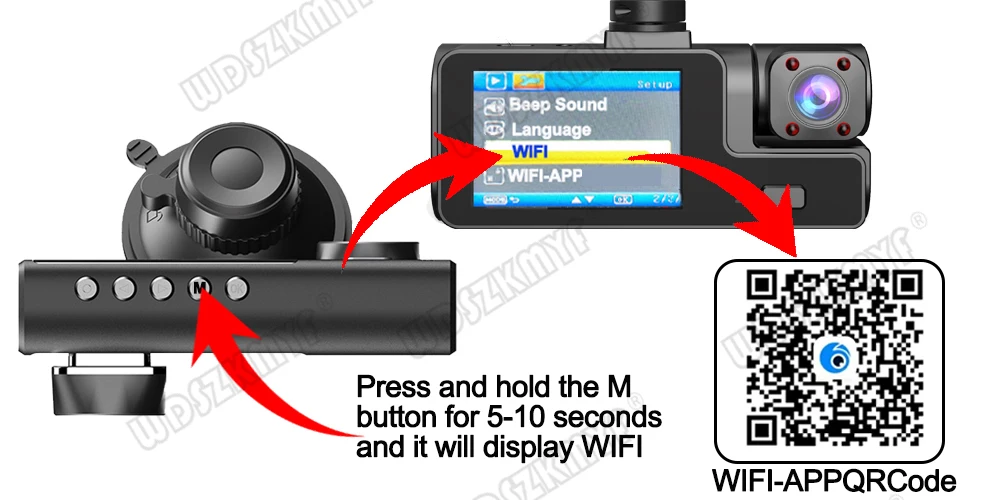
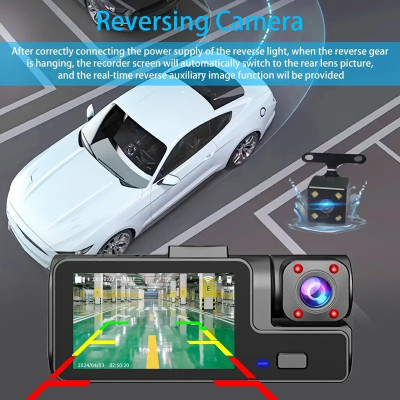
Reverse image
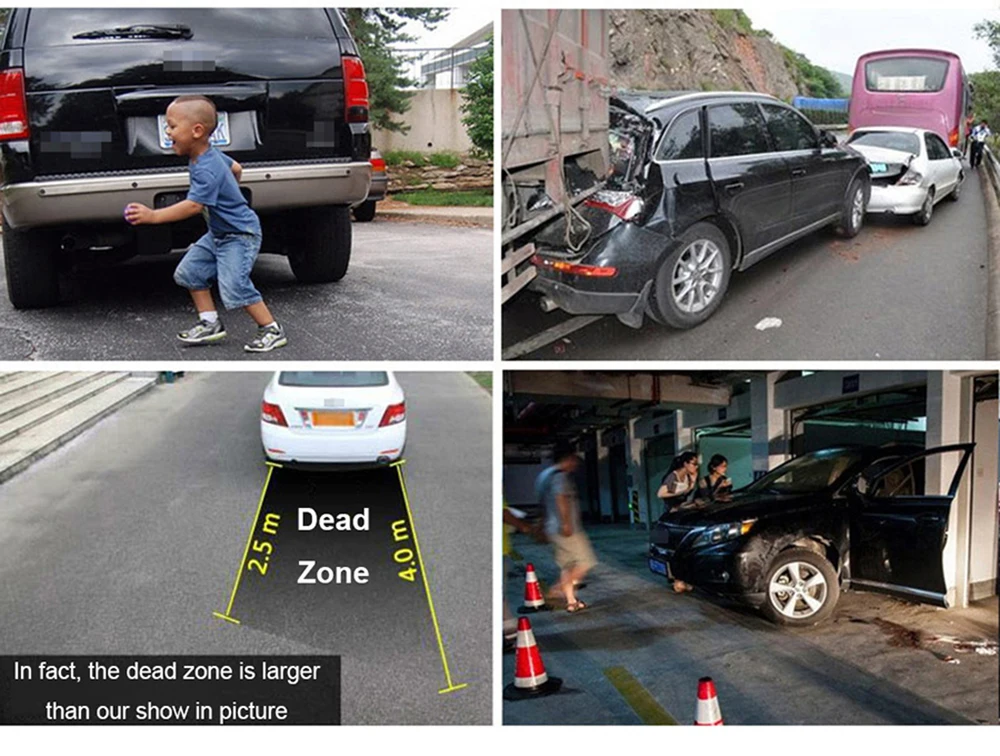
When the car is in reverse gear, the car DVR automatically switches to the rear camera view with parking guide lines to ensure parking safety.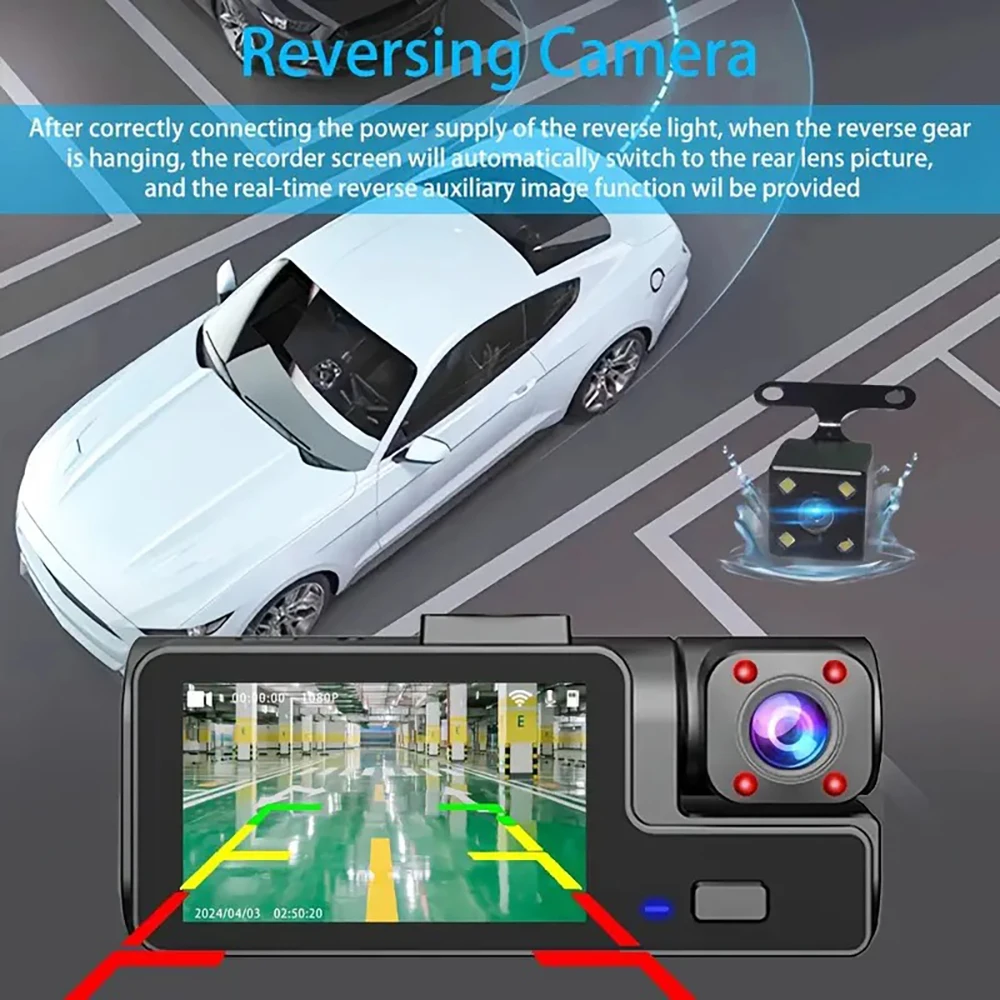
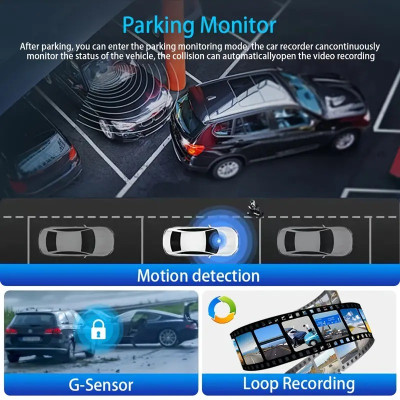
Loop recording
Every detail will be recorded automatically and you will not miss a second. Unlocked files will be automatically overwritten when the TF card storage is full.
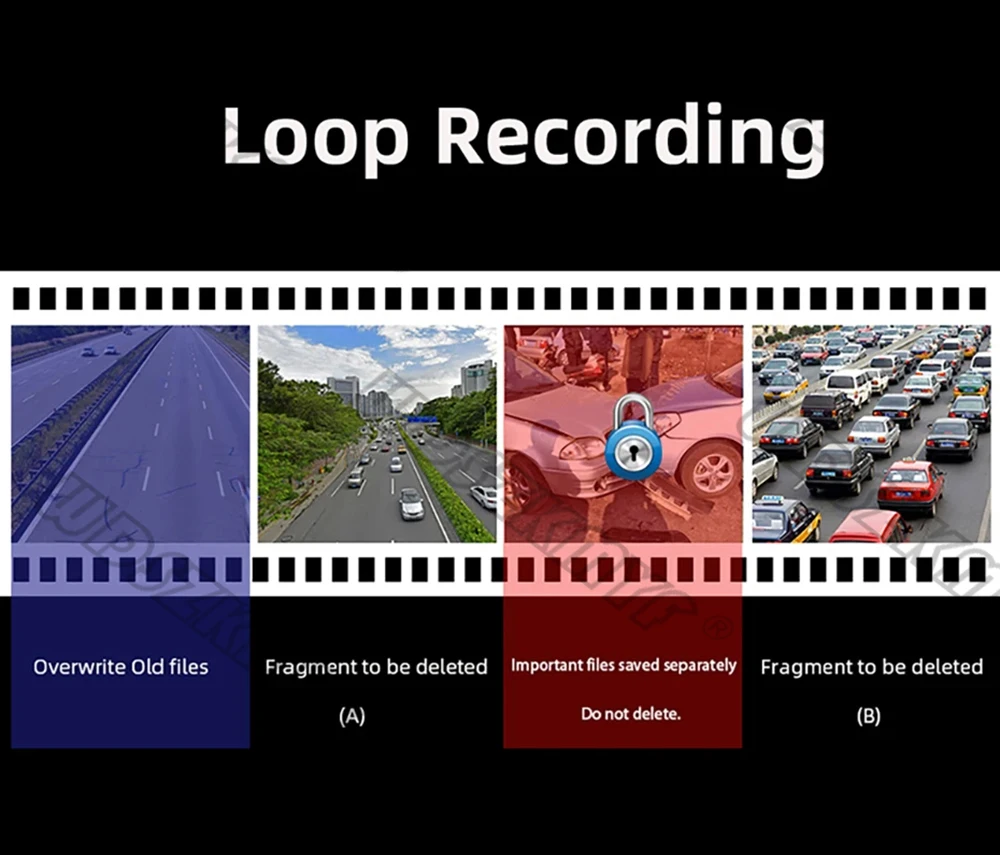
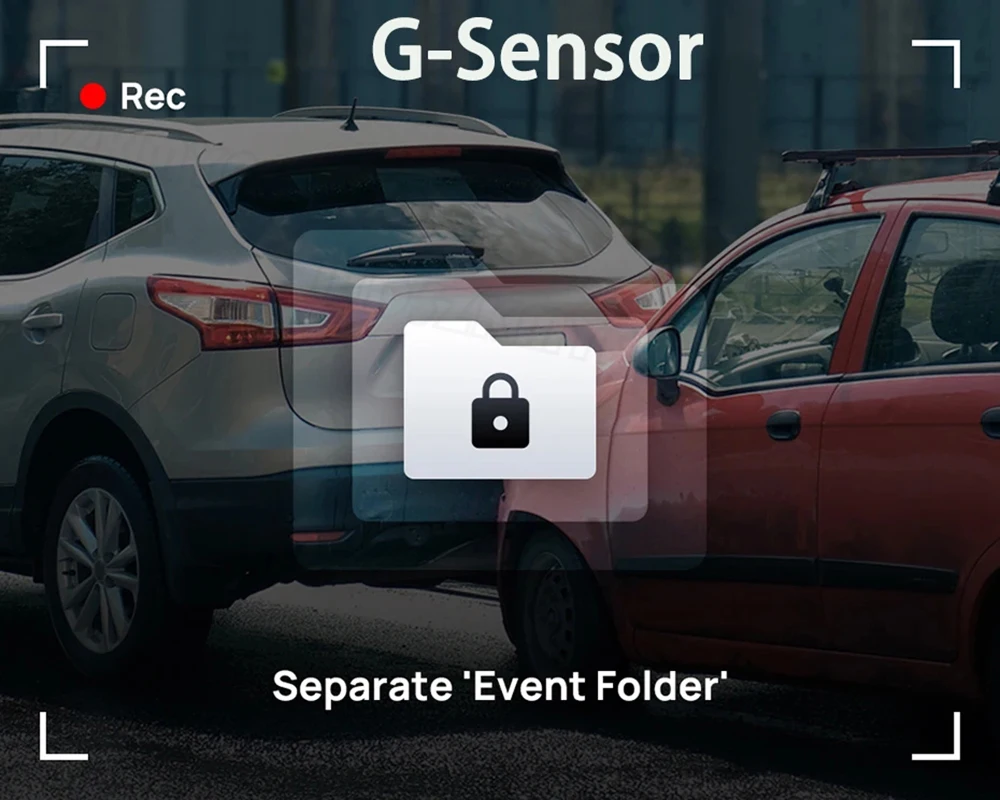
G sensor
In case of collision or impact, the built in G sensor will lock and save the video so it will not be overwritten by loop recording.
24 hour parking monitor
When someone approaches your car or the car moves, it will automatically turn on and start recording when any impact or collision is detected. The device records automatically for a few seconds to ensure 24 hour parking protection.
Note: it must be connected using a dedicated DVR power cable.
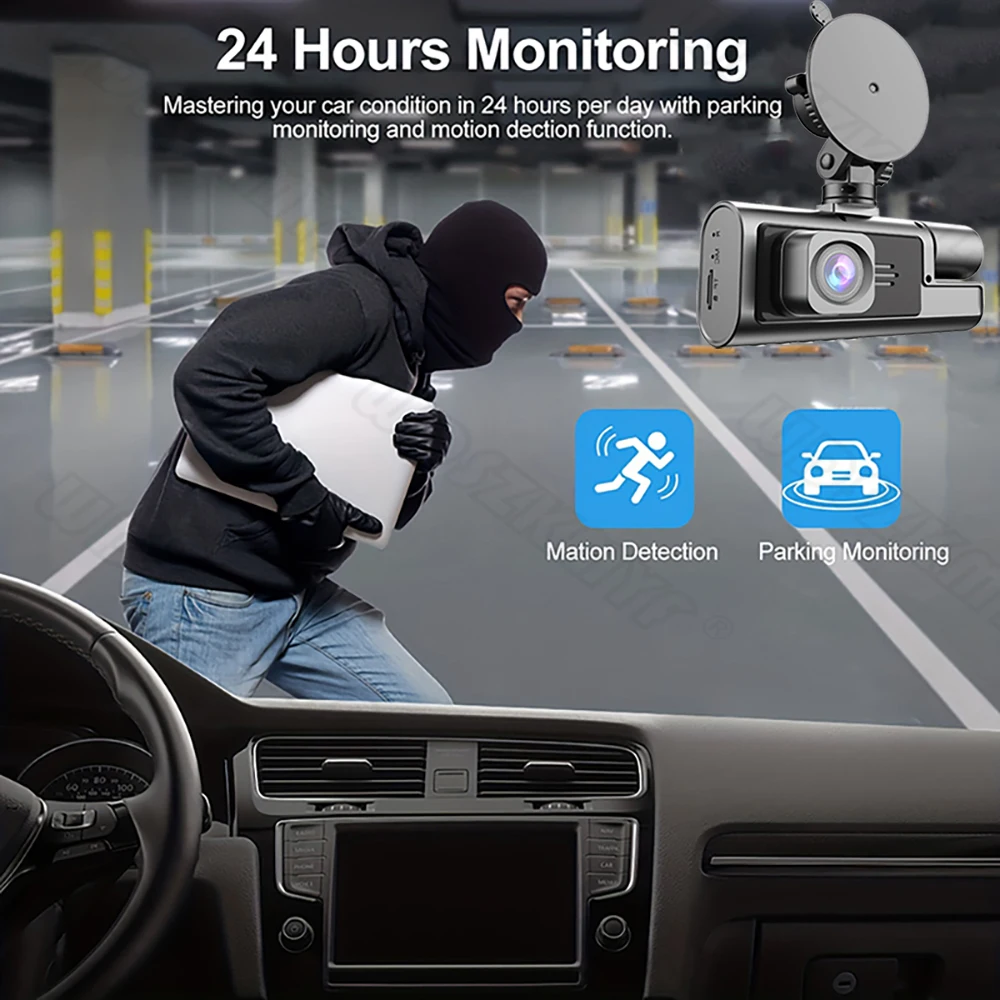
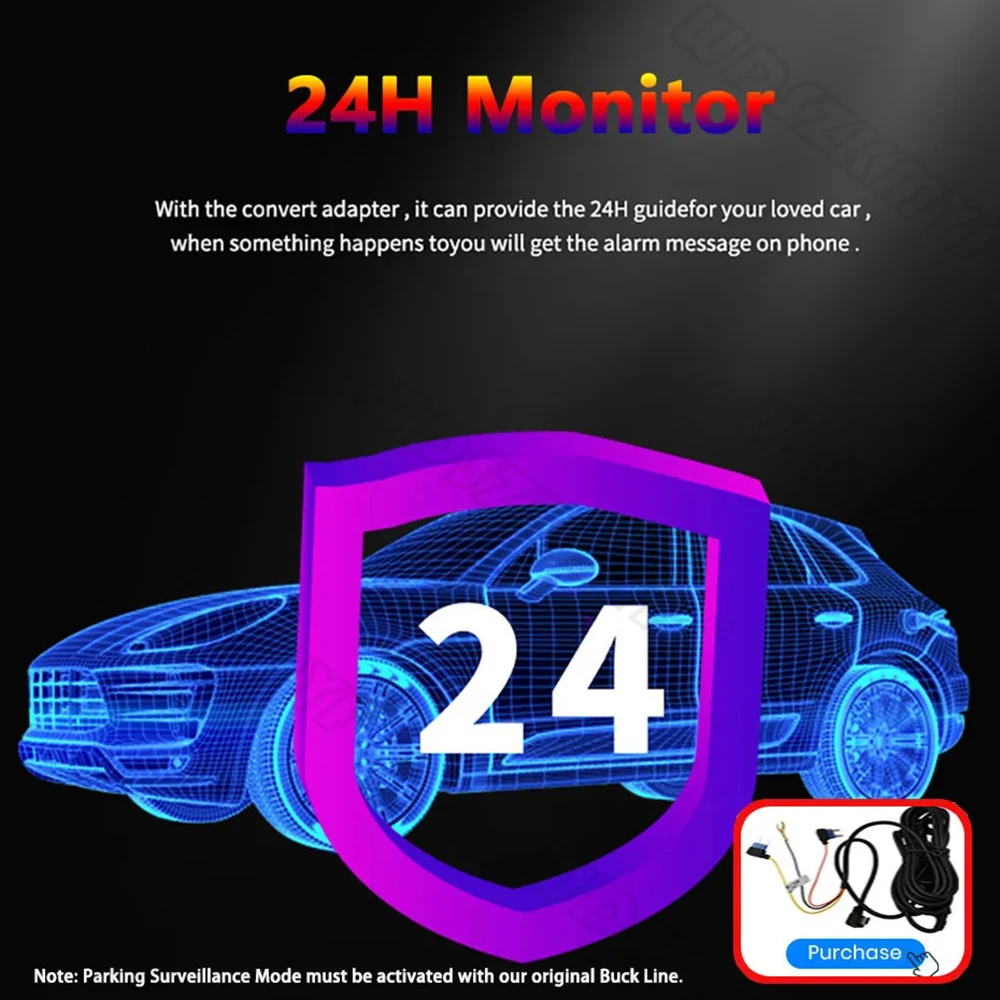
Users who want to use the 24 hour parking monitoring function need to purchase their own dedicated cable.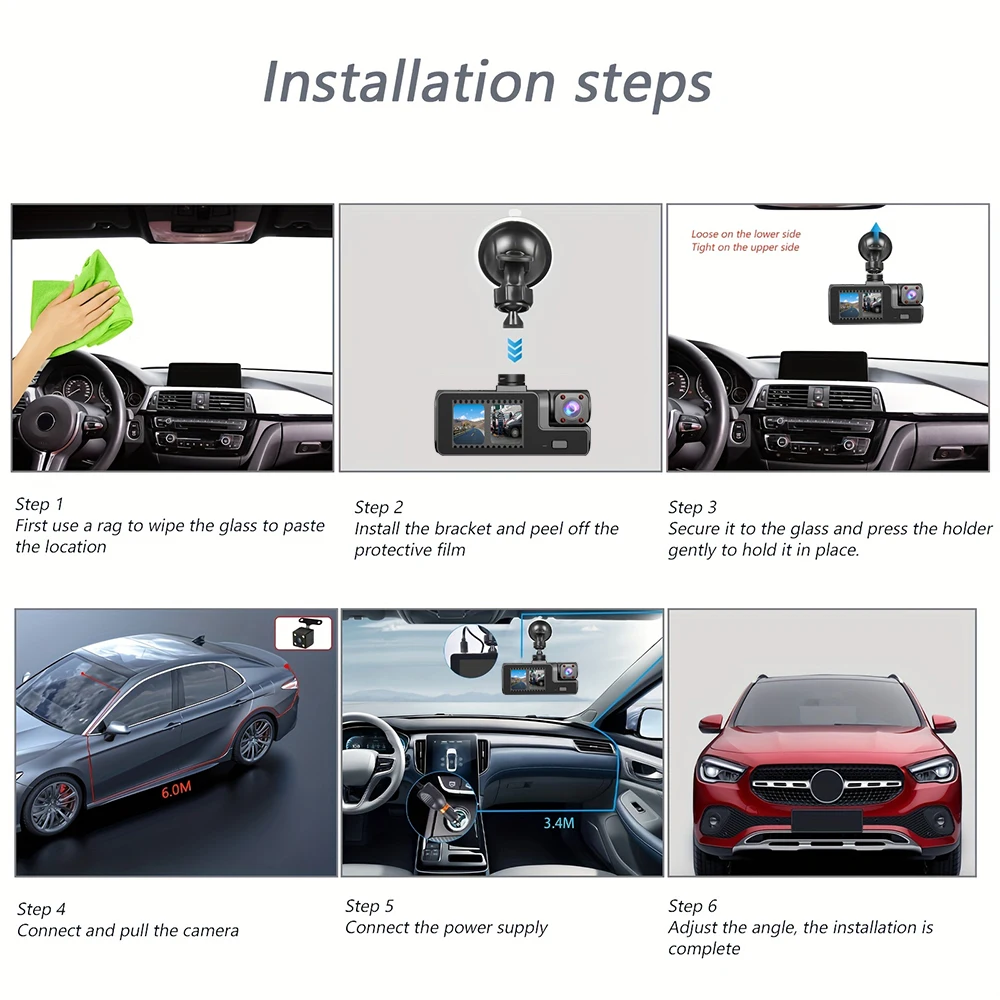
Easy installation
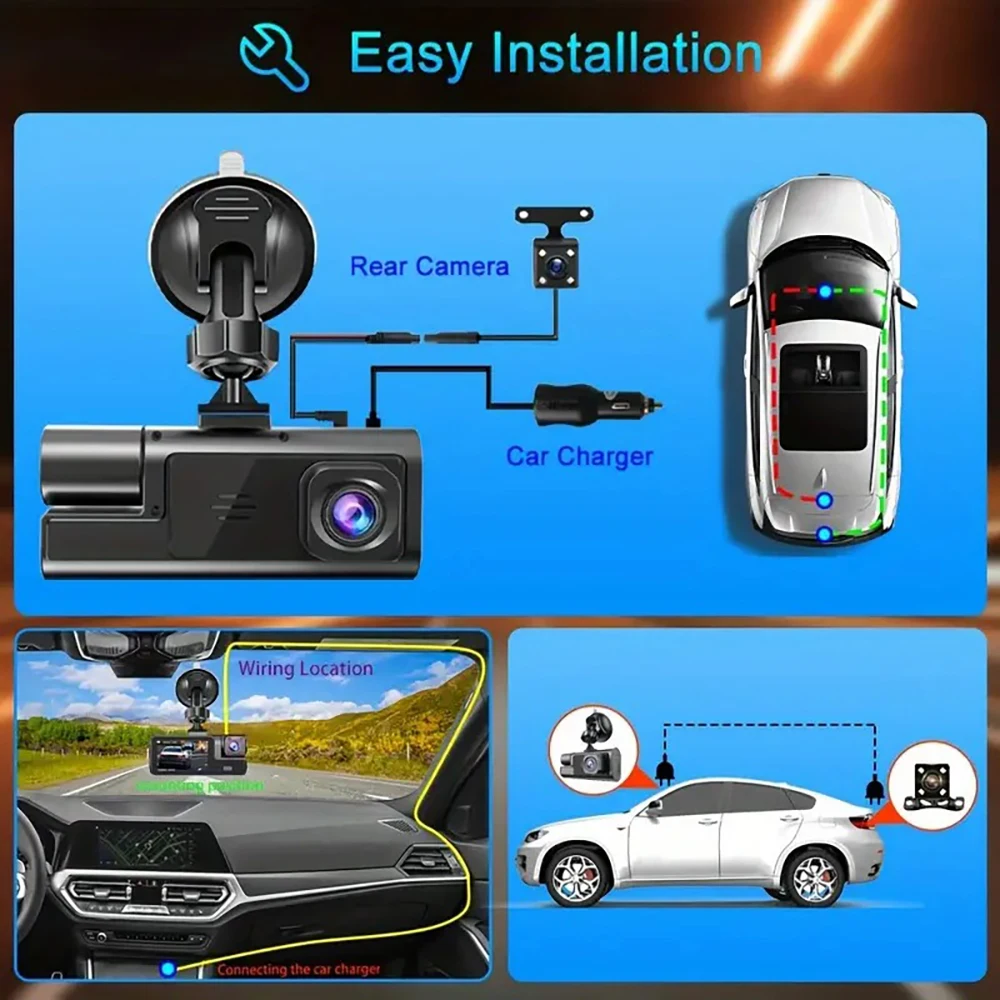
Install the dash cam on the windshield, align the cable and connect it to the cigarette lighter with the car charger. The dash cam will automatically start when the car starts.
To protect your privacy, the TF card must be formatted the first time. There are two solutions:
- Insert the TF card correctly into the dash cam, open the camera settings, find storage card format, confirm the format is completed, then restart the camera for use.
- Connect to the mobile app, find settings in the app, format the memory card, confirm the format is completed, then restart the camera for use. Best wishes to you and your family.