
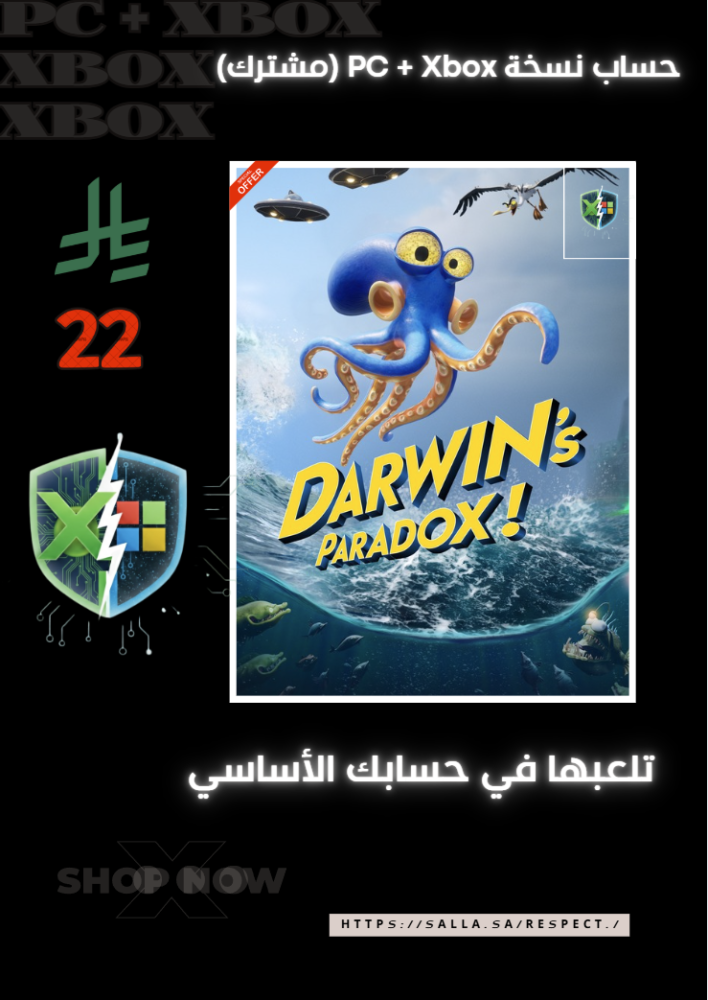


Darwin's Paradox Darwin's Paradox shared account PC Microsoft Xbox Xbox
19.99ر.س
90ر.س-78%Product description
Darwin's Paradox.. Are you ready to uncover the secrets of evolution? 🧬⚠️ In Darwin's Paradox, you will enter a world that blends science fiction and deep mystery. Explore amazing environments, face unexpected challenges, and discover the truth behind a puzzle that threatens humanity's survival. A unique cinematic experience will test your skills and intelligence at every step!⚠️ Important notes (how to play): 1️⃣ Login in the store: Open the Microsoft Store app on your device. Log out of your account, then log in using the account details that we provided. Search for the game and start downloading. 2️⃣ Set up the Xbox app: Open the Xbox App on your PC. Very important: Make sure you are logged in to this app with your main personal account (the one you want to play with). Once the download is complete, launch the game from within the Xbox app. 3️⃣ Start and play: Now the game will run with the shared account license, but it is linked to your personal account. Congratulations! You can now collect trophies and save your progress (Save Game) on your own account. 💡 Additional details that matter to you: Trophy collection: The game fully supports achievements on your personal account. Continuous updates: The original version receives all official updates from the store as soon as they are released. Safe and systemized gameplay: The method relies on the legal sharing feature in Windows, ensuring a stable gaming experience. Support: If you encounter any questions during activation, we are available to assist you. Very important alert (Return policy): After activating the game: Once you log in to the Microsoft Store and activate the account on your device, there are no refunds at all. The only exception: refunds are only possible if there is a technical issue with the account itself, and the Respect Store support team is unable to resolve it.

From Al Wajh