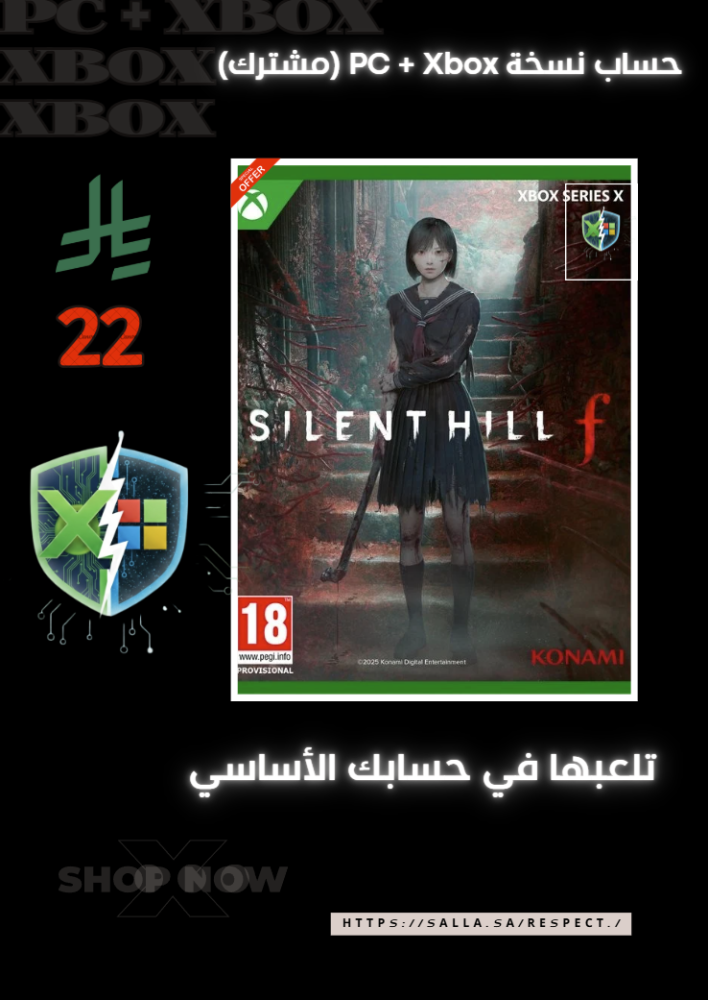


Silent Hill f | Shared account (Xbox + PC)
21.99ر.س
150ر.س-85%Product description
🎮 How to activate the game Silent Hill f on the PC (Personal Computer) to enjoy the game on your personal account and ensure your achievements are saved, please follow the steps below:
1️⃣ Sign in to the store: Open the Microsoft Store app on your device. Log out of your account, then log in using the account details we provided. Search for the game and start the download.
2️⃣ Set up the Xbox app: Open the Xbox App on the PC. Very important: Make sure you are logged in to this app with your main personal account (the one you want to play with). Once the download is complete, launch the game from within the Xbox app.
3️⃣ Start playing: Now the game will run with the shared account license, but it is linked to your personal account.
Congratulations! You can now collect trophies and save your progress in the game (Save Game) on your personal account.
💡 Additional details that matter to you:
Collecting trophies: The game fully supports the achievements system on your personal account.
Continuous updates: The original version receives all official updates from the store as soon as they are released.
Safe and official gameplay: The method relies on the legal sharing feature in Windows, ensuring a stable gaming experience.
Support: If you encounter any questions during the activation process, we are available to assist you.
Very important notice (Return policy):
After activating the game: Once you log in to the Microsoft Store and activate the account on your device, there are no refunds at all.
The only exception: refunds are only granted if there is a technical issue with the account itself, and the Respect Store support team is unable to resolve it.

From Al Wajh