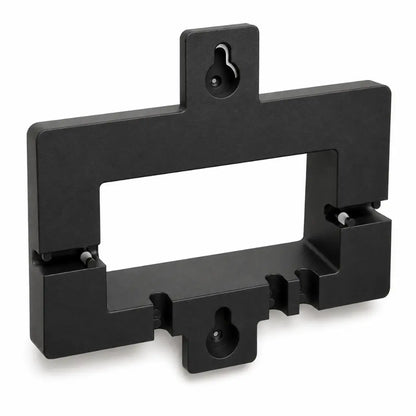
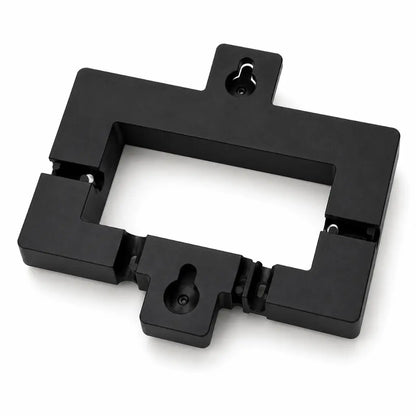
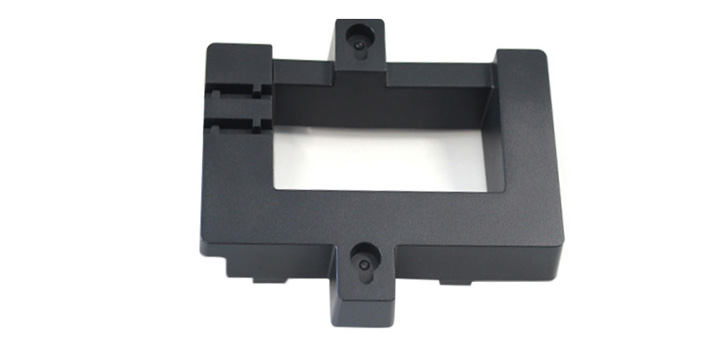
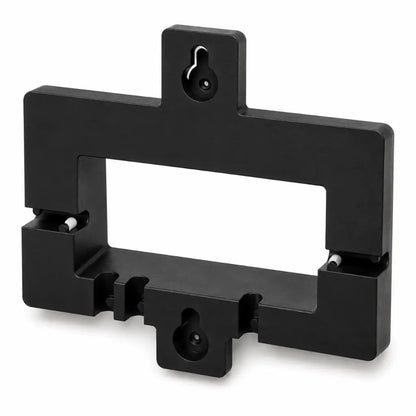
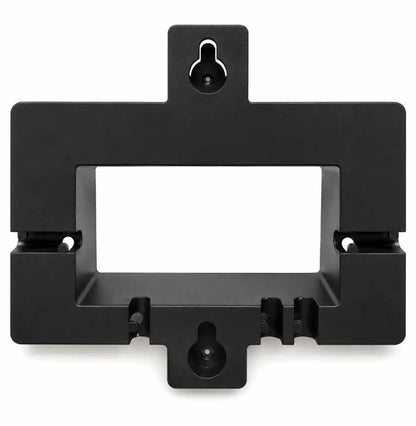
Grandstream GRP_WM_A Wall Mount Bracket for GRP2601 to GRP2604
14.02ر.س
Product description
The Grandstream GRP_WM_A is the wall bracket Grandstream makes for its GRP260x desk phones. It presses into a groove on the back of a GRP2601, GRP2602, GRP2603 or GRP2604 and hangs on two wall screws, which suits warehouses, corridors and guard rooms.
====
The Grandstream GRP_WM_A takes a GRP260x phone off the desk and puts it on the wall, which helps where desk space is tight or where there is no desk at all. Grandstream lists it for the GRP2601, GRP2602, GRP2603 and GRP2604, plus the GRP2610 and GRP2611.
Installing the GRP_WM_A
- Flip the hookswitch tab: pull it out of the handset cradle, turn it so the extension points up, and push it back in. This keeps the handset seated when the phone hangs vertically.
- Slide the bracket's ribs into the groove on the back of the phone and press until it sits firmly.
- Hold the bracket on the wall and mark two vertical points through its mounting slots.
- Drill both marks, fit a plastic anchor and a screw in each, and leave the heads out slightly.
- Hang the phone, bracket attached, on the two screws.
Screws and anchors are not in the box, so pick ones that suit your wall.
Where a wall-mounted GRP260x makes sense
Loading bays in a Dammam warehouse, hotel and school corridors, and small guard booths at compound gates all benefit from a phone that stays within reach without needing a table.
GRP_WM_A, GRP_WM_S or GRP_WM_L?
All three install the same way; only the phones differ. The GRP_WM_A fits the GRP2601 to GRP2604, the GRP_WM_S fits the GRP2612 and GRP2613, and the GRP_WM_L fits the GRP2614 and GRP2615. Match the bracket to your phone's model number.
Frequently Asked Questions
Does the GRP2602 come with the GRP_WM_A?
No. Grandstream sells the bracket separately; it is not in the GRP26xx phone box.
Will the GRP_WM_A fit a GRP2612 or GRP2614?
No. The GRP2612 and GRP2613 use the GRP_WM_S, and the GRP2614 and GRP2615 use the GRP_WM_L.
Are screws included?
No. You need two screws and two anchors suited to your wall.
Specifications
- Model: GRP_WM_A
- Type: Wall mount bracket for Grandstream desk IP phones (sold separately from the phone)
- Compatible phones (per Grandstream): GRP2601, GRP2602, GRP2603, GRP2604, GRP2610, GRP2611
- Attaching to the phone: Bracket ribs slot into the groove on the back of the phone, then press to seat
- Wall fixing: Two wall mount slots; two vertical points on screws with plastic anchors
- Screws and anchors: Not included
- Hookswitch tab: Extension up when wall-mounted; extension down recommended for desk use
- Package contents: 1 x GRP_WM_A bracket, 1 x quick installation guide
Features
- 6 phones on Grandstream's compatibility list: GRP2601, GRP2602, GRP2603, GRP2604, GRP2610 and GRP2611.
- 3-step fit on the phone: slide the ribs into the rear groove and press until it seats.
- 2 vertical fixing points: two drilled holes and two screws hold the phone on the wall.
- Reversible hookswitch tab: flip it up and the handset stays put while the phone hangs upright.
- 2 screws and 2 anchors of your choice: they are not in the box, so you match them to the wall.
