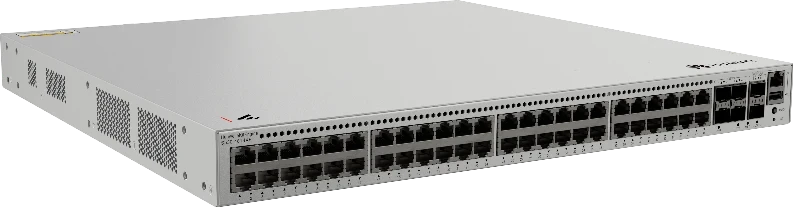
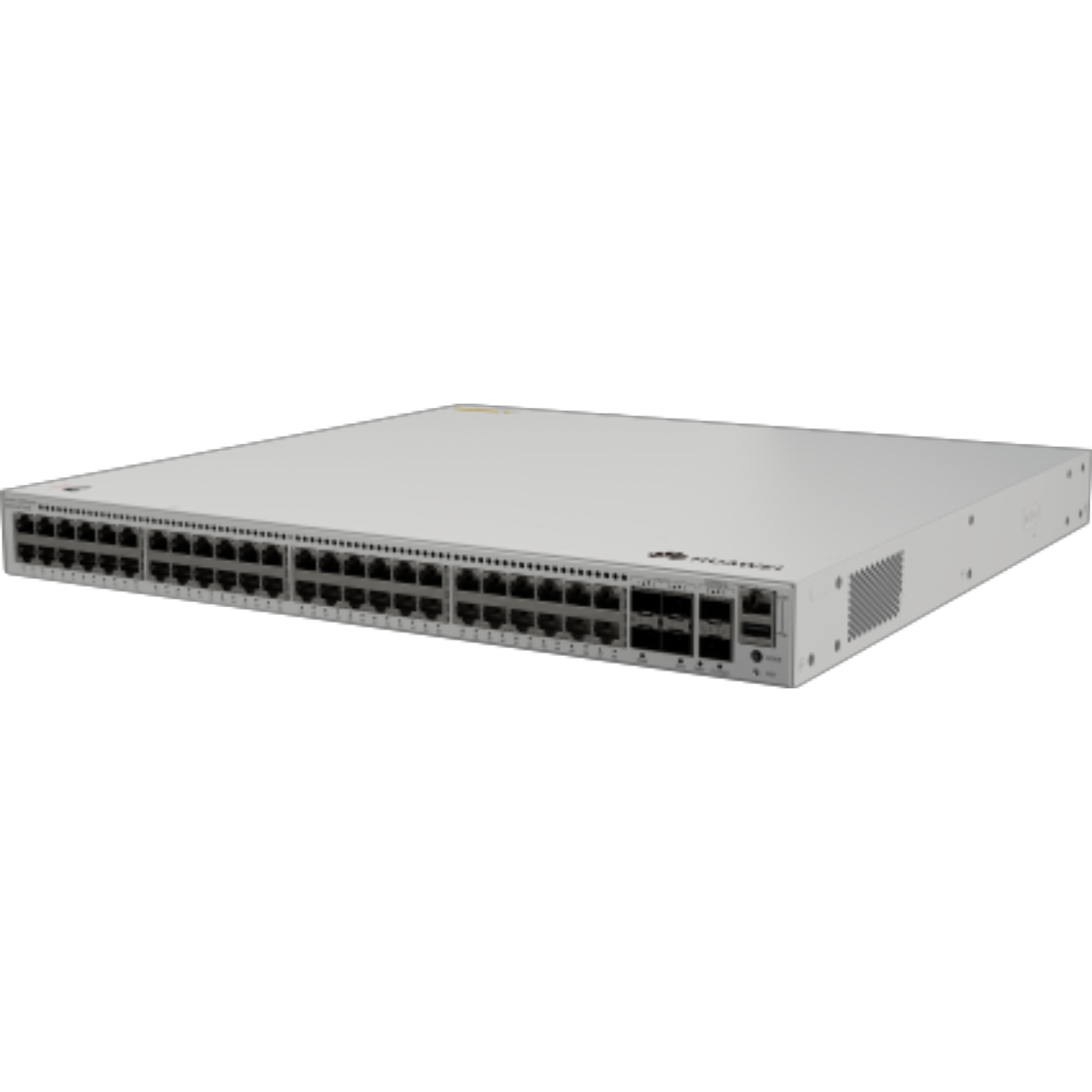
Huawei S530-48T4XE Switch with 48 Gigabit RJ45 and 4x 10GE SFP+
4256.53ر.س
Product description
The Huawei S530-48T4XE is a HUAWEI eKit switch with 48 copper 10/100/1000BASE-T ports, 4x 10GE SFP+ uplinks and 2 stack ports. It suits offices and server rooms that need dozens of wired ports in one rack with fast links to servers or the core.
====
The Huawei S530-48T4XE puts 48 copper gigabit ports and 4x 10GE SFP+ uplinks in one switch, and it is the all-RJ45 member of the three S530 models listed here. It belongs to the eKitEngine S530 Series under HUAWEI eKit, the line Huawei positions for small and mid-sized business networks, not to the CloudEngine enterprise range. Pick it when a floor or branch has dozens of wired devices that need fast access to servers over 10G.
Huawei S530-48T4XE specifications
- 48x 10/100/1000BASE-T ports.
- 4x 10GE SFP+ ports.
- 2 stack ports.
48 ports for every desk device
Each PC, printer, IP phone and attendance terminal on the floor gets its own gigabit port over a standard Cat6 run back to the rack. Instead of two 24-port switches linked together, you have 48 ports in one unit, with fewer boxes and fewer inter-switch cables.
10G ports for servers and the core
When 48 people open files from the same server at once, a single gigabit link to that server becomes the bottleneck. The four 10GE SFP+ ports fix that: connect a file server, a NAS or the core switch using an optic that suits the distance. When you outgrow 48 ports, the stack ports join a second S530 so both run as one logical switch.
Use cases in Saudi Arabia
- Head offices and open-plan floors: an entire floor of desks on one switch.
- Small server rooms: 10G for the servers, 48 ports for everything else.
- Call centers: a PC and a phone per agent fill ports quickly.
- Schools: computer labs with 30 to 40 machines per room.
What to pair it with
The 10G ports need SFP+ optics to suit the distance. Budget a 48-port patch panel and cable managers as well; 48 cables on one unit need tidy labeling from day one.
Sizing the port count
Count every wired device on the floor: a PC and a phone per person, printers, attendance terminals and meeting room displays. Add roughly 20% for growth. If the total lands between 30 and 48, this switch covers the floor; above 48, plan two stacked units from the start.
S530-48T4XE, S530-48S4XE or S530-24ST4XE?
All three have four 10GE SFP+ uplinks and two stack ports. The S530-48T4XE has 48 copper RJ45 ports and no GE SFP, so devices plug straight in. The S530-48S4XE has 48 GE SFP ports for fiber, and the S530-24ST4XE has 24 SFP ports, 8 of them copper-capable combo ports. Choose the 48T4XE when your devices are within copper reach of the rack.
Frequently Asked Questions
What are the 10G SFP+ ports for?
Connect servers, a NAS or the core switch at 10G so the uplink does not become a bottleneck when 48 devices are busy at once.
Can I stack more than one switch?
Yes. Two stack ports let you join another S530 and manage both as one.
Specifications
- Model: S530-48T4XE
- Product line and series: HUAWEI eKit, eKitEngine S530 Series (SME networking)
- Access ports: 48x 10/100/1000BASE-T
- Uplink ports: 4x 10GE SFP+
- Stack ports: 2
Features
- 48 10/100/1000BASE-T ports: a standard patch cable for every PC, printer and IP phone on the floor.
- 4x 10GE SFP+ ports: 10G links to a file server or the core switch.
- 2 stack ports: add a second unit as headcount grows and manage both as one.
- HUAWEI eKit eKitEngine S530 Series: built for small and mid-sized business networks.
