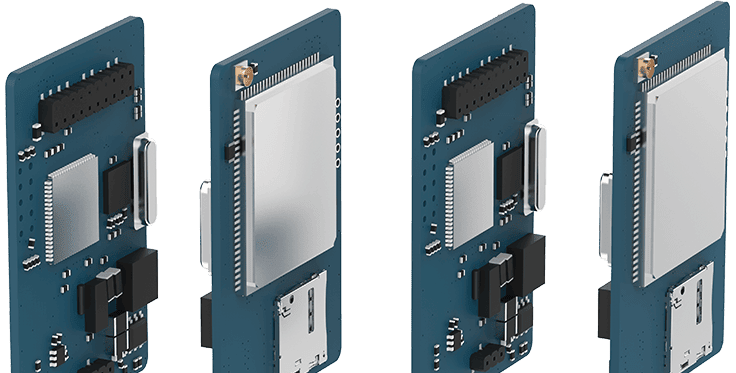
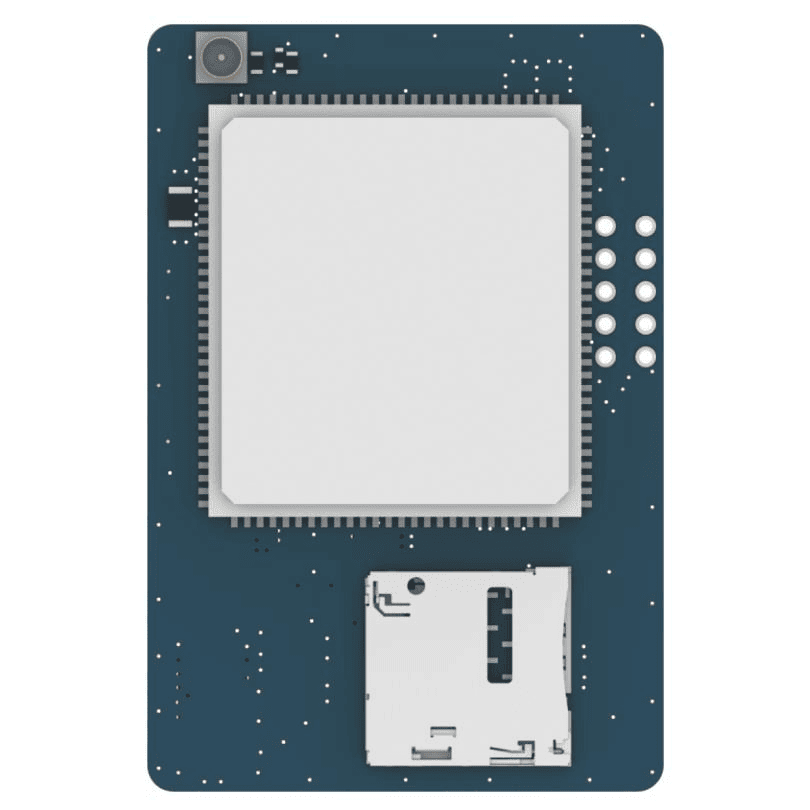
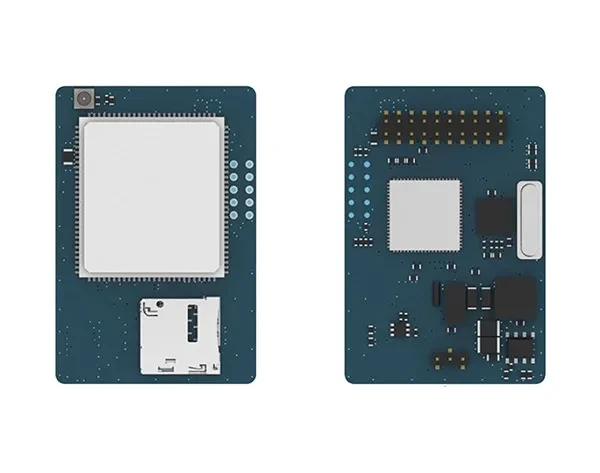
Yeastar LTE-E 4G Module for a SIM Trunk in Your PBX
1226.67ر.س
Product description
The Yeastar LTE-E slots inside a Yeastar PBX and adds a trunk through a 4G mobile SIM, so extensions can call out and receive calls with no landline. It suits warehouses, farms and project sites where no fixed line reaches.
====
The Yeastar LTE-E 4G module turns a mobile SIM into a line on your Yeastar PBX. Insert the SIM, fit the antenna, and the PBX shows a 4G trunk that every extension can use to call out and receive calls.
Who the LTE-E is for
- A new warehouse or factory still waiting for a landline.
- A farm or rest house outside fixed-line coverage.
- A temporary project site that needs a working PBX on day one.
- An extra trunk added to outbound routes alongside your SIP trunk.
Compatible PBXs
It goes straight into the P520 and P550, and onto the EX08 board in the P560 and P570. On the S20 and S50 it sits in slot 1, and on the S300 on an EX08. Using it as an Internet link is documented for the S-Series only; on the P-Series Yeastar documents it as a voice trunk.
LTE-E, a 4G gateway or the O2?
The LTE-E is one SIM line inside the PBX with no extra box. If you need several SIMs at once, a gateway such as the Yeastar TG200L or TG400L adds more channels over the network. If you already have a landline, the O2 module connects it to the PBX.
Frequently Asked Questions
How many SIMs does it take?
One SIM, so one 4G trunk. For more lines add modules within the PBX limit, or use a 4G gateway such as the TG400L.
Do I need an antenna?
Yes. The antenna screws into the PBX antenna socket after the module and SIM are in place.
Specifications
- Model: LTE-E
- Type: Internal 4G cellular telephony module for Yeastar PBXs
- Trunks: 1 LTE trunk on one SIM card
- Antenna: Screws into the PBX antenna socket
- Compatible PBXs: P520 and P550 (direct), P560 and P570 (on EX08), S20 and S50 (slot 1), S300 (on EX08)
- Max. 4G modules (voice), S-Series: S20: 1, S50: 4, S300: 6
- LED: Solid red: trunk idle; slow blink: no SIM; fast blink: trunk in use
- Trunk settings: SIM PIN, RX/TX gain, echo cancellation, automatic or manual carrier
- Data (Internet): Documented for S-Series only (slot 1; not supported on S-Series V4.0)
- Installation: Inside the PBX in a module slot, then fit the SIM and antenna
Features
- 4G trunk on one SIM: inbound and outbound calls for every extension, no landline needed.
- Fits the P520 and P550 directly, and the P560 and P570 on an EX08 board.
- Red LED: solid when idle, slow blink with no SIM, fast blink during a call.
- SIM PIN and carrier set in the PBX web portal, with manual carrier choice if the trunk will not register.
