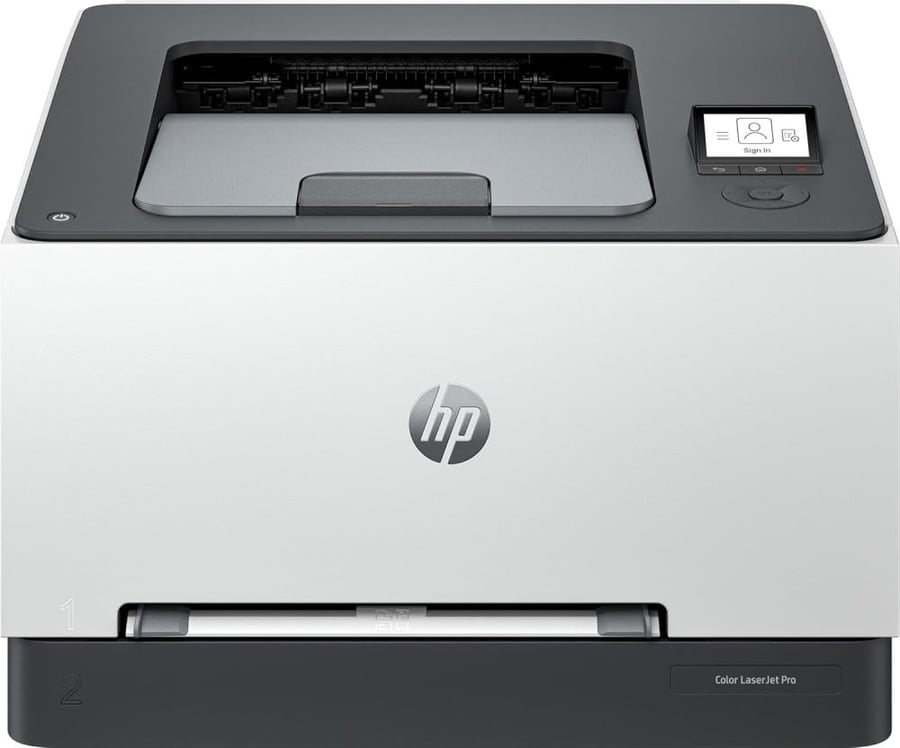

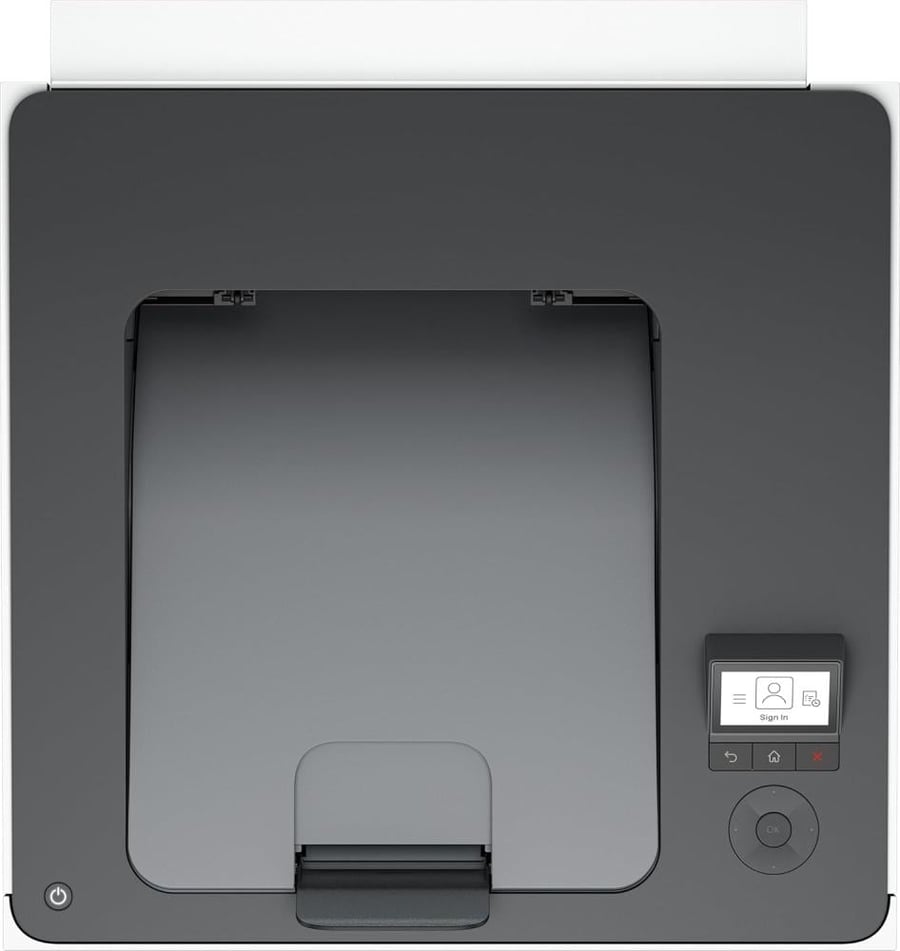

HP LaserJet Pro 3203DW Color Printer
1297.15ر.س
Product description
HP Color LaserJet Pro 3203dw Color Printer — Speed, Wi-Fi, and Professional Quality 🎯🖨️
Get a practical color laser printer for your small office or home: the HP Color LaserJet Pro 3203dw combines high-speed printing, automatic duplex printing, and advanced wireless connectivity to boost your productivity and deliver crisp, clear color output.
⚡ Performance and speed — Prints up to 25 pages/minute
The 3203dw prints at competitive speeds of up to 25 pages per minute (color) with a fast first-page-out time. It's ideal for daily batch printing and office tasks that require responsiveness and speed without compromising on text clarity and color.
🌐 Flexible connectivity — Wi-Fi, Ethernet and AirPrint
The printer supports Wi-Fi (802.11ac) , Wi-Fi Direct , Gigabit Ethernet , and printing from mobile phones (HP Smart, AirPrint, Mopria). It easily connects to computers, phones, and tablets without any complications.
🖼️ Print quality and technical specifications
- Print resolution up to 600 x 600 dpi (manipulative).
- Print color and clear text with advanced HP toner technology.
- Paper size: A4 (up to 216 x 356 mm).
- Standard paper tray with a capacity of approximately 250 sheets (with additional input options for some versions).
- Supports automatic duplex printing to save paper and time.
🧾 Compatible toner cartridges (important to buy)
- HP 410A / CF410A — Black — Approximate yield up to 2300 pages .
- HP 411A / CF411A — Cyan — Approximate yield ~1200 pages .
- HP 412A / CF412A — Yellow — Approximate yield ~1200 pages .
- HP 413A / CF413A — Magenta — Approximate yield ~1200 pages .
- (Purchase original cartridges or reliable replacements to ensure printer quality and compatibility.)
🔒 Security and management — suitable for small businesses
The printer includes built-in security features to protect documents and the network, as well as support for device management via HP tools designed for small and medium-sized offices.
✅ Who is this printer suitable for?
- Small and medium-sized offices need professional color printing quickly.
- Work teams that rely on double-sided printing and color documents for presentations and reports.
- Users who want a convenient and easy-to-set-up Wi-Fi printer for printing from mobile devices.
🛠️ Three quick steps to get started
- Unpack and connect the printer to electricity and the router via the HP Smart app.
- Install the driver via the HP website or app and connect the printer to a Wi-Fi network.
- Test the printing by printing a page and adjust the duplex settings if desired.
🛒 Do you want a reliable printer that combines speed, quality, and wireless connectivity? Order now 🔥
Add the HP Color LaserJet Pro 3203dw to your cart now — professional color printing, paper savings thanks to duplex printing, and full mobile support. Order yours today and elevate your office output! ✨