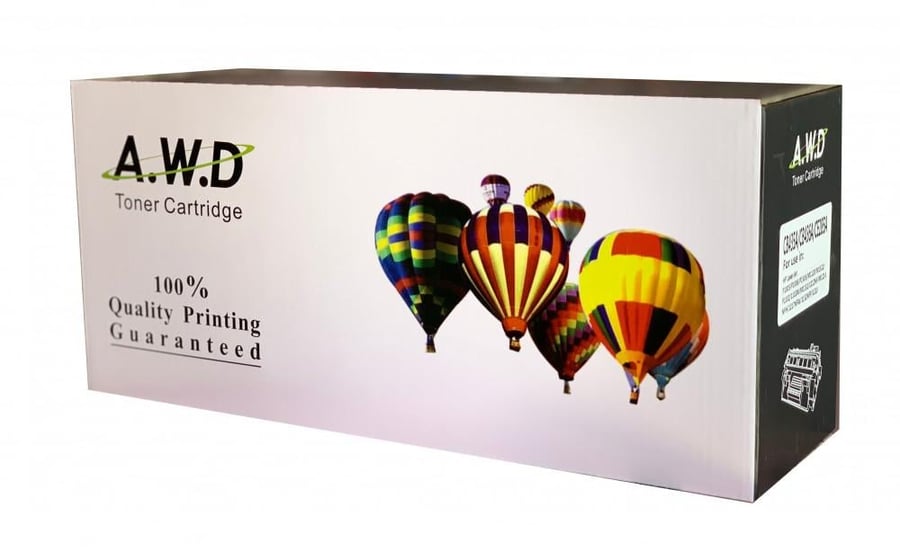

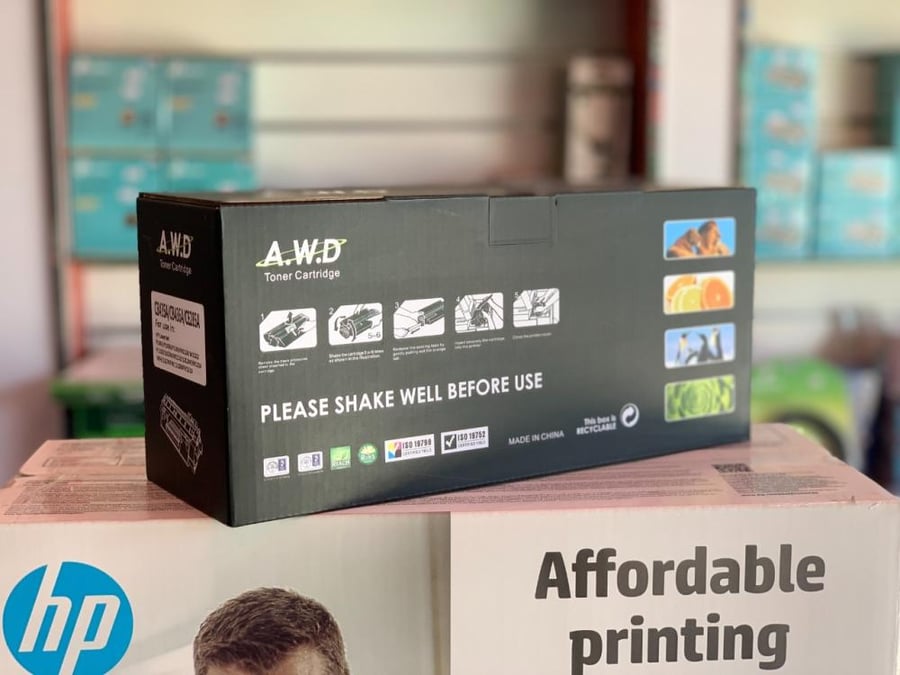
HP 136A Black Laser Printer Toner
87.56ر.س
Product description
Replacement ink cartridge for HP 136A (W1360A) — AWD High Quality Black 🖨️🖤
Get crisp, reliable black prints with AWD Replacement Ink for HP 136A (W1360A — Black) cartridges . This brand new, non-refilled product is made from environmentally friendly materials and designed to deliver near-original print quality while providing complete protection for your printer against problems caused by non-compliant cartridges.
Basic specifications
- Type: Replacement laser toner (AWD) — Black .
- Reference model: Replacement for HP 136A / W1360A .
- Condition: New , Original Fill.
- Manufacturing materials: Environmentally friendly and compliant with manufacturing quality standards.
- Warranty: The product is guaranteed to be free from manufacturing defects and will not cause printer malfunctions when used correctly.
- Approximate page yield: about 1,150 pages at 5% coverage (approximate value varies depending on usage and settings).
Compatible printers (always check the part number) ✅
AWD replacement ink is compatible with printers that support HP 136A/W1360A , common examples being:
- HP LaserJet M209d / M209dw / M209dwe
- HP LaserJet M211d / M211dw
- HP LaserJet MFP M233dw / M233sdn / M233sdw
- HP LaserJet MFP M234dw / M234dwe / M234sdne
- HP LaserJet MFP M236d / M236dw / M236sdn / M236sdw
Advantages of alternative ink — Why choose it? 💡
- Print quality close to the original with deep and clear black colors.
- New and unrefilled , i.e. not a recycled or locally refilled cartridge.
- Environmentally friendly materials reduce environmental impact without compromising performance.
- Printer protection : Designed to reduce the risk of blockages and malfunctions associated with poor quality products.
- The product is guaranteed against manufacturing defects for peace of mind.
- Economic value that reduces operating costs compared to purchasing the original cartridge.
3 quick steps to replace the cartridge 🔧
- Stop the printer, disconnect the power, and then open the cover to access the toner unit.
- Remove the empty cartridge and insert the new AWD cartridge after removing the packaging and nozzle guard. Insert it gently until it is secure.
- Close the cover, turn on the printer, and print a test page to check the blackness quality and print balance.
Quick maintenance tips
- Store the cartridge in a dry place and away from sunlight.
- Use the printer regularly to avoid toner freezing or flow problems.
- If lines or fading appear, perform a cleaning or calibration cycle from the printer interface.
Order now 🛒
Print professionally and save money — order your HP 136A Replacement AWD Ink (Black) now from Amwaj Al-Bahr Store Enjoy pure black, reliable performance, and guaranteed protection for your printer!

From Medina
Questions you might have