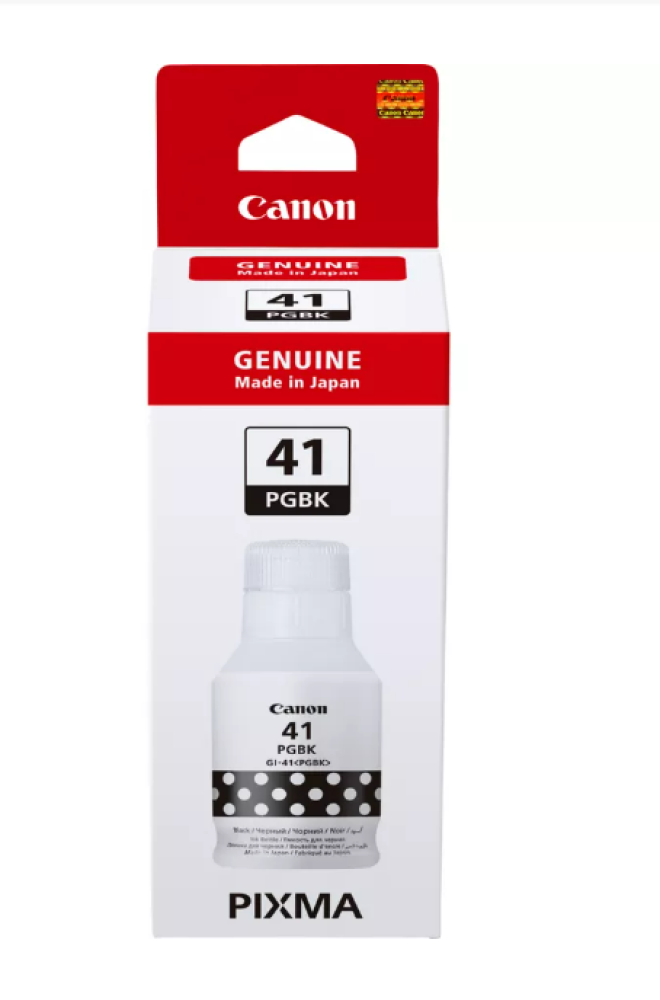
Canon 41 Black Liquid Printer Ink
59.13ر.س
Product description
Canon 41 Black Liquid Printer Ink — Compatible with multiple models 🖨️🖤
Get crisp, rich black prints with CANON 41 liquid printer ink (black) , designed for use in inkjet printers to ensure sharp text and professional results for black and white documents and photos.
Basic specifications ⚙️
- Type: Liquid ink (Inkjet) — Black color.
- Code: Canon 41 (Black) .
- Suitable for home and office printing: documents, reports, black and white photos and clear text.
- It provides good contrast and suitable brightness for text and line drawings.
Compatible printers ✅
The cartridge is compatible with the following Canon inkjet printer models:
- Canon 4320
- Canon 1420
- Canon 2420
- Canon 2460
- Canon 3420
- Canon 3460
- Canon 3430
- Canon 3470
Remember: To ensure full compatibility, it is recommended to check the printer manual or verify the cartridge number within your device settings before purchasing.
Why choose Canon 41 ink ? 💡
- Deep black and clear text make your documents look professional.
- Easy installation without the need for tools, suitable for all users.
- Consistent results in everyday printing and reduced likelihood of printhead clogging when using good quality compatible ink.
- A practical value suitable for home and small office use, combining performance and price.
Quick steps to fill the ink tank: 🧴✅
- Turn off the printer, unplug the power, and prepare the area — place the printer on a flat surface, put on a protective cloth, and wear gloves before opening the ink tank cover.
- Fill the reservoir slowly to the fill level — use the original ink bottle or a clean syringe and insert the nozzle into the reservoir opening and slowly mix in the ink without pressure; do not remove the cartridge or printhead.
- Close the tank and turn on the printer, then print a test page — re-cover the opening tightly, turn on the printer, perform a printhead cleaning cycle if necessary, and print a test page to check the black quality.
Quick maintenance tip 🧰
To maintain print quality: Use the printer regularly, avoid leaving cartridges out of the printer for extended periods, and perform printhead cleaning from the maintenance menu when needed.
Call to Buy — Guarantee your print quality now! 🛒✨
Add Canon 41 black ink to your cart and get crisp text and professional prints on every page. Order now from Amwaj Al Bahr and enjoy smooth and reliable printing for your compatible printer series!
For more products:

From Medina